
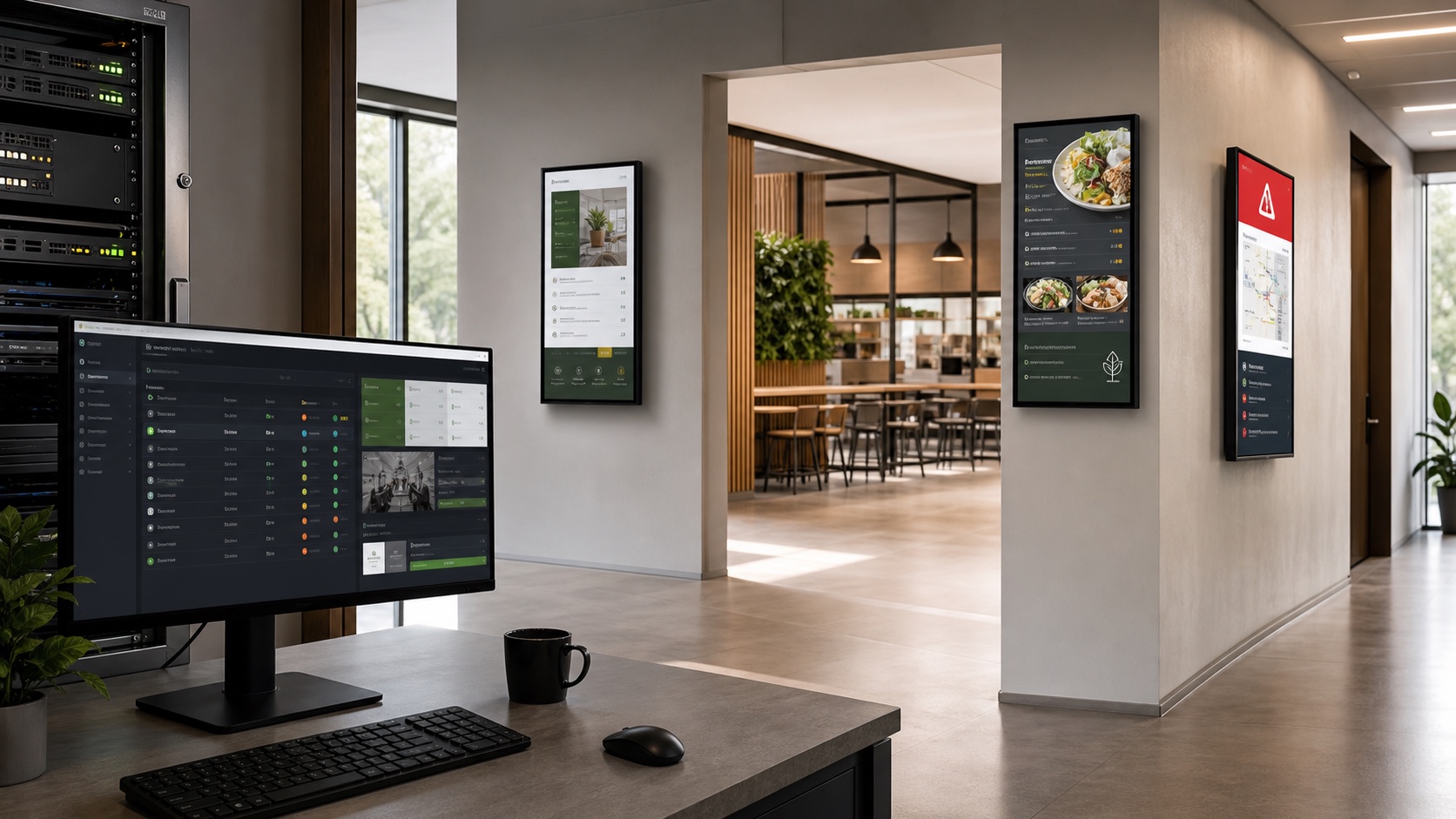
Visio-Display began with a familiar requirement: centralize content and distribute it to multiple screens. The project presented by Eric Tomas on August 27, 2026 has since expanded. It now combines media management, temporary campaigns, graphical content creation, Linux client deployment and monitoring in an open-source, self-hosted platform.
Its value therefore goes beyond playing a slideshow. Visio-Display treats digital signage as a small information system, complete with data, background jobs, access control, backups and a fleet of remote endpoints.
The short answer
| Question | Answer |
|---|---|
| What does Visio-Display do? | It manages content and multiple displays from a centralized web interface. |
| Is it self-hosted? | Yes. Docker Compose deploys the server while media and data remain local. |
| Which content types does it accept? | Images, videos and PDFs, with conversion or transcoding where required. |
| Can it manage remote players? | Yes. Linux kiosk clients can be installed over SSH and then monitored. |
| Is the project open source? | Yes. The public repository is released under GPLv3. |
| Is it ready for every production environment? | Not without testing network failure, security, restoration and offline behavior in the target context. |
When a media manager becomes a platform
A minimal digital signage tool stores files, defines their order and serves a full-screen page. Visio-Display adds the components needed as the number of displays and operators grows.
Each screen can have its own playlist, durations and schedules. Media can be grouped, activated for a date range or temporarily replaced by a priority campaign. An emergency banner can also take over the entire fleet. The same model can serve a reception area, cafeteria, meeting room or network of shops.
Uploads cover JPEG and PNG images, several video formats and PDFs. Videos are transcoded in the background and documents are converted to images. Redis and RQ keep these longer operations away from interactive web requests.
An architecture infrastructure teams can understand
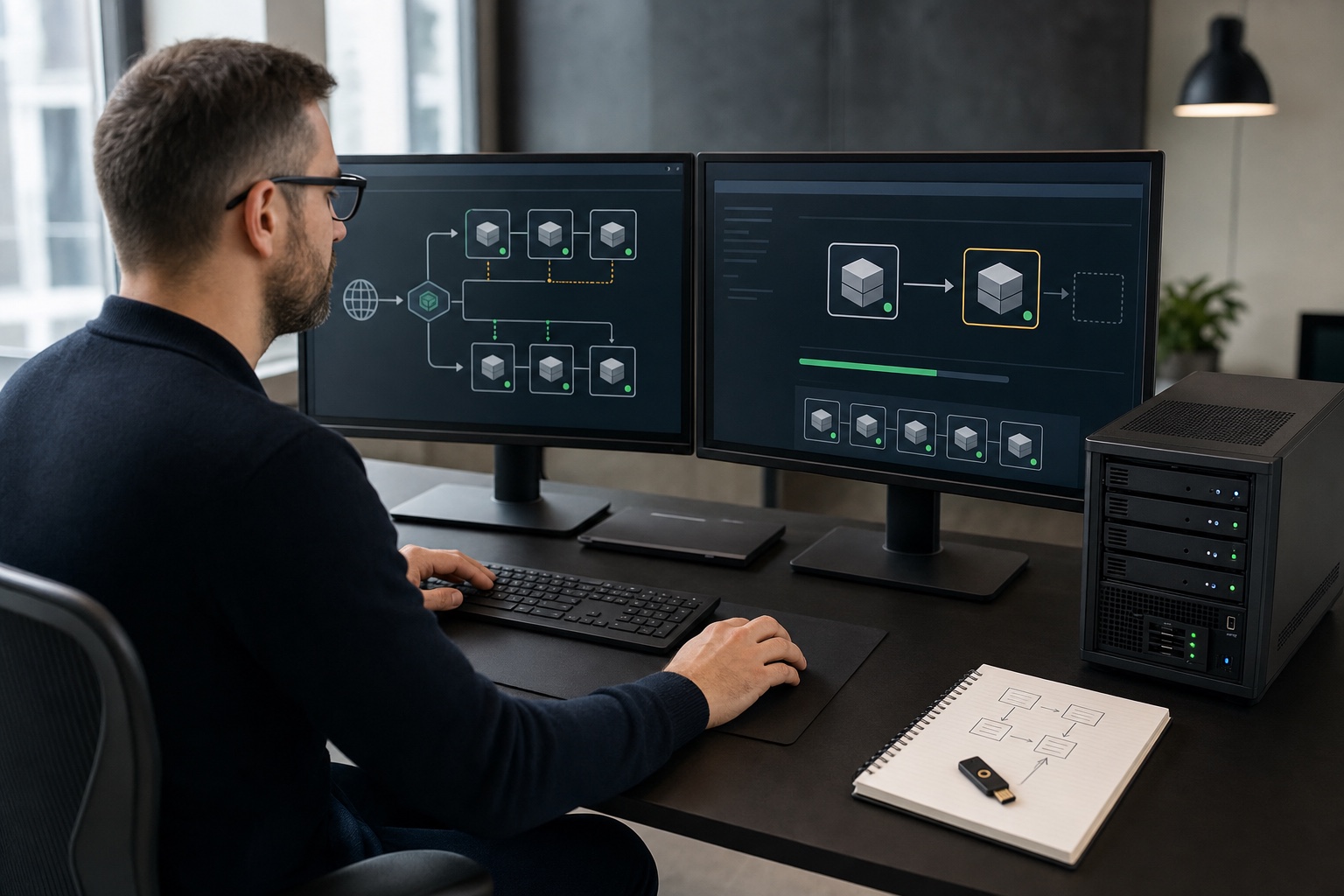
The server uses Flask and Gunicorn for the web application, PostgreSQL for configuration and logs, and Redis with RQ for asynchronous work. Docker Compose orchestrates the stack, while host volumes separately persist public media and private operational data.
These are familiar components that can be observed and backed up with conventional tools. They still require real operations: volume monitoring, image updates, PostgreSQL availability, queue health and disk capacity. Self-hosting keeps data local, but it transfers responsibility for availability to the organization.
The repository offers a quick installation path and an interactive French or English script. Downloading and executing a remote script is convenient in a lab. In production, cloning an identified version, reviewing the script, checking changes and retaining a rollback procedure is safer.
Creating content without leaving the platform
Visio-Display aims to reduce dependence on PowerPoint, Canva or an external design studio for routine notices. Its 16:9 editor handles text, images, shapes, icons and layers before exporting a 1920 x 1080 PNG to the media library.
Eric Tomas also describes a QR code generator for URLs, Wi-Fi access, contact cards and directions. A menu builder creates daily or weekly layouts with dates, schedules and target displays.
These features matter for adoption. In many organizations, the hard part is not turning on a screen but enabling a non-technical team to publish coherent information quickly. An integrated editor shortens that workflow, provided templates, brand rules and editorial approval are still in place.
Managing the Linux players as well
The most distinctive area is remote client management. From the administration interface, the platform can prepare a Linux machine over SSH, install Chromium in kiosk mode, configure automatic login and associate the endpoint with a logical screen.
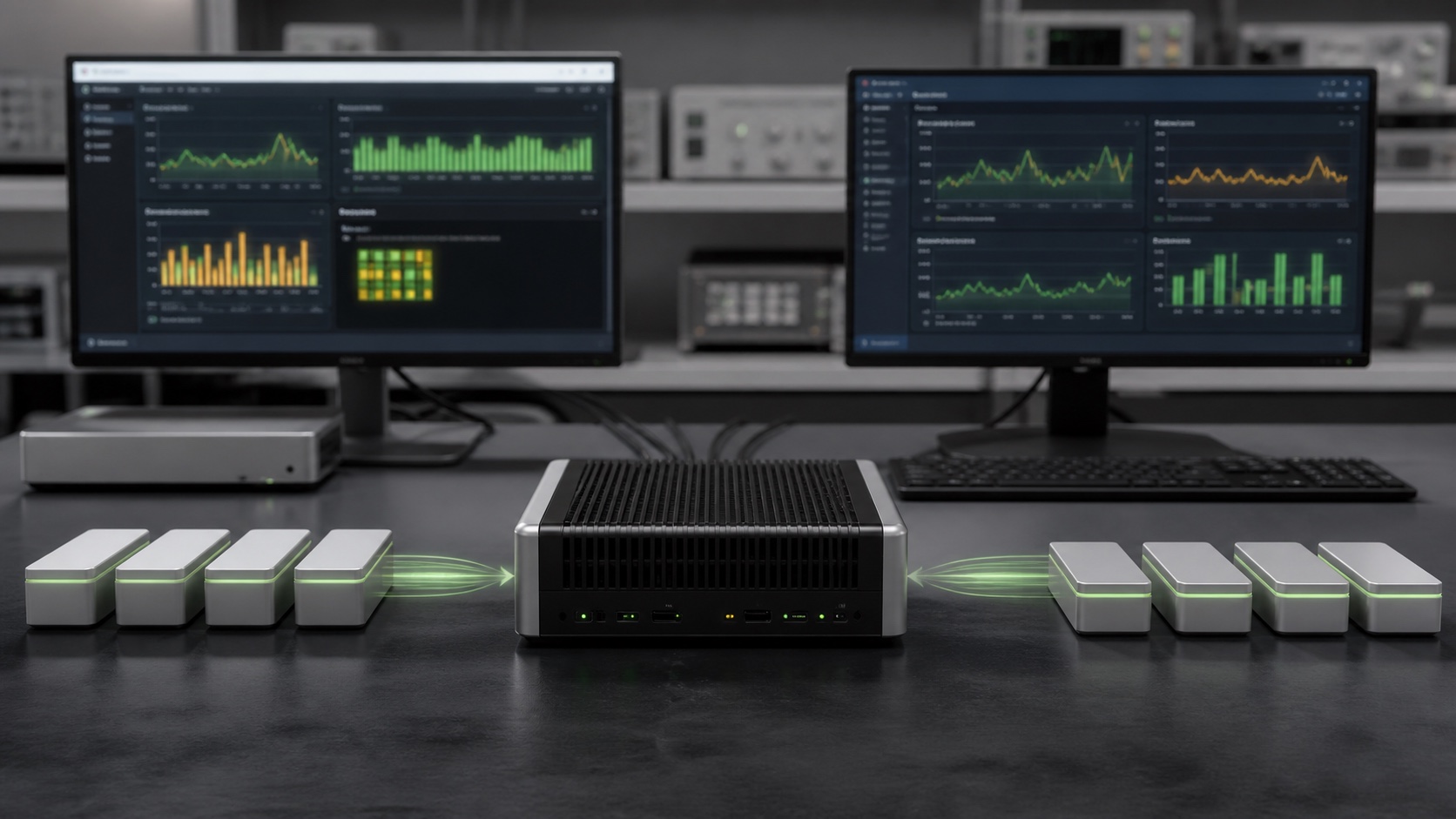
Clients then submit a heartbeat with data such as system load, memory, temperature, disk space, resolution and installed version. An operator can identify a disconnected player and trigger selected remote actions, including restart or reinstallation.
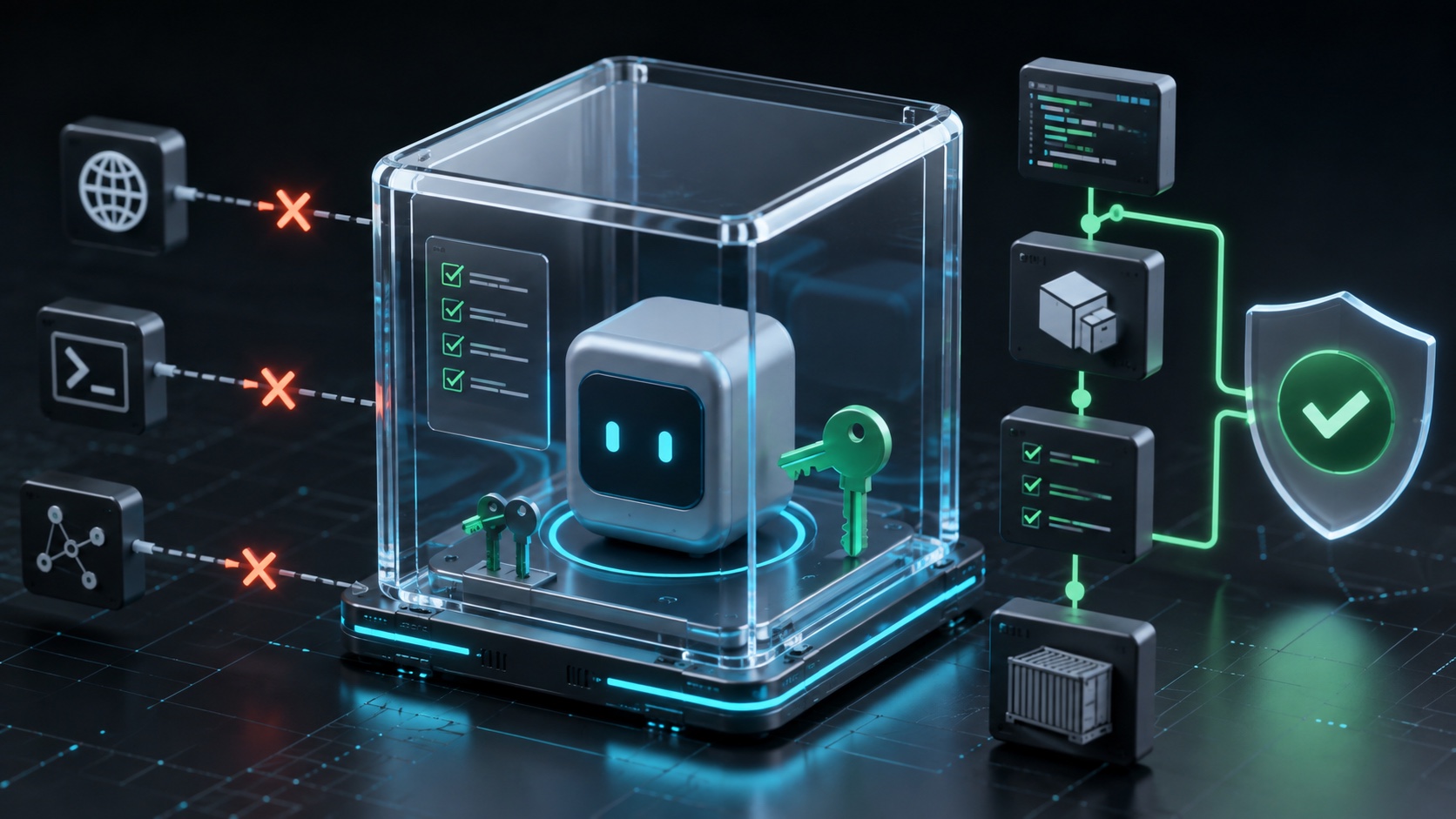
This centralized view prevents every mini PC from becoming an isolated workstation. It also expands the trust boundary: SSH credentials, heartbeat tokens and remote commands become sensitive assets. Dedicated keys, a restricted user and a separate administration network are preferable to a general-purpose account with permanent privileges.
Promising security choices that still need testing
The project documents custom roles, granular permissions, per-screen restrictions and an activity log. Display pages, heartbeats and internal operations use distinct tokens. Its stated HTTP defenses include CSRF protection, secure-cookie options, trusted-host filtering and several security headers.
The update service is separated from the main web application. That design limits direct Docker daemon exposure to the primary interface, which matters whenever a web feature can rebuild or restart containers. Operators should still audit its mounted volumes, privileged permissions and exact command allowlist.
Backups can be scheduled and restored from the interface, with an optional SMB copy. A backup only becomes trustworthy after a restoration test on another machine. Because archives may contain a copy of the environment file, encryption and access control should match the treatment of server secrets.
Checks to run before deployment
A two-screen proof of concept should assess more than interface quality:
- deliberately disconnect the network and verify what a client continues to show;
- stop PostgreSQL or Redis and observe whether the stack returns to a stable state;
- restore a complete backup, including media, onto a new instance;
- place administration behind HTTPS and restrict its network exposure;
- rotate tokens and confirm that old clients are rejected;
- test a large video, a stalled queue and a nearly full disk;
- document upgrades, version pinning and rollback.
Offline behavior deserves particular attention. The repository documents a watchdog and regularly refreshed playlists, but long-term local media persistence during an outage should be verified against the exact client and release. A blank screen after a lost connection is not acceptable in a critical public area.
Who is it for?
Visio-Display appears relevant to nonprofits, schools, shops, local authorities and internal teams that want content to remain on their own infrastructure. It best fits organizations already comfortable with Linux, Docker, a reverse proxy and backups for stateful services.
An organization seeking a service-level agreement, permanent support and preconfigured hardware will probably find a SaaS product easier. Open source removes neither hardware costs nor operational work. In return, it provides control over code, data and deployment cadence.
Visio-Display reflects a useful shift: digital signage is no longer merely a sequence of files, but a distributed fleet that must be operated. The project already combines many coherent building blocks. Its production value will now depend on robust offline clients, operational discipline and a community capable of maintaining its ambitious functional surface.
Join the discussion
Comments
Loading comments…