

Docker Compose can operate an application properly on a single server. The YAML file is not the problem; everything commonly missing around it is. An image called latest, a password committed to Git, a database exposed to the internet and docker compose up -d without checks turn a simple deployment into an unpredictable procedure.
A serious production setup must answer five questions: which version is running, how do we know it works, how are dependencies protected, how are data preserved and how do we return to the previous version? Compose provides primitives; the team supplies operational discipline.
When Compose is the right tool
Compose fits a website, API, internal tool or business service installed on one machine when the team accepts that server as one failure domain. Docker explicitly documents using Compose on a single server.
It reaches its limits when the service requires:
- high availability across several machines;
- automatic placement according to resources;
- horizontal scaling across nodes;
- complex progressive deployments without interruption;
- distributed network and identity policy at large scale.
An orchestrator or managed platform may then be justified. Do not move to Kubernetes merely to compensate for an undocumented Compose deployment. A well-backed-up, observable single server is often more reliable than a cluster nobody understands.
The minimum architecture
| Component | Role | Common mistake |
|---|---|---|
| reverse proxy | terminates TLS and routes the domain | exposing every container port directly |
| application | runs a versioned, immutable image | mounting server source code into the container |
| database or storage | keeps state in a backed-up volume | confusing a persistent volume with a backup |
| internal network | connects non-public services | publishing PostgreSQL, Redis or MinIO on every interface |
| registry | stores images identified by version and digest | deploying only latest |
| monitoring | detects failure, saturation and regression | checking only that the container exists |
The reverse proxy is usually the only component receiving public traffic. Databases, caches and internal services communicate by service name on a private Compose network.
Separate common definition from production
Docker recommends a production-specific file for parameters that differ from development: ports, variables, restart policy, volumes and observability services.
A readable organisation might use:
compose.yaml
compose.production.yaml
.env.production
The common file describes services. The production override removes source bind mounts, selects registry images and sets operational constraints. Render the merged configuration before every deployment:
docker compose \
  --env-file .env.production \
  -f compose.yaml \
  -f compose.production.yaml \
  config --quiet
Remove --quiet when inspecting, but take care: resolved output can contain sensitive environment values. Do not automatically preserve it in CI logs.
Deploy an identifiable image
A production image should be built in CI, pushed to the registry and given an immutable reference. A commit tag such as app:3495e8e identifies the source used to produce the container. A version tag such as v1.8.2 helps operations. The digest identifies the exact distributed manifest.
You may retain latest as a convenient alias, but the server should not depend on it for history. When latest moves, rollback has no way to identify the previous image.
In the production environment:
APP_IMAGE=registry.example.com/team/app:3495e8e
Then in Compose:
services:
  web:
    image: ${APP_IMAGE}
    restart: unless-stopped
Record the published digest in the pipeline. Where risk warrants it, generate provenance attestations and an SBOM with BuildKit. This does not secure an image automatically, but connects the artefact to its build and dependencies.
Keep secrets out of the image
A variable defined during build can end up in layers, metadata or public JavaScript depending on the framework. A server API key must never be injected through an argument intended for the client.
Compose supports secrets mounted as files under /run/secrets/<name>, only for services that declare them. Many official images understand environment variants ending in _FILE.
services:
  db:
    image: postgres:18.1
    environment:
      POSTGRES_PASSWORD_FILE: /run/secrets/db_password
    secrets:
      - db_password

secrets:
  db_password:
    file: ./secrets/db_password.txt
This avoids exposing the secret as a container environment variable, but does not magically encrypt the source file on the server. Restrict permissions, exclude the directory from Git, control backups and plan rotation.
Public values embedded in a bundle, such as the site URL, are not secrets. Explicitly document which variables resolve at build time and which remain server-only at runtime.
Reduce container privileges
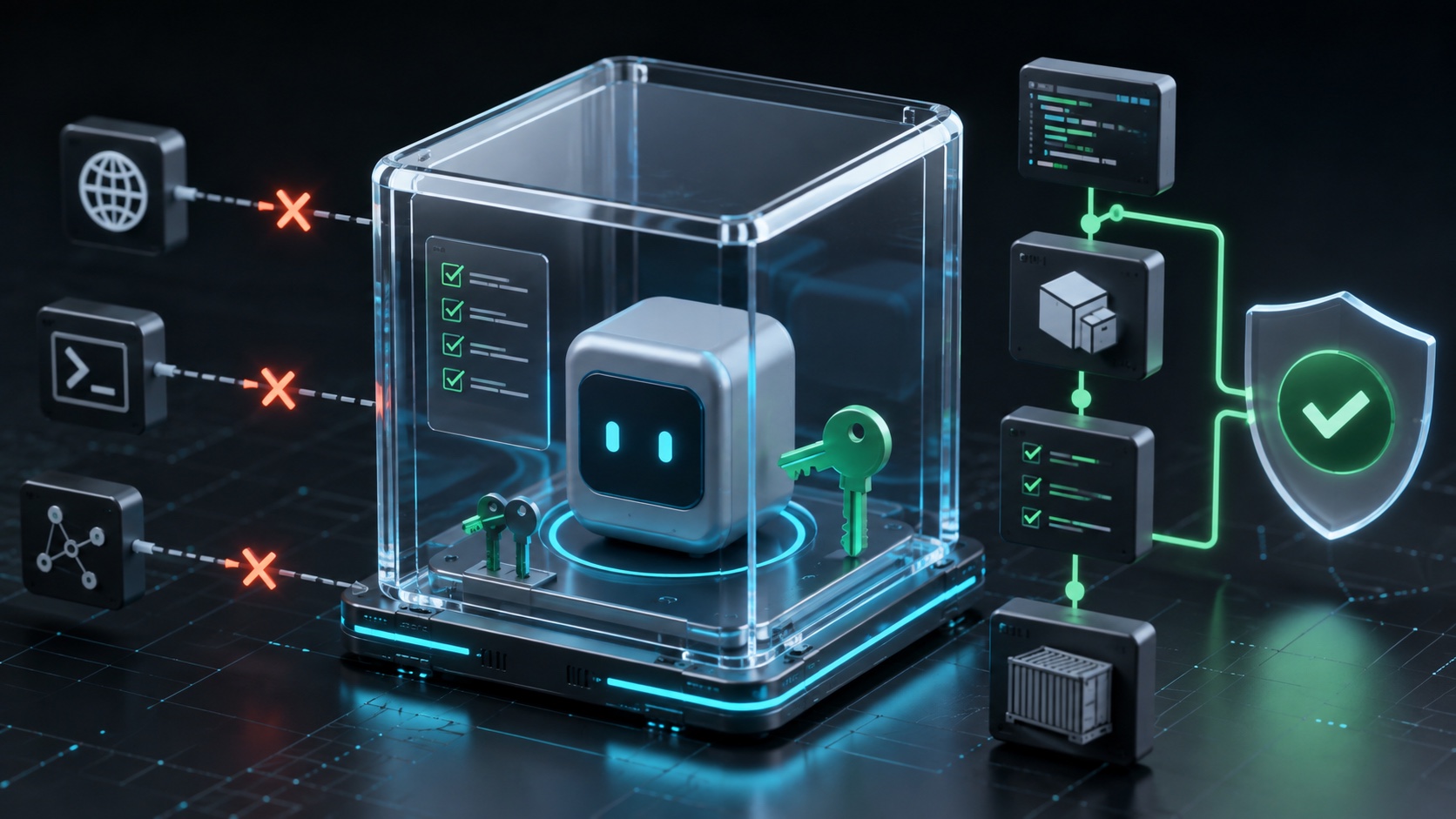
An image should run its process as a non-root user when the application permits. Avoid privileged: true, mounting /var/run/docker.sock and unnecessary Linux capabilities. Mounting the Docker socket effectively gives the service control over the host.
For an application that does not write to its filesystem:
services:
  web:
    image: ${APP_IMAGE}
    read_only: true
    tmpfs:
      - /tmp
    security_opt:
      - no-new-privileges:true
    cap_drop:
      - ALL
Test these options: some runtimes temporarily write caches or PID files. Add only required temporary paths instead of making the entire container writable.
Avoid code bind mounts in production too. Docker recommends keeping code inside the image so it cannot be changed from the host. Volumes belong to explicitly persistent data, not as replacements for the filesystem delivered by CI.
Close ports that should not be public
In Compose, expose documents a port available between containers; ports publishes one on the host. A database used only by the application generally needs no ports entry.
services:
  web:
    networks: [proxy, internal]

  db:
    networks: [internal]

networks:
  proxy:
    external: true
  internal:
    internal: true
internal: true isolates the network from direct external connectivity. Check real requirements: a database may need to reach backup storage or monitoring. Design flows instead of blocking everything and reopening broadly later.
On the host firewall, allow only SSH under your policy, HTTP/HTTPS to the proxy and strictly required monitoring ports. A port absent from Compose may still be exposed by another host process, so inspect the host itself.
Healthcheck, startup and availability
restart: unless-stopped restarts a container after a crash or Docker Engine restart. It does not prove that the application answers correctly. A process can remain alive while returning an error for every request.
Add a healthcheck that verifies an essential dependency without performing an expensive operation:
services:
  web:
    healthcheck:
      test: ["CMD", "node", "scripts/healthcheck.mjs"]
      interval: 30s
      timeout: 5s
      retries: 3
      start_period: 20s
The image must contain the command. An HTTP check using curl fails when a minimal image contains no curl. An internal Node script can avoid adding a utility solely for health checking.
depends_on with condition: service_healthy can order startup, but the application must still tolerate a database or API disappearing later. Implement bounded retries and delay; initial order is not resilience.
Treat migrations as a controlled operation
Automatically launching a destructive migration from every replica at startup creates races and complicates rollback. Separate migration from application startup where possible.
A cautious pipeline follows this order:
- create and verify the required recovery point;
- pull the target image;
- run migrations compatible with old and new application versions;
- recreate the application service;
- verify health and a business journey;
- remove obsolete columns in a later deployment.
Two-step compatibility, often called expand and contract, preserves application rollback. If the new release immediately renames a column required by the old one, redeploying the old container is no longer enough.
A repeatable deployment procedure
On the server, the script should stop whenever an important step fails and prevent concurrent deployments. A minimum flow looks like this:
docker compose --env-file .env.production -f docker-compose.yml pull
docker compose --env-file .env.production -f docker-compose.yml config --quiet
docker compose --env-file .env.production -f docker-compose.yml up -d --remove-orphans
docker compose --env-file .env.production -f docker-compose.yml ps
Then run an HTTP check from outside the container and a short functional journey. healthy cannot detect a misrouted domain, expired certificate or storage inaccessible from the application.
Deployment logs should record the previous and new versions, time, operator or pipeline, and check results. Do not print sensitive variables.
Prepare rollback before the incident
A credible rollback does not involve finding an old commit during an outage. Keep several image tags in the registry and the previous APP_IMAGE value.
APP_IMAGE=registry.example.com/team/app:previous \
  docker compose --env-file .env.production up -d --no-deps web
This recreates web without restarting dependencies. It remains insufficient after an incompatible migration. The runbook must therefore state:
- which versions can return without restoration;
- how a migration is reversed or repaired;
- which backup point to use;
- how much data could be lost;
- who decides to restore the database.
Our database backup and recovery guide covers PostgreSQL, MySQL, PITR and RPO/RTO testing.
Monitor what precedes failure
Collect logs with rotation because a noisy container can fill the host disk. Monitor disk space, memory, CPU, restart count, healthcheck status, latency, error rate and TLS expiry.
For volumes, track filesystem capacity and the date of the last successful restoration. A persistent Docker volume survives container recreation; it does not protect against disk failure, deletion or ransomware.
Add an external alert that checks the public domain. Monitoring running only on the same server cannot notify anyone when that server goes down.
The pre-launch checklist
| Check | Expected evidence |
|---|---|
| image | commit or version tag plus recorded digest |
| configuration | successful docker compose config --quiet |
| secrets | absent from Git, image and logs |
| network | only reverse-proxy ports are public |
| process | non-root user and reduced privileges |
| health | internal healthcheck and external HTTP check |
| data | identified volume and recently tested restoration |
| migration | separate procedure and rollback compatibility |
| deployment | automated, locked and logged script |
| rollback | previous image available and command tested |
Our Vue and Nuxt content-site article explains why the application image can remain simple. The goal here is to make that simplicity operable: an identifiable artefact, verified configuration, recoverable data and a rollback that is already written.
Join the discussion
Comments
Loading comments…