
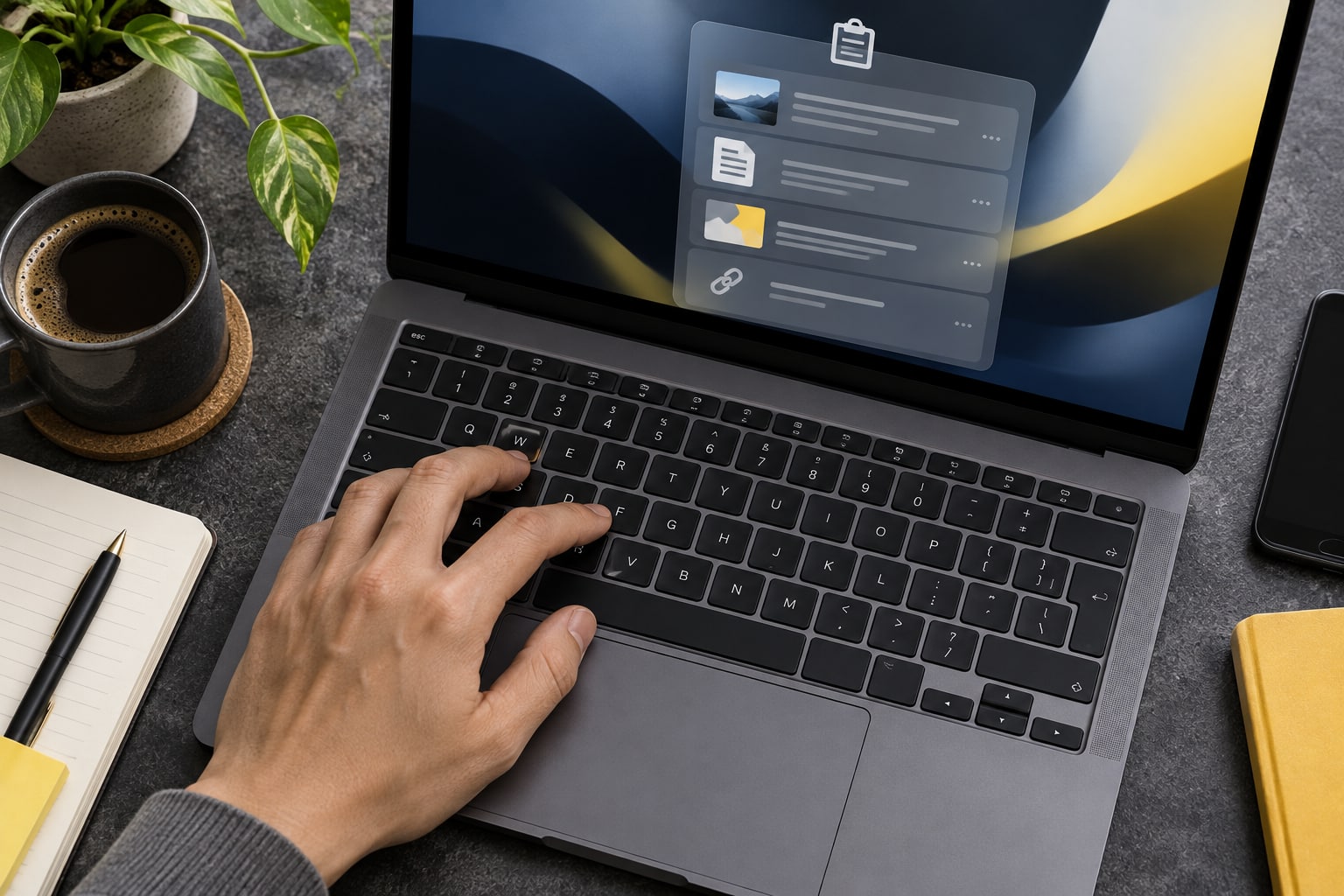
You copy an address, then a number, and lose the first item when it is time to paste. Windows + V can save that round trip by opening clipboard history. But a feature that retains several copies is worth understanding before relying on it.
This article covers an existing Windows tool, not a feature announced this week. It is particularly relevant when working across documents or occasionally lending someone a computer.
History and synchronisation are separate decisions
Microsoft explains that clipboard history can be enabled with Windows + V. Cross-device synchronisation is configured separately under Settings, System, Clipboard, and depends on the account being used.
The official support page also highlights a detail: clearing history or restarting retains pinned items. Check those separately rather than assuming everything has disappeared.
Experiment with harmless text
Our advice is to copy a few unimportant sentences, open history and try pasting them again. You will quickly see whether the feature fits your working habits.
It can help when filling in a form or collecting references. The benefit is fewer repetitive actions, not a new organisational system for everything you read.
Do not use a password or personal record as demonstration material. A test copy has no reason to contain sensitive information, particularly when showing the feature to someone else.
Think before enabling sync
We recommend checking which devices use the same account before allowing copied material to circulate automatically. That may be appropriate across two personal computers and less useful when one machine is shared.
Ask a concrete question: do you need this text somewhere else, or only on the machine where you are working? A cloud option appearing in a menu is not a reason to enable it when the requirement is local.
On a work computer, follow your organisation's policy too. Available functionality is not necessarily suitable for every document you handle.
Clear it at the right time
Before lending a computer, review open applications, visible documents and clipboard history. The latter is one part of the situation, not a complete privacy procedure on its own.
Periodically revisit pinned items that are no longer useful. A temporary shortcut should not persist indefinitely simply because its presence has been forgotten.
Windows + V is valuable because it retains more than the latest copy. The sensible configuration preserves that benefit without unexpectedly retaining information you assumed was already gone. Start with a small local experiment, then enable only the additional behaviour you actually need.
Cover image: generated illustration; no real clipboard contents are shown.

Join the discussion
Comments
Loading comments…