
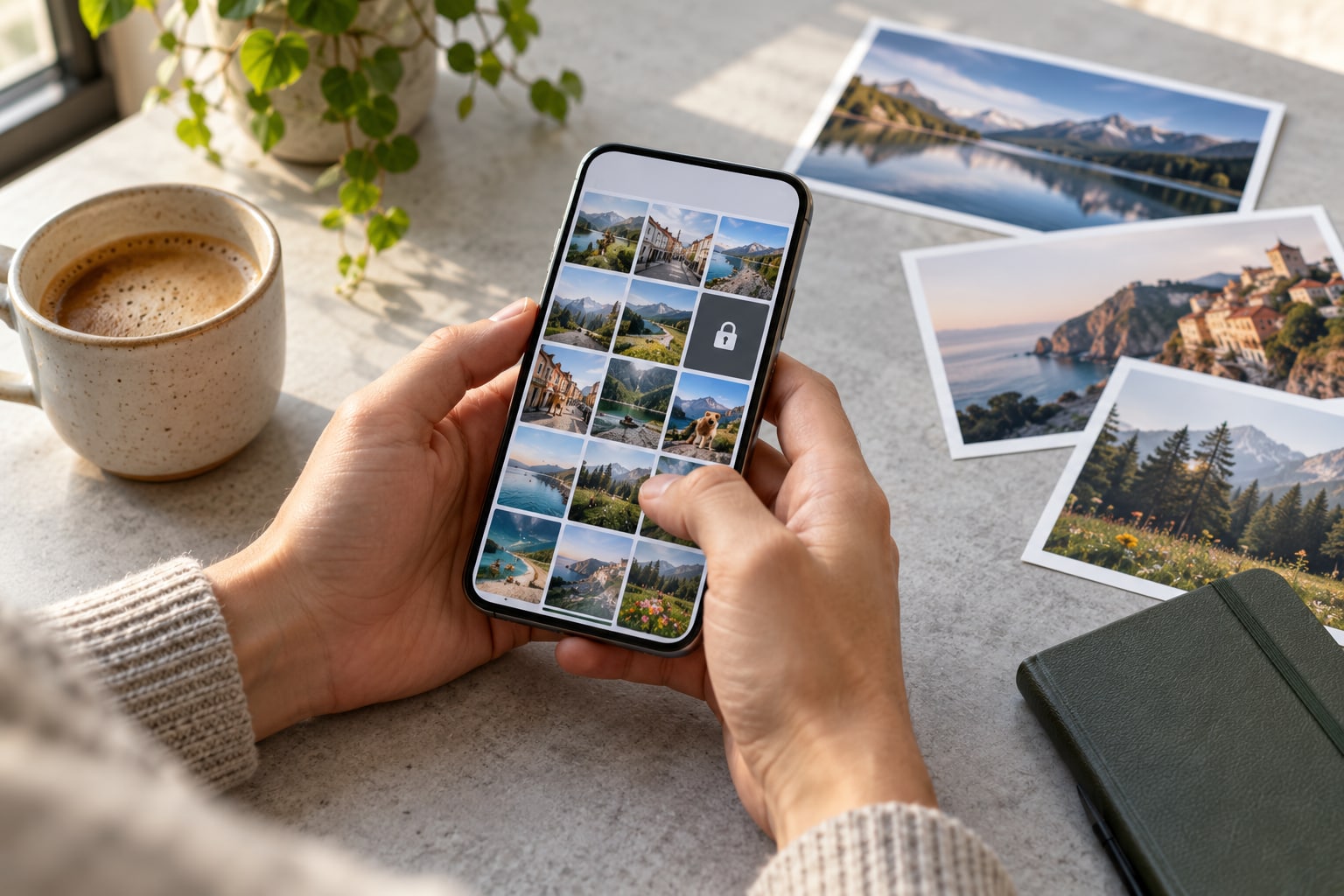
You are showing holiday photographs on an iPhone but would rather keep some personal documents out of the conversation. The Hidden album addresses that kind of discretion. Hiding an image, however, neither deletes it nor retrieves every copy previously sent elsewhere.
This practical article covers an existing Apple feature. It does not announce a new protection released this week or promise an independent vault separate from your account.
Protection within Photos
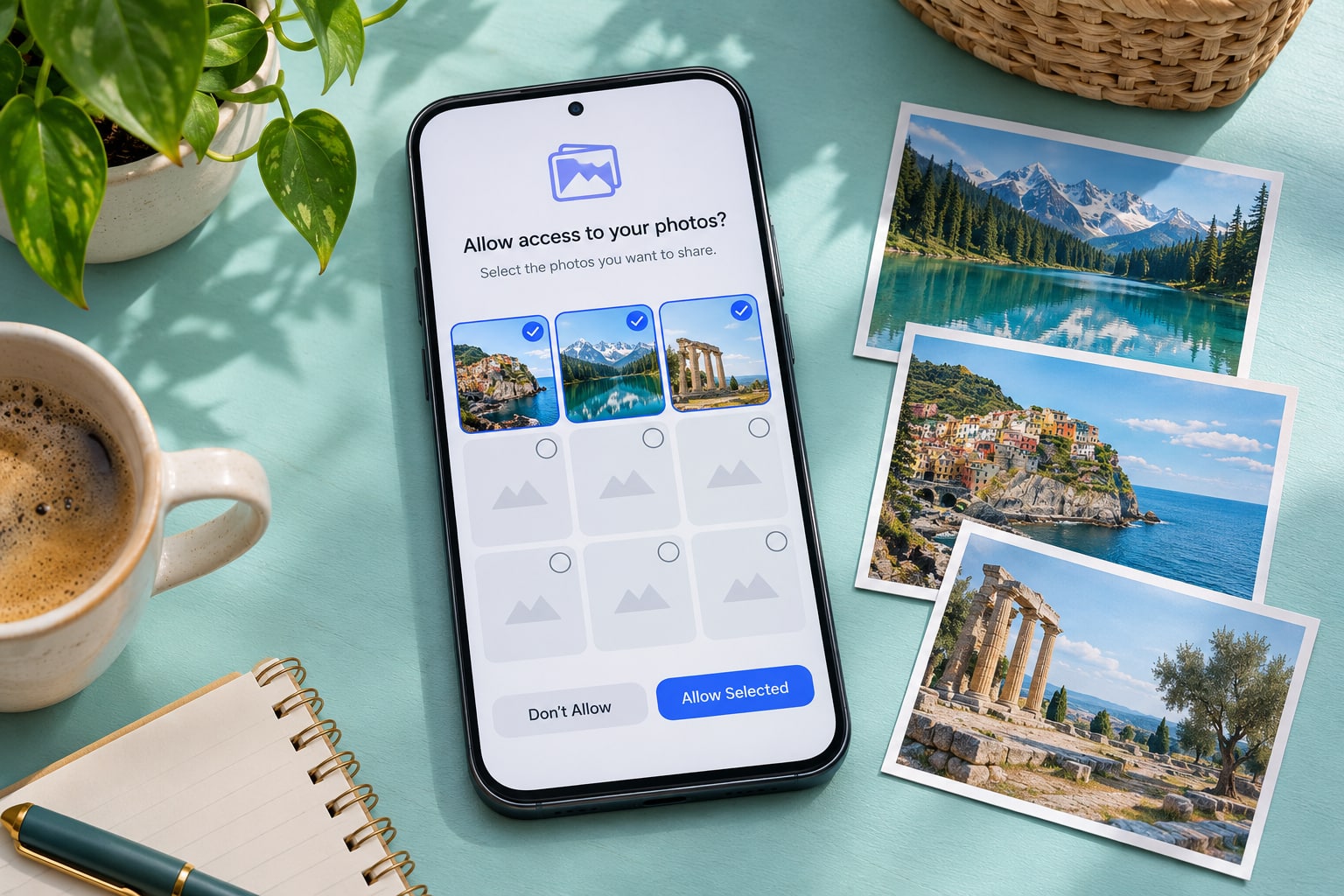
Apple explains that hidden items leave ordinary Photos views and that the album is locked by default on compatible recent systems. You can also hide the album's visibility. With iCloud Photos, hiding carries across devices.
The exact steps are in Apple's support page. The important point is to check your configuration rather than assuming ownership of an iPhone establishes every setting.
Experiment with an unimportant picture
Our advice is to hide an ordinary image, close Photos and try finding the album again. Observe what another user could see and which authentication is requested.
That is preferable to experimenting with a private document in front of someone. It also teaches you how to reverse the change before mistaking a hidden picture for a missing one.
If other people know the device passcode, consider what you really intend to protect. A library feature does not replace a deliberate decision about who can access the phone.
Consider other copies and devices
We recommend distinguishing the image in your library from an attachment sent elsewhere. Changing its local visibility is not a request for someone else to delete their copy.
The same applies to an earlier export to a computer or document folder. Identify where files exist before making repeated changes in the hope of removing every trace.
Before lending a device, inspect what is already open too. A hidden album does not protect a document you are displaying in another application. Start with the actual situation, not an assumption that one setting covers everything.
Hiding is not storage cleanup
Treat three goals separately: organising pictures, reducing their visibility and freeing storage. Mixing them can lead to a deletion you never intended.
For a unique document, establish an appropriate preservation method first. Our article on smartphone storage addresses cleanup; the objective here is discretion inside the library.
The Hidden album is more useful when its purpose is clear. Checking settings and existing copies is stronger than relying on a general feeling of security from a padlock symbol.
Cover: generated illustration, not an official Photos screenshot.

Join the discussion
Comments
Loading comments…