
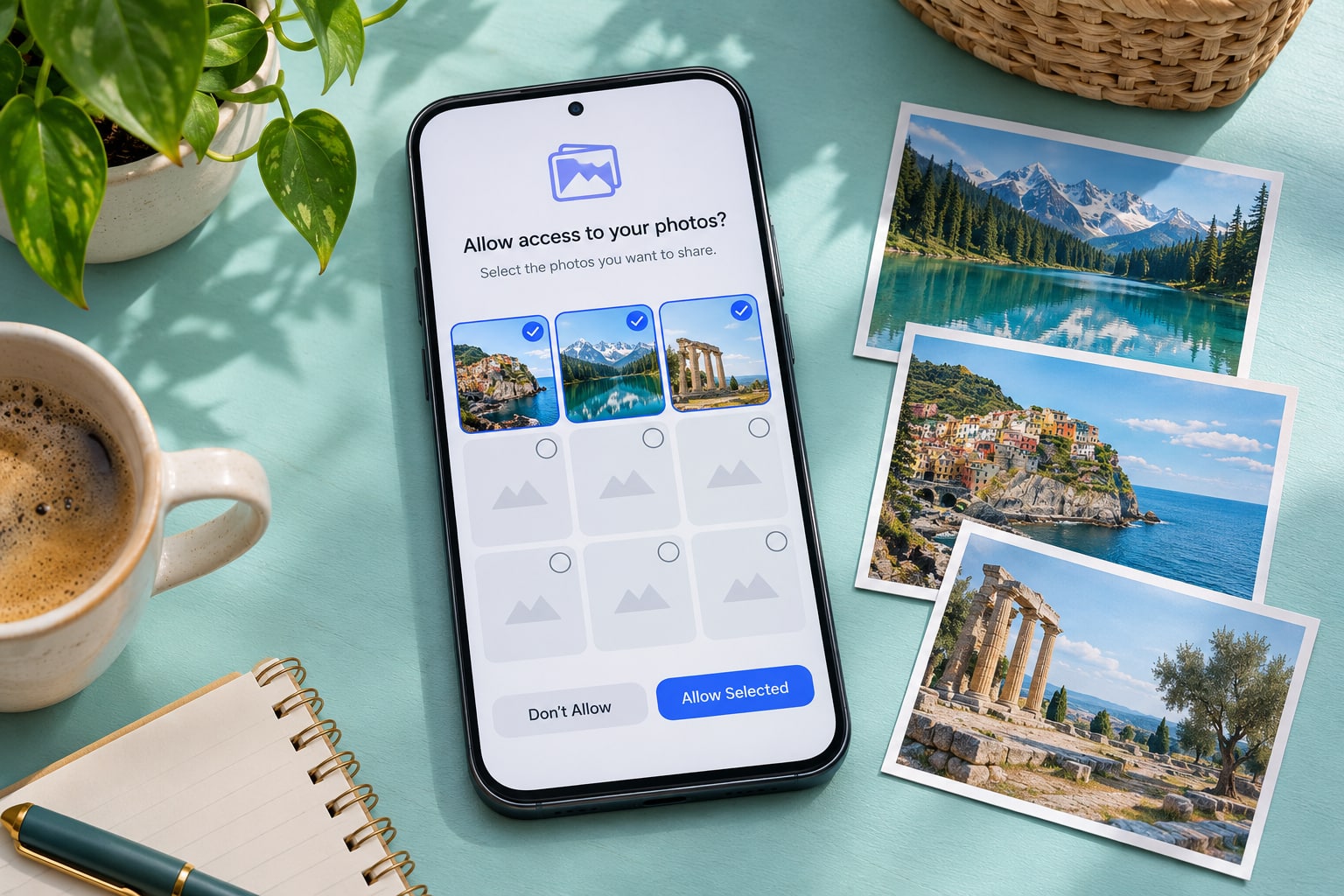
Sending a photo for a listing or a holiday memory should not require sharing every album. Yet it is easy to choose the broadest permission just to continue. On iPhone, distinguish the image you send from the ongoing library access you grant an application.
Apple explains its privacy controls and the limited Photos library available to applications. This practical explainer was checked on November 9, 2026; it does not announce a newly introduced setting.
Start with the job the application needs to do
A messenger that occasionally receives one picture and a tool organising your entire collection have different needs. Our recommendation is to name the operation before agreeing: attach a file, edit a selection or automatically browse every album.
A broad request does not, on its own, prove malicious behaviour. It does deserve an explanation consistent with the feature you chose. If the reason for complete library access is unclear, stop and look for the narrowest available option.
Review permissions already granted
In the iPhone's privacy settings, find Photos and review the listed applications. Available choices depend on the system version and how each application uses photo features.
When limited access is offered, select only the items required. A system picker may also let you provide chosen images without giving the application the same general library permission. Do not expect every application to expose an identical setting.
Work through a small number of applications first. This makes it easier to identify which change affects a useful workflow and avoids granting everything back after an unrelated problem.
Test using an unimportant picture
We suggest a small check: share an ordinary image, verify receipt, then try choosing a different one. If the next image does not appear, inspect the authorised selection before reopening the entire library.
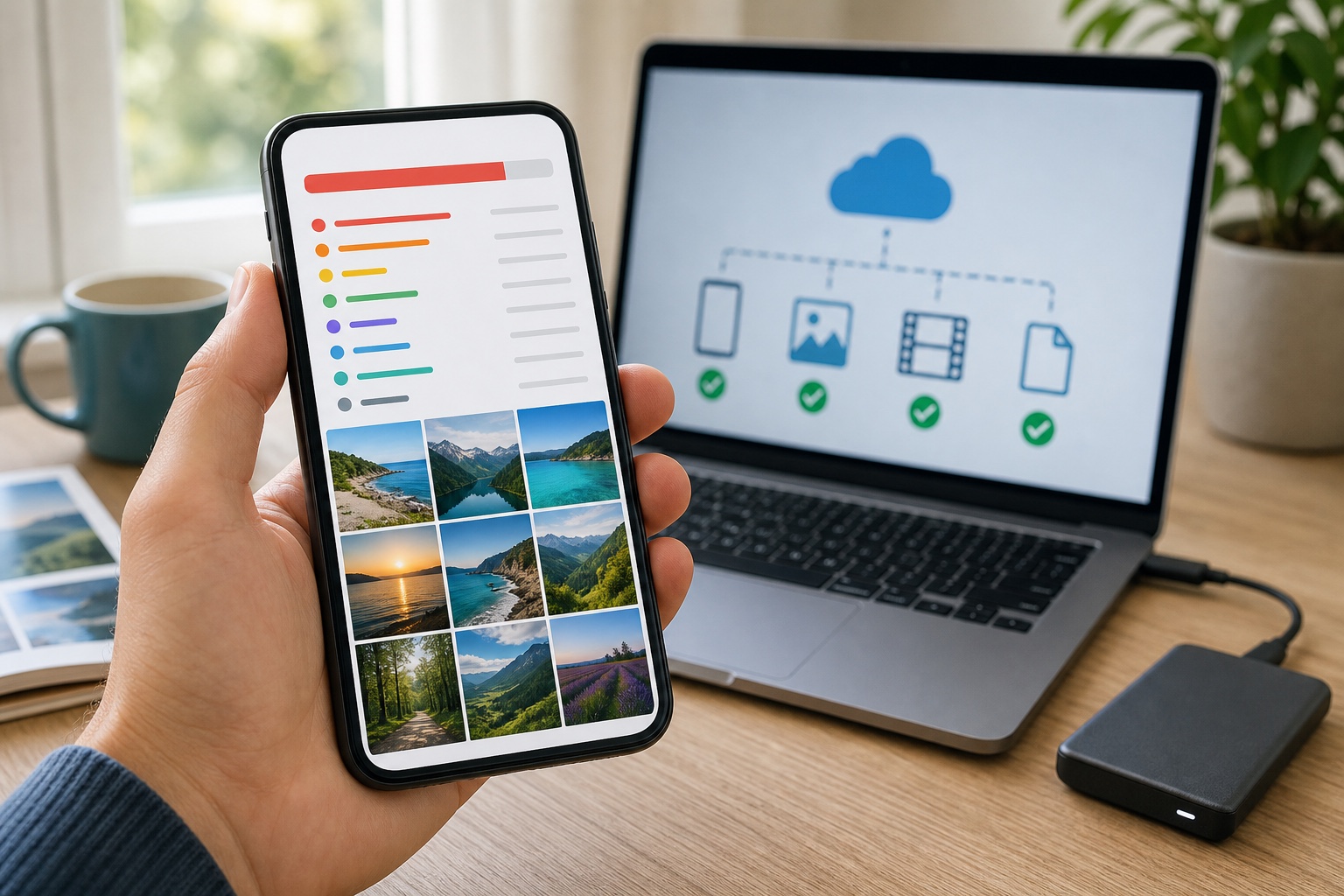
A backup or cataloguing application may require a different compromise. Reduced access can limit its work. Check what is actually missing and make an informed choice rather than applying a messenger's requirements to an archiving service.
Understand what revoking access cannot retrieve
Removing local permission should not be understood as recalling files already sent. Our recommendation is to review copies held in the application's account and its deletion controls separately.
Pay attention to photographed documents, faces and details visible in the background. Restricting library access does not remove those details from an image you deliberately choose to send.
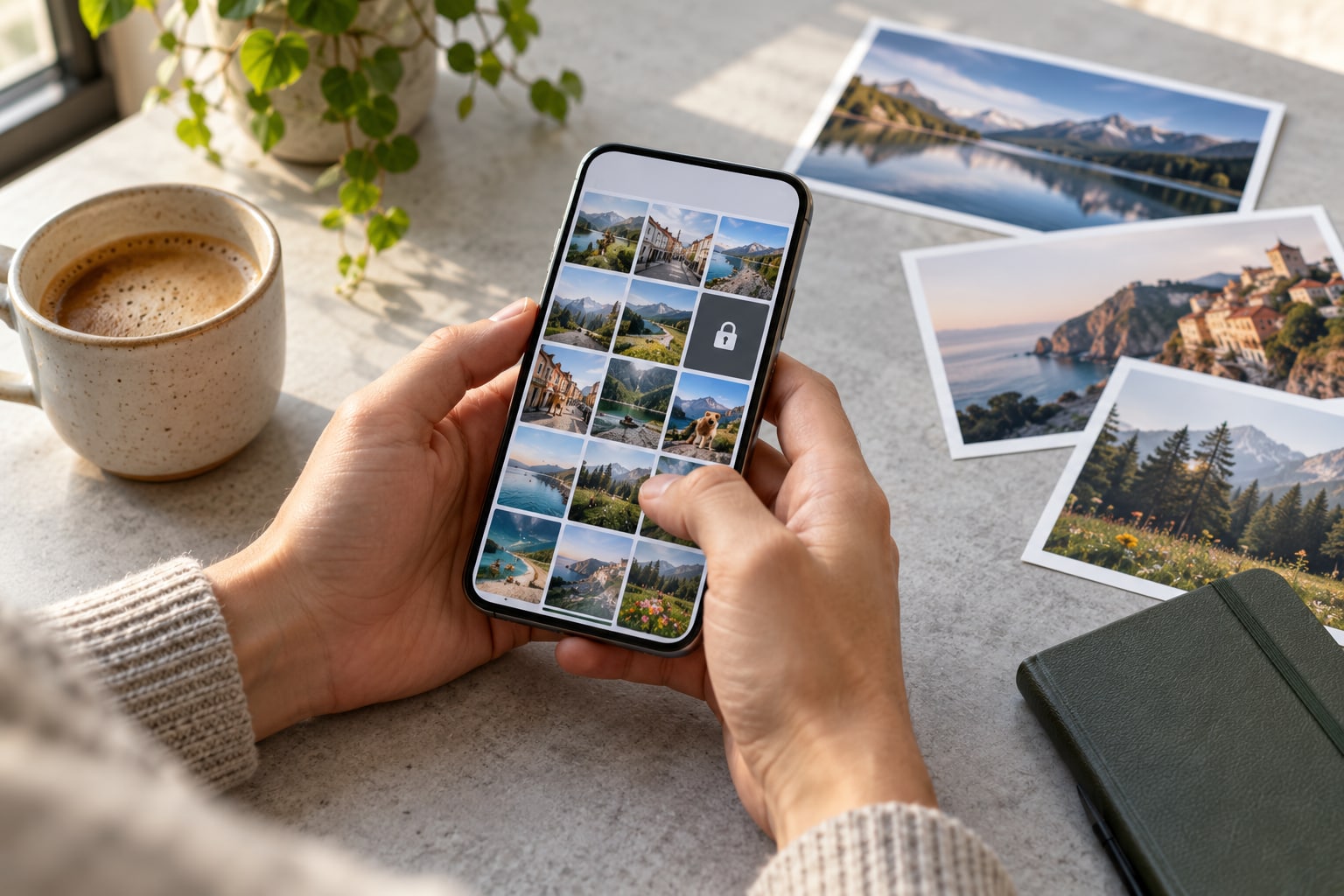
A review after installation and after a change in how you use an application is more useful than automatically accepting every request. Our article about hidden photos covers a different issue: private organisation on the device is not the same as controlling software access.
Cover visual: generated editorial illustration, not an official screenshot.
Join the discussion
Comments
Loading comments…