
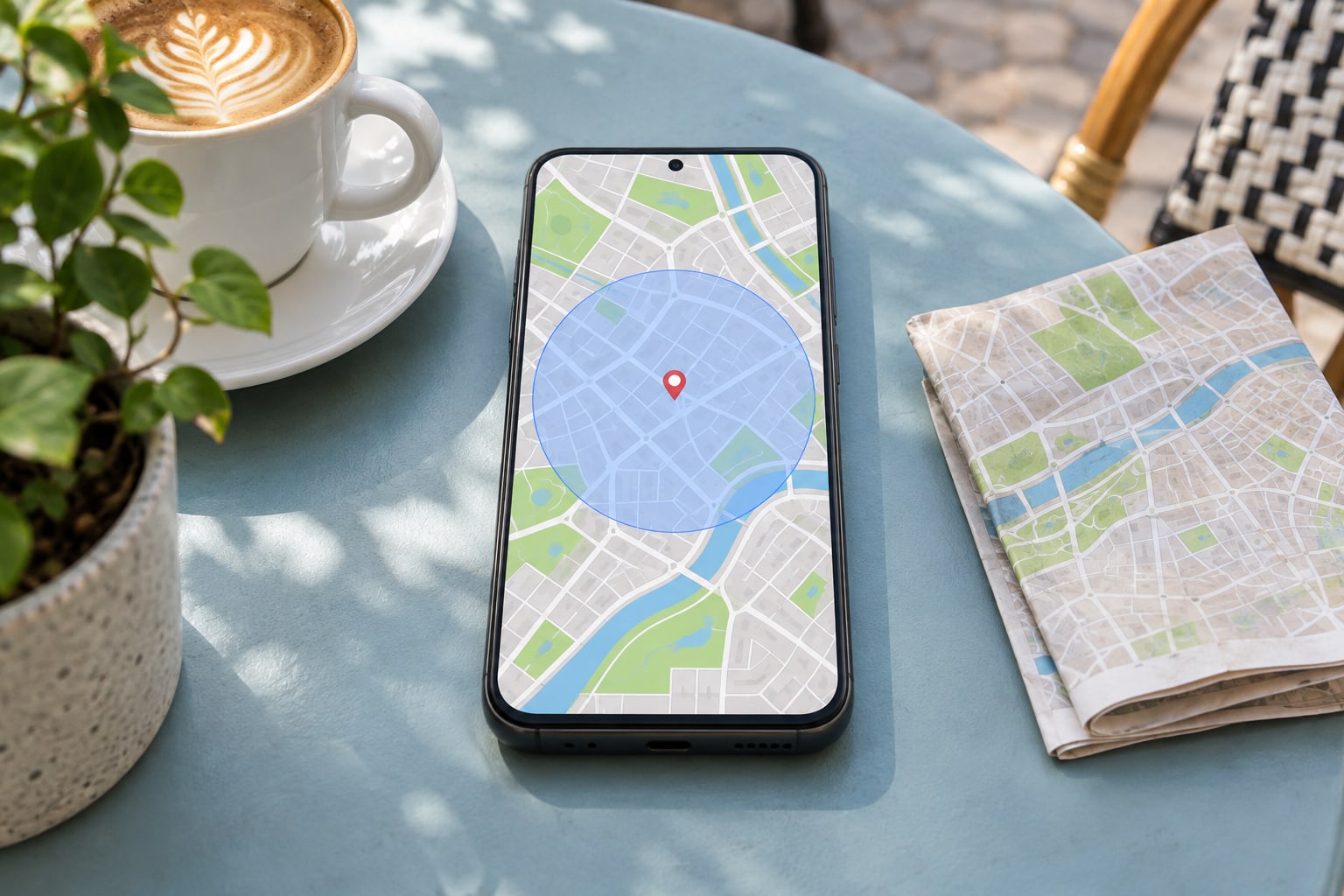
Local weather and detailed navigation serve different needs. Yet it is easy to accept a permission prompt without distinguishing its scope. On iPhone, location precision and when an application may access location are separate decisions.
Apple's help page explains per-app permissions and Precise Location. Turning precision off shares approximate rather than specific location with the selected application. This practical article was checked on November 12, 2026; it is not an announcement of a new iOS feature.
Begin with the requested action
Name what you want to do: check weather for an area, find a shop or follow a route. Useful information depends on that action.
A precision request alone does not establish bad intent. It should nevertheless have an understandable explanation. If the connection with the feature is unclear, consult help rather than agreeing merely to dismiss the prompt.
For work software, also check organisational rules before changing a configuration that supports a required task.
Inspect the correct application
In privacy settings, open Location Services and the relevant application's page. Available options vary; not every application offers identical choices.
Treat precision and access timing separately. A less precise position does not automatically mean access only while the application is visible.
Record the change and begin with an application serving a simple purpose. That lets you check the outcome without reorganising every setting on the phone.
Our recommendation is to preserve the reason for your choice. Remembering why a setting exists makes a later review easier than guessing whether it was enabled by accident.
Try a low-stakes workflow
Perform an ordinary lookup and observe what is genuinely missing. If the service no longer finds the intended area, examine manual selection or the feature's documented needs.
Avoid improvising a change immediately before an important journey. Test when there is time to understand the result and, where appropriate, restore the necessary setting.
A displayed map alone does not establish everything previously transmitted. Revoking local permission should not be interpreted as erasing data already held by a remote account.
Be cautious about screenshots used for support too. They can reveal a real location even when the underlying application's permission has been reduced.
Review access when use changes
A holiday application may no longer serve a purpose after the trip. Periodic review helps remove permissions that no longer fit the same need.
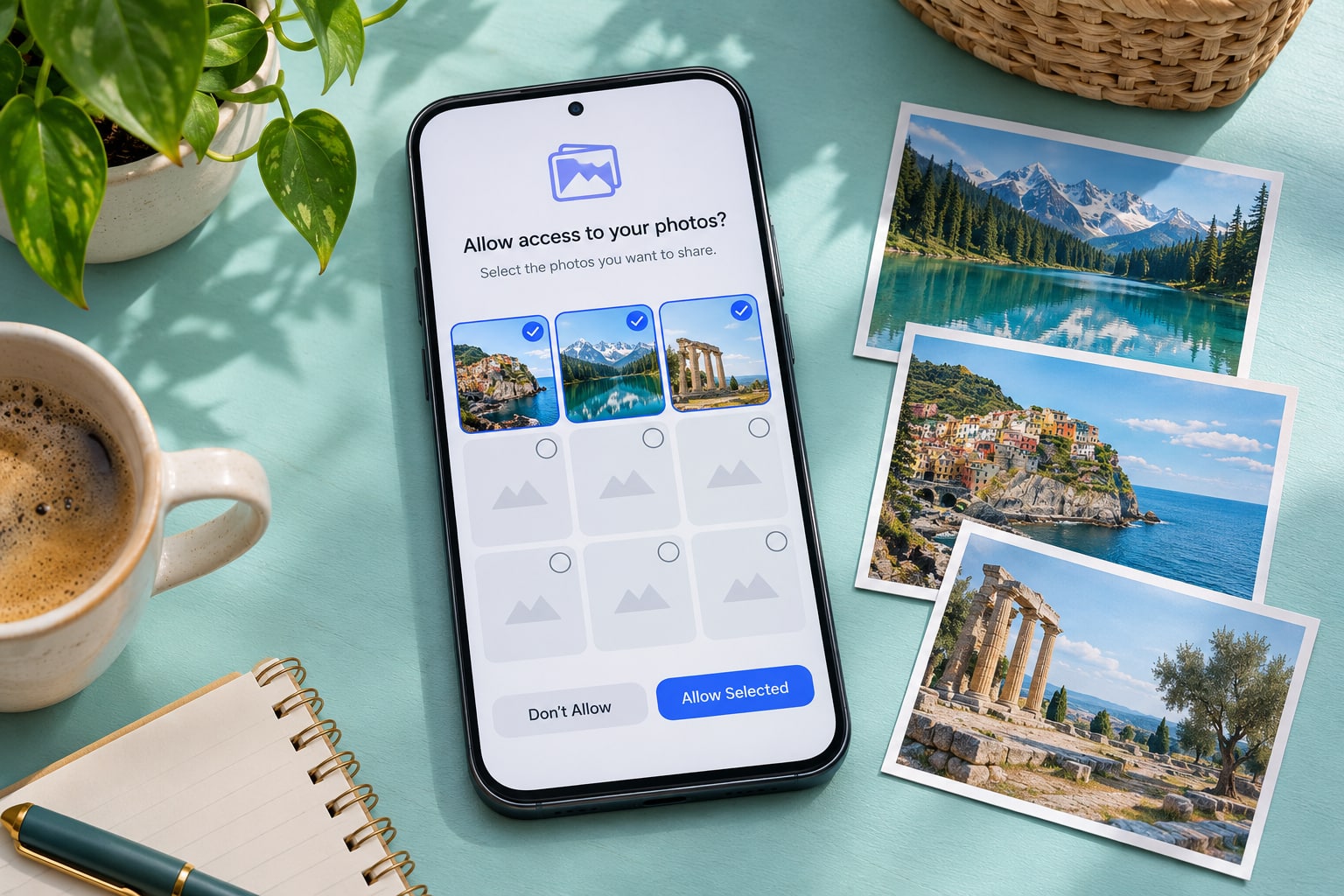
This complements our limited photo-access article. In both cases, the useful choice is one you understand and tested, not automatically the broadest or most restrictive setting.
Keep the review proportionate: a deliberate adjustment to one relevant application is easier to validate than changing every location control at once.
Cover visual: generated editorial illustration, not an official screenshot.

Join the discussion
Comments
Loading comments…