
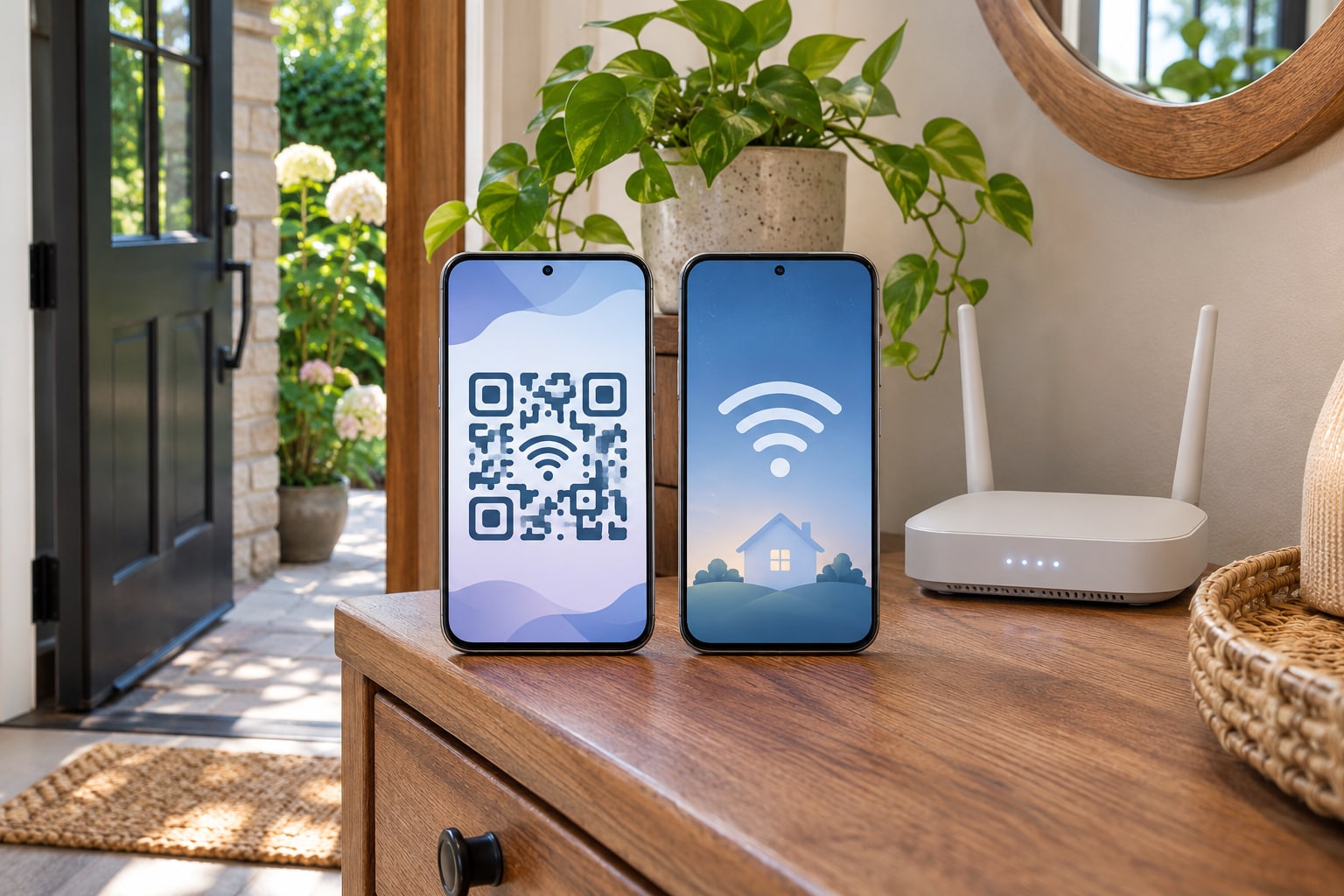
A visitor arrives and the Wi-Fi password is awkward to dictate. iPhone supports nearby sharing and a network QR code, two convenient approaches with an access decision behind them.
The Apple guide, checked November 15, 2026, describes these workflows in Passwords. This is not a feature announced this week.
Choose the network first
Our recommendation is to confirm the network name before sharing. If you have a guest network configured for visitors, deliberately choose it rather than the main network.
A sharing button does not decide which devices and services a guest should reach. In a workplace or shared venue, follow the network administrator's procedure.
Do not pass on access you are not authorised to share. Being able to view a saved detail is not itself permission to redistribute it.
Use the appropriate workflow
Apple lists nearby devices, reciprocal contacts and no Personal Hotspot among the requirements for nearby sharing. The sharing iPhone must be unlocked and connected.
For a QR code, open the relevant network in Passwords and use the provided display option. The recipient can scan it using a compatible device.
We recommend showing the code to its intended recipient rather than posting a screenshot in a wider group. It conveys access information, not merely a decorative pattern.
Confirm the result without unnecessary copies
After connection, check the selected network with your visitor. Avoid retaining multiple screenshots or messages when they serve no continuing purpose.
If an authorised use requires keeping a copy, choose an appropriate location. Our recommendation is to treat it with the same care as a written password.
Successful password sharing does not guarantee bandwidth, wireless coverage or internet availability. Separate an access-information problem from a network-performance problem.
Review access as a whole
For temporary access, consult options actually provided by your router or administrator. Deleting a screenshot from your phone should not be assumed to remove another device's connection.
Our home Wi-Fi article addresses equipment. Here the task is narrower: share the right access with the right person while remembering what the code represents.
Visual: generated editorial illustration, not an official screenshot.
Join the discussion
Comments
Loading comments…