
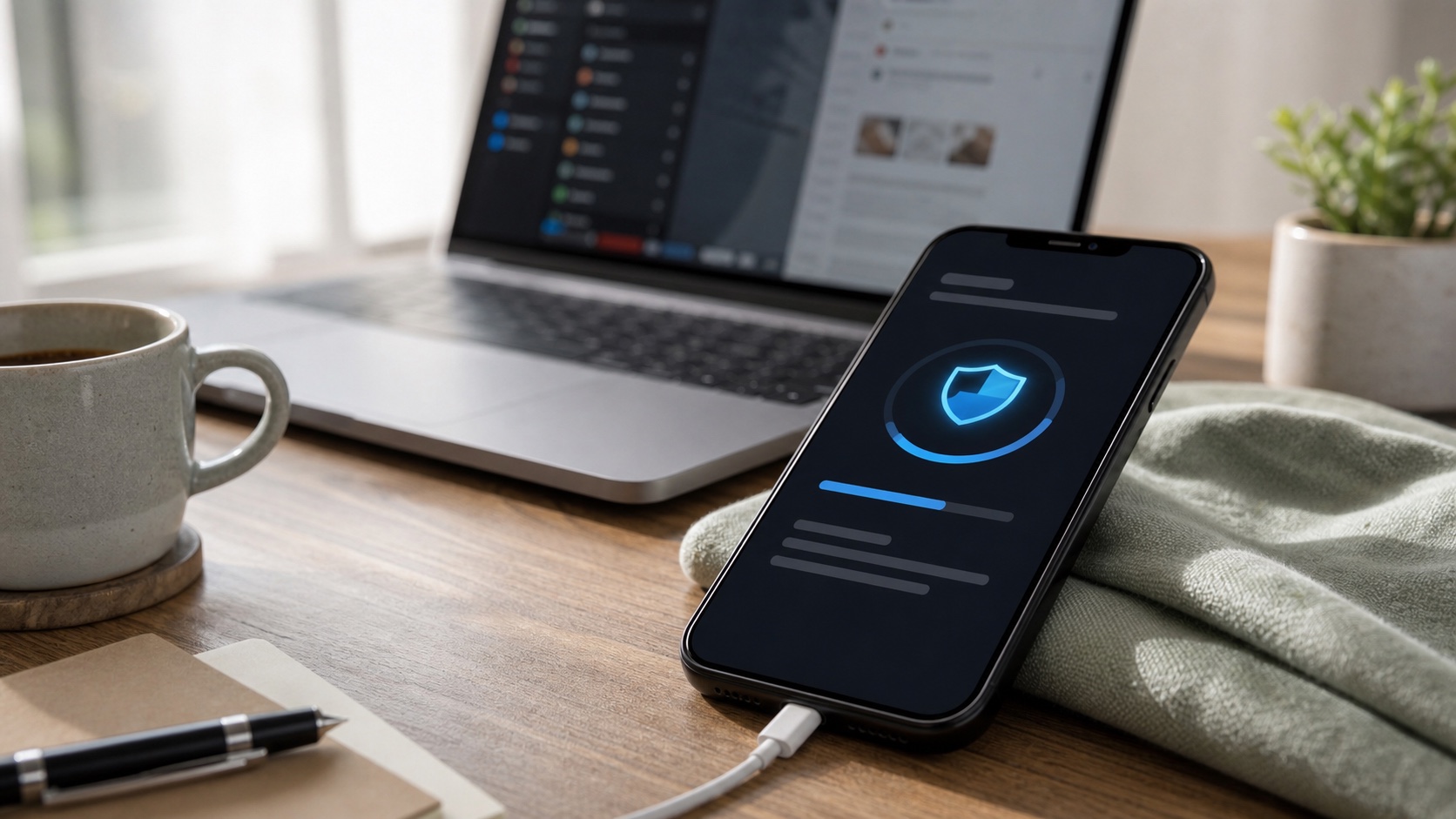
iOS 26.6 is not the kind of update that makes people rush into Settings. There is no major redesign, no obvious feature to show someone at dinner and no big marketing promise. Yet it is exactly the kind of release users should install quickly.
Apple says iOS 26.6 and iPadOS 26.6 were released on July 27, 2026 for iPhone 11 and later, along with several iPad generations. The security note lists many fixes across a wide range of components: the kernel, ImageIO, CoreAudio, WebKit, the App Store, AuthKit, contacts, files, media and other system layers.
Why a quiet update matters
Security updates have a communication problem: they do not always feel like they changed anything. Users restart the phone, see the same home screen and may assume the operation was secondary.
In reality, these releases often fix flaws tied to ordinary behavior: opening an image, playing a video, visiting a web page, installing an app, syncing data, connecting an accessory or processing a file someone sent. Once vulnerabilities are documented publicly, they also become easier for attackers to study.
That does not mean every unpatched iPhone will be compromised within an hour. Risk depends on the user, the apps installed, the websites visited and the exposure. But on a smartphone that contains photos, messages, banking authentication, work email, documents and passwords, reducing attack surface is basic hygiene.
These flaws are not only for experts
The technical wording in Apple bulletins can feel distant from daily life: memory corruption, insufficient validation, unauthorized access, code execution, information disclosure. Behind those terms are very concrete scenarios.
A media flaw can be triggered by a malicious file. A browser flaw can expose session information. A permissions flaw can let an app reach more data than intended. A kernel flaw can provide far more control than a regular application bug.
The smartphone has become the primary computer for many people. It is used to log in everywhere, receive codes, confirm payments, store documents and manage private conversations. That is exactly why a "boring" security update matters.
Before installing
The right routine is simple: back up, connect the iPhone or iPad to power, check that enough storage remains and install the update from Settings. For a personal device, there is usually no reason to wait several weeks.
For a work device managed by IT, the logic may differ. Some companies test updates before deployment, especially when they rely on internal apps, VPNs, security profiles or shared devices. In that case, follow internal guidance, but the validation window should stay short when important fixes are involved.
Users who worry about battery life or bugs can check early feedback, but caution should not become abandonment. Waiting a few days may be reasonable. Forgetting the update for months rarely is.
Older devices
Apple supports several generations of devices, but not every device receives the same versions forever. That is an underrated buying criterion. A cheaper phone can become more expensive if it stops receiving fixes while still being used for banking, work or family accounts.
When buying a smartphone, software support should matter as much as screen size or camera quality. The best chip of the moment matters less if the device leaves the security cycle too quickly.
The habit to build
The right approach is to treat security updates as normal phone maintenance. Not as novelty, not as punishment, not as something reserved for experts.
iOS 26.6 is a reminder that consumer security often depends on simple gestures: install fixes, keep apps updated, avoid unknown profiles, protect the Apple account and do not let a critical device age without maintenance.
It is not spectacular. That is precisely why it works when done consistently.
Join the discussion
Comments
Loading comments…