
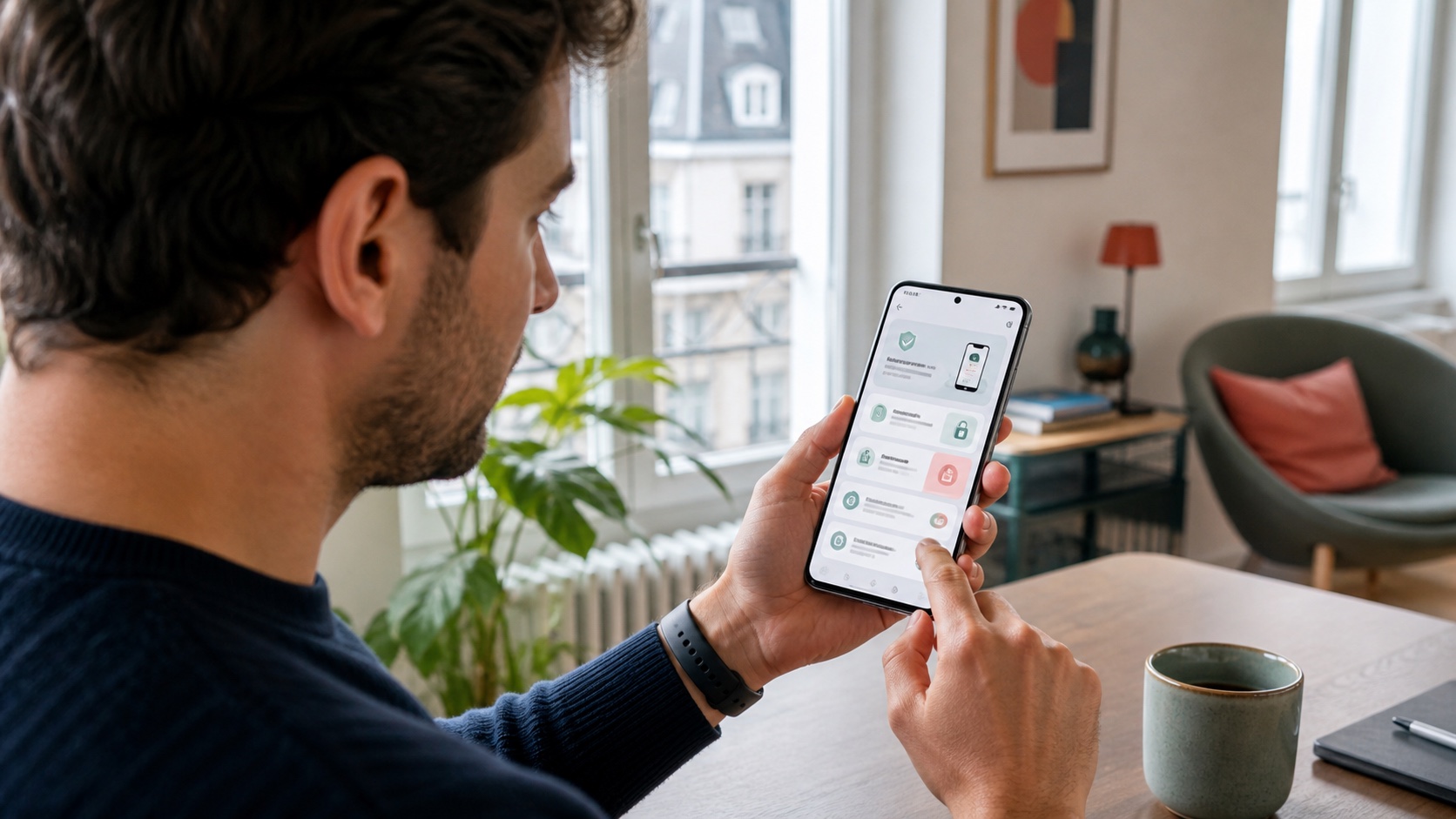
Android 17 has been available on the first Pixel devices since June 16, 2026 and is due to reach other eligible phones throughout the year. The update makes visible changes to multitasking, screen recording and foldables, but its most consequential additions may be the protections for personal data and stolen devices.
Should it be installed as soon as the notification appears? For most consumers, yes, after a backup and a few checks. Anyone who depends on a business application, medical accessory, authentication tool or mission-critical phone should confirm compatibility before starting.
The short answer
| Situation | Recommendation |
|---|---|
| Personal Pixel, recent backup, mainstream apps | Install when the stable release is offered in Settings. |
| Managed work phone | Wait for approval from the IT team. |
| Essential app not tested with Android 17 | Check with its publisher or wait a few days. |
| Nearly full storage or degraded battery | Free space, back up and plug the phone in first. |
| Ineligible phone | Never use a system image from an unofficial website. |
The rollout is gradual. A missing notification does not necessarily mean support has ended: timing varies by manufacturer, model, country and sometimes carrier.
Features users will notice first
Android 17 expands the idea of bubbles to more applications. Long-pressing an app icon can turn it into a compact floating window, keeping a map, note or video above the main screen. On larger displays, a dedicated bar provides quick switching and resizing.
This can make multitasking easier, but it can also clutter a small screen. After updating, enable bubbles only for apps that genuinely benefit. An urgent conversation or active route may deserve one; every social network probably does not.
Screen recording gains a new annotation toolbar and Screen Reactions. The latter records the display and front-facing camera together for demonstrations or reactions without a separate editor. Before sharing, review the recording for notifications, contact names and private information captured unintentionally.
A mode designed for foldables
Google also highlights a gaming mode for foldable phones. The screen can be divided between the game and dynamic touch controls, while external controllers gain native button remapping.
The mode is included in Android 17, but Google says availability will expand in the months after release. Every game and device will not deliver the same experience immediately. Phone makers still handle final integration and driver updates.
Under the interface, Android 17 introduces application memory limits to prevent one app from consuming excessive RAM. Google connects this change with stability and battery improvements. The real effect depends on hardware and software, so endurance should be judged over several charge cycles rather than during the first few hours of indexing and updates.
Permissions that are easier to limit
Android 17 lets users grant precise location temporarily. This addresses a common situation: an app needs an exact position for one task but has no reason to retain access. The system also lets people share selected contacts instead of handing over the entire address book.
These controls reduce the data exposed if an app is abused or compromised. They do not eliminate the need for regular permission reviews. An app requesting contacts, location, microphone and photos for a simple function deserves particular scrutiny.
After installation, open the permission manager and review location, contacts, microphone, camera and files first. Rarely used access can be removed and granted again when a legitimate feature asks for it.
Making a stolen phone harder to exploit
The enhanced “Mark as lost” option in Find Hub can lock a device with biometrics. Google presents it as protection for cases where a thief already knows the unlock code, preventing easier access to data or disabling of tracking.
Android 17 also reduces the number of PIN attempts and increases delays between failures. Live Threat Detection is intended to block more suspicious apps and scams, while enhanced Advanced Protection combines stronger defences for people facing sophisticated attacks.
Those features still require preparation. Find Hub must be enabled before a loss, the phone needs to use the correct account and recovery methods must be current. Use a non-obvious code, enable biometrics and keep two-factor recovery codes somewhere other than the phone.
Why the update arrives at different times
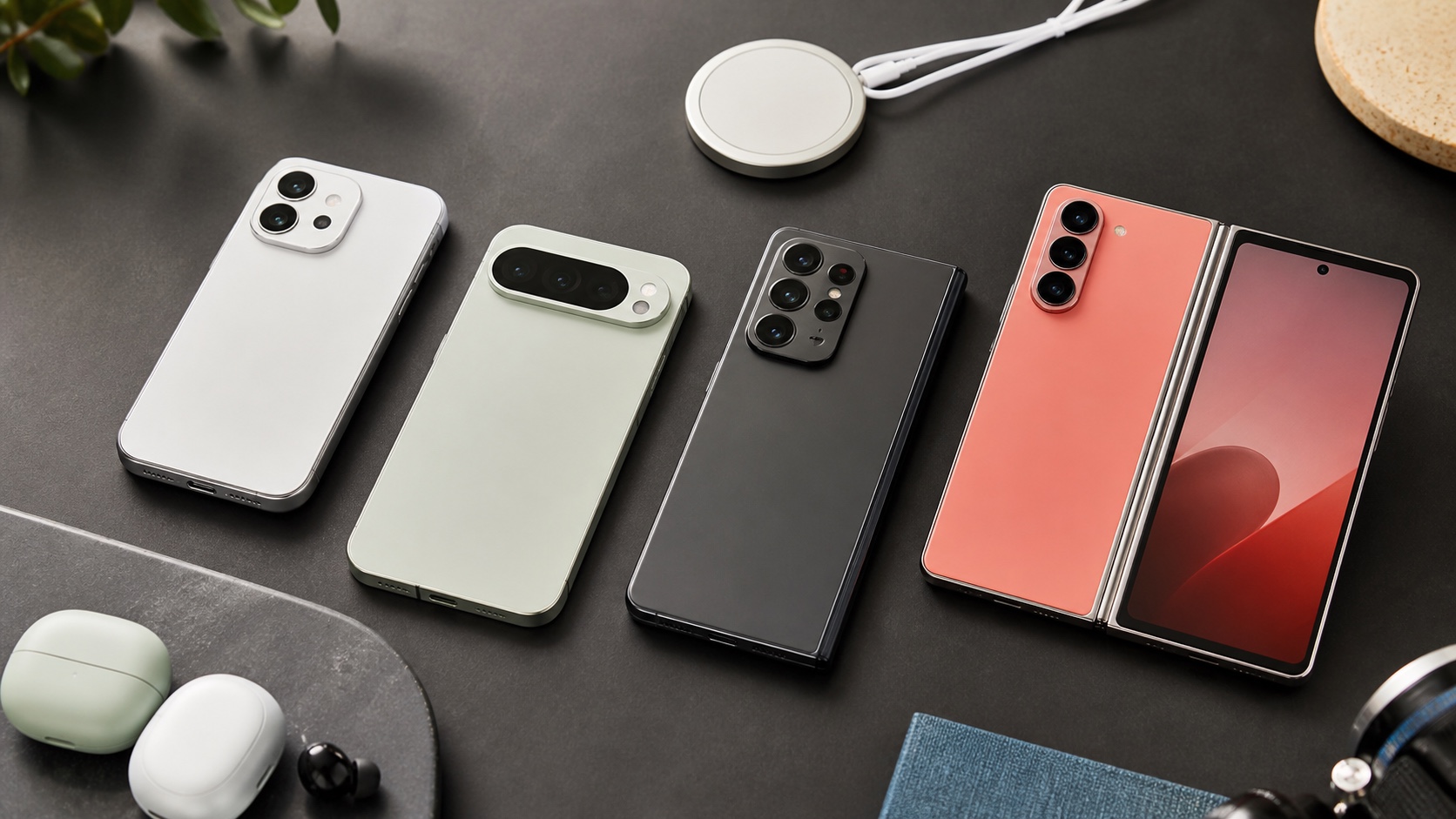
Google is rolling Android 17 out to compatible Pixels first. Other manufacturers then adapt it to their components, interface and validation schedule. Two phones purchased on the same day may receive it months apart.
A product name is not always enough to determine eligibility. One range can contain regional variants, different memory configurations or different chips. The reliable answer is the manufacturer's support list for the device's exact reference.
Do not force an install using a file from a forum unless you understand bootloader unlocking and recovery. The wrong image can erase data, stop the phone booting or weaken protections. For an everyday device, waiting for the official over-the-air package remains the safer choice.
The pre-install checklist
A major update can be prepared in less than fifteen minutes:
- confirm that important photos, contacts, messages and documents are backed up;
- make sure authentication codes can be restored or transferred;
- update applications through the official store;
- free several gigabytes beyond the stated requirement;
- charge and plug in the phone, then use reliable Wi-Fi;
- record important business or accessibility settings;
- check critical apps and USB or Bluetooth accessories;
- choose a time when the phone can remain unavailable.
A cloud backup may not cover everything. Downloads, some encrypted conversations, authenticator secrets and sensitive application data can require a separate export.
Checks after the restart
After Android 17 starts, test calls, SMS, mobile data, Wi-Fi and Bluetooth. Then open banking apps, two-factor authentication, contactless payment and work tools to catch a problem early.
Battery life may look worse for a day or two while the system optimises apps and rebuilds indexes. Persistent overheating, restarts or abnormal consumption after several cycles should prompt an inspection of active apps and a report to the manufacturer.
It is also worth opening Find Hub from another device, confirming that the phone appears and reviewing the new location and contact settings. A security feature that exists but is not configured does not yet protect its owner.
Update promptly, but not blindly
Android 17 includes protections that make indefinite postponement a poor choice. Finer location and contact controls, stronger lost-device locking and tighter PIN attempt limits all have practical value.
The right strategy is still not to tap the notification without preparation. A verified backup, an officially supported model and checks on essential applications turn a risky update into a controlled operation. A few days of observation is reasonable for a typical personal phone; a critical device deserves formal validation.
Join the discussion
Comments
Loading comments…