
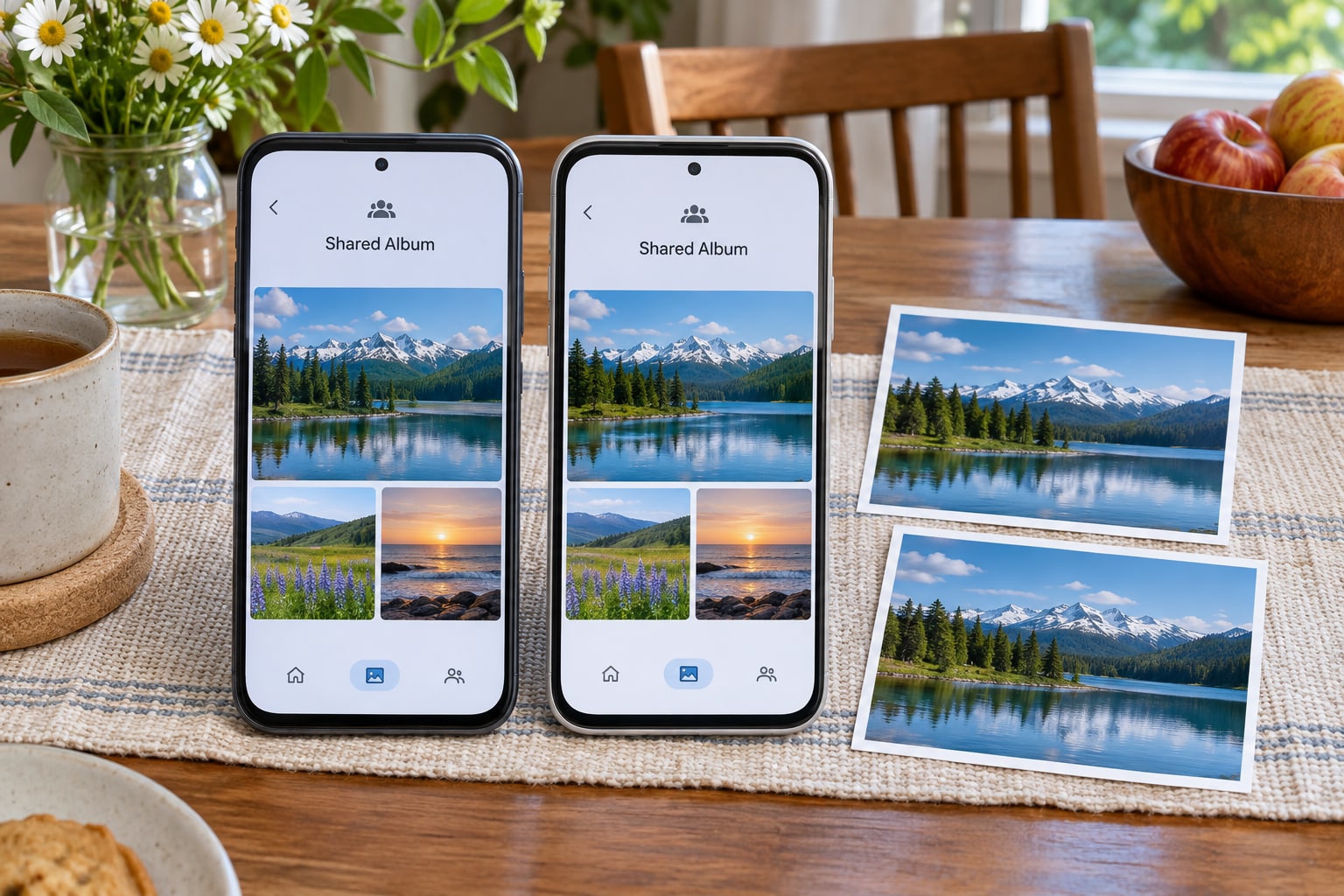
Sharing a chosen album and enabling automatic partner sharing are different commitments. With the latter, new images can enter the sharing flow without another manual selection every time. Understand the scope before relying on the word “shared.”
Google Photos help describes available filters and states that changing or deleting your version does not affect copies a partner already saved. This practical article was checked on November 12, 2026; it does not announce a newly launched feature.
Establish the account and purpose
Start with a simple question: do you want to send a few memories or maintain recurring access? A limited album link serves a different need from automatic sharing.
Verify the recipient address when inviting someone. A person with several accounts may accept with a different one from the account you intended. A displayed name should not be your only check.
For household use, explain what will be sent in future. Understanding the setting matters as much as receiving the first picture.
Review the filters actually offered
Google provides a starting-date filter and, where geographically available, selection by people. Read the choices in your interface rather than assuming every country or account has identical options.
When using an automatic filter, inspect a sample of what passes through. A selection mechanism does not replace a deliberate decision about a sensitive image.
Do not test by exposing private documents. Begin with ordinary pictures and verify from both accounts what actually appears.
Our recommendation is to review new categories of images when your use changes. A setting that suited holiday photographs may not suit a phone now used to scan paperwork.
Separate access withdrawal from a saved copy
Stopping sharing should not be described as deleting every copy the other person holds. An image already saved, downloaded or photographed needs separate consideration.
Agree on what can be retained and forwarded. The application can manage access; it cannot replace that agreement on its own.
If an image contains information that should not have left the intended group, address the information itself rather than only disabling a switch.
Revisit the arrangement when circumstances change
A different account, household or purpose justifies another access review. Remove what no longer serves a need and check the new material covered by sharing.
This complements our Google Photos archive-versus-delete article. Organising your library and managing transmitted copies are different problems.
The useful habit is understanding who can see what, both now and when the next image is saved. That is more precise than assuming a familiar sharing label always describes the same behaviour.
Cover visual: generated editorial illustration, not an official screenshot.
Join the discussion
Comments
Loading comments…