
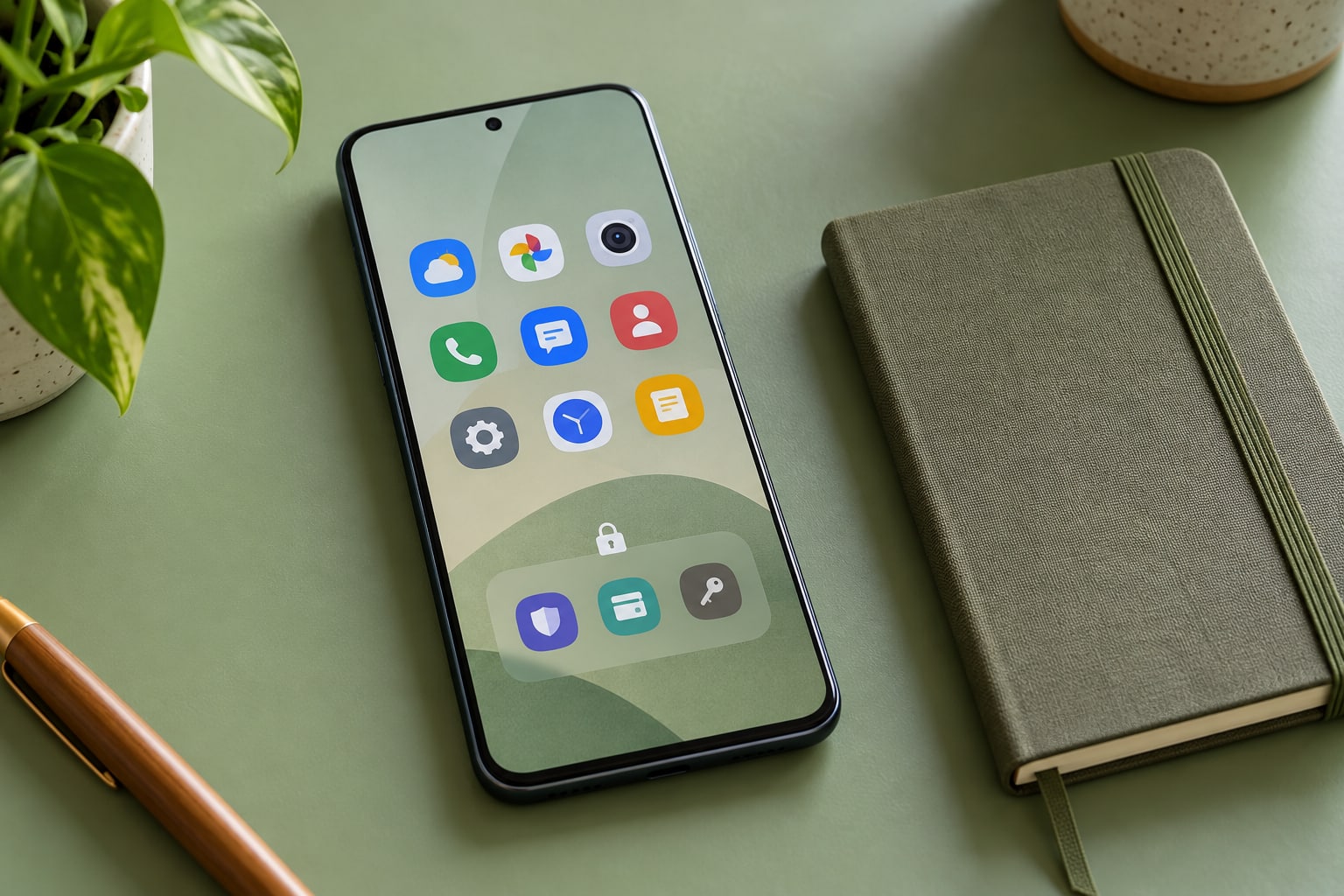
Handing someone your phone to show a photograph does not mean wanting to expose every application. Android Private Space separates some uses from the main profile. However, treating it as an ordinary hidden folder can cause a surprise: its apps behave differently when the space is locked.
This practical article examines an existing feature, not an announcement for this week. The goal is to choose what to isolate while understanding what that decision changes.
Separation affects how apps work
Google documents the feature for Android 15 and later, subject to device compatibility and manufacturer or management restrictions. When Private Space is locked, its applications stop and cannot deliver notifications.
Google also explains that its local data is excluded from the device backup. Deleting the space removes its applications and local data. Separation, backup and recovery should not be treated as interchangeable promises.
Start with a non-essential application
Our advice is to experiment with a task whose interruption will not cause trouble. Observe what happens after locking and unlocking the space before putting important workflows there.
Ask what you actually expect from the application. If its purpose depends on an immediate alert, putting it somewhere you frequently lock may defeat that purpose.
That question is more useful than a universal list of applications everyone should hide. The same messaging service may be occasional entertainment for one person and essential family coordination for another.
Plan recovery before relying on isolation
We recommend checking how each service recovers its data separately. Possessing a phone, knowing a local unlock code and recovering an online account are different requirements.
Before deleting or resetting the space, open important documents and verify that an appropriate copy exists elsewhere. Trying the process with an unimportant file can clarify the procedure without putting a unique document at risk.
Also avoid creating additional accounts without a reliable way to find them again. Useful separation should not become an access problem discovered only when replacing a phone.
Discretion is not absolute invisibility
Google notes that the presence of Private Space can remain detectable in some circumstances. It should not be advertised as universal protection against technical inspection.
For everyday use, a more practical approach is to decide what should be separate, test what stops running and prepare recovery. Private Space can then be a deliberate choice rather than a reassuring switch whose limitations appear at the worst possible moment.
Keep the experiment small enough that you can reverse it without disrupting daily life. Understanding one application's behaviour is a stronger starting point than moving several essential services at once.
Cover image: generated illustration, not an official Android screenshot.
Join the discussion
Comments
Loading comments…