
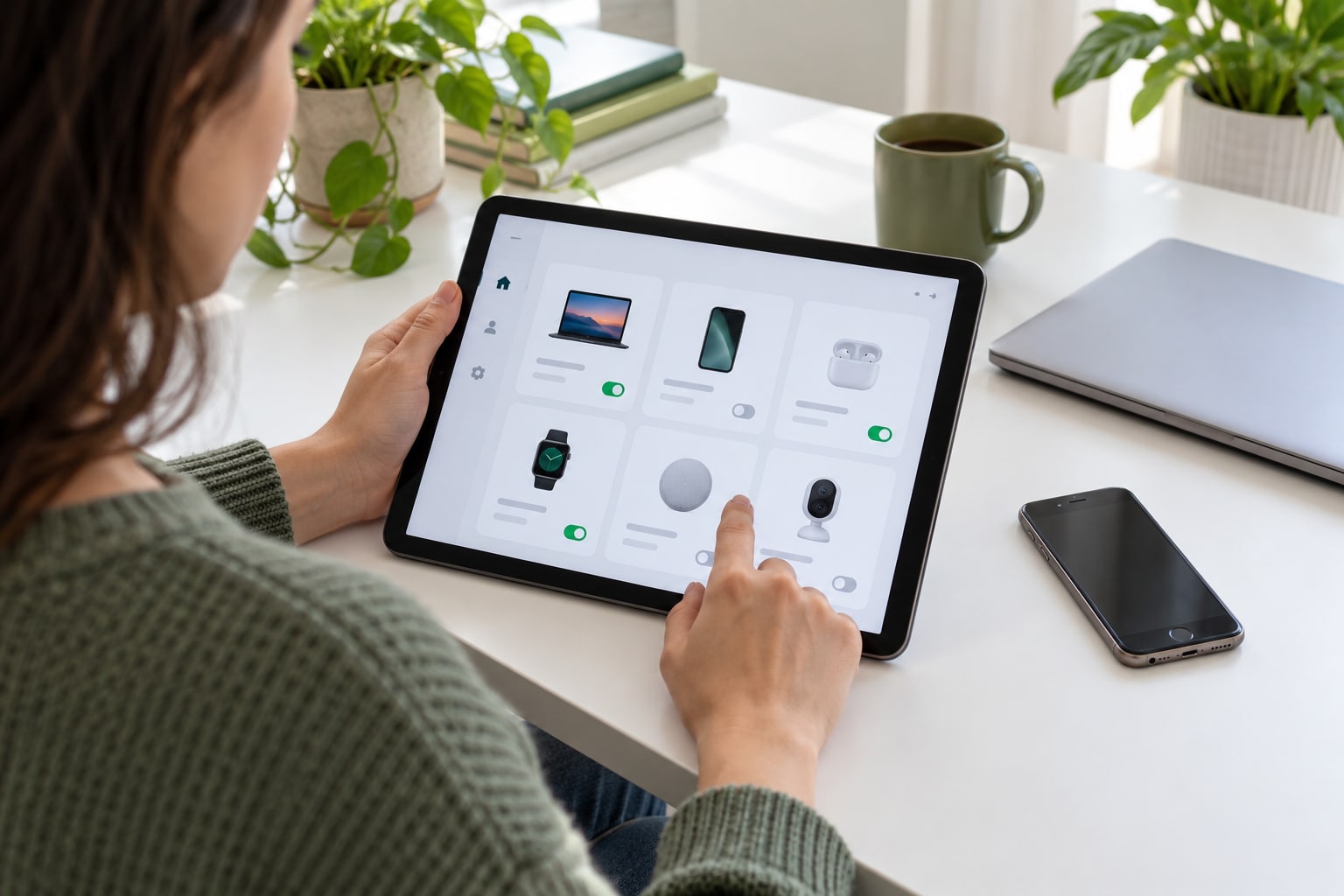
A replaced phone, borrowed computer or sign-in during a trip: account access accumulates easily. Google's device list provides a way to review it without waiting for an alarming notification.
This practical article covers an existing feature. It does not treat every unfamiliar name as evidence of intrusion or promise a tool that certifies an account is safe.
Read sessions in context
Google explains that security settings show recent devices and sessions, with options to sign out of those you do not recognise. Several sessions may relate to the same kind of device.
The official help page also explains activity details. Our advice is to inspect them rather than draw conclusions from one label alone.
Reconstruct your own usage
Start with current devices and those recently replaced. Remember deliberate sign-ins elsewhere, without inventing excuses for an entry that is genuinely unexplained.
We suggest reviewing from a trusted device at a calm moment. The goal is to understand access, not to click quickly because an unexpected message demands immediate action.
Reach settings through your usual route instead of a suspicious alert's link. A good verification habit should not depend on trusting an unexpected email first.
Handle old devices deliberately
Review access when replacing, lending long-term or giving away equipment. The account list is part of that task, not a substitute for preparing the device itself.
Coordinate when several people use the same machine. Signing out without warning can interrupt legitimate work; leaving unnecessary access through forgetfulness is not a better alternative.
Keep a reliable way to recover the account afterwards. Cleaning up access should not leave you dependent entirely on a phone you have just stopped using.
Know when cleanup is insufficient
If an access event remains genuinely unexplained, follow the official account-security process and examine other available evidence. Do not reduce a possible incident to removing one row from a list.
This complements preparing Find Hub on Android. Finding a device and controlling account sessions are related but separate requirements.
A short, regular review makes the next replacement easier. The useful outcome is knowing which devices still have a reason to access the account, rather than preserving every old session by habit.
Keep any personal notes modest and free of passwords or sign-in codes. The review needs a recognisable account and device history, not another unprotected store of credentials created in the name of organisation.
Cover: generated illustration; no real personal account or device information is shown.

Join the discussion
Comments
Loading comments…