
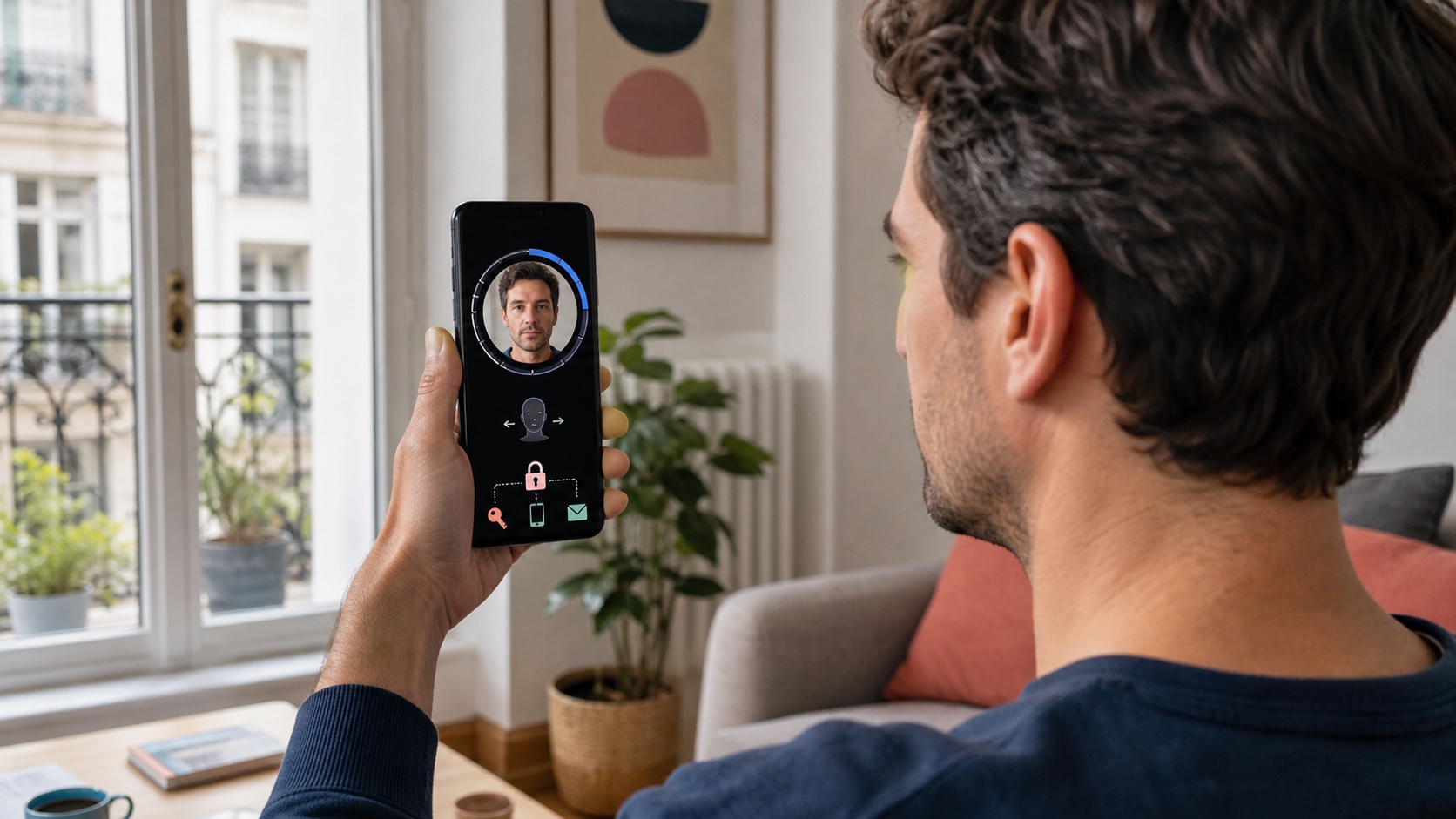
Google is adding another way to avoid permanently losing access to Gmail, Photos or Drive: selfie video recovery. A user records a short guided video of their face in advance. If they later cannot sign in, a new recording can be compared with the saved reference to confirm their identity.
The feature offers another route when the usual phone is lost, verification codes are unavailable or other methods fail. It also means entrusting Google with an additional biometric record. Enabling it should be an informed choice within a set of recovery methods, not a replacement for every alternative.
The short answer
| Question | Answer |
|---|---|
| Does selfie video replace a password or passkey? | No. It is primarily a recovery and verification method. |
| Can it be added after access is lost? | No. It must be configured before the account is locked. |
| Is it available to everyone? | No. Availability depends on region, account and device. |
| Are Workspace accounts eligible? | Not currently, nor are child or Advanced Protection accounts. |
| Can the video be deleted? | Yes, in account settings, although deletion can take time. |
| Should recovery email and phone be removed? | No. Several independent methods remain preferable. |
Google provides a dedicated page to check eligibility. A missing setting is not necessarily an error because the feature has not reached every user, region or device.
How verification works
During setup, the user looks at the camera and follows a few guided head movements. Multiple angles provide a richer reference than a still photograph. During recovery, Google requests another video with a specific action and compares both recordings.
That movement is a liveness check intended to make a printed photograph, another screen or a prerecorded clip less effective. Google says the comparison is combined with its standard protections against suspicious sign-in attempts.
The process is not an absolute guarantee against impersonation. Synthetic media techniques evolve and no biometric system is infallible. Its value comes from adding a distinct signal that is difficult to reproduce together with account history, a known device and other recovery factors.
Prepare it before something goes wrong
The most important constraint is timing: a selfie video cannot be added while locked out or already going through recovery. Setup must happen while the user still controls a trusted session.
The option appears under Security and sign-in in the Google Account. When available, the user grants camera access, keeps eyes, nose and mouth visible, removes sunglasses, masks or hats and avoids faces in the background.
A computer camera can handle the recording. If none is available, Google may display a QR code to continue on another device. Official help also recommends updating Chrome when a camera-unavailable error occurs.
Which accounts are excluded?
Google says selfie video is not available everywhere. Google Workspace accounts, child accounts and accounts enrolled in the Advanced Protection Program cannot add one at present.
Those exclusions matter to families and businesses. An employee should not work around organisational policy with a personal account. Recovery for a work account belongs to the Workspace administrator and the employer's internal process.
Advanced Protection users already follow a stricter flow designed for highly exposed people. The missing selfie option does not mean weaker security, but a different recovery model built around tightly controlled factors.
What does Google retain?
According to Google, the video is recorded with consent, encrypted at rest and used to help the owner sign in. It is not used for additional purposes unless the user grants separate permission.
An optional setting can allow Google to use the video and related data to improve face recognition, age estimation and other verification methods. Participation can be revoked. The two choices should be read independently: retaining a reference for recovery does not require contributing to service improvement.
The video can be deleted from account settings. Google's help page says deletion happens after a period of time and longer retention may apply following policy violations. Removing the reference naturally ends its future use for sign-in.
Update the reference after major changes
Matching may become less reliable after a significant change in appearance. Google recommends replacing the saved video in that situation. Surgery, injury or another lasting facial change may warrant an update.
Ordinary ageing or a haircut should not require constant recordings, but the documentation gives no universal threshold. After a marked change, update the reference while the other sign-in methods still work.
Recording conditions also matter: even lighting, a clean camera, a fully visible face and no portraits in the background. A poor reference is most likely to fail exactly when it is needed.
Keep several independent recovery methods
Selfie video requires a camera, connectivity and service availability. It can fail after an appearance change, device damage or eligibility change. Resilient recovery therefore uses independent methods.
A personal account can combine:
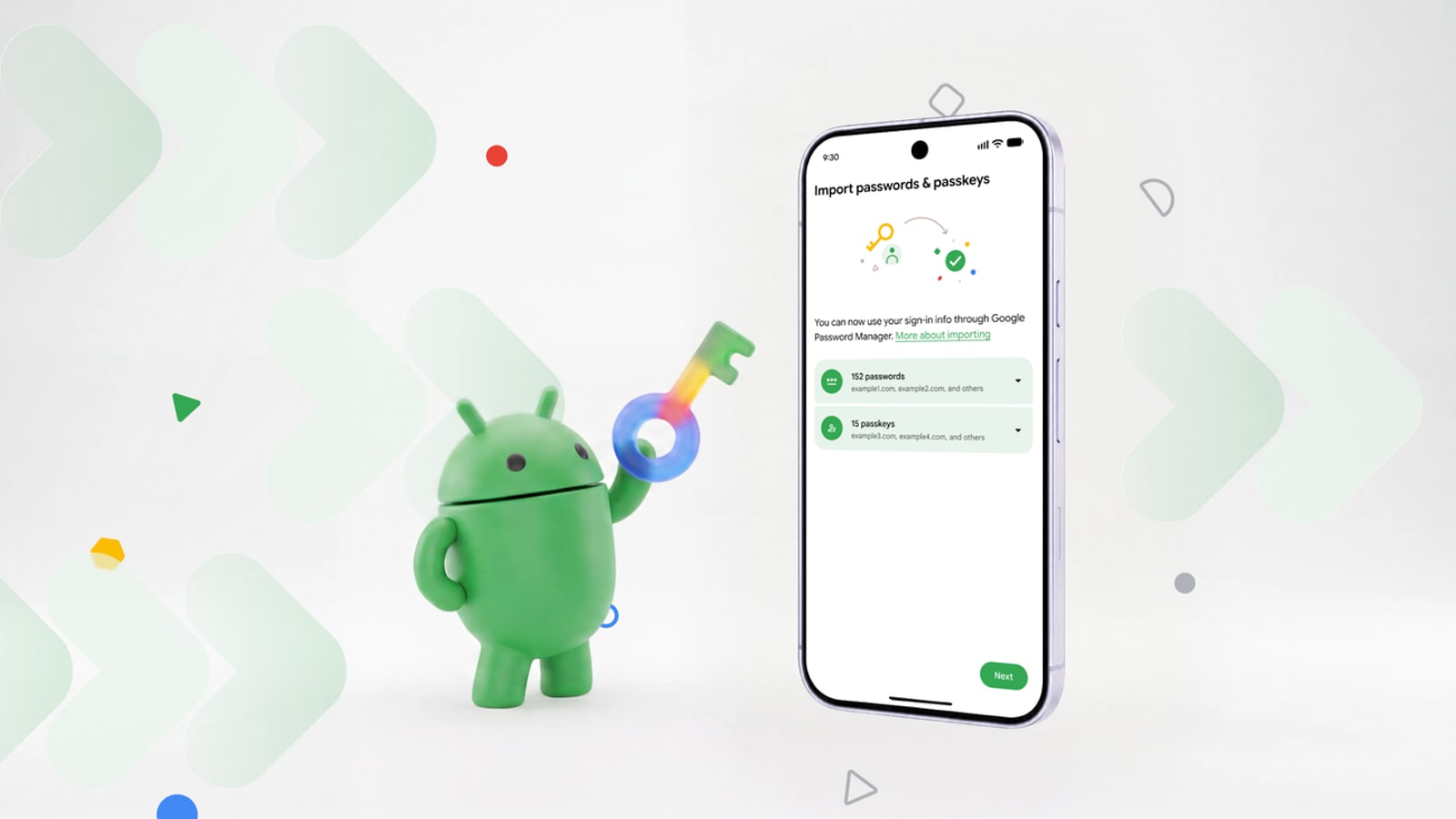
- passkeys saved on more than one controlled device;
- a current recovery email secured separately;
- an accessible phone number;
- a genuinely trusted recovery contact;
- offline backup codes;
- selfie video when eligible.
A recovery contact must also be added in advance. Google allows up to ten, but applies a waiting period after acceptance before they can assist. Choose somebody who can respond quickly instead of turning the whole address book into a trust circle.
Watch for fake recovery services
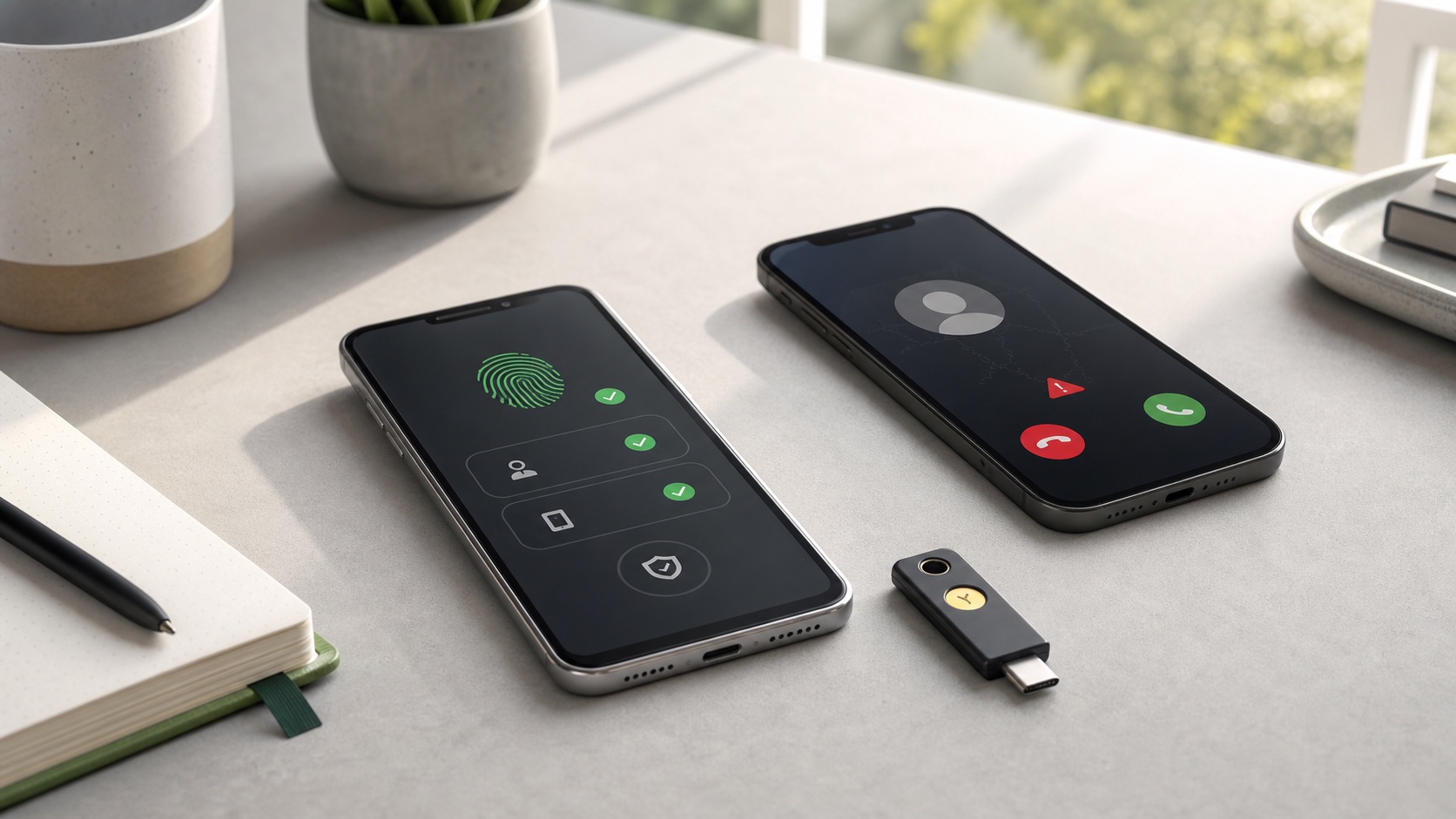
A biometric method gives scammers a new pretext. An email may claim that a video must be “renewed immediately,” lead to a fake sign-in page and request a password, code or facial recording.
Setup should begin in Google Account settings or at Google's official address, never from an unexpected link. Google states that it does not work with third-party account or password recovery services. Never provide a verification code to somebody promising to unlock Gmail.
An unexpected video request paired with urgency or a closure threat should be treated as suspicious. Close the message, open the Google Account in a new window and inspect security alerts there.
A five-minute checklist
Before enabling the feature:
- verify that the address genuinely belongs to Google;
- update the phone or browser used for recording;
- review existing recovery emails and numbers;
- distinguish recovery storage from the optional service-improvement setting;
- record in a private, well-lit place;
- retain at least one fallback that does not rely on the same phone;
- note that the method is configured without storing the video elsewhere.
For an essential account, testing alternatives is more valuable than accumulating stale methods. An inaccessible old email or cancelled phone number creates false confidence.
A useful option, not a universal identity system
Selfie video addresses a genuine problem: proving account ownership after normal devices and codes disappear. Guided movement and comparison with a prepared reference can make recovery more accessible.
It should not be confused with a general requirement to show a face to use Google, or with a passkey replacement. For users comfortable with storing the biometric record, it adds another safety net. For those who are not, email, phone, recovery contacts and backup codes remain viable methods that deserve careful maintenance.
Join the discussion
Comments
Loading comments…