
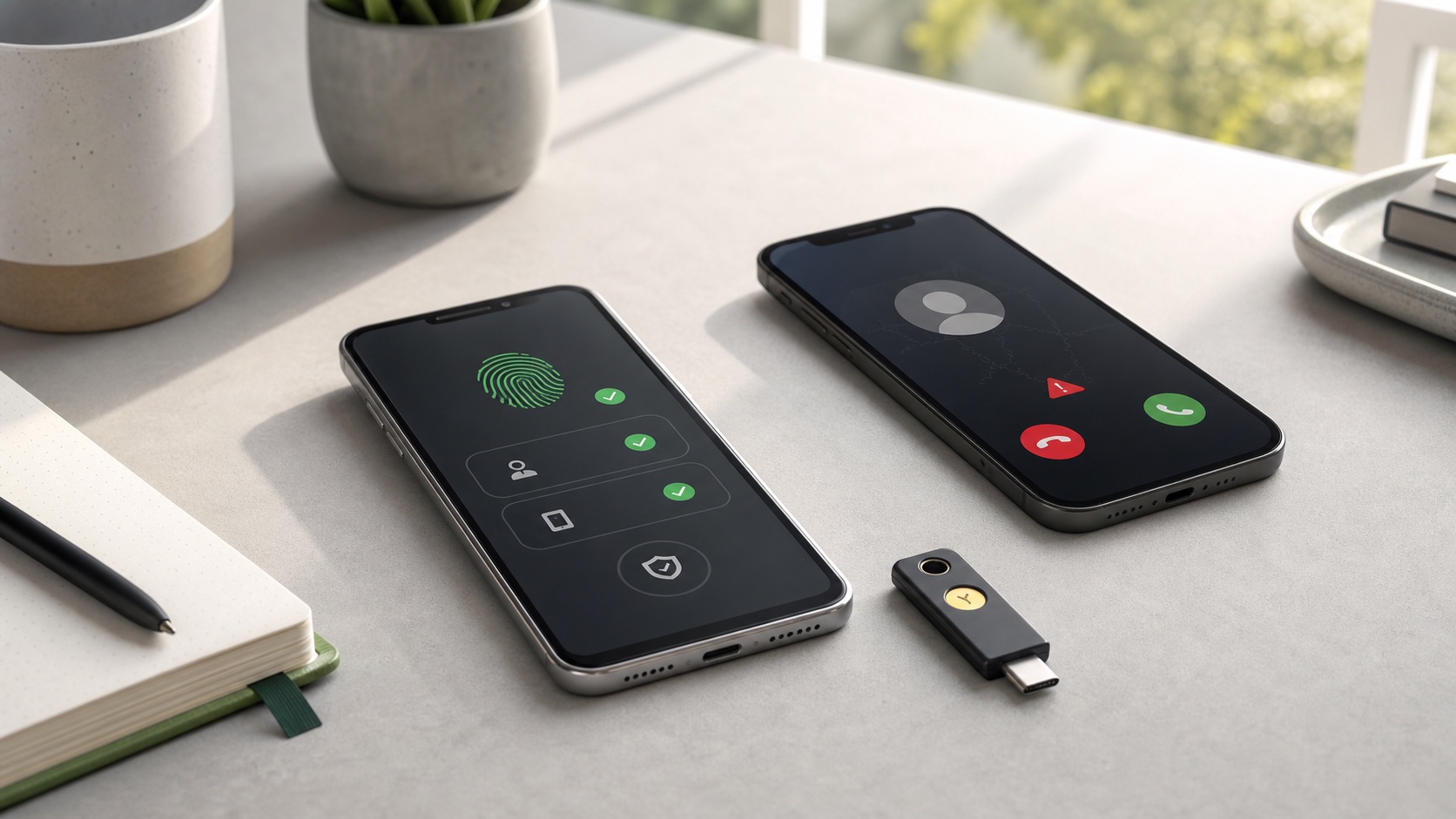
WhatsApp is adding three protections against account theft and fraudulent calls. The app now supports multiple passkeys for one account, turns its verification PIN into a full password and provides more context before users answer an unknown number.
The short answer
| Feature | Practical effect |
|---|---|
| Multiple passkeys | One account can be protected on Android and iOS without relying on SMS. |
| Verification password | The six-digit PIN can become a longer, more complex string. |
| Caller context | Android can show the number’s country and shared groups. |
WhatsApp says more than one billion people already use a passkey. Other features may still roll out gradually depending on platform and app version.
Passkeys resist phishing more effectively
A passkey associates an account with a cryptographic key held by the phone or its credential manager. Authentication uses the device lock: fingerprint, face recognition or local PIN. There is no reusable secret to enter into a page that could be imitated.
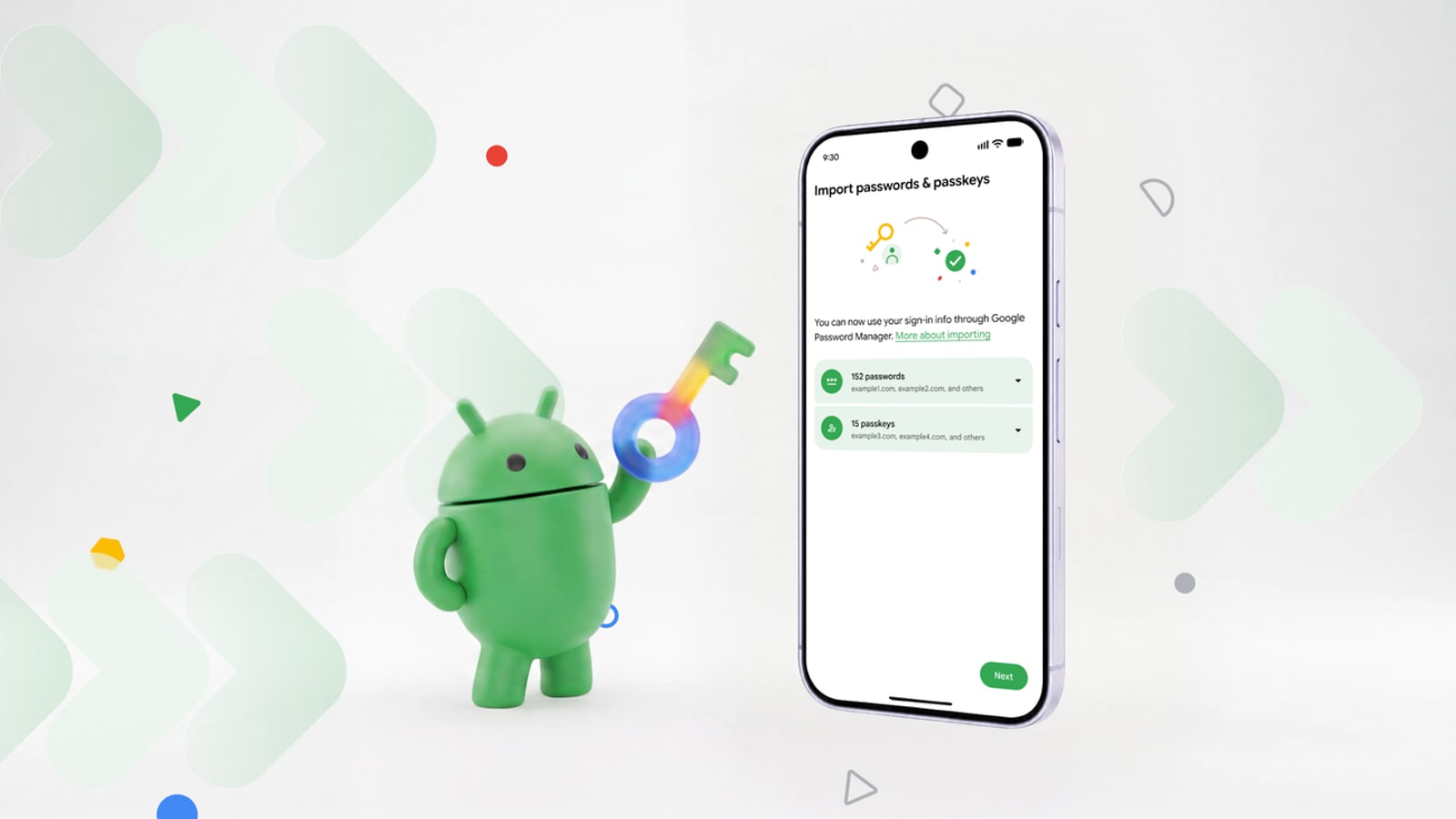
Multiple passkeys solve a practical problem for people switching between Android and iPhone. Before removing an old device, make sure another method works and remove the key associated with a sold or recycled phone from account settings.
A proper password for the second check
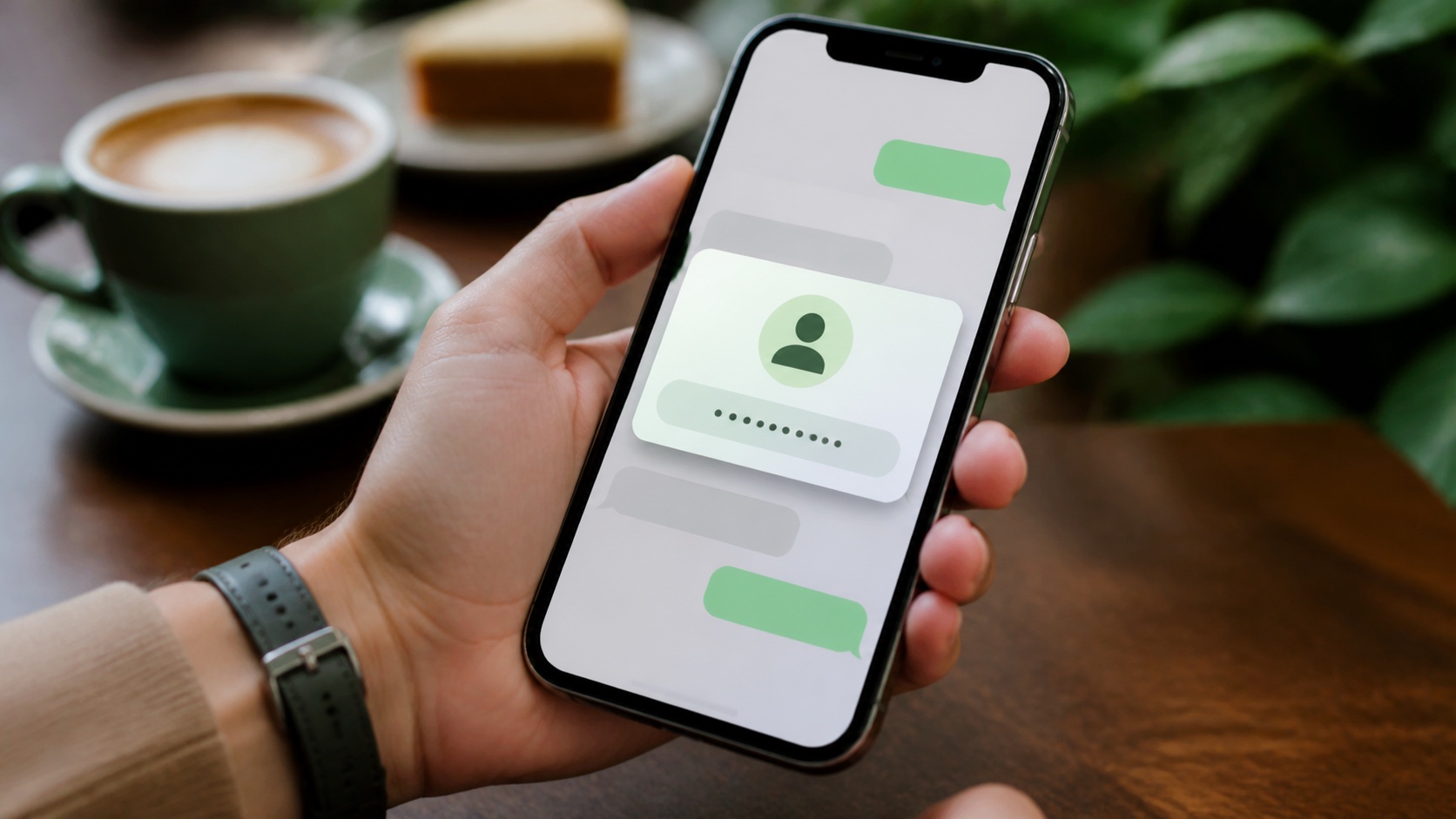
The six-digit PIN had a limited search space and encouraged predictable choices. WhatsApp now accepts an alphanumeric password with special characters. This protection applies when an attacker has already obtained the one-time registration code.
Choose a unique value and keep it in a password manager. Never send it to someone claiming to work for support. WhatsApp will not ask for this secret in a chat.
More clues before answering
On Android, a call from a number outside the address book can show its country and whether the caller shares groups with the recipient. Those clues create a useful pause when a call uses urgency, a common pattern in fake adviser and distressed-relative scams.
A shared group does not prove identity. A compromised account may also belong to a real acquaintance. If the caller requests money, a code or an app installation, hang up and contact the person through an established channel.
Settings worth checking
Open Settings > Account > Passkeys to review registered keys, then enable two-step verification with a unique password. Under Privacy > Calls, silencing unknown callers remains useful for people receiving many unsolicited calls.
Keep both the app and operating system updated. Message encryption does not protect an account successfully transferred to an attacker or an already-unlocked phone.
These changes make account takeover harder without changing conversations. Their effectiveness still depends on configuration: an unused passkey and a password reused elsewhere remain theoretical protection.

Join the discussion
Comments
Loading comments…