
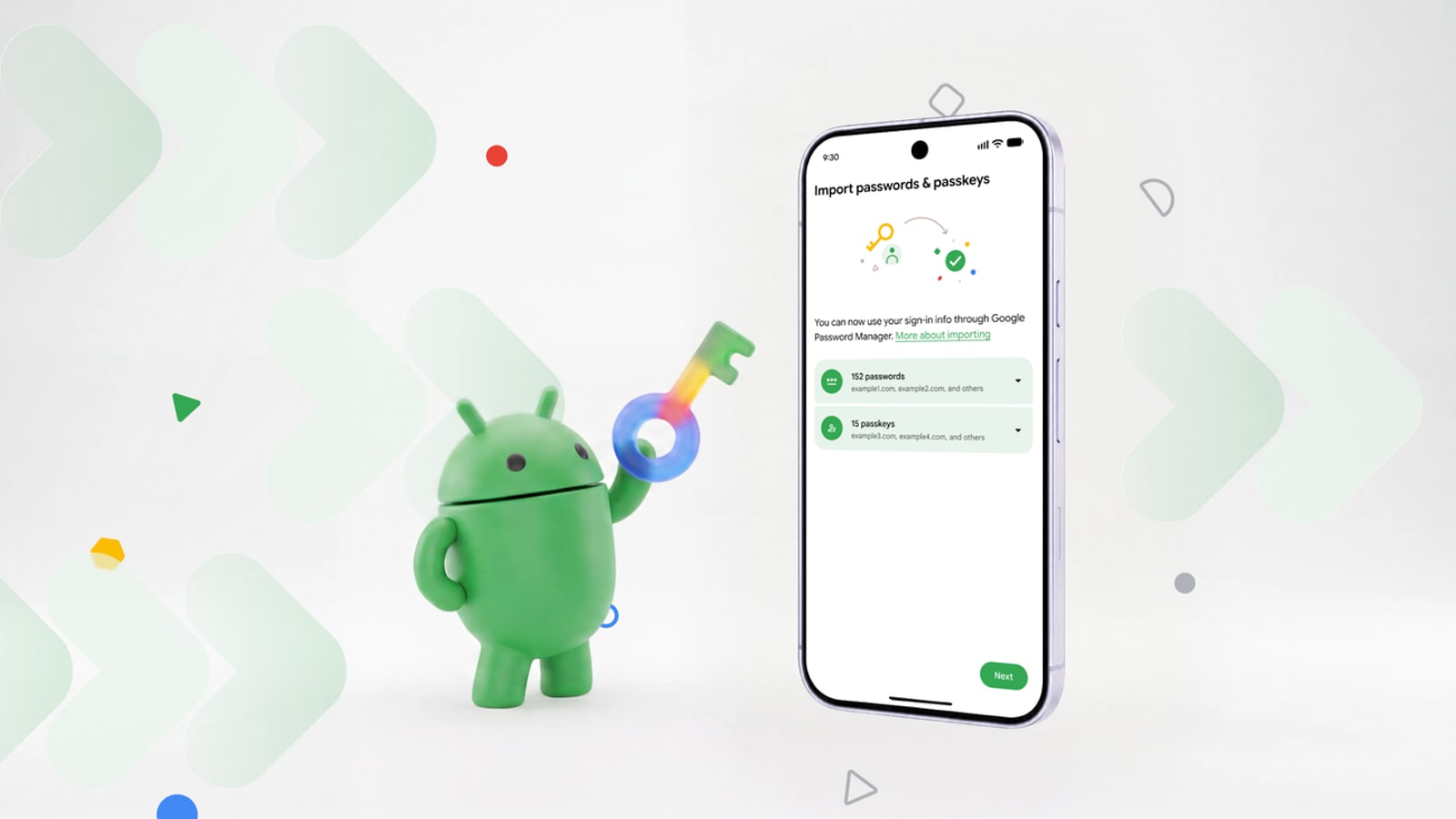
Google is rolling out direct transfers between compatible password managers on Android 8 and later. The system avoids plaintext CSV exports and can also move passkeys, which have historically been harder to migrate than conventional credentials.
Quick answer
| Question | Answer |
|---|---|
| What can move? | Supported passwords and passkeys. |
| Is a plaintext file created? | No, data moves directly between apps. |
| Which services are involved? | Google Password Manager, 1Password, Bitwarden and Dashlane are announced. |
Why CSV exports were risky
Switching managers often meant exporting every credential into a readable file. A forgotten copy in Downloads, cloud backup or trash could expose an entire account collection. Direct transfer narrows that risk window and guides the user through a system flow.
It also improves competition. A vault should not retain customers simply because leaving is unsafe or incomplete. Portability becomes part of the trust model.
Passkeys become genuinely portable
A passkey uses a key pair rather than a typed secret. Migration therefore requires a provider-supported protocol that does not reveal the private key to an intermediary app. Android coordinates that hand-off between source and destination managers.
Compatibility may still differ by provider, account and installed version. Users should audit the result, test essential accounts and keep the old vault temporarily available.
A careful switching checklist
Update Android and both managers, start the transfer from their settings, and authenticate every step. Test several sign-ins afterward, especially passkeys and accounts protected by two-factor authentication. Finally set the new provider as the autofill service.
Do not delete the old vault until synchronization has been checked on other devices. A transfer does not automatically remove copies that already exist elsewhere.
Better portability is not a backup
The feature reduces plaintext handling but does not replace account recovery or an emergency plan. Keep recovery codes for important services in a separate secure location. With that precaution, Android removes a major source of lock-in and makes passkeys less dependent on one provider.

Join the discussion
Comments
Loading comments…