
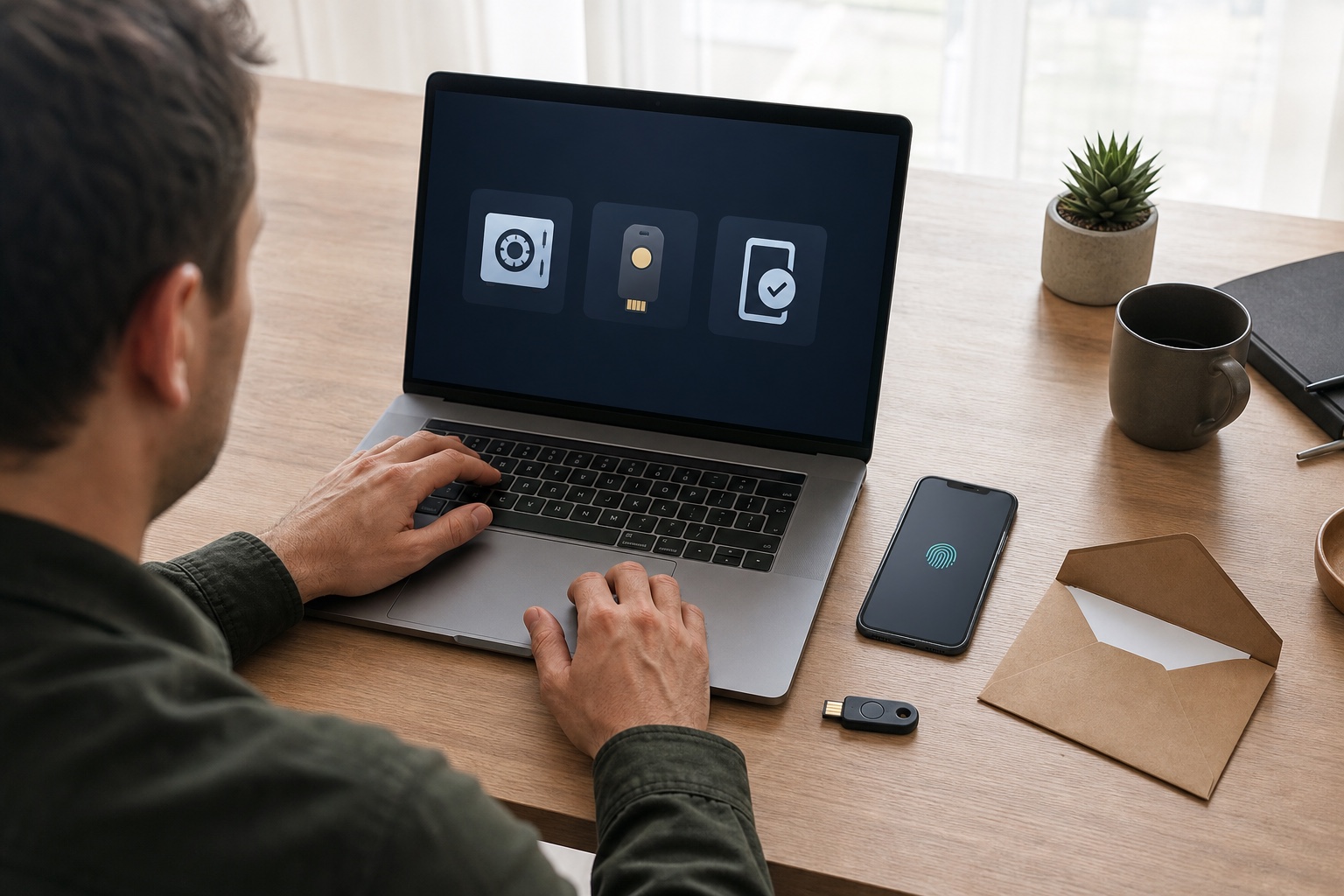
Should you install a password manager, adopt passkeys or enable MFA? The question sounds like a choice between three competing products. In practice, these terms describe different layers of protection.
A password manager makes unique passwords usable at scale. A passkey replaces the password on a compatible service with a cryptographic key pair bound to the legitimate domain. MFA is a process requiring multiple factors; it may combine a password with a code, use a security key or use a passkey unlocked locally.
The short answer is: use passkeys on compatible accounts, a manager for every password that remains and phishing-resistant MFA for sensitive access. Recovery quality matters as much as the sign-in method.
The one-minute decision table
| Situation | Prioritise | Add | Why |
|---|---|---|---|
| Account supports passkeys | synced passkey for a consumer | second device or recovery method | simple and phishing-resistant |
| Email, cloud or bank without passkeys | unique password in a manager | app, key or integrated MFA | limits reuse and adds a barrier |
| Administrator or critical work access | device-bound passkey or security key | second physical authenticator stored separately | stronger control and managed recovery |
| Hundreds of mixed accounts | password manager | progressive passkey migration | immediate coverage of existing services |
| Service only offers SMS | unique password and SMS enabled | monitor for stronger options | SMS remains better than no MFA |
| Shared or legacy device | manager with short lock time | compatible MFA and sign-out procedure | synced passkeys do not fit every environment |
This is not an absolute ranking. The appropriate level depends on compromise impact, available devices, service support and the ability to recover access without creating a weak fallback.
Three tools solving three problems
A stolen password can be tried on its original service and then against other accounts when it has been reused. A manager primarily fixes the second problem by generating a different secret for every site and filling it without requiring memorisation.
It does not make that secret phishing-resistant. A fake site can still receive the password if the user forces autofill or copies it. The manager provides a useful warning when it does not recognise the domain, but protection still depends on human response.
MFA adds another proof. Factors are not equal. An SMS or TOTP code entered manually can be relayed through a fraudulent page in real time. NIST therefore does not classify these OTP methods as phishing-resistant, although they block many attacks based on a password alone.
A passkey uses WebAuthn: the service retains a public key while the device protects the private key. The cryptographic response is bound to the service domain, so a fake domain cannot simply capture and replay it. A PIN or biometric unlocks the key locally; the website does not receive the fingerprint or face.
Our article on passkeys and phishing-resistant MFA explains the mechanism in more detail. Here, the task is integrating it with the large set of accounts that still use passwords.
When a password manager remains essential
Passkey adoption is growing, but many services still require passwords. Others allow a passkey while retaining the password as a fallback. A manager therefore remains the most universal foundation in the near term.
It provides four practical benefits:
- generate a long, unique secret for every account;
- associate that secret with the legitimate domain;
- share work access without sending passwords through messages;
- identify reuse and exposed credentials when the product supports it.
Do not select a manager on interface design alone. Check:
- end-to-end encryption and published architecture documentation;
- recent independent audits and public incident handling;
- support for your browsers, phones and operating systems;
- export in a usable format to avoid lock-in;
- controlled sharing, logs and revocation for teams;
- passkey support if it will manage the transition;
- the recovery path and what the provider can actually restore.
The master password should be unique, long and memorable. Do not keep it as a note inside the vault it unlocks. Enable a strong authentication method on the manager account and keep its recovery kit offline in a protected location.
A vault concentrates secrets, increasing the consequence of compromise. That concentration must be compared with the real alternative: reused passwords, spreadsheets, email and scattered notes. For most people and small teams, a reputable manager configured properly materially reduces overall risk.
Synced or device-bound passkeys
The word passkey covers two operational models.
A synced passkey is backed up by a passkey provider and becomes available on devices attached to the same account. It simplifies phone replacement and daily use. For consumers, it is generally the best balance between security and convenience.
A device-bound passkey never leaves the phone, computer or security key that created it. It reduces reliance on a cloud sync mechanism and can meet higher assurance needs. In exchange, users must register another authenticator before losing the first.
| Criterion | Synced passkey | Device-bound passkey |
|---|---|---|
| Phone replacement | restore through the provider | new enrolment required |
| Multiple devices | simple within one ecosystem | requires the key or enrolled device |
| Main risk | compromise of the sync-provider account | loss of the only authenticator |
| Natural use | personal accounts and standard workforce users | administrators, managed or regulated environments |
| Recommended recovery | strongly protected provider account and second device | two separately stored keys or devices |
A synced passkey is not simply a password in the cloud. It remains a service-specific cryptographic key that resists phishing. Its restoration security does, however, depend on the passkey provider. For sensitive work accounts, the organisation should decide which sync models and devices are allowed.
MFA is a property, not one particular app
MFA means that authentication combines at least two categories: something the user knows, has or is. Two passwords are not two factors. In a passkey flow, biometrics are not sent to the server either; they locally activate the authenticator held on the device.
Common methods compare as follows:
| Method | Resists a stolen password | Resists real-time phishing | Depends on a phone |
|---|---|---|---|
| SMS | yes in many scenarios | no | yes, and on the carrier |
| Authenticator-app TOTP | yes | no | usually |
| Approval notification | yes | not always; fatigue and misleading prompts remain possible | yes |
| Passkey with local verification | yes | yes | depends on support and provider |
| FIDO security key | yes | yes | no when the key is standalone |
Do not remove imperfect MFA before registering its better replacement. If a service only offers SMS, enabling it is generally safer than relying on a password alone. Improve first the accounts that unlock others: email, password manager, sync provider, cloud, finance and administration.
Recovery is your fallback authentication
A robust login can be bypassed when support returns an account to anyone with an email address and public information. Conversely, impossible recovery can permanently lock out a legitimate user after a phone is lost.
NIST recognises saved recovery codes, codes sent to verified addresses, trusted contacts and repeated identity proofing. The practical user rule is to keep two independent ways back in without storing both in the same place.
Before closing a critical account's settings:
- register two passkeys or keys where supported;
- verify recovery email and phone details;
- print or record backup codes and store them offline;
- remove former devices and contacts;
- test sign-in from a second device;
- explain the emergency procedure to whoever may need it.
Do not store the password manager's only recovery code exclusively inside that manager. A company should keep emergency access in a separate control requiring multiple authorised people and audit every use.
A practical setup for an individual
Start with primary email and the Apple, Google or Microsoft account synchronising the device. They often control recovery everywhere else.
A balanced setup takes six actions:
- choose a manager and create a unique master password;
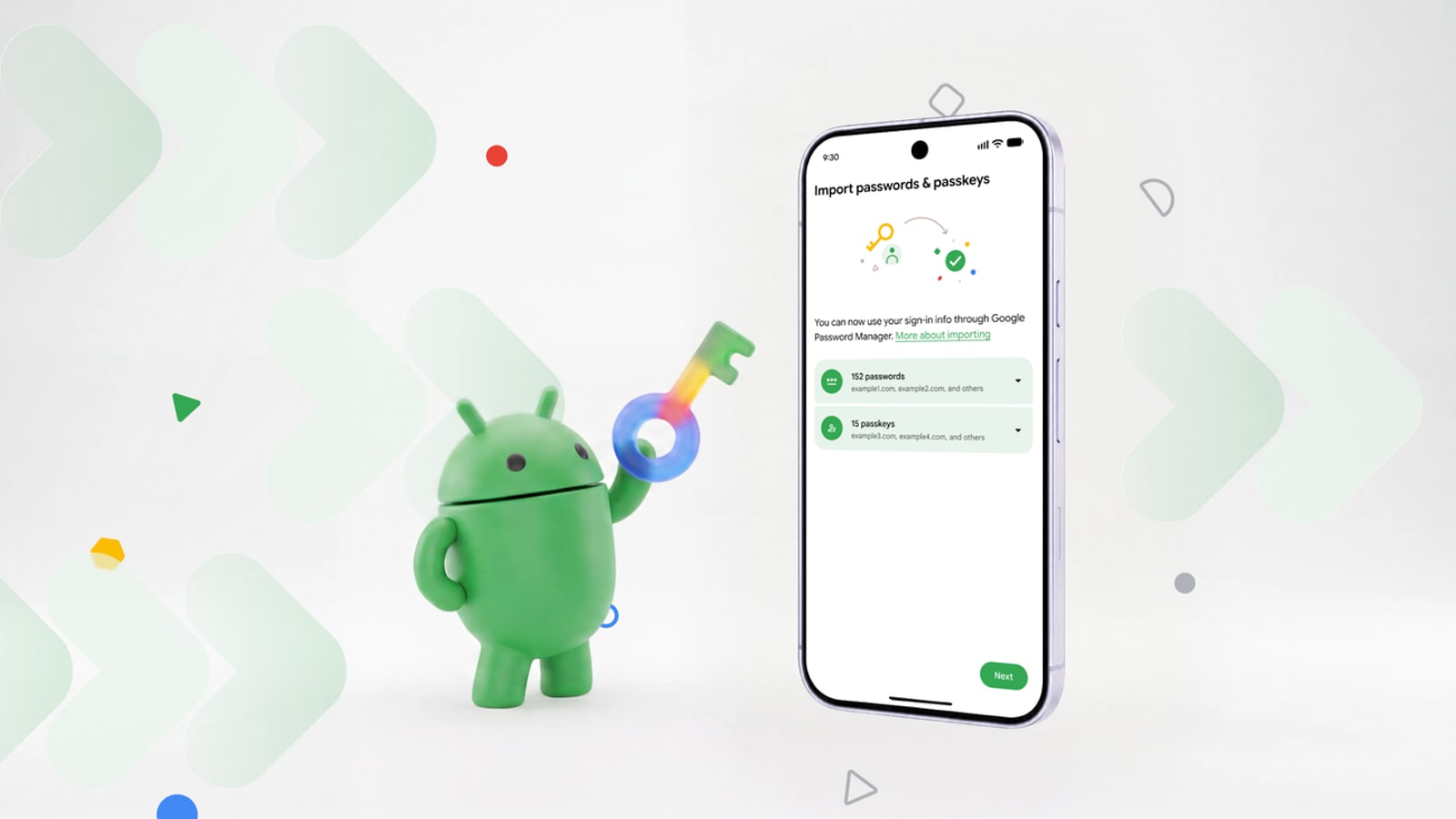
- import credentials, then progressively replace reused passwords;
- enable a passkey on email and major accounts where offered;
- retain authenticator-app MFA on services without passkeys;
- keep recovery codes offline;
- add a second device or security key for accounts that anchor the whole chain.
Families should also define sharing boundaries. A family vault can share a subscription or Wi-Fi credential without exposing every personal account. Shared devices need separate sessions; registering all passkeys into a common profile removes part of the benefit.
A practical setup for a freelancer or small business
The company should separate personal and work identity. A team vault transfers access when someone leaves without revealing their master password. An identity provider should centralise MFA, groups and revocation wherever possible.
Roll out by risk:
- administrators, email, payroll, banking, cloud and source repositories;
- staff with sensitive-data access;
- ordinary applications and legacy accounts;
- service accounts, which need managed secrets rather than a human passkey.
For administrators, prefer security keys or passkeys bound to managed devices, with two authenticators registered. For staff, synced passkeys in a managed work profile may offer a better balance. Document allowed personal devices, enrolment, offboarding and emergency access.
Our small business cybersecurity priorities place identity strategy alongside backups, updates and incident response.
Mistakes that weaken a good solution
- reusing the master password on another website;
- keeping every factor and the only recovery method on one unbacked-up device;
- assuming a six-digit code makes phishing impossible;
- accepting an unsolicited MFA prompt merely to dismiss it;
- registering only one physical key on a critical account;
- retaining shared accounts without an owner or audit trail;
- leaving an old phone, former employee or recovery contact active;
- requiring passkeys without checking shared devices and accessibility.
If an account is already compromised, do more than change its password. Revoke sessions, inspect recovery methods and remove unknown authenticators. Our first 24 hours after a hacked account or data breach guide orders those actions.
Migrate without a big-bang project
In week one, install the manager, secure its account and handle the ten most critical or reused credentials. In week two, enable available passkeys and improve remaining MFA. In week three, test recovery from another device and remove old methods. For a team, add an inventory of shared accounts and an owner for every vault.
The target is neither “100% passkeys” nor an “MFA enabled” dashboard. It is a system where every important account has a method appropriate to its risk, remaining passwords are unique and losing a device creates neither an easy bypass nor permanent lockout.

Join the discussion
Comments
Loading comments…