
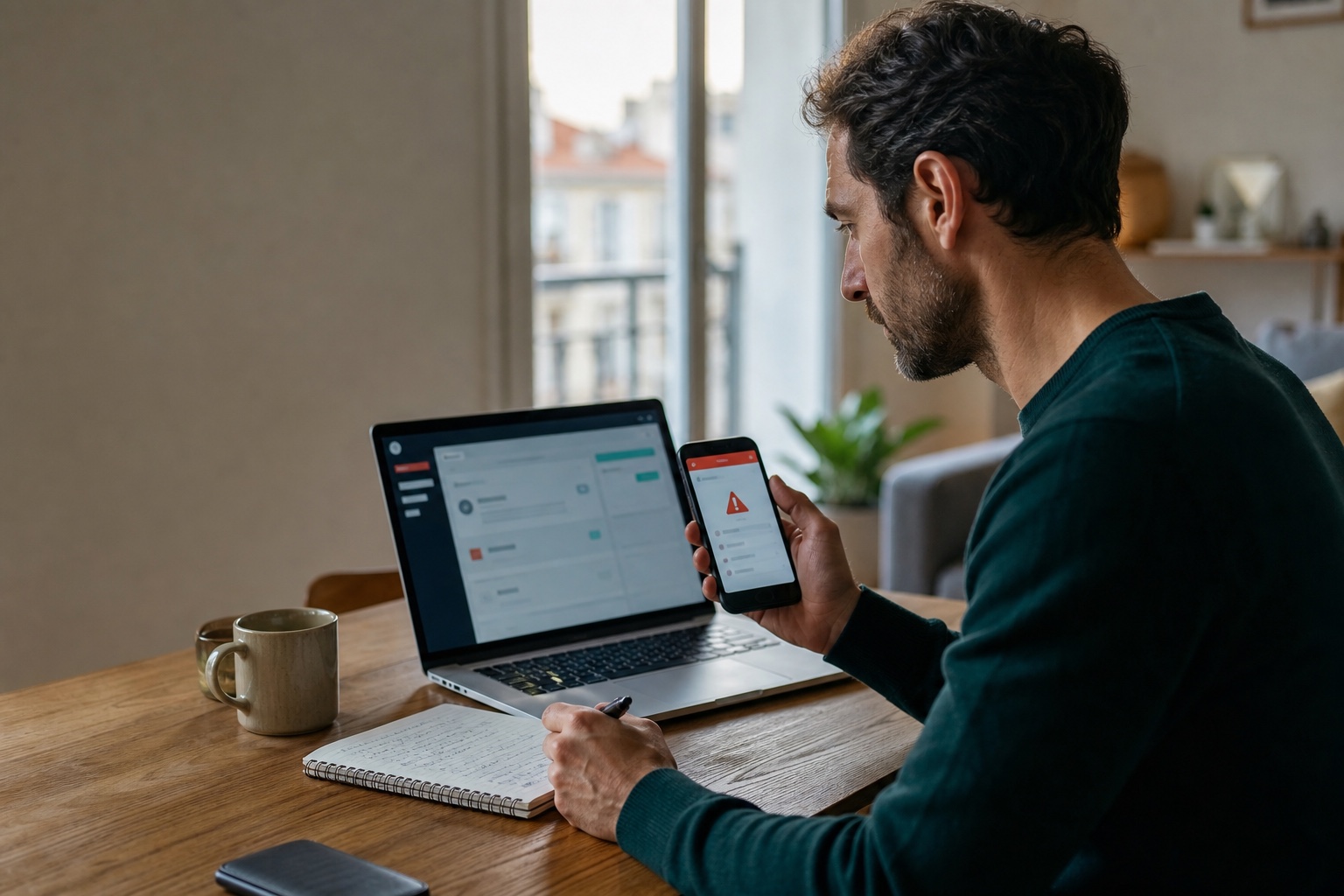
An unfamiliar sign-in alert, a message sent in your name and a breach announcement from a supplier are not the same incident. Yet all three can trigger the same mistakes: following the link in the warning, changing a password from a questionable device, deleting evidence too early or updating ten accounts without a priority order.
The goal of the first 24 hours is simpler: regain control, remove persistent access, limit consequences and preserve useful evidence. Changing a password is only part of that response.
The first fifteen minutes checklist
| Priority | Immediate action | Why it matters |
|---|---|---|
| 1 | Open the official app or website directly | A security warning can itself be phishing |
| 2 | Capture unfamiliar alerts, devices and transactions | Details can disappear after the account is secured |
| 3 | Secure the primary email account first | It can usually reset other accounts |
| 4 | Remove unknown sessions and correct recovery details | A password change does not always close every access path |
| 5 | Replace reused passwords from a trusted device | Stolen credentials are quickly tested against other services |
| 6 | Call the bank if payments or financial data are involved | Speed matters when blocking transactions or payment methods |
If there is an immediate physical threat, active extortion or fraud in progress, use the appropriate emergency service. In France, the public 17Cyber service helps individuals and organisations identify the correct process for a cyber incident.
Decide whether this is an alert, takeover or breach
A security alert reports unusual activity, but it may be your new phone, a VPN or a connected application. Do not approve it automatically. Open the service from a bookmark or its app and inspect the security history.
An account takeover means another person obtained access or changed something: a password, recovery address, forwarding rule, post, order, message or authorised device. Recovery must address both the account and anything that access could reach.
A data breach often originates with a third party. Your account may still work while your email address, password hash, bank details, identity document or history has been copied. The right response depends on the exposed data. Changing every password cannot revoke a leaked identity document or prevent future targeted phishing.
Regain control from a trusted device
Use an up-to-date device you control where possible. If the incident followed installation of a program or extension, or a suspicious command, do not immediately type new secrets on that machine. Isolate it from the network when appropriate and use another device for critical accounts.
Reach the provider's official recovery process by entering its address yourself. Avoid support numbers found in advertisements or delivered by message. If access has been lost, official recovery comes before help from anyone claiming to be a technician.
Once signed in:
- capture events and settings you do not recognise;
- verify the recovery email address and phone number;
- remove unknown devices, sessions and passkeys;
- review connected applications and granted permissions;
- set a new unique password;
- enable strong authentication and store recovery codes separately.
For email, also inspect forwarding rules, filters, automatic replies, delegation and deleted folders. An attacker can create a quiet forwarding rule and keep reading messages after the password changes. On a work account, review API tokens, app passwords and OAuth integrations when the service exposes them.
Secure the accounts likely to fall next
Primary email comes first because it often controls recovery elsewhere. Next are the password manager, the Apple or Google account attached to the phone, financial services, shopping accounts, social networks and workplace tools.
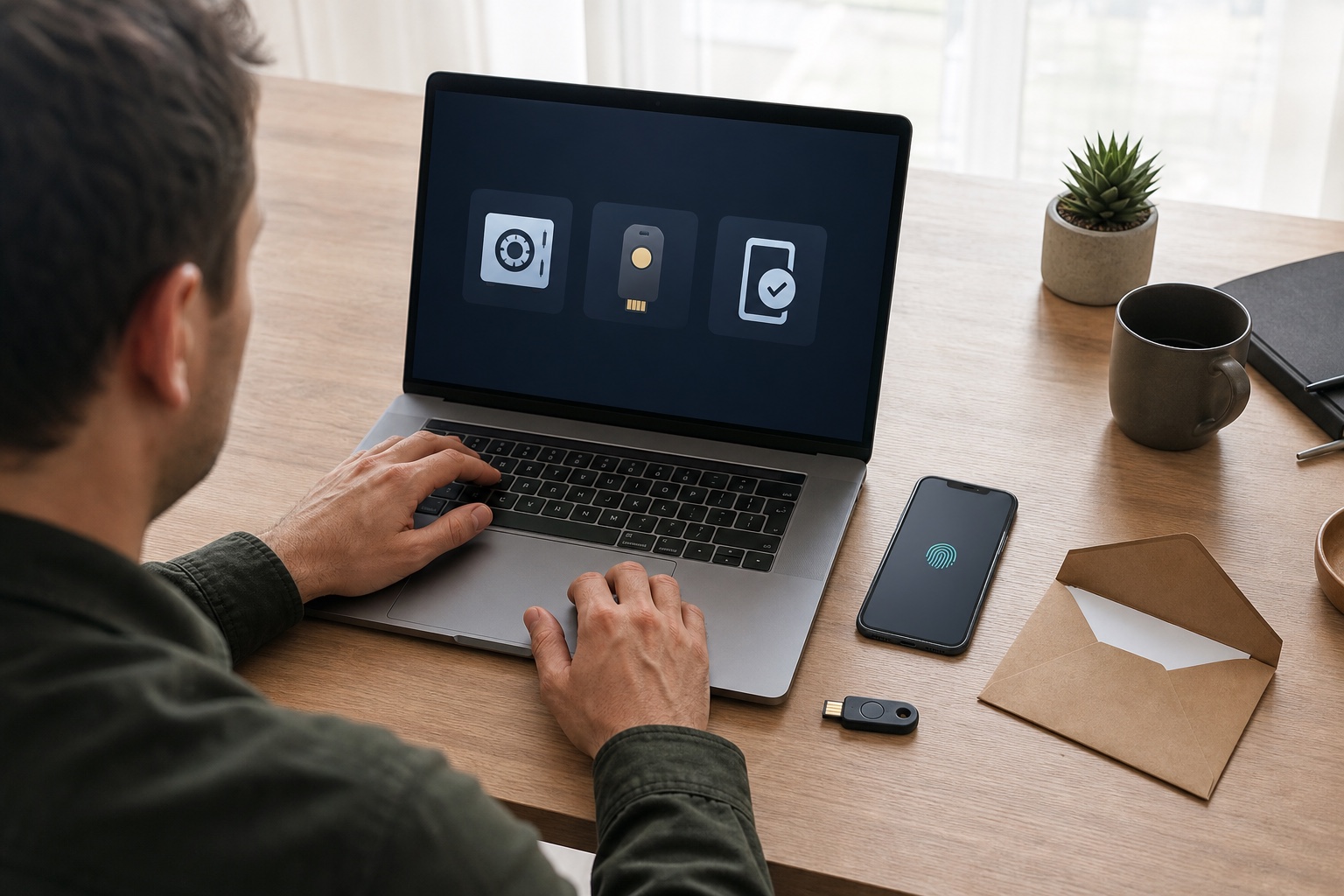
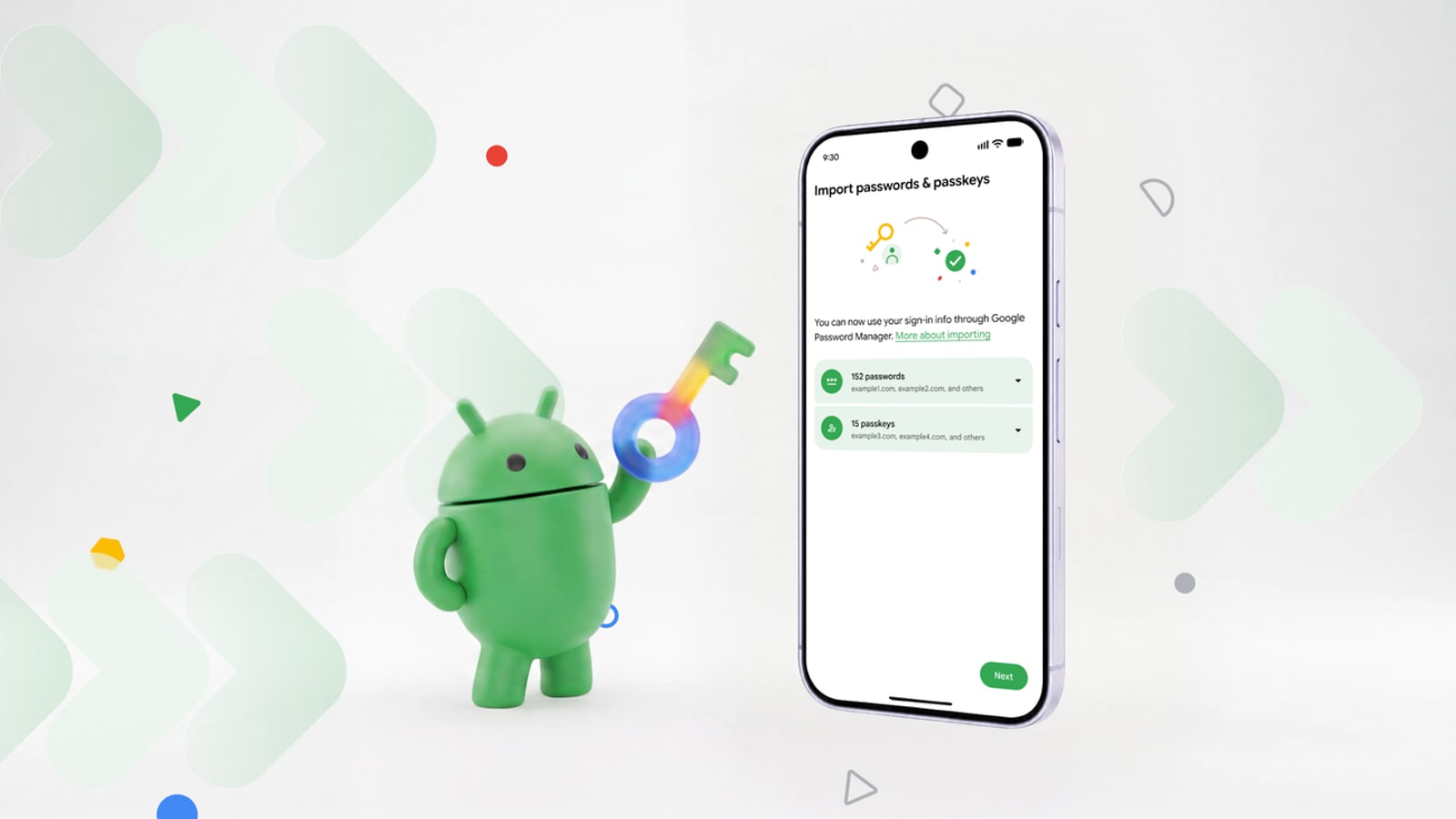
If the compromised password was reused, replace every instance rather than adding a digit. A password manager makes unique credentials practical. Where supported, a passkey or hardware security key resists fake websites better than a copied code. Our password manager, passkeys or MFA comparison helps rebuild a coherent defence.
Do not remove your only recovery method before adding another trusted one. If your phone number suddenly stops working, ask the mobile operator whether a SIM replacement was requested.
Match the response to the exposed data
A breach notice should identify the affected data categories. If it does not, ask the organisation what was exposed, when it happened, what protections were applied and what it recommends. Then work from likely consequences.
Email address and phone number
Expect more convincing messages that use the supplier's name or breach context. No technical change makes these contact details secret again. The useful defence is stronger verification, particularly for messages invoking urgency, refunds or an account that supposedly needs securing.
Password or authentication secret
Change the affected password and every reuse. Monitor sign-in alerts and enable a strong authentication method. Do not assume that a provider describing passwords as “encrypted” means they are unusable: risk depends on the actual protection and on the password itself.
Bank details or payment method
Contact the bank through its app, the number on the card or another known channel. Ask which transactions to monitor and whether the payment method should be blocked. An exposed IBAN does not automatically require closing an account, but it can support more convincing fraud; the bank should assess the appropriate action for the circumstances.
Identity, tax, health or business documents
The risk can persist: impersonation, account opening, targeting or extortion. Keep the breach notification, watch for unfamiliar processes and seek advice from an official service. For business information, immediately alert the security or IT owner because exposed context may enable an attack against the organisation.
Warn people and contain fraud
If messages were sent from the account, warn contacts through another channel. State the affected period and ask them not to click, pay or disclose a code. Avoid forwarding the malicious message with live links when a screenshot is enough.
Review orders, listings, posts, file shares and changed details. For business email, look for conversations involving invoices, bank details, payroll or access. An attacker may wait for the right moment to enter an existing exchange.
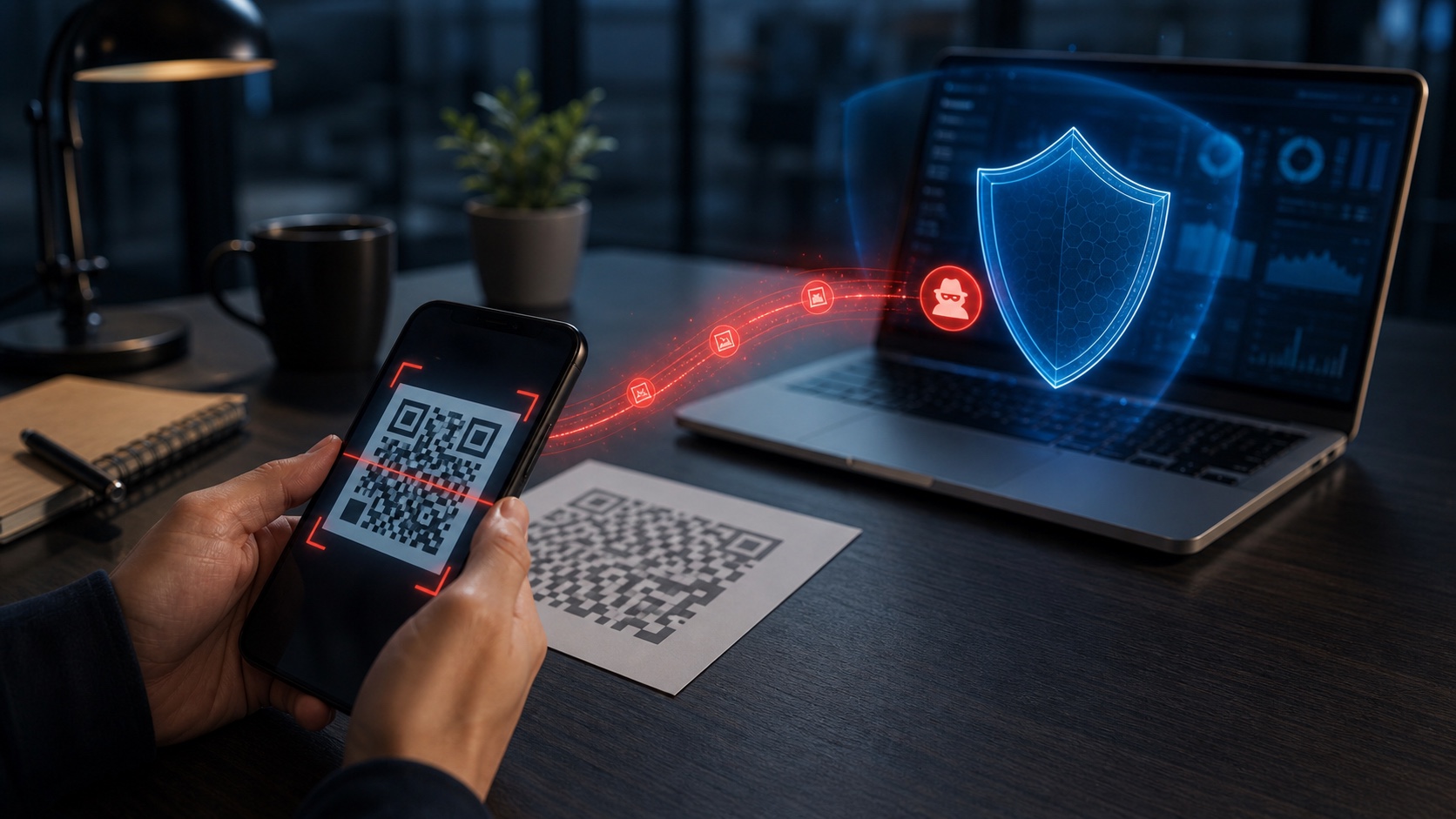
Fake QR codes and mobile pages make the real address harder to inspect. Our mobile QR-code phishing guide adds checks for incidents that began on a phone.
Preserve evidence and use the right reporting channel
Before cleaning up, retain complete emails, screenshots, URLs, phone numbers, dates, amounts, transaction identifiers and support conversations. Keep a chronological action log. These details can help providers, banks and investigators, but should not be posted publicly if they still contain secrets or personal data.
In France, THESEE lets adult individuals report or file an online complaint for certain Internet scams, including compromised email and social-network accounts. Professionals generally need to attend a police or gendarmerie station for this process. The correct route depends on the facts and harm; 17Cyber can help identify it.
A criminal complaint, bank dispute, provider request and CNIL complaint serve different purposes. One does not automatically replace another.
For a business, trigger incident response
A compromised work account is not merely a password problem. Notify the responsible team before wiping or resetting the device. It may need to close sessions, revoke tokens, preserve logs, investigate actions and determine which information was accessible.
When personal data is affected, the data controller must document the breach. If it creates a risk to people's rights and freedoms, the CNIL expects an initial notification as soon as possible and, where feasible, within 72 hours of becoming aware. People must also be informed when risk is high, subject to the applicable exceptions. An organisation should therefore neither wait for every answer nor send a vague warning without assessing the incident.
Our small business cybersecurity priorities place this response within the wider plan: identity, backups, suppliers and offline preparation.
Mistakes that make the incident worse
- replying to the alert or calling its phone number without verifying the source;
- changing only the password without closing sessions and checking recovery;
- reusing the new password across services;
- paying supposed support staff or installing their remote-control tool;
- resetting a work device before analysis;
- publishing details that assist the attacker or expose other victims;
- assuming the incident is over because no money has left the bank account.
After 24 hours: monitor without living on alert
Over the following days, monitor sign-ins, financial activity and recovery messages. Keep notifications and case numbers. Leaked contact details can fuel phishing attempts months later, but that does not justify clicking every commercial service promising to “remove your data from the Internet”.
Finally, fix the path that enabled the incident: reused password, weak recovery, questionable extension, absent MFA or an unpatched device. A good recovery is not a series of panicked changes. It is a controlled account, verified access, monitored consequences and a recovery process that has now been tested.
Join the discussion
Comments
Loading comments…