
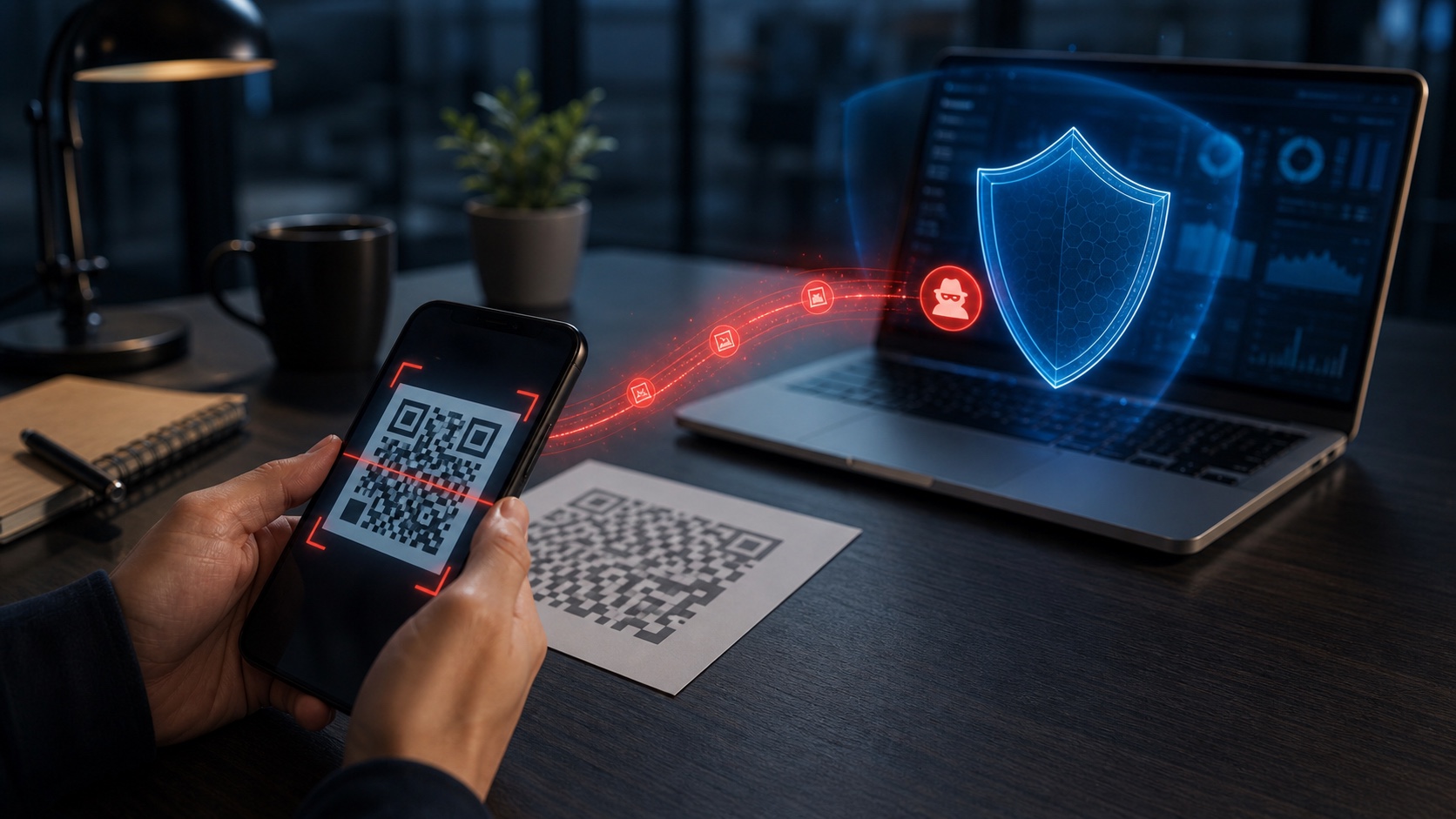
The QR code has become ordinary: menus, parcels, payments, events, posters and quick login flows. That ordinariness also makes it a good phishing carrier.
When an employee scans a code with a phone, they may leave the enterprise browser, DNS filtering or monitored environment. The attack changes channel without changing goal.
What Is Changing
Campaigns can target credentials, payments, fraudulent apps or pages imitating an internal service. The small screen makes URL checking harder.
This subject is useful because it sits at the intersection of technical choices, product expectations and operational reality. The teams that make progress are rarely the ones that chase every trend. They are the ones that translate the signal into a smaller set of decisions: what to build, what to measure, what to document and what to stop.
Why It Matters
Train with concrete examples, filter known domains, protect accounts with phishing-resistant MFA and remind users that the URL should remain verifiable.
In a daily workflow, the difference often comes from preparation. A clear owner, a short checklist, a measurable target and a rollback path turn a promising idea into something that can be operated. Without those elements, even a good technical choice becomes fragile.
What To Watch
The trap is treating the QR code as a simple link. In practice, it mixes physical context, urgency and a personal mobile device.
The other weak point is communication. Users, buyers and internal teams do not need every implementation detail, but they need to understand what changed, what remains uncertain and where responsibility sits. That clarity prevents confusion when the system behaves differently from a classic tool.
A Pragmatic Method
The practical starting point is modest: choose one use case, define the expected result, measure the current baseline and introduce the new approach behind a controlled path. Then compare quality, cost, support load and user confidence before expanding.
For teams publishing or operating digital products, this also means keeping artifacts close to the product itself: release notes, help text, dashboards, test cases and incident notes. The more these elements live in separate documents, the harder they are to maintain.
Our Read
Modern phishing does not stay in the mailbox. It follows users into their pocket.


Join the discussion
Comments
Loading comments…