
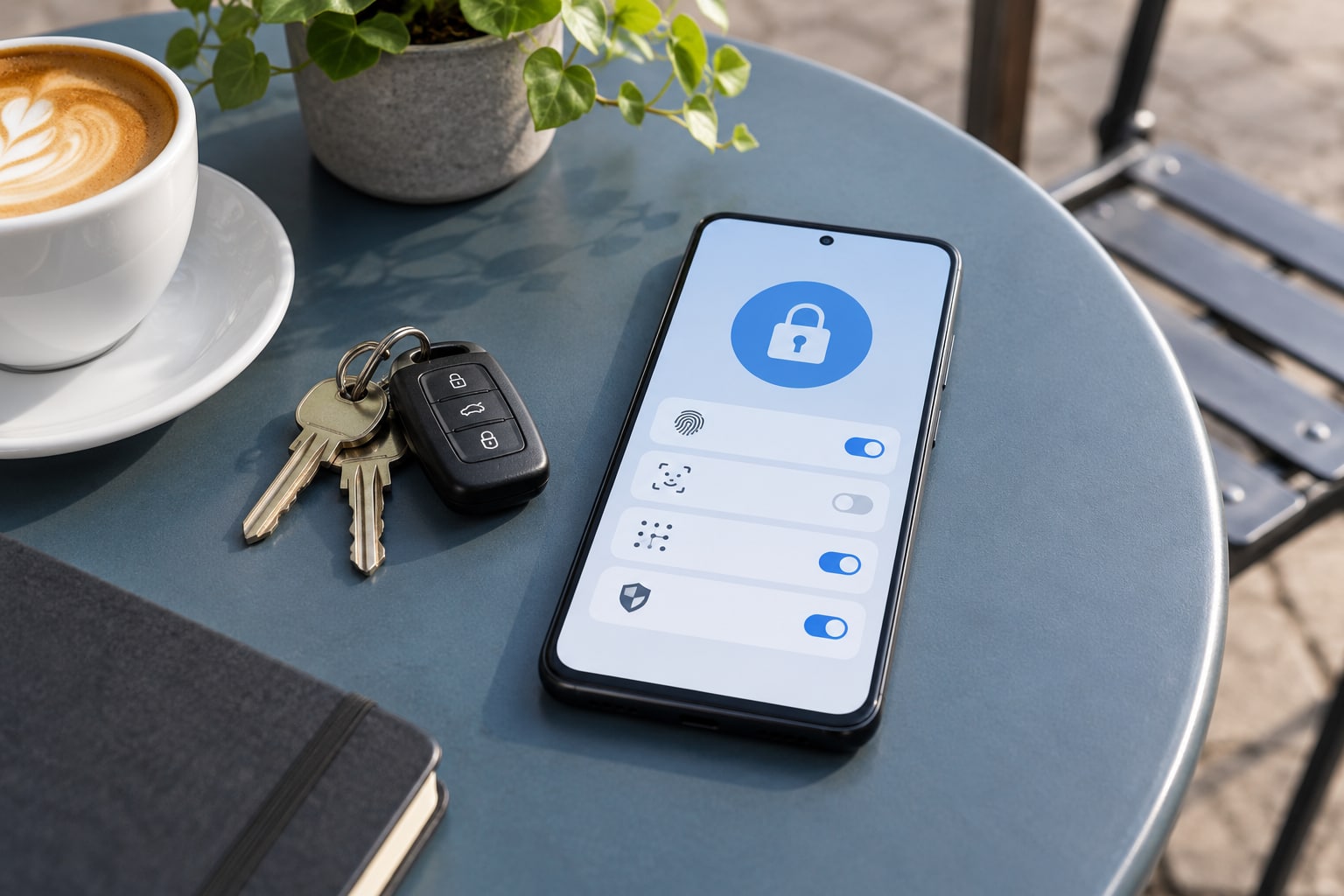
A phone stolen while unlocked exposes more than the value of its hardware. Email, photographs and applications may remain immediately accessible. Android offers several theft-protection features, but you need to check their presence and activation on the device you actually use.
Google's official help, checked on October 29, distinguishes theft detection, offline locking and remote locking. This is a practical preparation exercise, not a new feature announcement for November.
Start with options actually available
In Settings, look for Google, All services and Theft protection. A screen lock must be configured. Compatibility depends on version and model; Google excludes Android Go devices, tablets and wearables from this coverage.
A missing or unavailable control therefore does not automatically mean you made a mistake. Consult the manufacturer's guidance rather than installing an unfamiliar utility promising to unlock protection.
Our suggestion is to note enabled features and missing ones. An understood setting is more useful than a general impression that a phone must already be protected automatically.
Detection and offline locking are conditional
Theft detection uses movement and connection signals to recognise some snatching scenarios. Offline locking addresses another situation: an unlocked device losing its connection.
Neither promises perfect detection. Do not stage a snatching incident in the street to test it. Inspect settings calmly and learn how to lock the screen quickly.
Keep a hard-to-guess screen code and avoid entering it conspicuously in front of strangers. Automatic protection cannot reverse every consequence of someone already observing that code.
Prepare remote locking beforehand
Google describes prerequisites for Remote Lock, including a verified number, active SIM, Find Hub and Internet connectivity. Review the official procedure while the phone is still in your possession.
Do not depend on that same device to retrieve all the instructions. Prepare access from another trusted computer without storing every secret there in plain text.
Locking controls access. It is not a file backup or a guarantee that the hardware will be returned. The distinction complements our article on Find Hub and missing phones.
Put personal safety first after theft
Do not confront someone in an attempt to recover a phone solely on the basis of a location indicator. Use official reporting routes and documented locking options.
After an incident, review important account access from a safe device. Be suspicious of messages claiming to have found the phone while asking for its code or account credentials.
Also distinguish restoring an account from restoring its contents. Access to a mailbox may return while locally stored files still need a separate backup.
The objective is limited but useful: shorten the period during which a missing device remains accessible, while keeping a route to essential information. Preparation now prevents learning every procedure under pressure.
Cover visual: generated editorial illustration, not an official screenshot.

Join the discussion
Comments
Loading comments…