
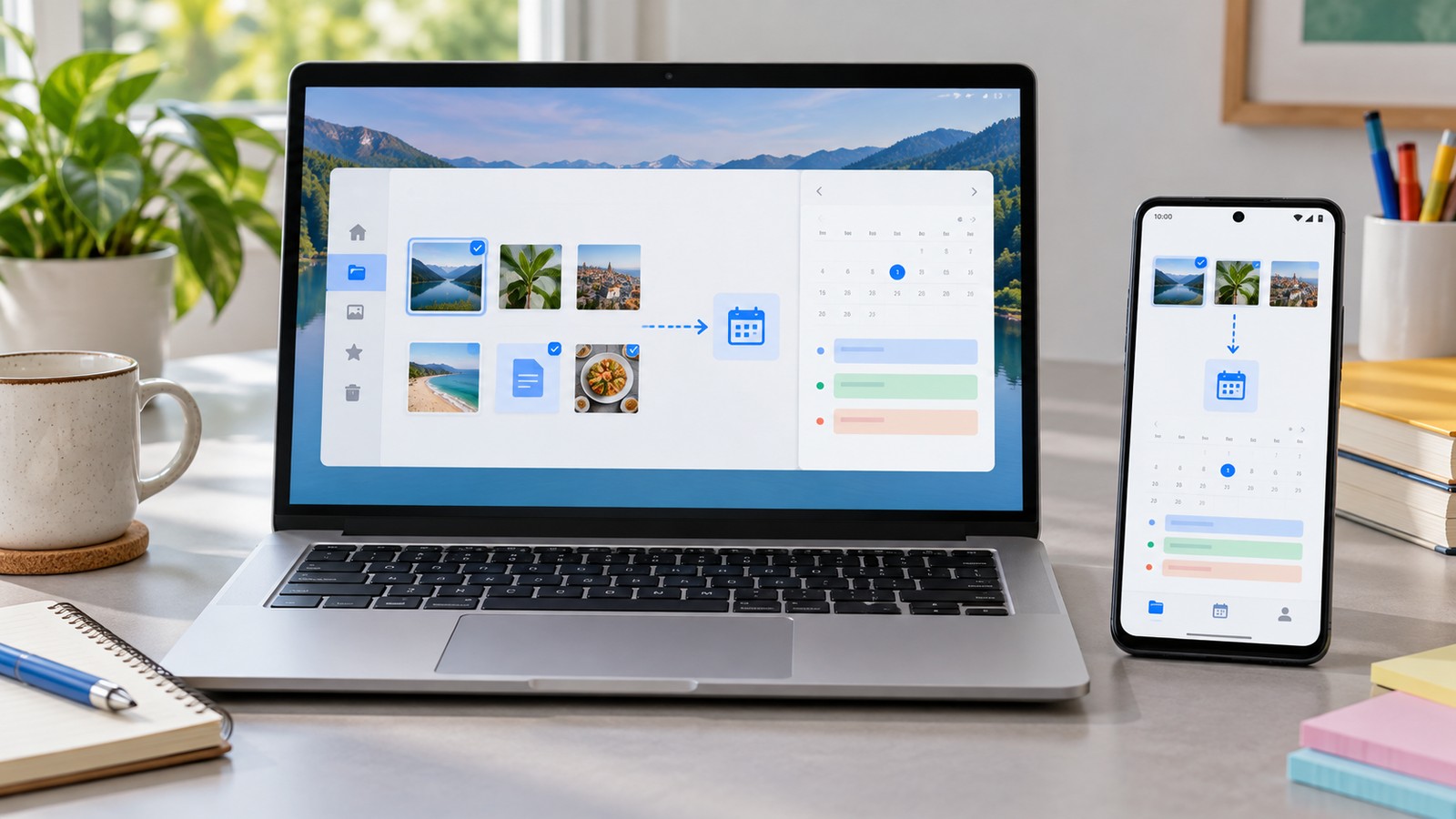
Your phone holds messages, photos and work started on the move. The laptop is where you finish documents. Googlebook aims to bridge that gap through Android technology, desktop foundations from ChromeOS and Gemini assistance.
In its September 21 announcement, Google describes task continuity, access to phone files and phone apps in desktop windows. Multiple partners build the first devices, with availability in France announced from October 5. The dollar starting price is not a French retail price. Official source.
Begin with essential software
Our first recommendation is to list five indispensable tasks. Is a browser enough for daily work? Do you need a particular Windows application, a specialised peripheral or software with limited platform support?
Someone who works mainly with web services and an Android phone may value continuity. Someone whose job relies on a specific desktop application should put compatibility ahead of AI features.
A product name appearing in an announcement is insufficient. Check the functions you actually use: file import, printing, offline work, extensions, shortcuts and export. An available app may not match the version you know on another operating system.
Rehearse your phone-to-laptop transitions
A useful demonstration resembles your day. Start a document on the phone, continue on the computer and check which version is open. Try a large photo or an attachment found in a conversation.
If it takes as many steps as before, the continuity promise may not fit your workflow. Conversely, removing a repeated daily step can matter more than an abstract benchmark.
The cover image for this article illustrates connected computing; it is not a photograph of a particular retail Googlebook model.
For shared devices, also test account switching. A smooth handoff for one person does not establish that a family or small business can use the same setup comfortably.
Give AI a defined role
Try a limited task: rewriting non-sensitive text, organising notes or explaining something visible on screen. Then inspect permissions and the options for disabling features you do not want.
Do not choose a laptop solely because one demonstration works well. The purchase should remain useful when an assistant makes mistakes, connectivity is unavailable or service terms change.
Compare local prices and the whole configuration
Check local offers at purchase time: storage, memory, screen, keyboard and warranty. Features announced for a range are not necessarily present in every retail configuration.
Include adapters, external displays and subscriptions retained after any introductory trial. A machine can seem inexpensive until these costs are counted.
Inspect the physical device too. Keyboard comfort, glare and port placement affect routine work in ways that a headline about intelligence cannot convey.
Who should consider it?
Googlebook is worth trying for Android users whose priorities are web work, documents and phone continuity. Gamers and professionals with specialised software requirements should start with compatibility.
Our laptop buying article remains the foundation: define your needs, then compare machines that meet them. A new platform does not replace that process.

Join the discussion
Comments
Loading comments…