
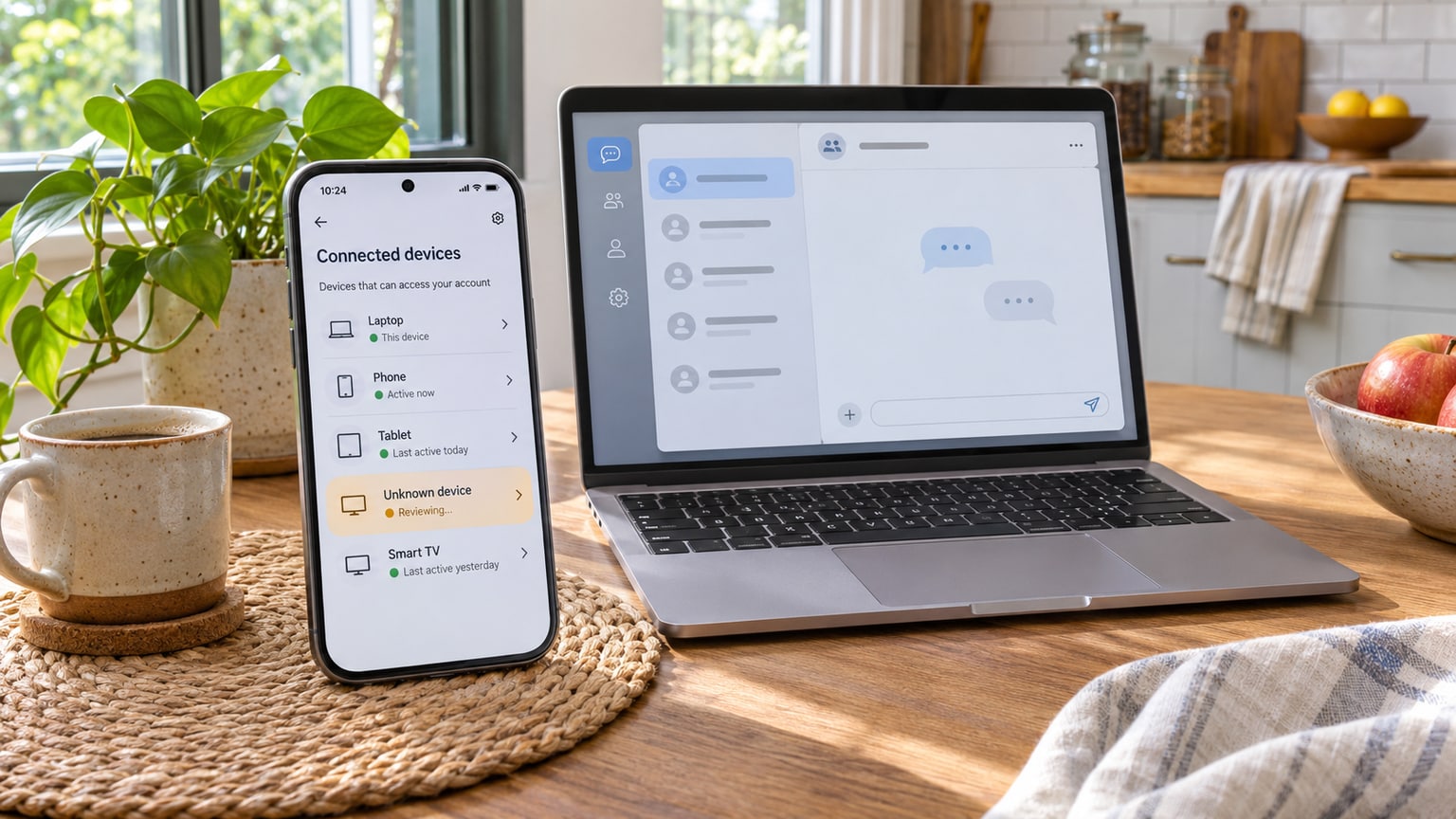
You sign in to WhatsApp on a computer once, then forget about the session. A borrowed workstation, an old laptop or a family tablet may remain associated with your account longer than you intended. The useful check is your linked-device list, not simply whether your phone is still in your pocket.
WhatsApp's official instructions explain how to disconnect a device from your primary phone or from the linked device itself. This practical explainer was checked on November 9, 2026; it is not an announcement of a new feature.
Start with devices you recognise
Open WhatsApp on your primary phone and find Linked devices. The Android instructions use the three-dot menu; on iPhone, look for the corresponding section in the application's settings. Labels can differ between versions.
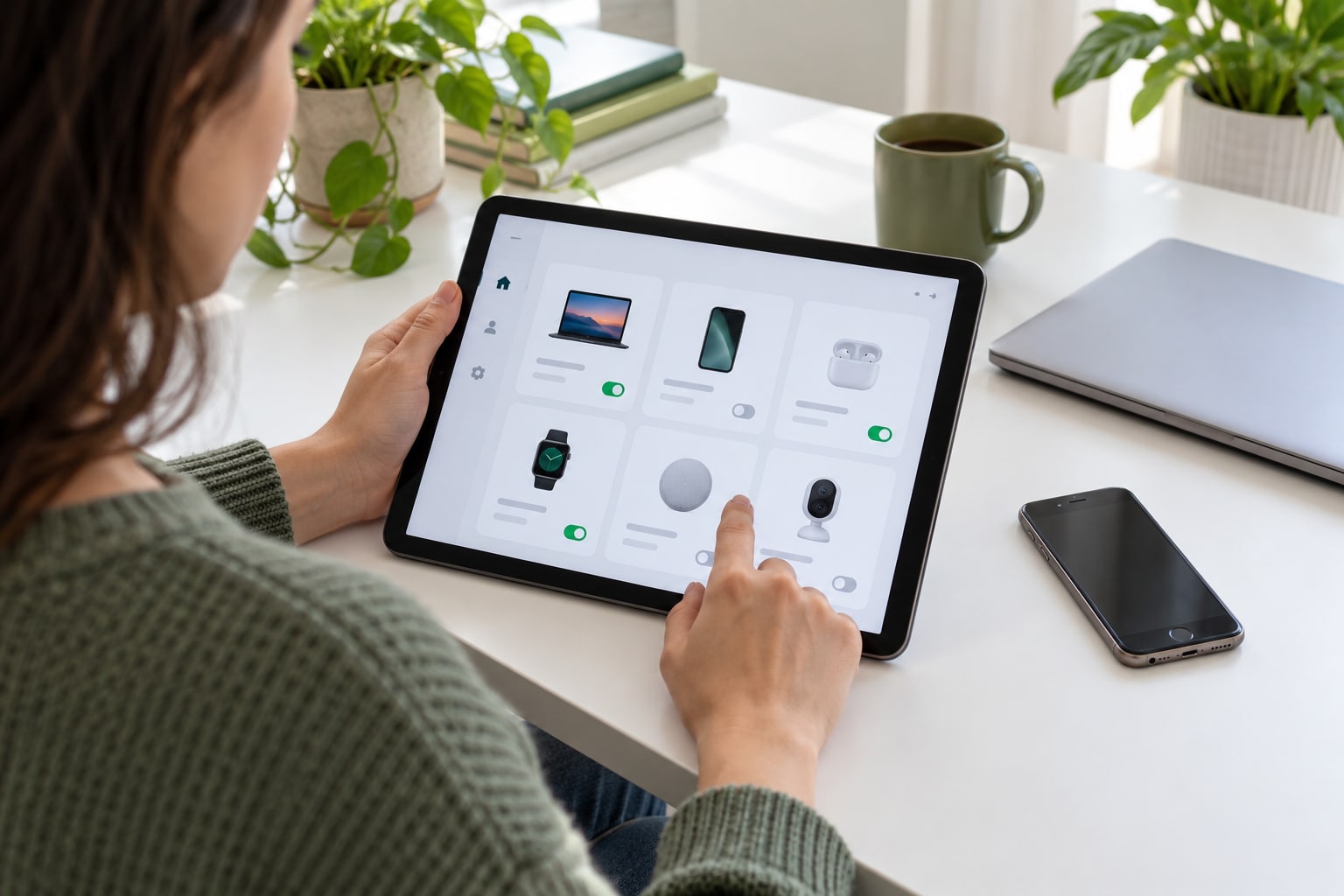
Our recommendation is to match each entry to a real device: your personal computer, work laptop or a tablet you still use. A generic browser name does not, by itself, establish an intrusion. Equally, a familiar entry is not a reason to retain access that no longer serves a purpose.
Disconnect forgotten sessions
Select the relevant device and choose the logout action. If you still have the computer, you can also sign out through its own WhatsApp settings.
We suggest working through devices individually rather than changing several things at once. That makes it easier to understand which session you closed and which device may need to be linked again later. Pay particular attention to shared computers: convenient access yesterday may be unnecessary access today.
Before removing a work session, consider whether a legitimate task depends on it and choose an appropriate moment. The goal is to reduce forgotten access without turning a routine check into an avoidable disruption.
Do not confuse logout with erasure
Closing a session is different from recovering everything someone might already have seen. This check does not promise to erase screenshots, copied files or details another person wrote down.
For sensitive conversations, our recommendation is to consider the material you sent as well. If a document includes a credential that remains valid, review revocation with the relevant service. Disconnecting WhatsApp does not cancel permissions in another system.
Link devices for a specific purpose
Before approving another association, verify that you are using the expected website or application and that you initiated the request. An insistent message from someone else is not a good reason to approve an urgent-looking operation.
A short routine is enough: review sessions after replacing a computer, lending a device or leaving an employer. This is not a reason to distrust every connection. It is a way to remove overlooked access without unnecessarily changing your conversations.
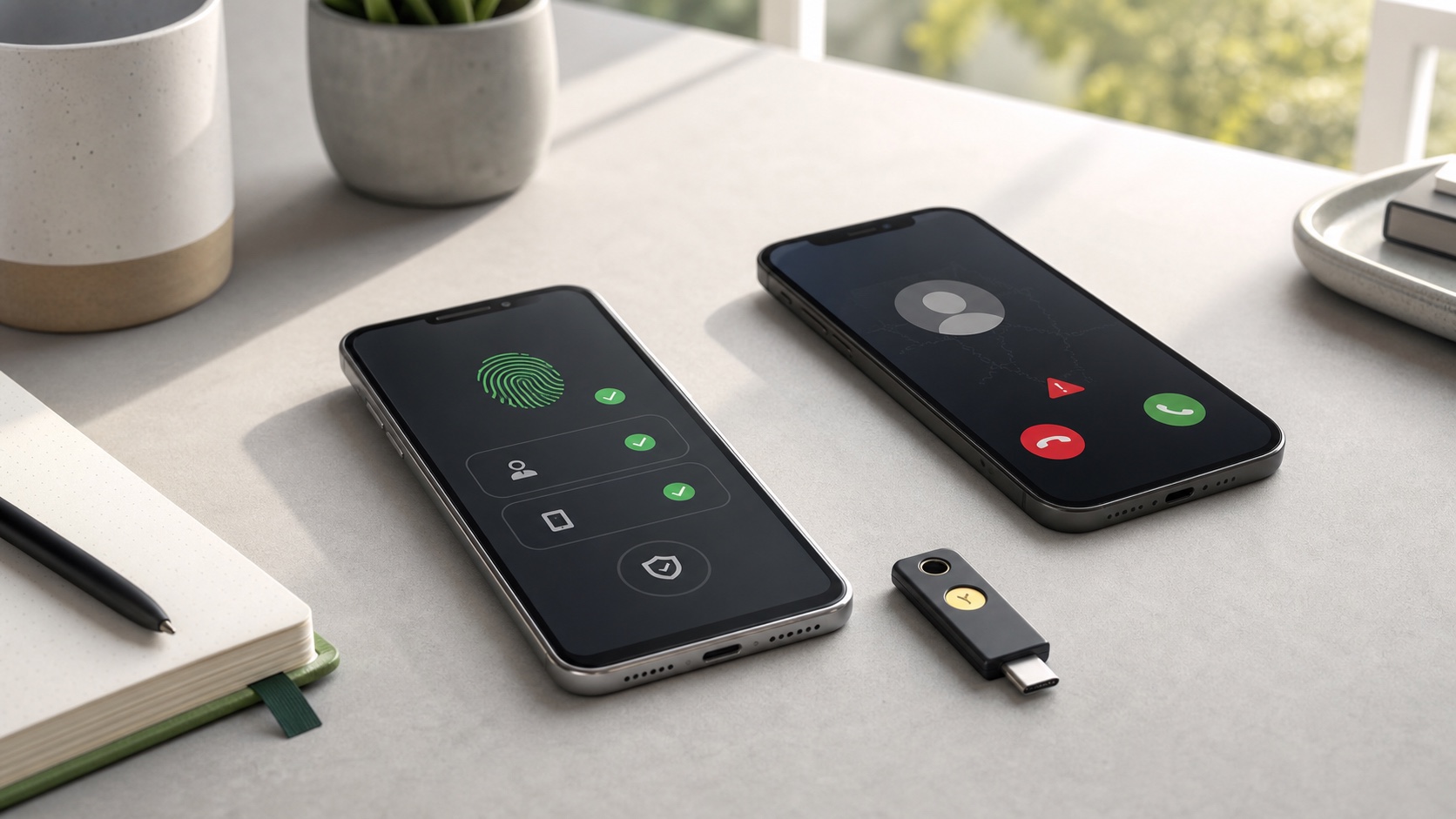
For complementary protection, our article about passkeys and unknown callers covers other account controls. Those settings address different risks; none replaces reviewing the devices that are actually linked.
Cover visual: generated editorial illustration, not an official screenshot.
Join the discussion
Comments
Loading comments…