
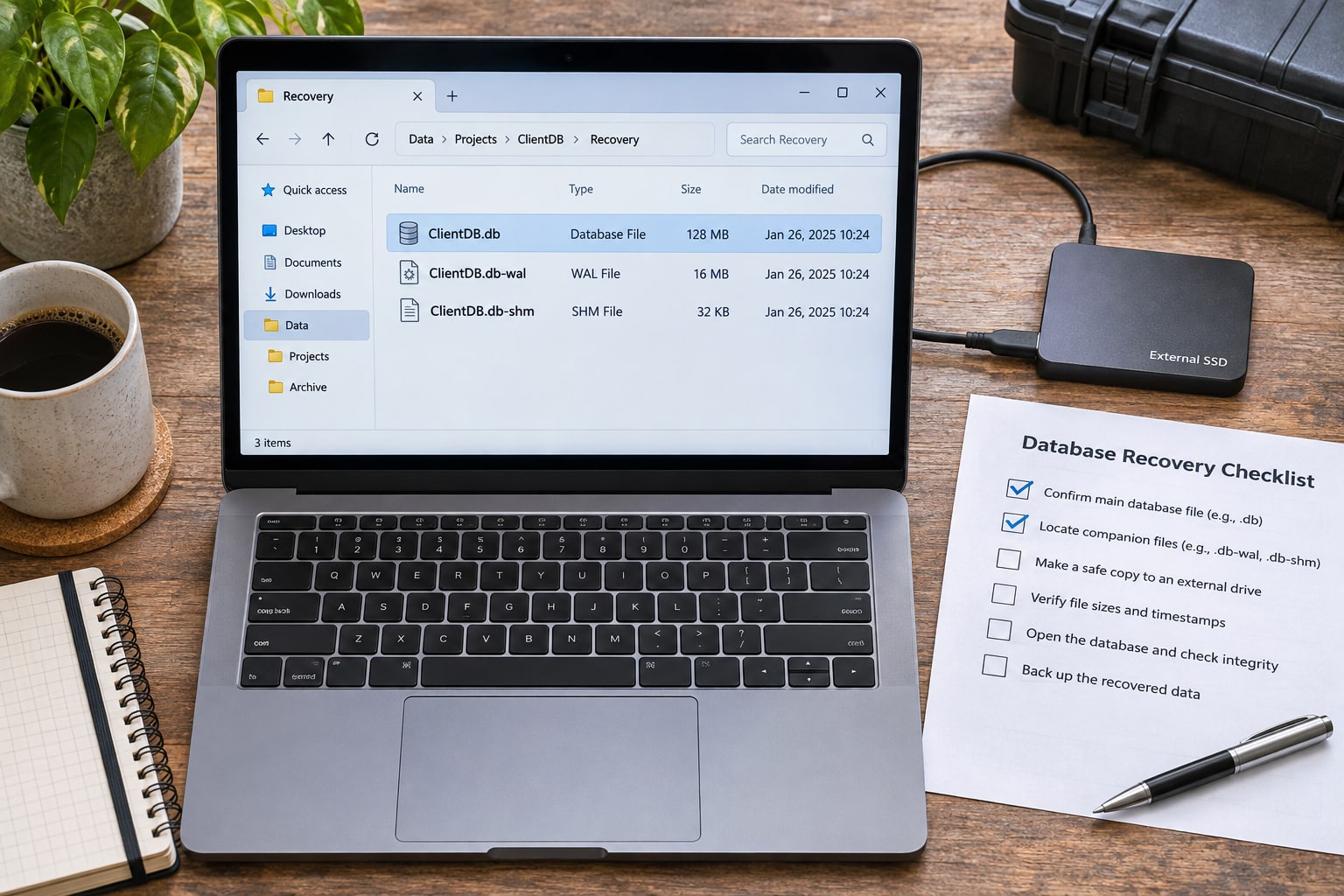
An application uses a SQLite file. Copying it seems a natural backup method, followed by deleting companion files that clutter the directory. For an open WAL-mode database, that reasoning can miss necessary state: its companion journal may still contain required transactions.
The WAL documentation explains the journal and checkpointing. This article was checked on November 12, 2026. It concerns operational precautions, not a newly announced vulnerability.
Identify the engine actually running
Record the SQLite version used by the application and its journal mode. Do not assume the command-line binary is the same engine embedded in the service.
A package, language extension and Docker image can supply their own engine. Review fixes and available methods for the actual combination.
Identify processes accessing the file too. Closing an application window does not necessarily establish that no other service uses the database.
Our recommendation is to keep those observations with the backup procedure rather than rediscover them during recovery.
Do not manually clean the journal
A WAL file is not merely a diagnostic log that can be erased to save space. Checkpointing and connection closure are part of database-engine operation.
Avoid deleting companion files through generic cleanup procedures. Before intervening, identify active access and the service's documented method.
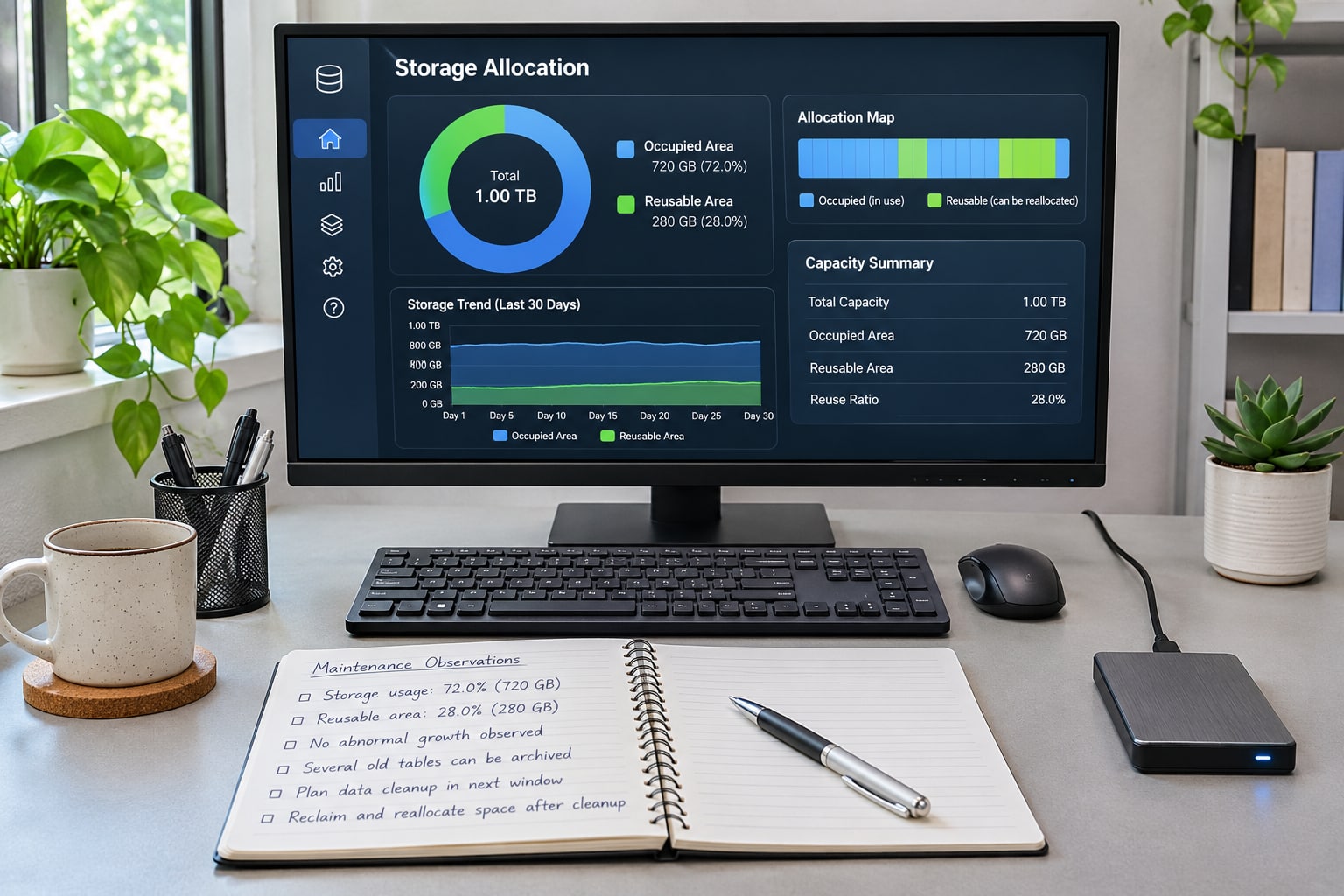
When a file grows, first understand workload and active connections. Reducing its observed size without understanding its role may conceal the cause while damaging data.
Choose a method suited to an open database
SQLite provides an Online Backup API for producing a consistent copy through the engine. Depending on the application and its tools, an integrated procedure may be preferable to raw file copying.
Follow documented software options and choose a separate destination. A backup operation must not accidentally replace production data or another trial's result.
The existence of output is not enough: check operation status and errors. A script ignoring a locking failure can leave an old file that is subsequently mistaken for the latest backup.
Keep failed and successful attempts distinguishable. A familiar filename does not prove when or how it was created.
Restore in isolation
Open the copy with appropriate tools, then verify representative data and the application's workflow. Use destinations and accounts without external side effects.
Compare known objects rather than merely file size. Also inspect attachments and files held outside SQLite: the database does not necessarily contain them.
Record date, engine version and test limitations. A small sample does not prove every row is intact, but it can expose a recovery procedure built on an incorrect assumption.
For shared services, have another maintainer follow the instructions. A procedure requiring undocumented knowledge is harder to rely on during an incident.
Plan operations, not only copying
Define who receives failure alerts, how many versions remain available and how necessary recovery keys or settings can be retrieved.
Repeat the trial after changes to storage, image or engine. A successful historical test does not automatically validate today's configuration.
This follows our database backup-and-restoration guide. The essential point is understanding the engine's contract before treating its files as independent documents.
Cover visual: generated editorial illustration, not an official screenshot.

Join the discussion
Comments
Loading comments…