
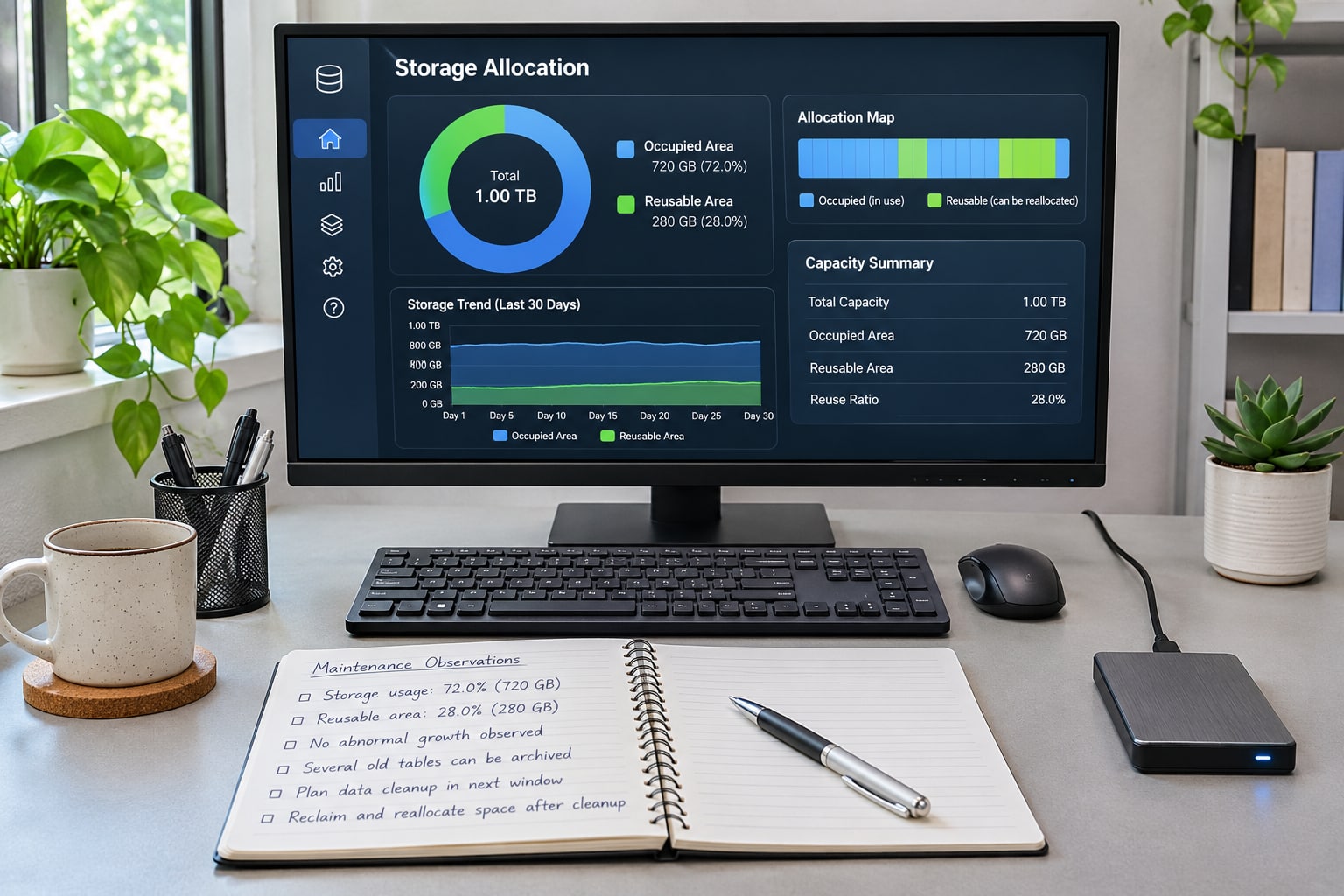
You delete rows, but disk usage barely changes. A more forceful cleanup command can look tempting. Making space reusable inside PostgreSQL is not the same as returning that space to the operating system.
The routine-maintenance documentation, checked November 15, 2026, distinguishes ordinary VACUUM, ANALYZE and VACUUM FULL. This explainer is neither a new incident report nor a benchmark of your database.
Name the actual problem
Our recommendation is to write down the desired improvement. Are you trying to avoid continuing growth, investigate a poor query plan or immediately recover filesystem space?
Those goals require different evidence. Stable file size may coexist with space available for future writes. An inefficient plan may call for investigation of statistics instead of compaction.
Keep a dated observation: affected table, recent activity, measured quantity and triggering event. One number does not describe database behaviour.
Choose a measure of success before proposing an operation. Otherwise, even a correctly completed intervention can be judged against a goal it was never meant to achieve.
Keep the operations distinct
Ordinary VACUUM can reclaim dead row versions for future reuse. It generally does not return that space to the operating system, apart from particular cases.
ANALYZE collects planner statistics. VACUUM FULL rewrites the table, requires an exclusive lock and needs extra space while running. It is not simply a stronger clean button.
We recommend keeping these objectives separate in the operational procedure. Familiarity with a command's name does not explain its expected benefit or cost.
Examine ordinary maintenance
Before adding a manual job, understand how this installation handles maintenance. Identify the configuration owner and deployed version.
Look for a recent change: different workload, exceptional processing or interrupted procedure. Do not disable an automatic mechanism merely because it appears on a graph during a slowdown.
Record the initial observation, decision, outcome and limitations. If the metric remains poor, that record helps avoid repeating the same operation without new evidence.
Ask which observations are estimates and which are measured directly. Their interpretation belongs in the report rather than being silently assumed by the next operator.
Design a representative exercise
For an important table, propose a controlled trial using appropriate data. Define what to observe during reads, writes and maintenance.
Compare several workload periods instead of concluding from one quiet minute. The objective is useful understanding, not an attractive number from a situation that production never experiences.
Document the exercise's constraints. A smaller copy, different storage or missing background jobs can limit what its results demonstrate.
Retain the procedure and expected observations so another person can repeat the exercise after a later change.
Urgency is not a reason to improvise
If storage is nearly exhausted, an operation needing extra space requires a plan. Have the people responsible for operation and recovery validate the intervention.
Specify stop criteria, monitoring and a decision channel. An operation affecting access to a large table deserves an agreed window and a record, not a copied command.
This article deliberately provides no universal maintenance command: your schema, volumes and availability requirements are unknown.
Connect the diagnosis
Our EXPLAIN and BUFFERS article addresses plans, while our lock investigation article explains waits.
Before acting, ask which exact problem the intervention solves, how success will be established and which constraints it introduces. That answer is more valuable than habitual cleanup.
Visual: generated editorial illustration, not an official screenshot.


Join the discussion
Comments
Loading comments…