
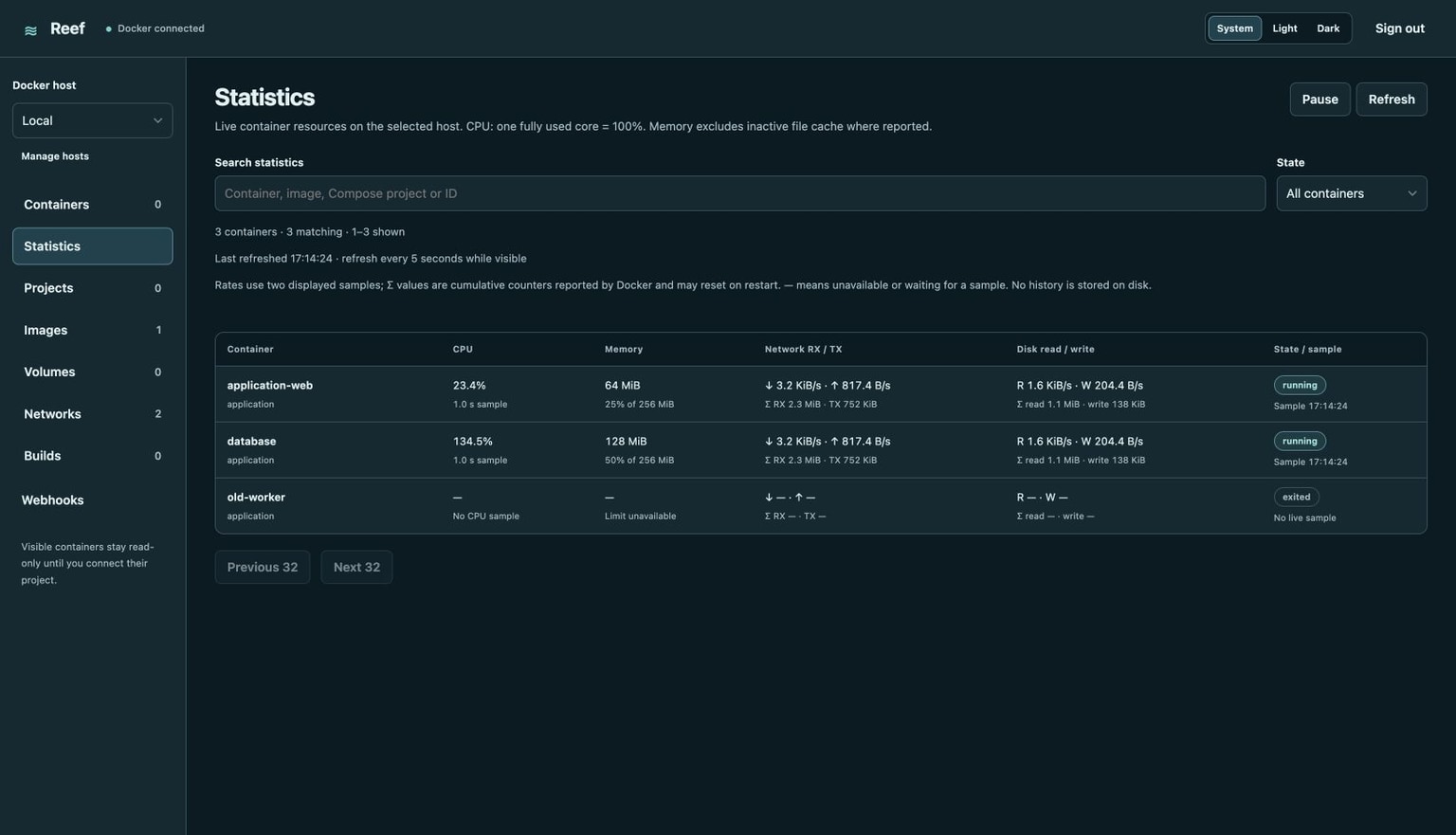
A Docker server often begins with two Compose projects and a few familiar commands. Then come more services, another host, logs to inspect and images to replace. Reef offers a self-hosted interface bringing those operations together, while keeping existing Compose files in place.
The project is public at ReefHQ/reef on GitHub, presented by ReefLabs under GPL-3.0-only. Its Go backend uses the standard library and embeds interface assets, without a separate database or CDN needed to display the application.
Disclosure: our team contributes to Reef, which is presented under the ReefLabs name. This article uses the public repository checked on October 29, 2026, at revision 3f11686. Images come from project previews with fictional data, not an independent trial on production infrastructure.
What Reef brings together
The documentation presents container inventory, Compose projects, images, volumes, networks and builds, alongside logs and consoles. Statistics, History and Alerts provide additional operational context.
The point is not reinventing every Docker command. Our interpretation is that reducing movement between an inventory, terminal and several directories can help keep the correct host and project in view.
However, distinguish the inspected branch from an installed release. The checked changelog dates 0.16.0 to October 28, including monitoring alerts. 0.17.0 remains marked Unreleased, particularly for individual accounts. Not every feature on the main branch is therefore presented as available in every published image.
Discovering a project does not authorise changing it
The interface can discover a Compose container group without adopting its management. “Manage this project” asks the operator to confirm the directory, ordered files and relevant environment settings.
That separation matters: a name appearing in an inventory should not be enough to turn observation into modification.
Start with a small, non-critical project whose command-line startup you understand. Check paths and mounts before adoption. The guide notes that some workflows involving profiles or custom CLI options are not supported by this management path.
| Action | Important distinction |
|---|---|
| View a project | Inventory presence does not grant management access. |
| Save its file | Validation and saving do not restart services. |
| Apply an update | Containers may be recreated, causing downtime. |
| Clean a volume | Data deletion remains irreversible without an appropriate backup. |
For the pilot, retain a record of the original startup procedure. A web interface is easier to assess when you can compare it with a workflow you already know, rather than changing the project and management tool at the same time.
Several hosts are not interchangeable contexts
Remote agents described in the setup guide connect outbound over HTTPS to central Reef. Features depend on negotiated capabilities; an active connection does not prove an older agent supports every recent tool.
Before an operation, check the selected host name and project identity. A container called “database” on a test machine and another with the same name in production are different targets.
Use explicit names and avoid broadening directory access merely to make a configuration error disappear. Files and actions still belong to the selected host.
A helpful pilot includes deliberately switching hosts and returning to a project. The test is whether the operator can still identify the intended target before approving a change.
Find an action, then understand an alert
History retains operation metadata. It is not a complete recording of terminal contents or an exhaustive per-user audit. It helps find outcomes, including incomplete or uncertain results.
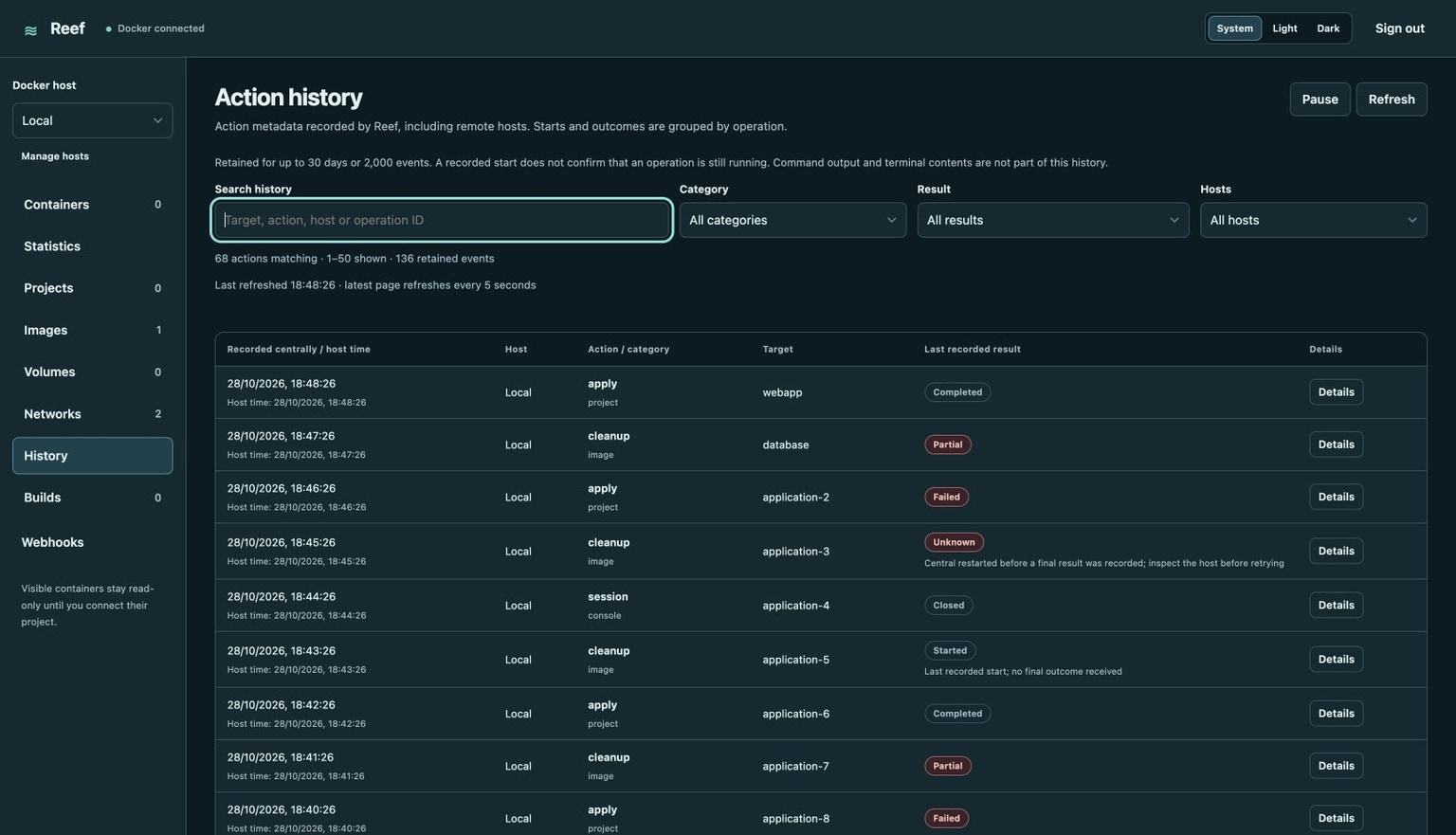
Project preview screenshot: fictional examples, not a real server's operation history.
Optional alerts cover disconnections, unhealthy containers and restart loops. Collection coverage deserves as much attention as the incident list.
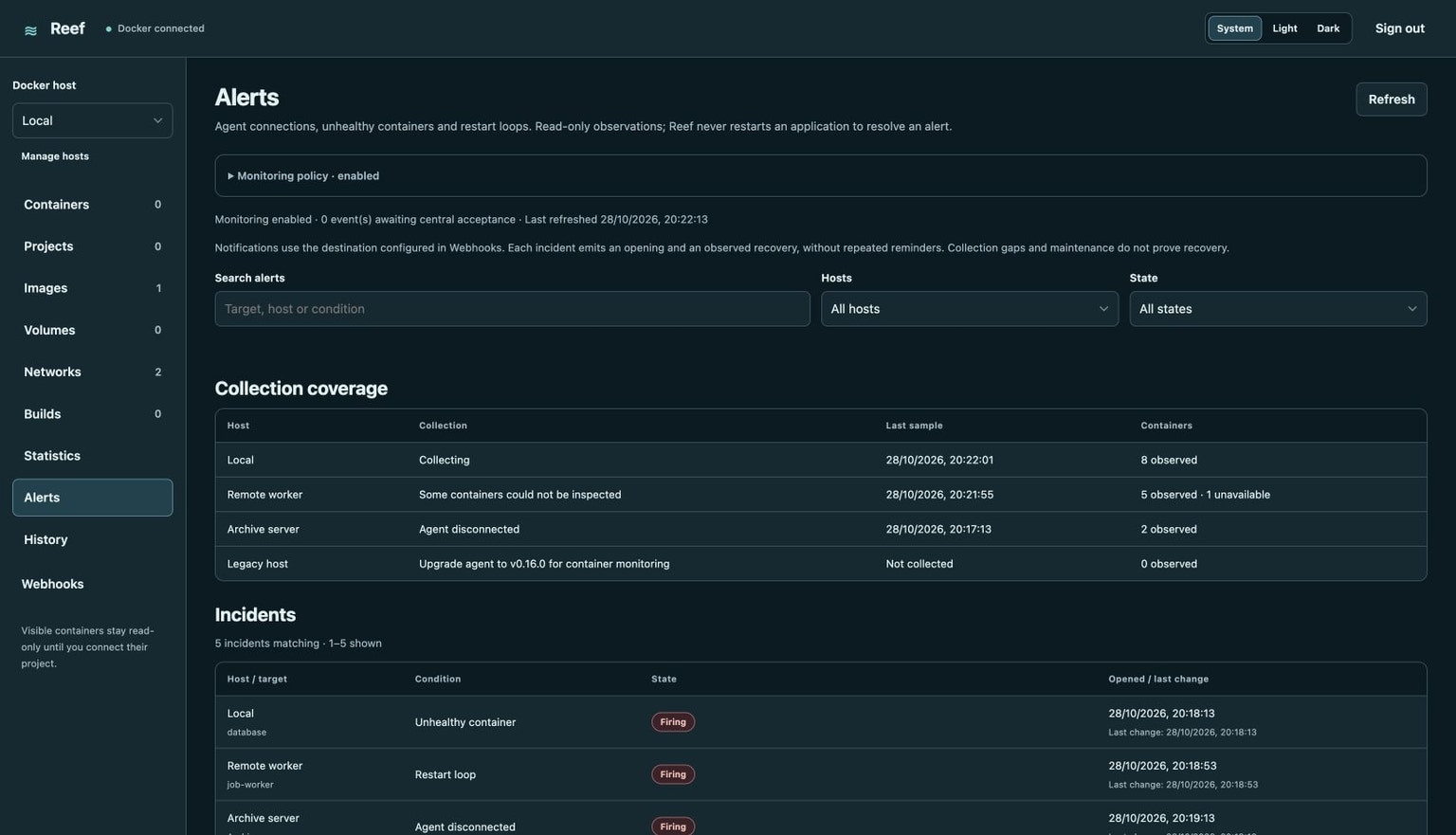
Demonstration screenshot: a host without usable collection should not be interpreted as a host without problems.
A Discord notification can draw attention, but does not repair the fault. Reef does not automatically restart an application to resolve an alert.
Protect an administration tool accordingly
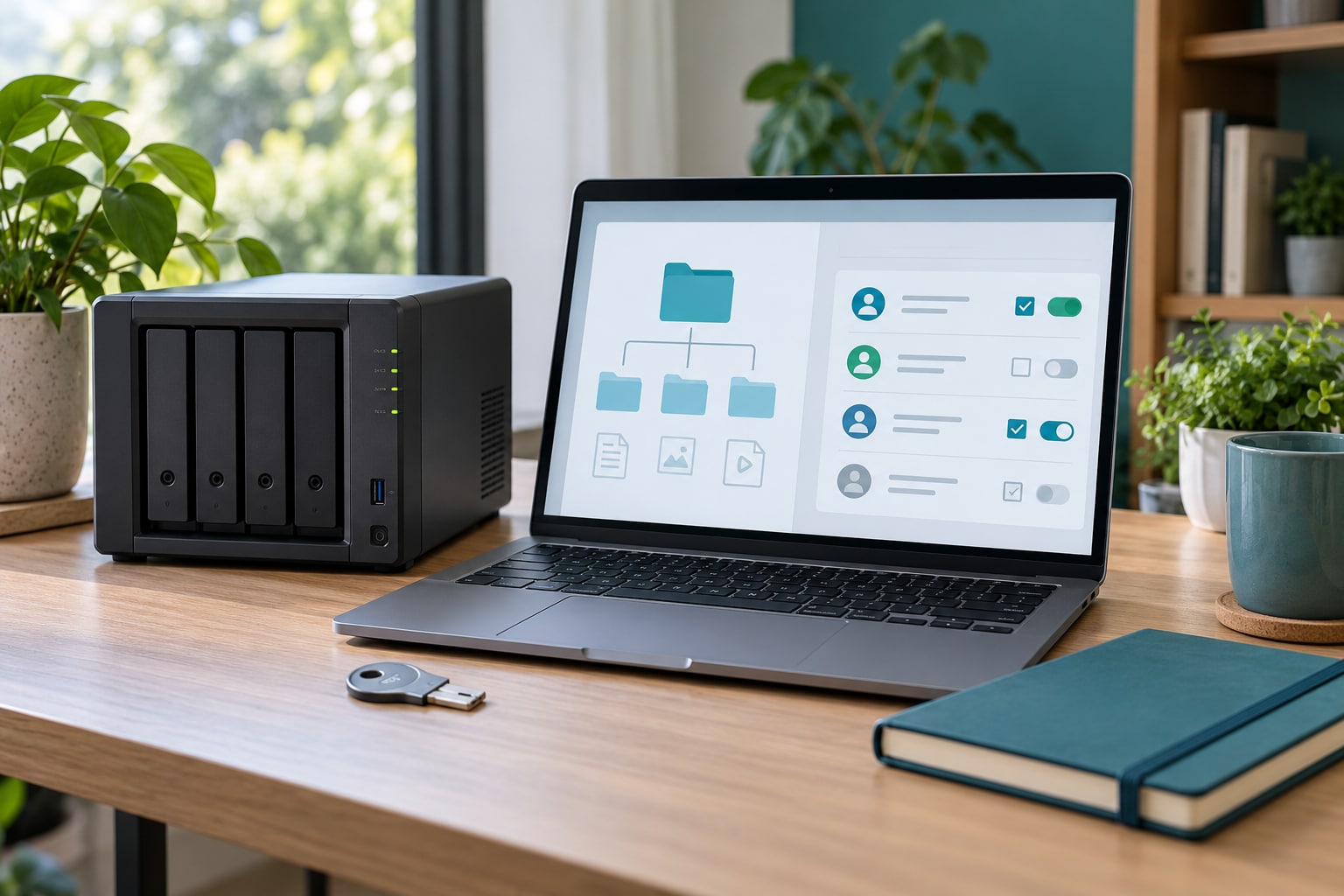
Docker and mounted-directory access provide substantial authority. Keep the interface on a trusted network or behind authenticated HTTPS access. Compose files, logs and consoles may expose secrets: read-only access is not a guarantee that information is harmless.
The account documentation describes Viewer/Admin roles and per-host scope for the in-development 0.17.0. Check the actual installed version before relying on those restrictions.
Finally, Reef does not yet provide volume backup/restoration or automatic update rollback. Retain application recovery procedures. A useful first experiment is not measured by button count. It is measured by identifying the target, understanding the change and verifying the service afterwards.
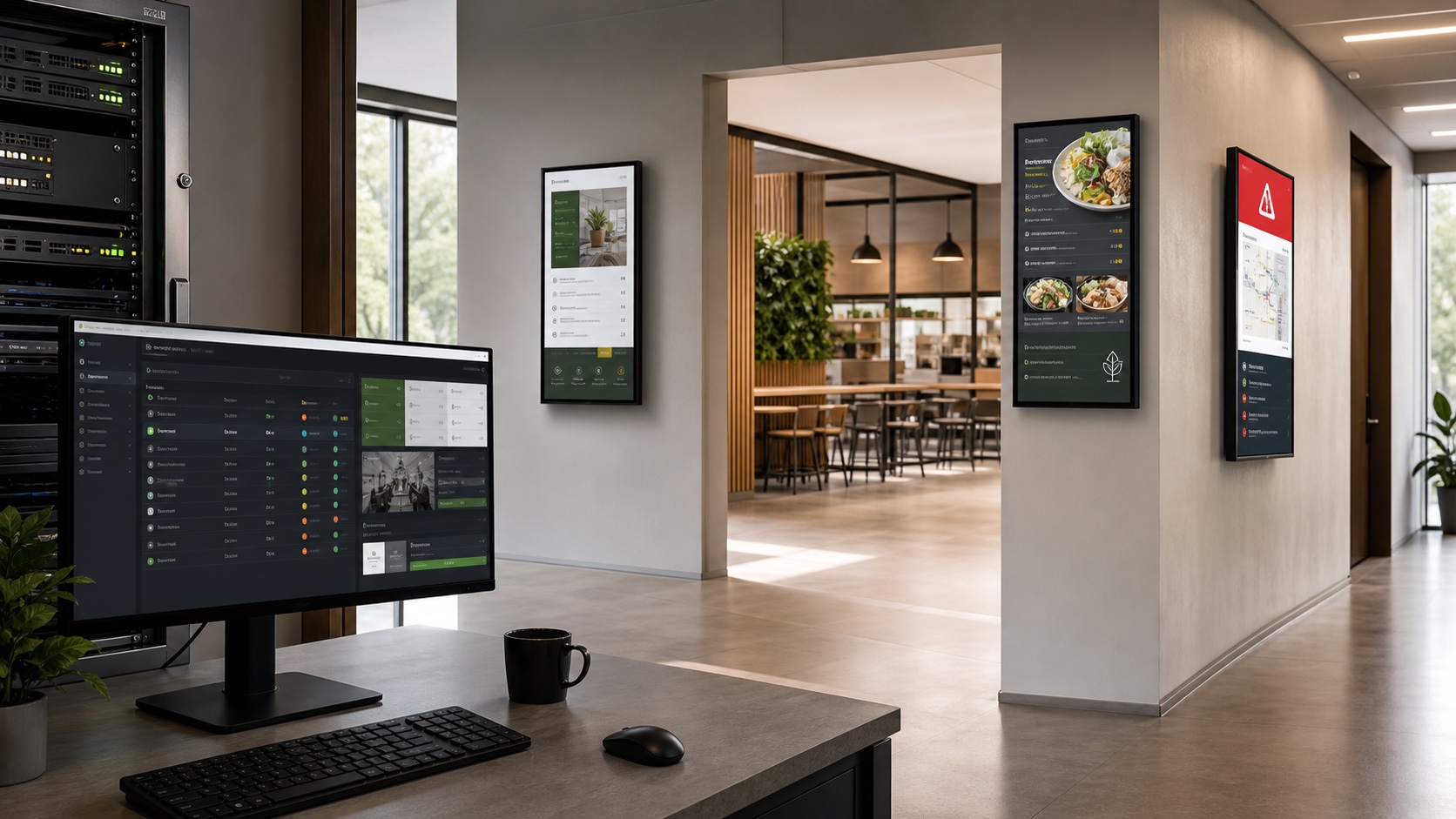
Visuals: Reef project preview screenshots with fictional data. The cover shows Statistics, not a performance measurement conducted by our editorial team.
Join the discussion
Comments
Loading comments…