
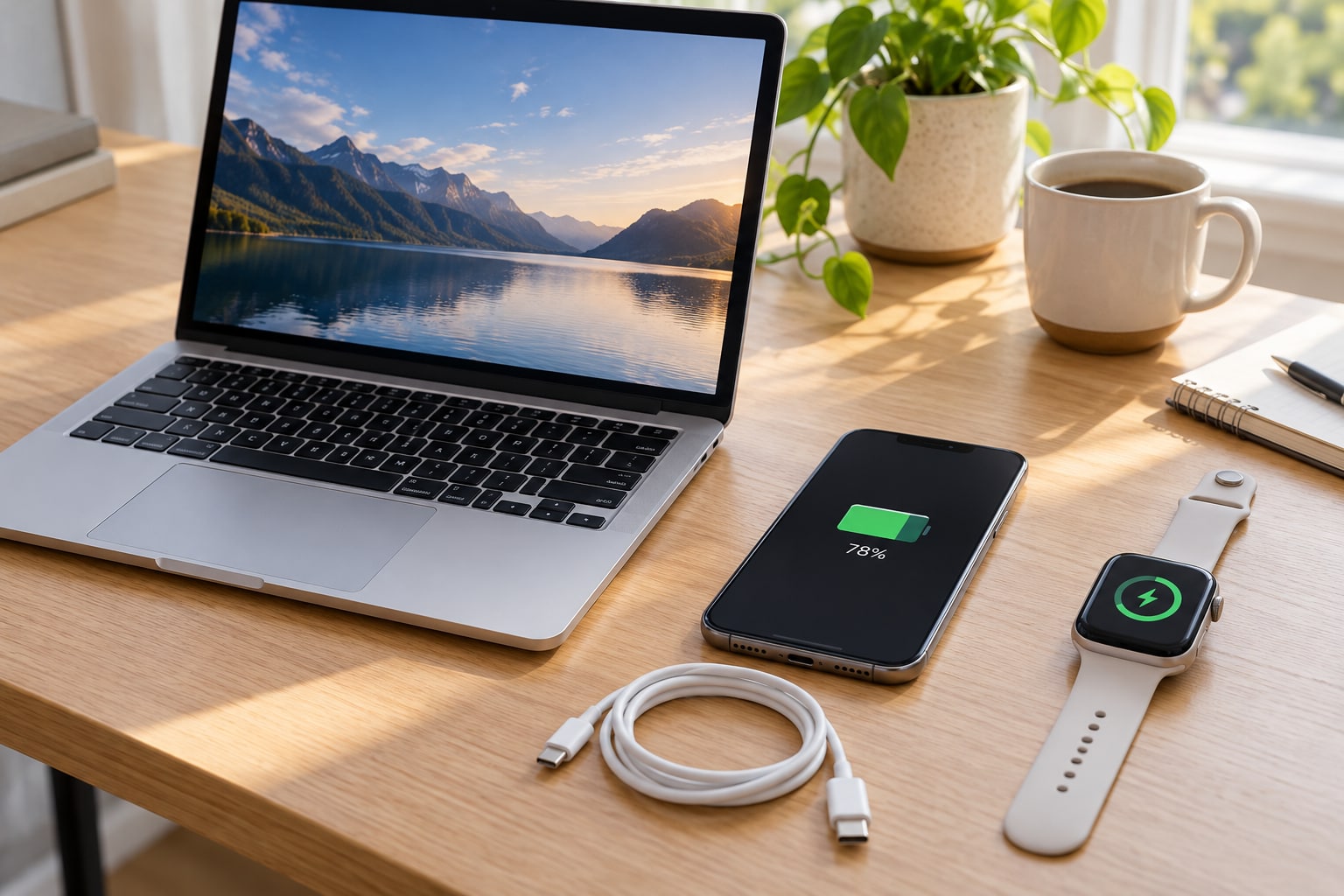
An iPhone showing 60% on your Mac can look reassuring. But if the reading is several hours old, that number may no longer describe the current situation. Charge Glance helps track iPhone and Apple Watch batteries across supported Apple devices. To use that dashboard well, pay as much attention to the measurement time as to the percentage.
This article complements our overview of version 1.22. It does not announce a new release: it explains how to interpret information that can appear simpler than it really is.
Product disclosure
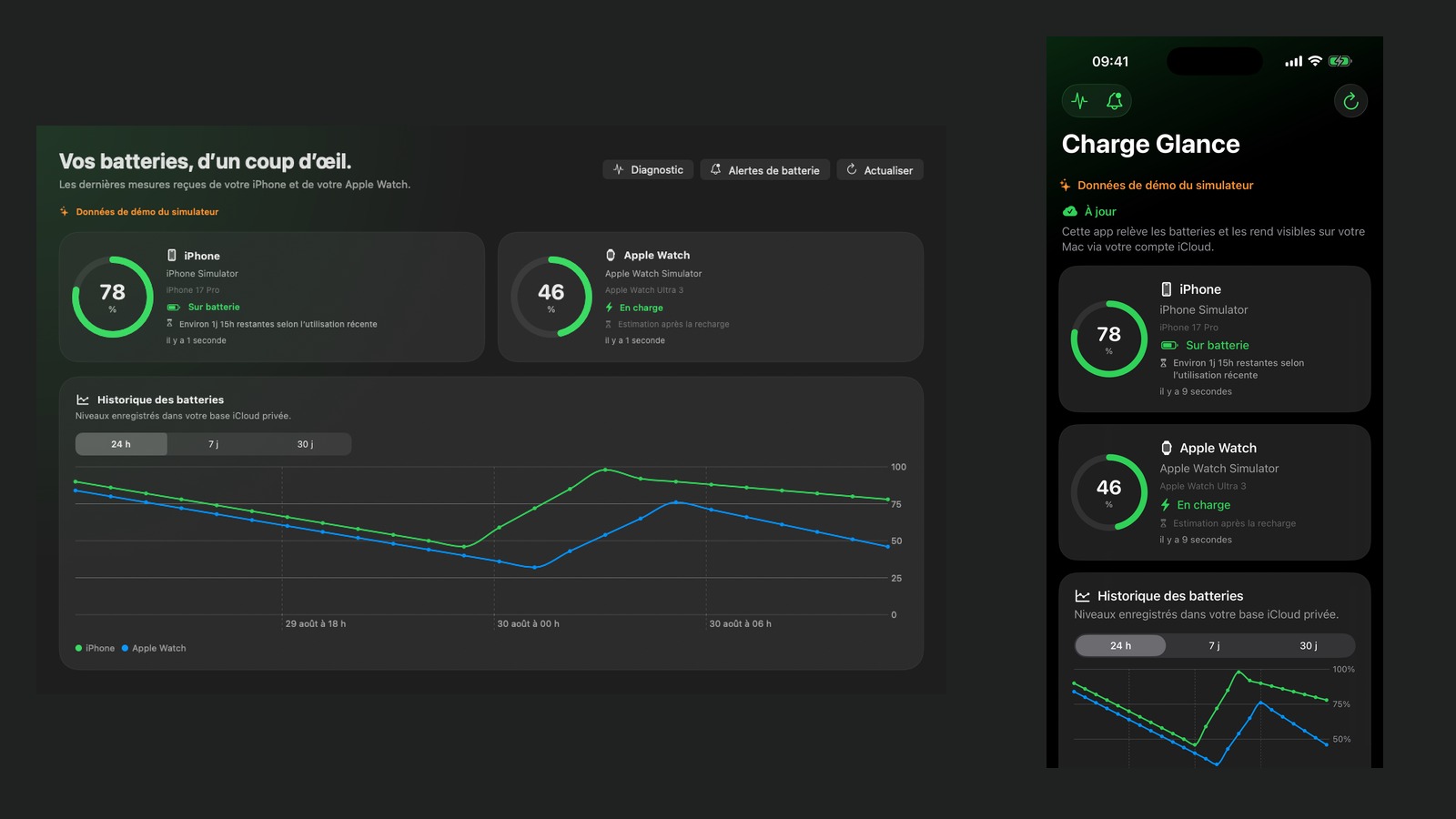
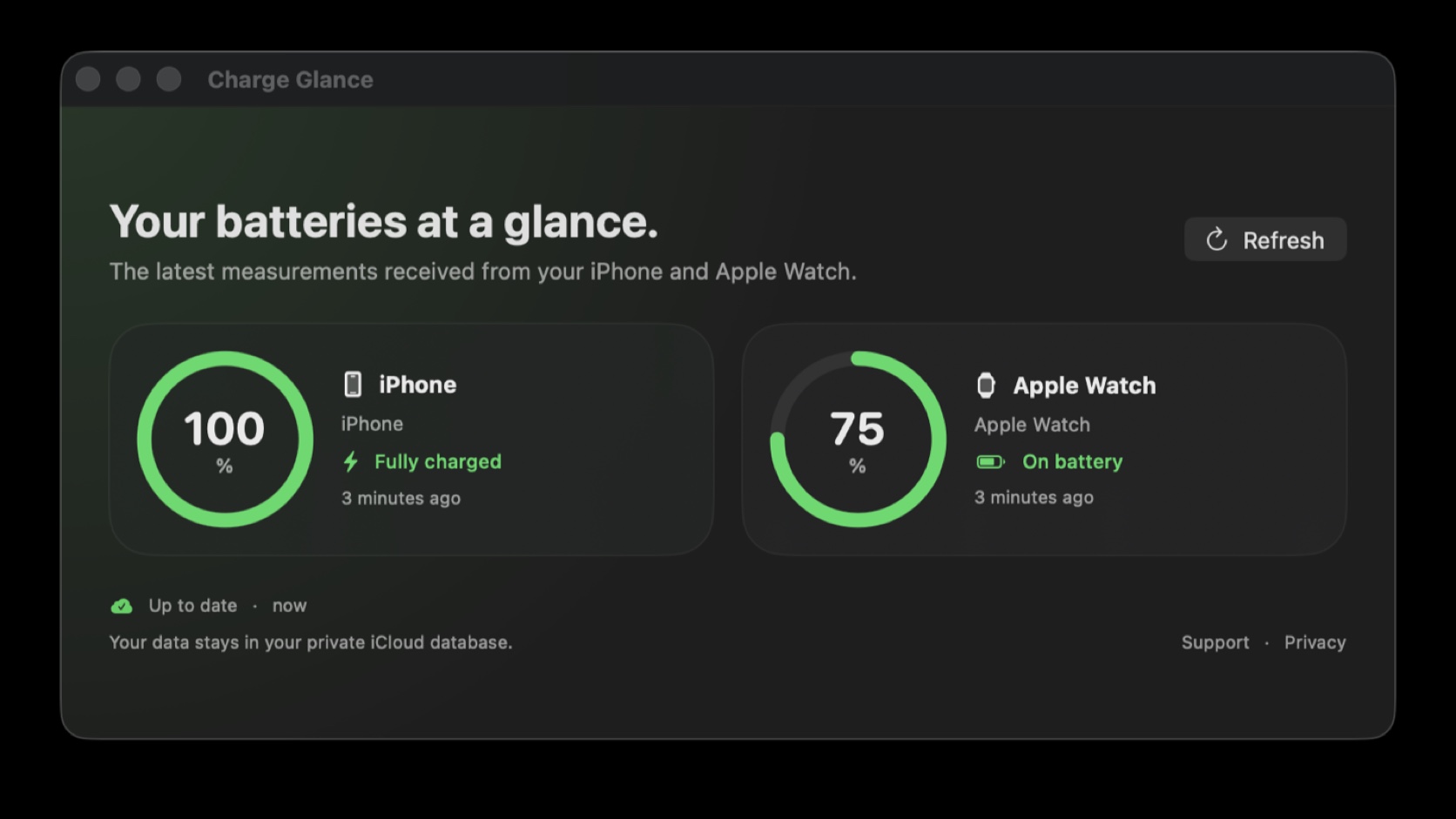
Charge Glance is developed by Renaud Baivier and published by Les Forgerons, which also publishes this website. This promotional article describes features checked in the project; it is not an independent review. The screenshot below shows the actual macOS interface with simulator demonstration data.
Percentage and freshness answer different questions
The level tells you what was measured. The timestamp tells you when. Looking at both prevents confusing a still-comfortable battery with a value that has not been updated.
Before leaving your desk, our suggestion is to check the freshness of the phone and watch readings. If a value looks old, open the companion application on the relevant device and check whether a new reading arrives. That is more useful than repeatedly refreshing the Mac.
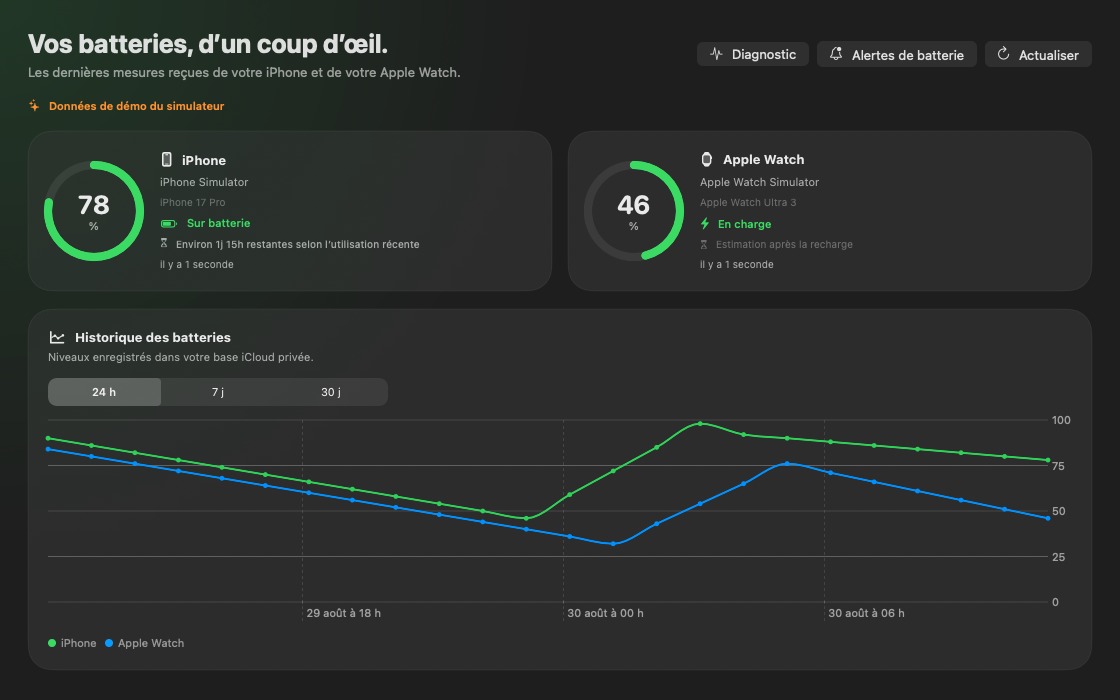
Actual Charge Glance interface on macOS; displayed values are demonstration data, not a battery-runtime test.
Refreshing does not manufacture a measurement
Synchronisation uses the iCloud account's private CloudKit database. Reading it again retrieves available data; it cannot arbitrarily force a suspended watch to produce a new measurement.
iOS and watchOS background restrictions still apply. Requesting a refresh and receiving a reading are therefore different events. Remembering this avoids treating every delay as an application failure.
The diagnostic assistant helps inspect the chain: iCloud availability, device presence and information age. Its purpose is to identify something worth checking, not to promise continuous, second-by-second transmission.
Runtime estimates remain a trend
Charge Glance analyses recent consumption using available readings. An estimate is not a guaranteed shutdown time. A change in usage can make the observed pattern less representative.
The application requires minimum evidence before displaying certain statistics. That avoids presenting a rate calculated from sparse data as a precise measurement. Missing information can therefore be more honest than an attractive number.
When deciding whether to recharge, combine the current level, reading age and your expected use. History provides context; it does not replace observing the device itself.
Alerts should remain understandable
Low battery, charging thresholds and stale data address different needs. Start with the alerts that fit your routine, then adjust their thresholds instead of enabling everything indiscriminately.
Charge Glance can become an everyday reference: readable values, their timing and diagnostic help. The useful habit is not watching every fluctuation, but knowing when information is fresh enough to support a decision.
A stale-data notification should prompt a synchronisation check, not an assumption that the physical battery has suddenly changed. Keeping those meanings separate makes the dashboard easier to trust.
Join the discussion
Comments
Loading comments…