
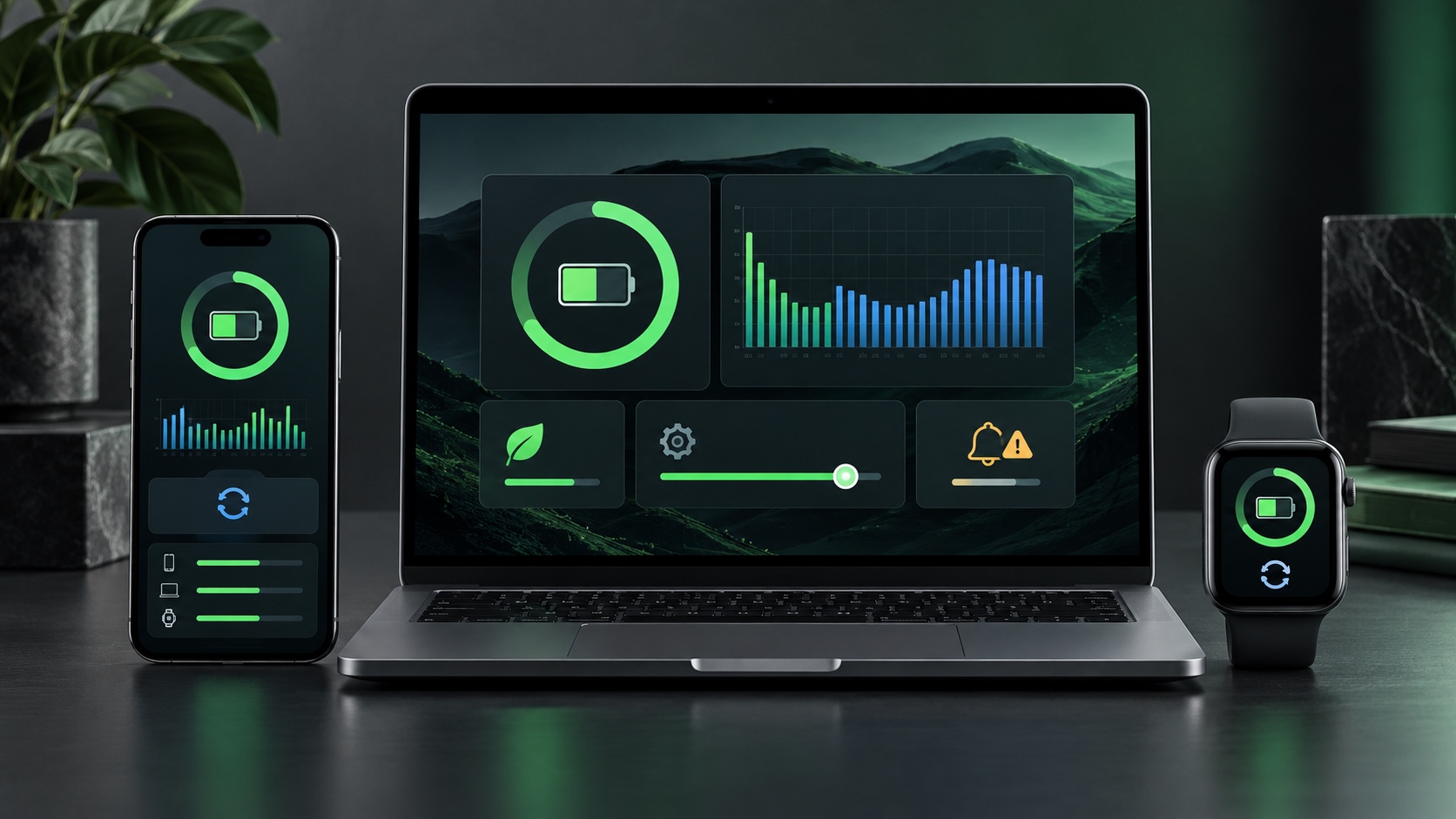
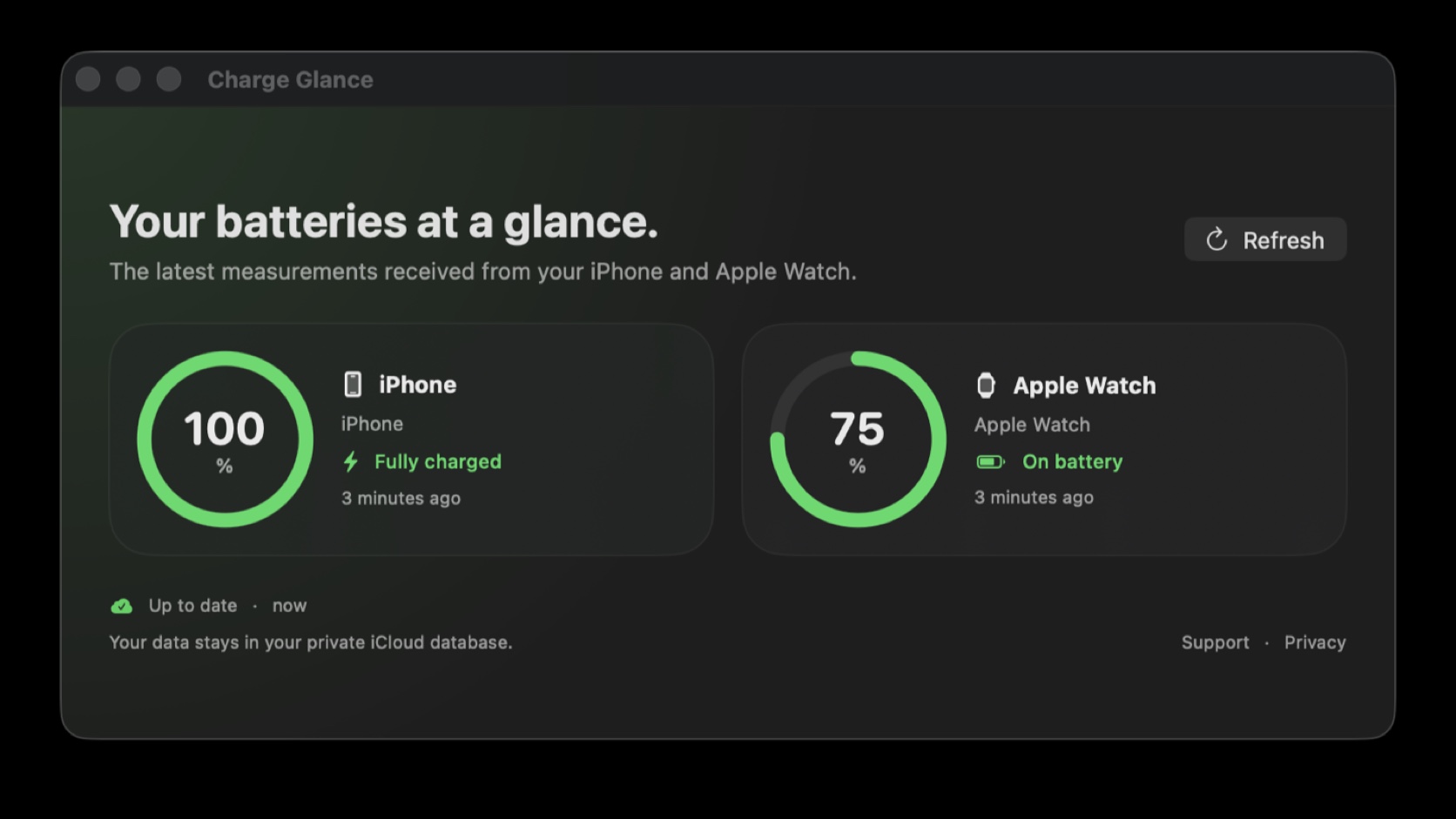
Charge Glance 1.22 goes far beyond the dashboard available at launch. The app can now distinguish multiple iPhones and Apple Watches, analyse their history, estimate remaining battery life and warn when a battery or synchronisation needs attention.
The short answer
| Question | Answer |
|---|---|
| Can it track multiple devices? | Yes. Each installation has a stable identifier and can be renamed or hidden. |
| Which alerts are available? | Low battery, stale data and a selected charging threshold. |
| What is new in version 1.22? | A system control that reloads CloudKit data and refreshes widgets without opening the app. |
Product transparency
Charge Glance is developed by Renaud Baivier and published by Les Forgerons, which also publishes this website. This promotional article is based on features shipped in the project and states their limitations; it is not an independent review.
Multiple devices without overwritten measurements
Since version 1.17, every iPhone and Apple Watch installation uses a stable identifier. Two phones or several watches on the same iCloud account therefore keep separate records. A management view lets users rename or hide devices that should no longer appear without silently removing their history.
History and advanced statistics
The 24-hour, 7-day and 30-day views display levels stored in the private CloudKit database. Charge Glance now calculates average level, observed range, charging and discharging rates, sample count and charging sessions. Indicators remain hidden when too few useful records exist, avoiding false precision.
Configurable alerts, but never guaranteed real time
The iPhone and Mac apps can warn about low battery, stale data or a charging device reaching a threshold between 50 and 100 percent. Each alert is sent once per episode. iOS and watchOS background limits still apply: a notification always depends on receiving a sufficiently recent measurement.
Battery estimates, widgets and a new control
Battery-life estimates use recent discharge trends locally and retain the more conservative consumption rate. iPhone and macOS widgets can target a device. On compatible systems, the new Sync Batteries control reloads CloudKit and refreshes widgets from Control Centre, the Lock Screen, the Action button or the menu bar.
What the control cannot do
The control cannot arbitrarily wake a suspended Apple Watch or create a missing measurement. It refreshes information already available in private iCloud storage. The sample date therefore remains essential for distinguishing a current state from stale data.

Join the discussion
Comments
Loading comments…