
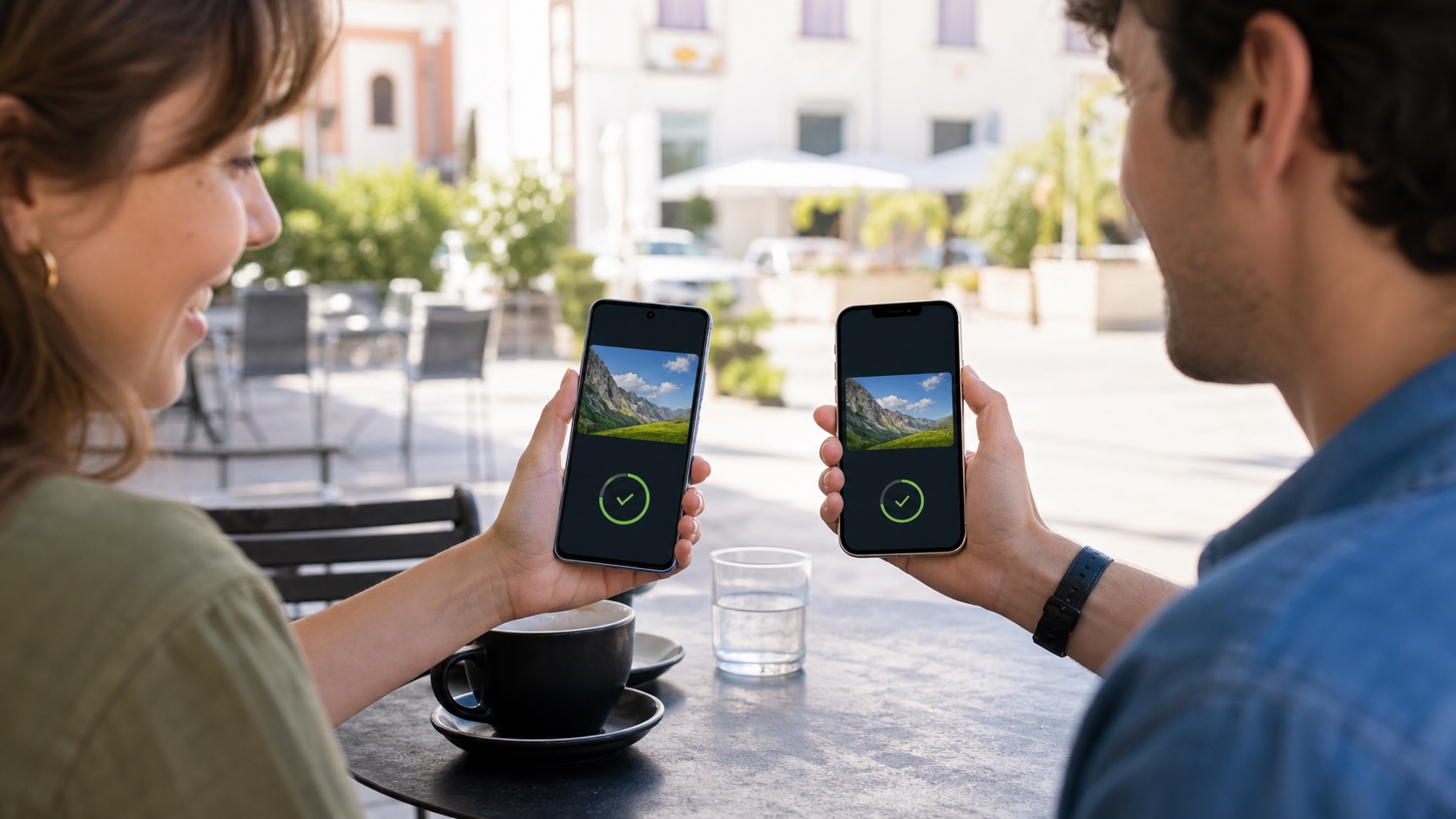
Backori 2.0.1 delivers the largest change since launch: optional synchronization across devices. The app still saves links, text and images locally, but can now restore them on another phone or tablet.
Transparency note: Backori is developed by Renaud Baivier and published by Les Forgerons, which also publishes this site. This promotional article describes both features and limits.
Quick answer
| Question | Answer |
|---|---|
| Is an account mandatory? | No, Backori remains fully usable locally. |
| How does sign-in work? | A secure email link or code, without a password. |
| Are existing saves removed? | No, they remain and are merged when sync is enabled. |
Explicit opt-in synchronization
Backori uploads nothing before activation. The first flow explains that existing items will be copied to a private account. Links, text, categories and user images can then move between devices; remote thumbnails are not duplicated unnecessarily.
Local-first with an account
SQLite remains the interface source of truth. New saves work offline and enter an outbox until connectivity returns. Version 2 retries automatically after reconnection and also offers a manual command.
What Backori already does
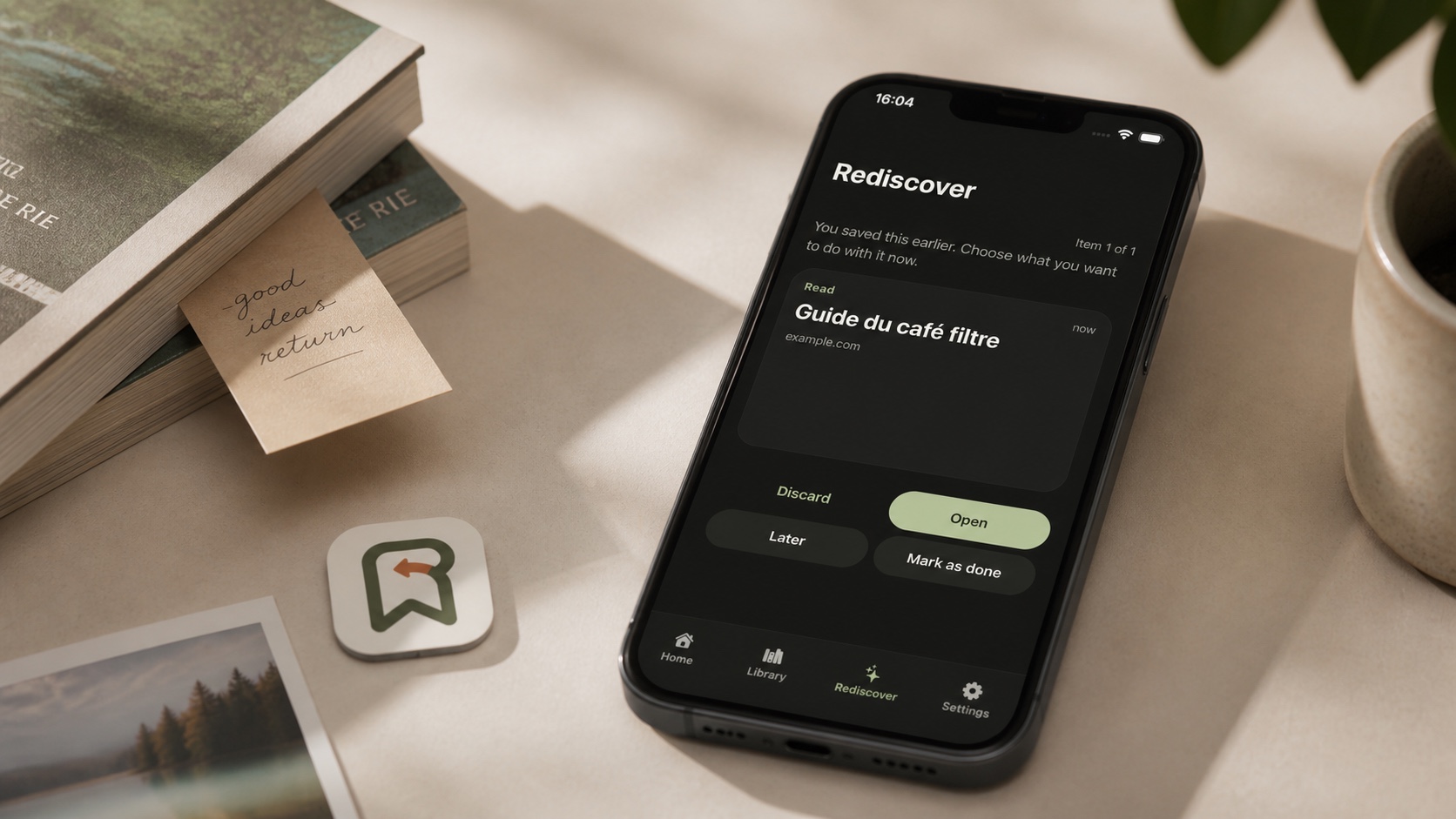
The app captures a link, text or image from the share sheet, categorizes items and periodically resurfaces older finds. Automatic thumbnails improve the library, while reminders remain local.
Who benefits
V1 was best suited to one device. Backori 2 is more credible across iPhone, iPad and Android while preserving its principle: no mandatory account, ads or analytics SDK. Sync is not collaborative sharing; it restores one user's private library.

Join the discussion
Comments
Loading comments…