
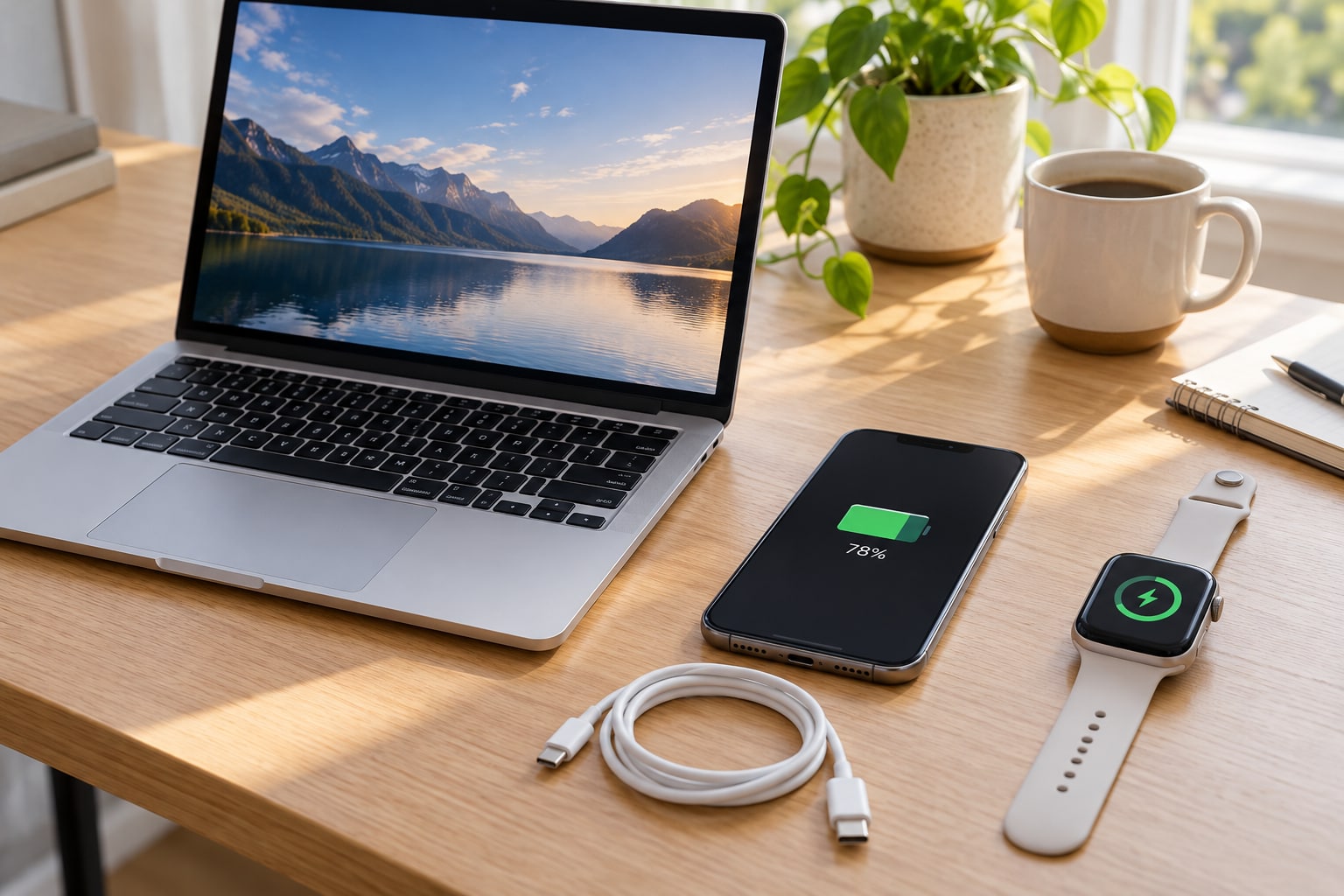
Checking a battery from the Mac is convenient; a well-timed alert can be more convenient still. However, alerts do not all answer the same question. Charge Glance distinguishes low battery, a charging threshold and readings that have become stale.
Disclosure: Charge Glance is developed by Les Forgerons, this site's publisher. We reviewed the repository, history and settings on October 29. The identified version remains 1.22.0. This article explains existing capabilities rather than announcing a new release or claiming a fresh physical-device test.
Choose a question before a threshold
Do you want to know when to connect the phone, when charging reaches a chosen target or when the watch stops reporting? Those are different situations.
Start with the alert matching your routine. Someone charging a watch before leaving does not necessarily need the same interruptions as someone spending the day beside a charger.
A threshold is a user-selected reference. This article does not turn it into a prescription for preserving battery health.
An alert does not control the charger
The inspected settings support charging thresholds from 50 to 100 percent, separately for phone and watch. One notification is intended per charging cycle, rearmed after unplugging or falling below the threshold.
That does not mean Charge Glance physically stops charging. The application informs; do not attribute a hardware-control capability it does not claim.
Notifications also depend on permissions and operating-system behaviour. Check settings on the device where you expect to receive them.
Keep readings central to interpretation
A percentage is useful only when you know when it was measured. Stale-reading alerts identify a different issue from a battery simply running low.
If a reading appears stuck, use diagnostics and, where necessary, open the relevant companion. A synchronisation control cannot force a suspended watch to produce a fresh measurement.
The official support page and our reading-freshness article explain those boundaries before you add more thresholds.
Do not mistake a cached value for a live measurement simply because another screen refreshed successfully.
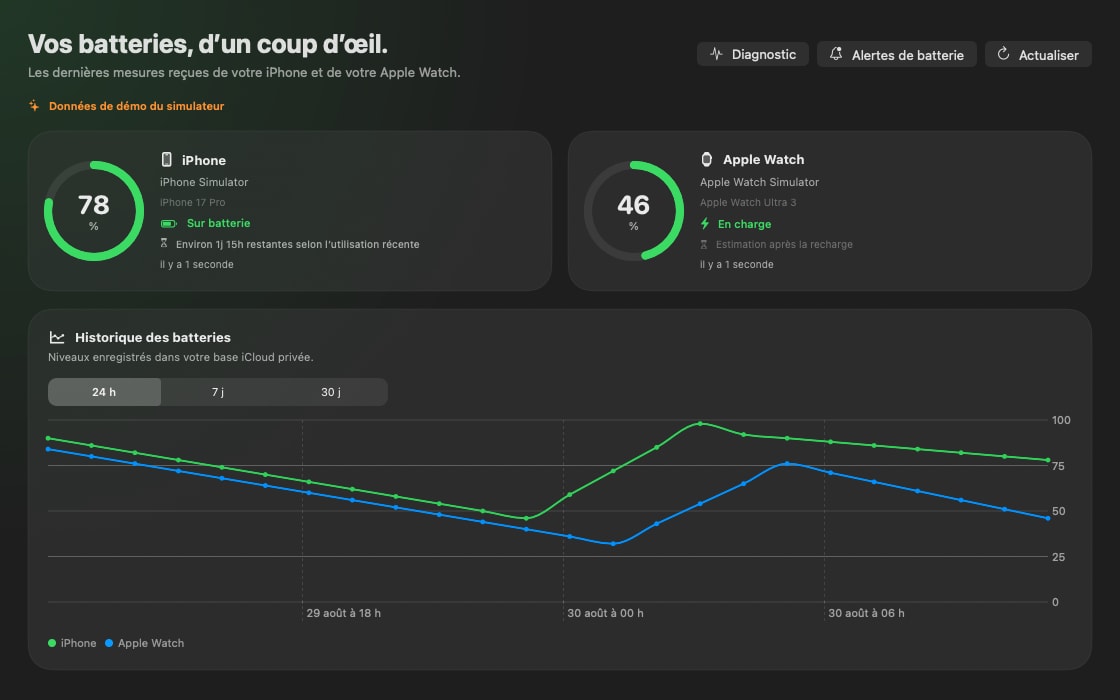
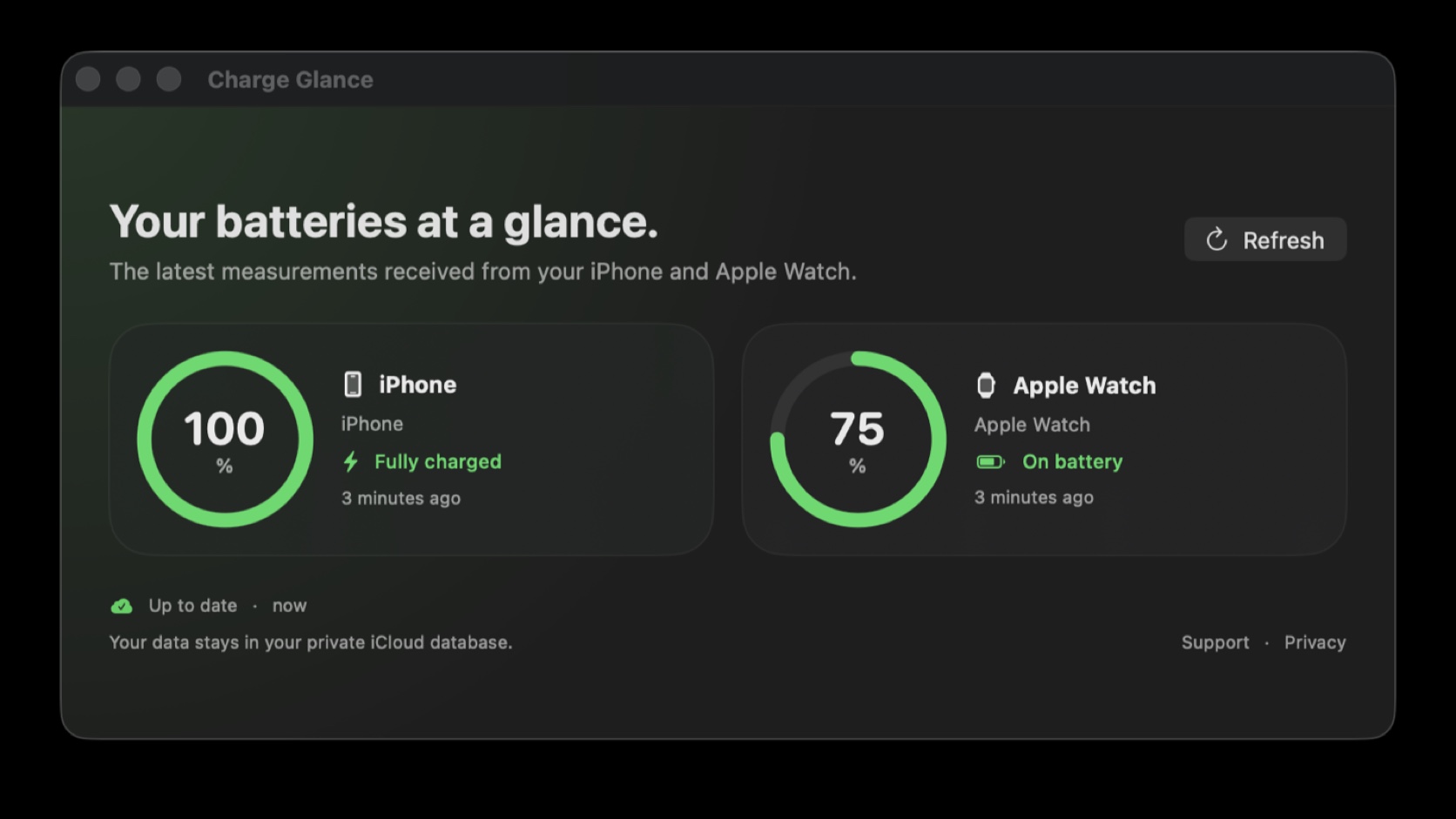
Charge Glance demonstration dashboard with simulated readings; this illustrates measurements, not the alert-settings screen.
Keep the configuration calm
Enable one option, observe its usefulness during ordinary cycles and then decide whether another is genuinely missing. A lack of interruption is not automatically a fault: focus settings can change what you notice.
For essential devices, keep a simple routine: inspect the reading, check its timestamp and charge according to your needs. A useful alert removes an unnecessary check rather than creating ten new ones.
Verify current availability and requirements on the App Store listing for your device. When expectations and actual operating-system limits remain clear, a small number of well-chosen alerts can be more useful than an ambitious configuration you no longer understand.
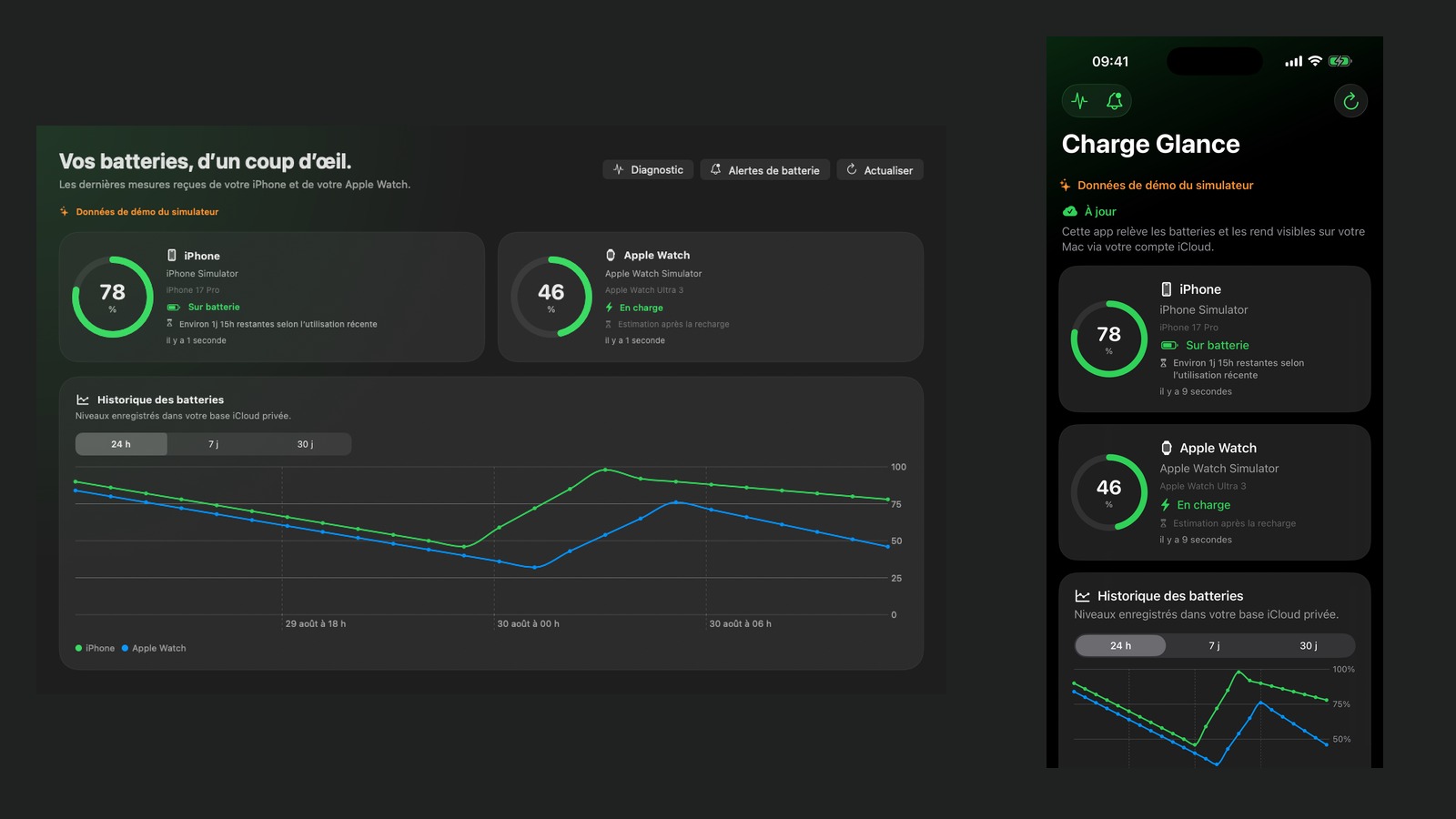
Cover: generated editorial illustration, not an official screenshot. In-article screenshot: demonstration visual supplied by Les Forgerons, not proof that a particular version is available in stores.
Join the discussion
Comments
Loading comments…