
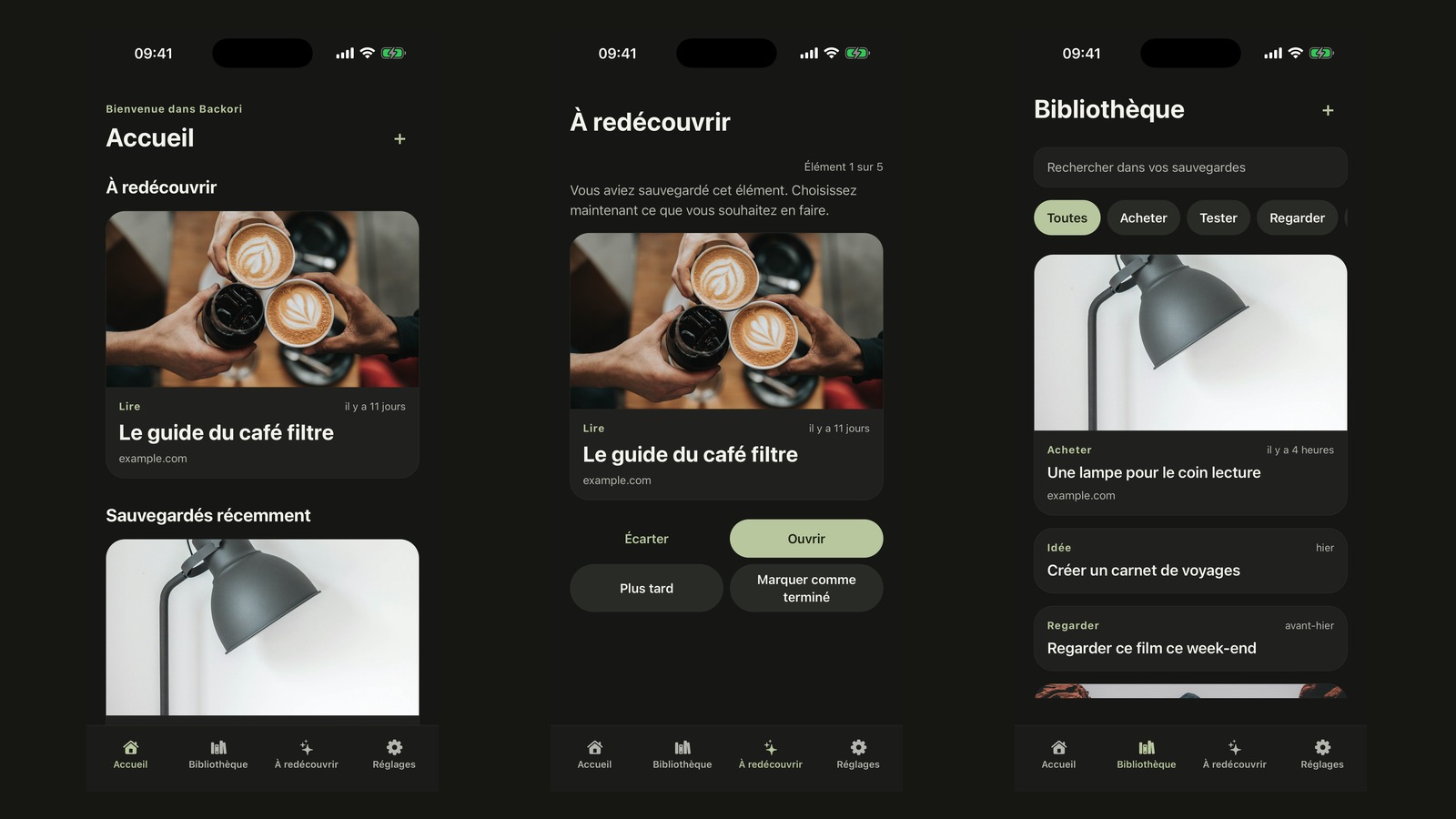
A recipe for later, an article to read, a gift idea: saving a link takes little effort. Finding it again at the right moment is another matter. Backori focuses on that second problem, bringing saved items back to a concrete decision instead of merely adding another library.
Following our article about Backori 2 and synchronisation, we return to an everyday use: gradually working through saved intentions. This is not a new release announced for this week. The public listing we checked shows version 2.0.1, with stability and performance improvements.
Product disclosure
Backori is developed and published by Les Forgerons, which also publishes this website. This promotional article is based on features checked in the project; it is not an independent review. The visuals show the actual interface with demonstration items.
Keep an intention, not just an address
A bookmark without context ages quickly. Recording what you want to do with it makes returning more useful: read, compare, try something or retain a reference. Our recommendation is to capture a short intention when saving.
This should not turn into administrative work. A few words are enough if they prevent you from reopening a link and wondering why it mattered. The library can then become a resource rather than a source of guilt.
Rediscovery helps make a decision
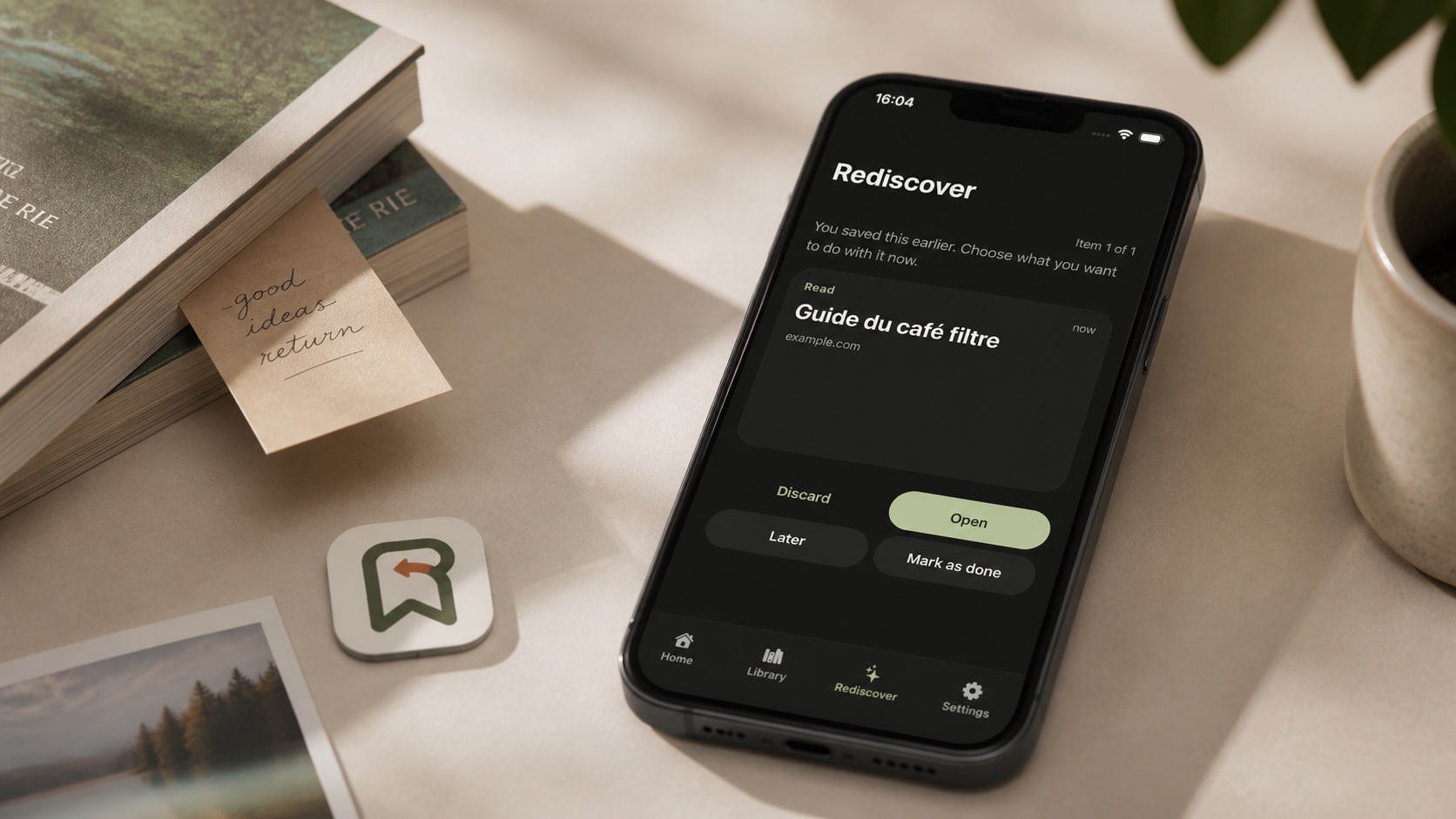
The dedicated screen offers actions such as opening, postponing, dismissing or marking an item complete. Each represents a different decision. Postponing something that still matters is not the same as indefinitely retaining something that no longer does.
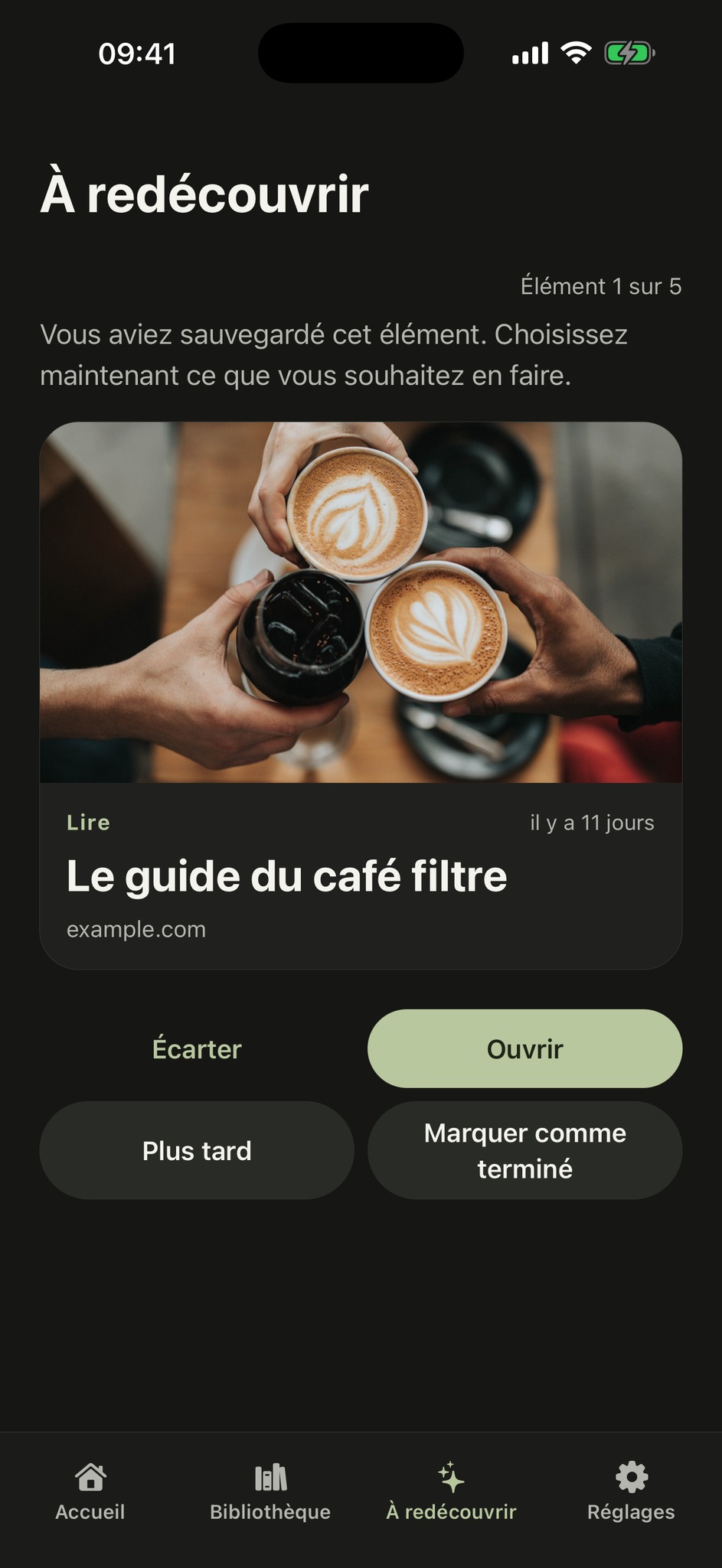
Demonstration screenshot: the displayed link illustrates a saved item, not a commercial recommendation.
Our suggestion is to spend a short regular session there. Process a few items, then stop. A modest routine you maintain is better than a complete cleanup you perpetually postpone.
If several links belong to an abandoned project, dismissing them may improve the library. The objective is not maximising saved-item counts, but finding what still matters.
A reminder should help rather than add noise
Backori offers optional reminders with an adjustable schedule. Choose a time that fits your day. A reading reminder in the middle of a meeting does not create more reading time.
Start gently and reassess after a few days. If notifications become messages you dismiss without reading, reduce their frequency or disable them. Doing so does not remove the saved items.
This flexibility also separates occasional personal use from a more regular reading routine, without making every link urgent.
Choose synchronisation deliberately
Backori remains usable locally; cross-device synchronisation uses the account designed for it. Whether an account is worthwhile therefore depends on wanting the library elsewhere, not on needing permission to save a first item.
Finally, saving a reference does not guarantee that the whole source page will remain archived and readable offline forever. A website can change or disappear. Keep an appropriate separate copy of essential documents.
Backori becomes useful when it turns “someday” into a small action. A lighter library can then represent progress even when it contains fewer links.

Join the discussion
Comments
Loading comments…