

Saving a link can create the reassuring impression that it is somewhere safe and will always be recoverable. With Backori, it is worth distinguishing the local library from optional multi-device synchronisation.
Disclosure: Backori is developed by Les Forgerons, this site's publisher. We reviewed repository sources and limitations on October 29. Recent changes include infrastructure work and account-file deletion; we do not infer a newly released store feature from them.
Starting without an account is intentional
Backori retains a local-first approach: saving and consulting a library does not require enabling synchronisation. An optional account supports choosing a copy across devices.
Those choices suit different needs but require a conscious decision. If content never left a device, wiping it or removing the app without an appropriate backup can make recovery impossible.
Before replacing a phone, identify essential items and verify how they will be retrieved. A setting enabled long ago is not the same as checking the result today.
Offline does not mean a complete copy of the Web
A saved title or link may remain available locally while its remote webpage cannot be opened. The source website can change, require connectivity or disappear.
In the inspected implementation, URL preview images remain references to their public source. They should not be described as a private archive of the entire page.
An image or personal note may better preserve a particular detail within supported input types. Do not assume full-page archival or an export capability that does not exist.
This distinction matters for travel preparation: seeing a useful link in a library does not prove the information behind it will open without a connection.
Synchronisation has explicit limits
The repository describes foreground synchronisation and selected events, not guaranteed continuous transfer while the application is suspended.
Check results on both devices while they are open and connected. Do not infer successful transfer from a switch that was enabled once.
Another important distinction is that synchronisation is not end-to-end encrypted. Transport and access controls are not equivalent to that property. Consult the official website and privacy information before entrusting sensitive material.
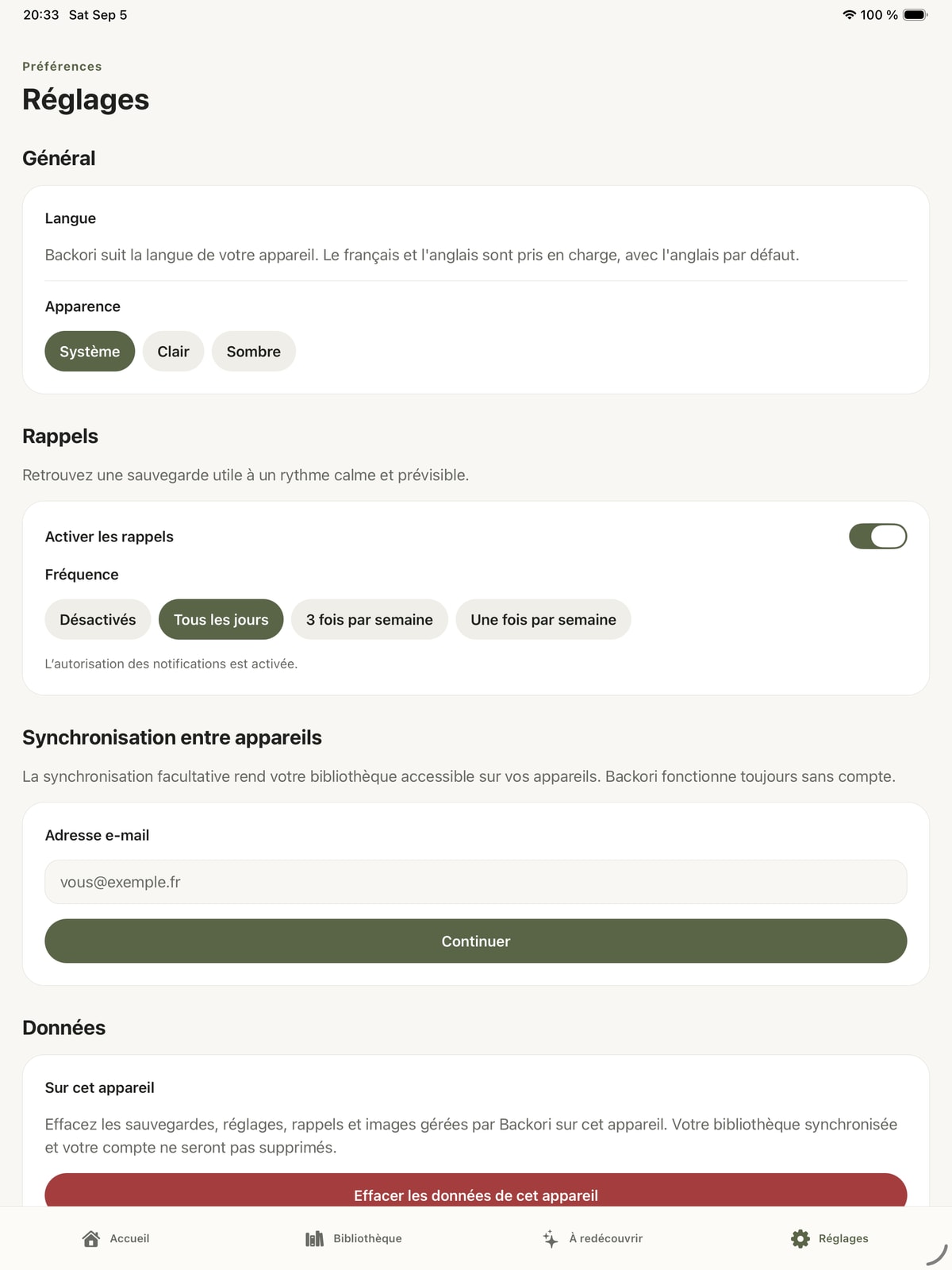
Backori demonstration screenshot: settings distinguish local data from optional synchronisation.
Signing out and deletion serve different purposes
Leaving a session, disabling synchronisation and requesting account deletion have different consequences. Read the confirmation for the selected action and avoid a destructive experiment on your only copy.
Our recommendation is to inspect the workflow using low-stakes items before an important migration. Confirm what is visible, what remains local and what has transferred.
Backori is useful when it helps retrieve what you deliberately chose to keep. Understanding the location and boundaries of that storage prevents expecting a link library to provide guarantees belonging to a different kind of backup.
For everyday use, a small verified collection is more reassuring than a large library whose storage assumptions remain unclear.
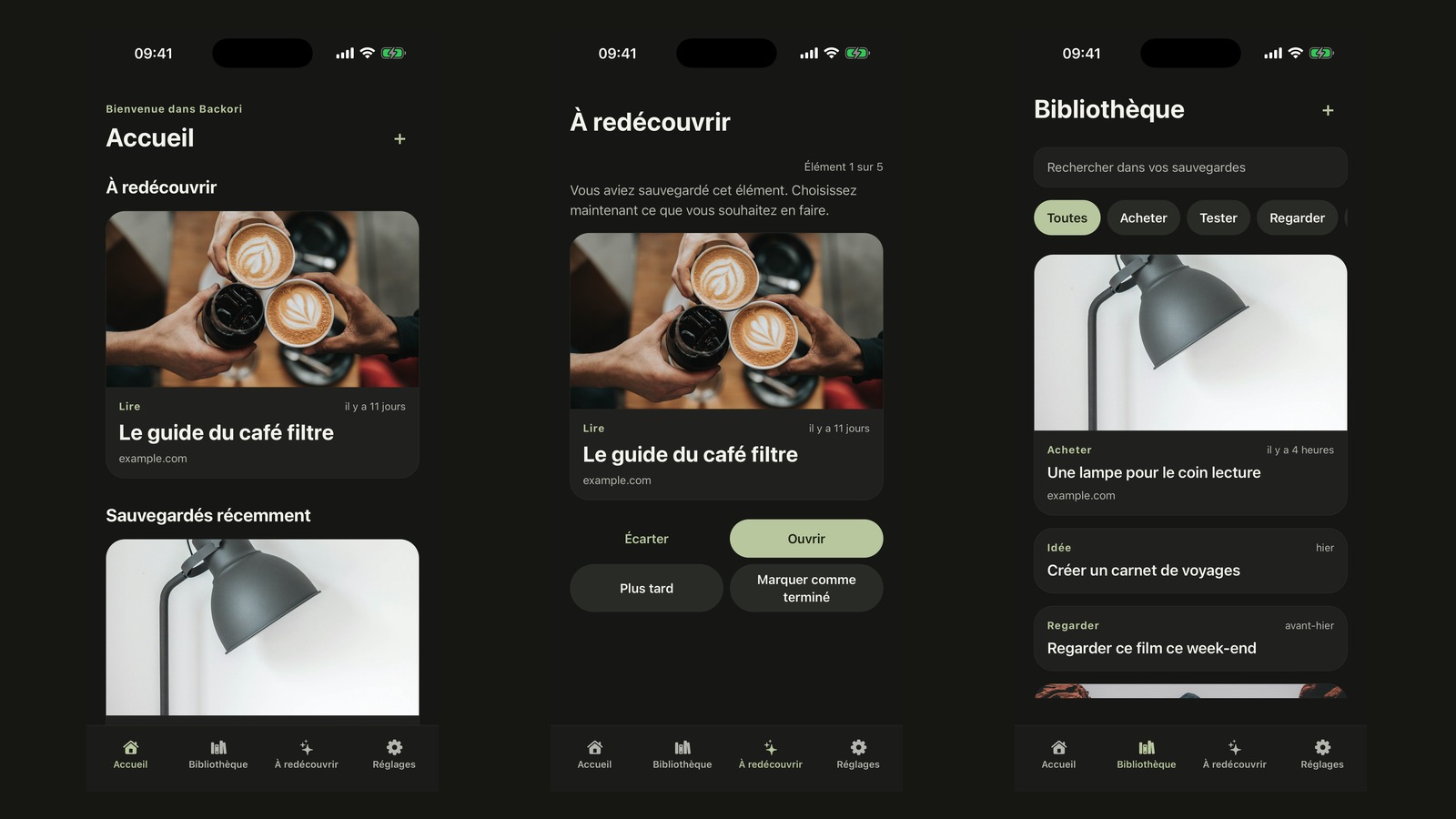
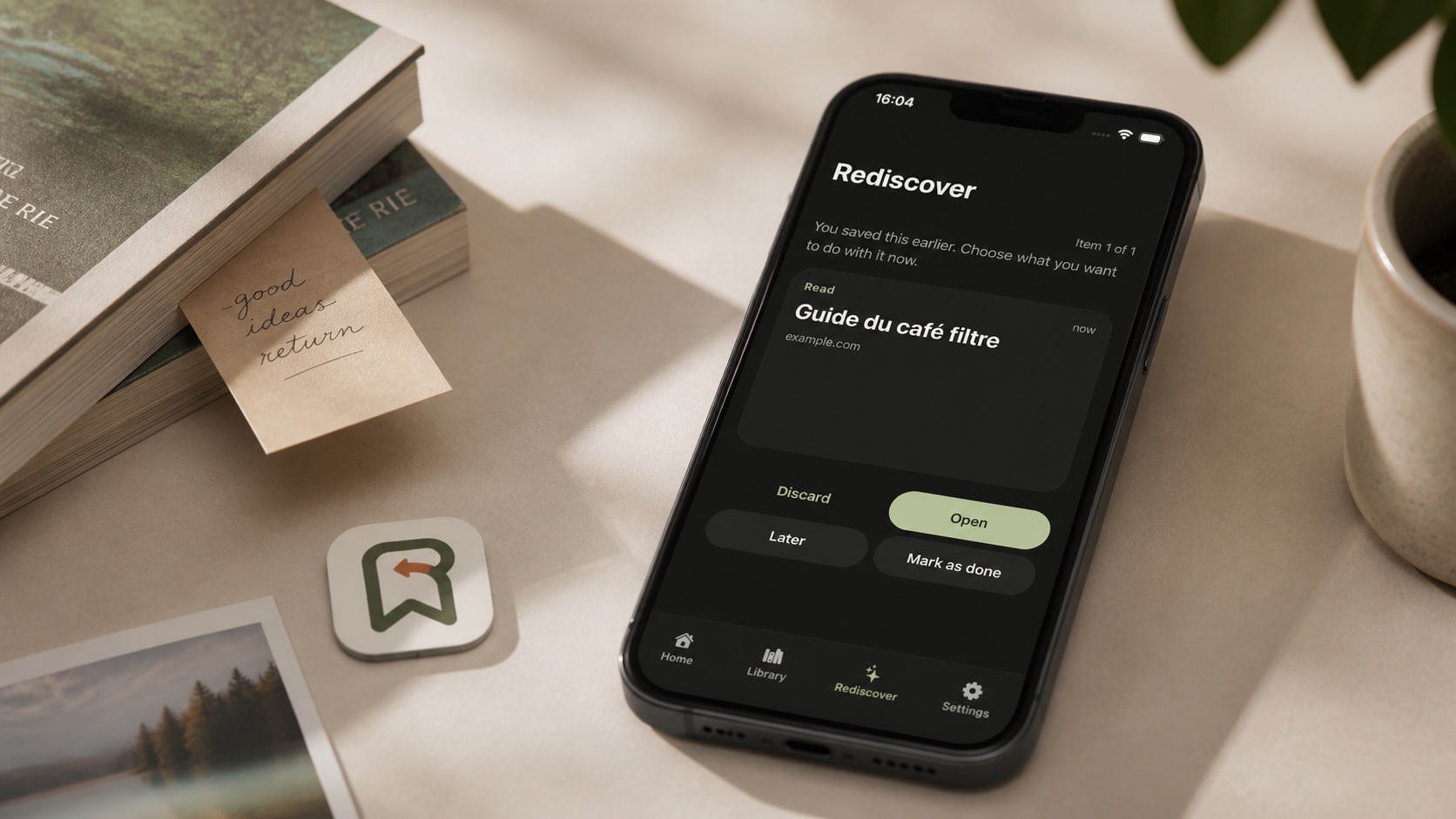
Cover: generated editorial illustration, not an official screenshot. In-article screenshot: demonstration visual supplied by Les Forgerons, not proof that a particular version is available in stores.
Join the discussion
Comments
Loading comments…