

Docker Hub now supports OpenID Connect for GitHub Actions. A workflow no longer needs a long-lived password or access token to push an image. GitHub issues a signed identity for the job, Docker checks its attributes and returns a short-lived token limited to that run.
The short answer
| Question | Answer |
|---|---|
| Which secret goes away? | The Docker PAT or organization token stored in GitHub. |
| Can the workflow push everywhere? | Not when OIDC rules restrict repository, branch and environment. |
| Does the login step change? | docker/login-action handles exchange through a connection ID. |
| Is it available to everyone? | Docker limits it to eligible Team, Business, DHI and sponsored OSS plans. |
| Does OIDC secure the whole pipeline? | No. GitHub permissions and workflow protection remain essential. |
A different identity for every job
GitHub Actions gives the job a JWT with claims about repository, reference, environment and organization. Docker compares them with configured rules. If they match, it issues a temporary token for the permitted operation.
A leaked permanent secret can remain useful until revoked. An OIDC token expires quickly and only exists after context validation. Risk remains, but both its duration and reach shrink substantially.
Rules make the control effective
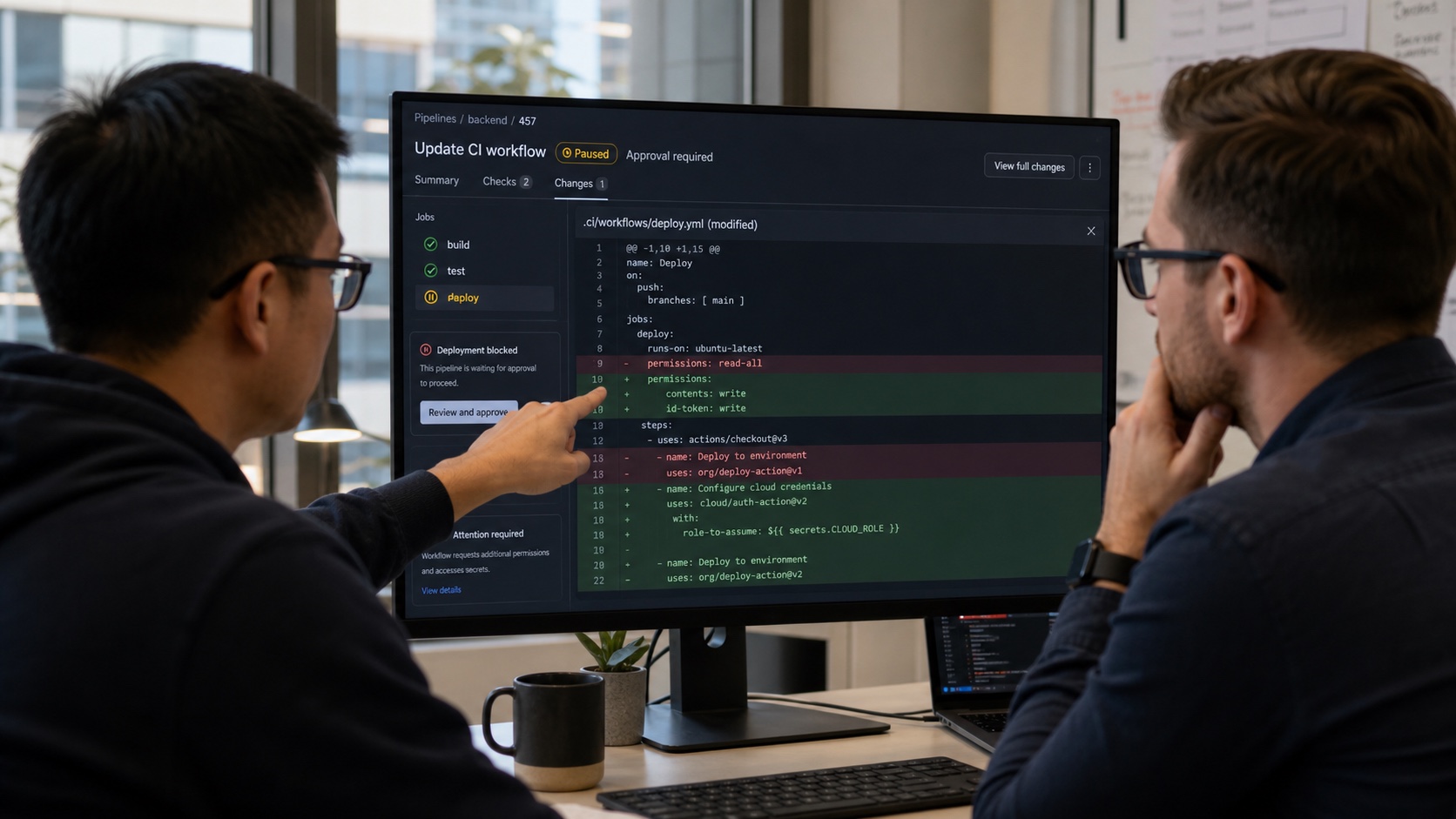
A Docker connection can have up to five rules. They should be precise: GitHub organization, repository, branch or protected environment. Allowing every branch means a workflow modification on a weakly controlled branch may try to obtain registry access.
A strong setup reserves production pushes for a protected GitHub environment and gives pull requests read-only or no access. DOCKERHUB_OIDC_CONNECTIONID identifies the trust relationship; it is not a password with the same sensitivity as the token it replaces.
Migrating without breaking publishing
Create the connection and rules in Docker Hub, then grant OIDC permissions in the workflow. Test a push to a temporary repository or tag. Also verify that an unauthorized branch fails: an untested security control is only an assumption.
Once the path works, remove the PAT from the workflow and revoke it in Docker Hub. Deleting it only from GitHub leaves a valid credential that may exist elsewhere. Inspect reusable workflows and old runners too.
What OIDC does not fix
A compromised workflow on an authorized branch can still publish a malicious image. Protect workflow files, pin third-party actions and minimize GITHUB_TOKEN permissions. Sign images and retain provenance attestations where possible.
Commercial availability may force some projects to retain tokens temporarily. Use a repository-specific token with minimal rights and short rotation in that case.
OIDC turns Docker authentication into a decision made for each job instead of a secret copied once. It is a concrete risk reduction when branch and environment rules are genuinely restrictive.
Join the discussion
Comments
Loading comments…