
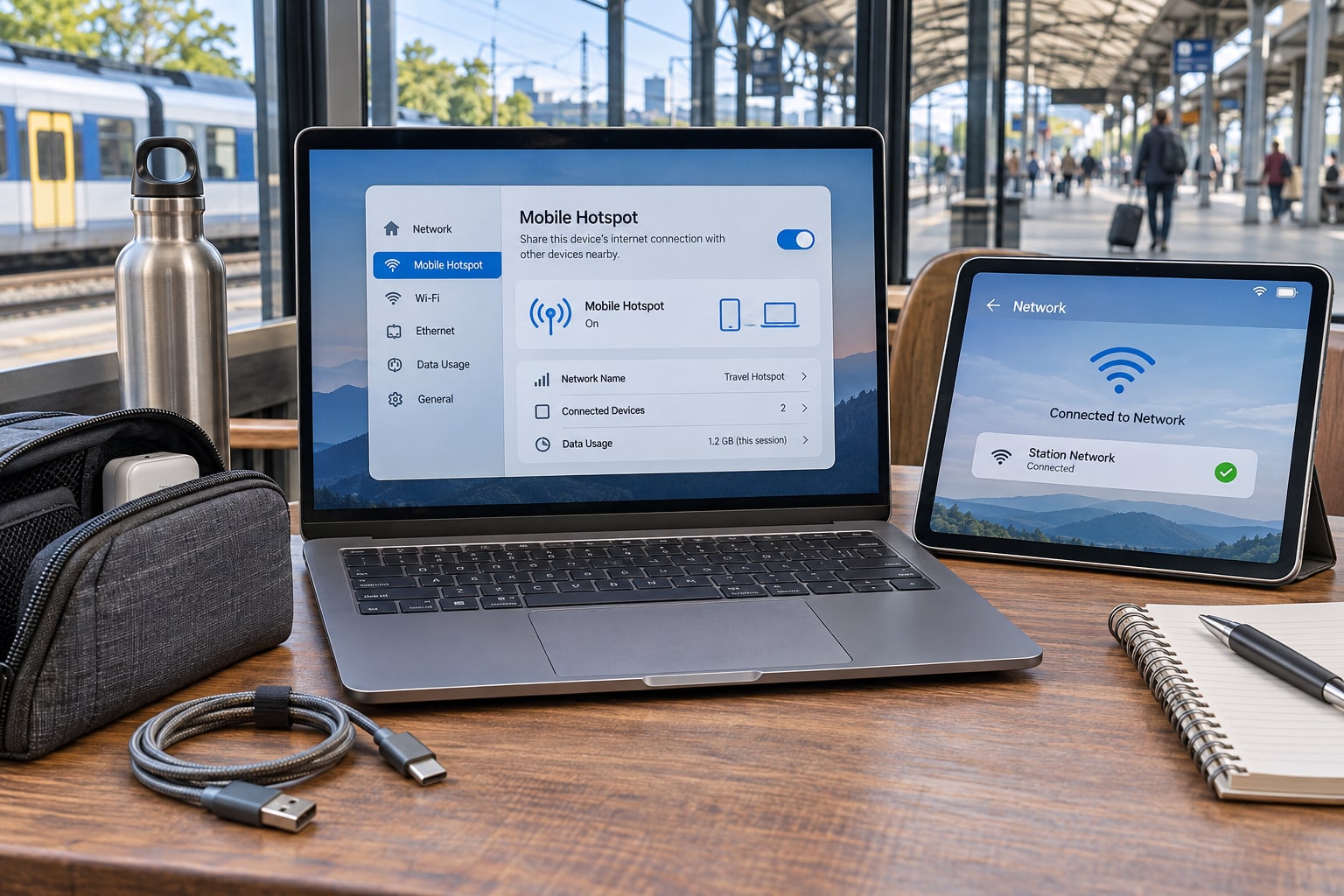
A tablet needs internet access, but only the computer has a usable connection. Windows offers a mobile hotspot for sharing connectivity, subject to device capability and configuration. The switch is convenient; it does not create an independent internet source.
Microsoft's help page describes sharing settings. This practical article was checked on November 12, 2026. It concerns a fallback workflow, not a newly announced Windows release.
Identify the connection being shared
Establish the incoming connection before enabling the hotspot. If that source stops, connected devices do not automatically gain an alternative.
Distinguish joining the network from reaching the internet too. A tablet can display a good Wi-Fi signal while pages fail because the upstream connection is absent.
On work equipment or a managed network, check rules before redistributing access to a personal device. A visible setting does not grant general authorisation.
Our recommendation is to name the intended use and duration. That prevents a temporary workaround from becoming an unexplained permanent arrangement.
Prepare understandable network access
Inspect the network information in hotspot settings. Do not forward a screenshot containing unrelated credentials or unnecessary configuration details.
Try your own device first, then review whether you recognise the connected devices. Remove access when it no longer serves the original purpose.
A computer hotspot is not the same as nearby file sharing or a guest network configured on a router.
Review power and data consumption
Sharing depends on the computer providing it. Consider sleep behaviour, power supply and how long connectivity is needed.
Watch downloads and synchronisation on connected devices, especially where the source has a limited data allowance. Background work can consume data without somebody watching a video.
Do not infer guaranteed speed or savings from the setting alone. Test the actual task under the conditions where it will be used.
For travel, keep essential information available through another appropriate route. A hotspot is a convenience, not proof that every future connection will work.
Make disabling straightforward
Run a short trial: connect the device, open an expected page, then disable sharing and verify you can find the controls again. That is clearer than making several unrelated changes at once.
If the need becomes permanent, reassess the arrangement rather than allowing a workaround to become infrastructure without an owner.
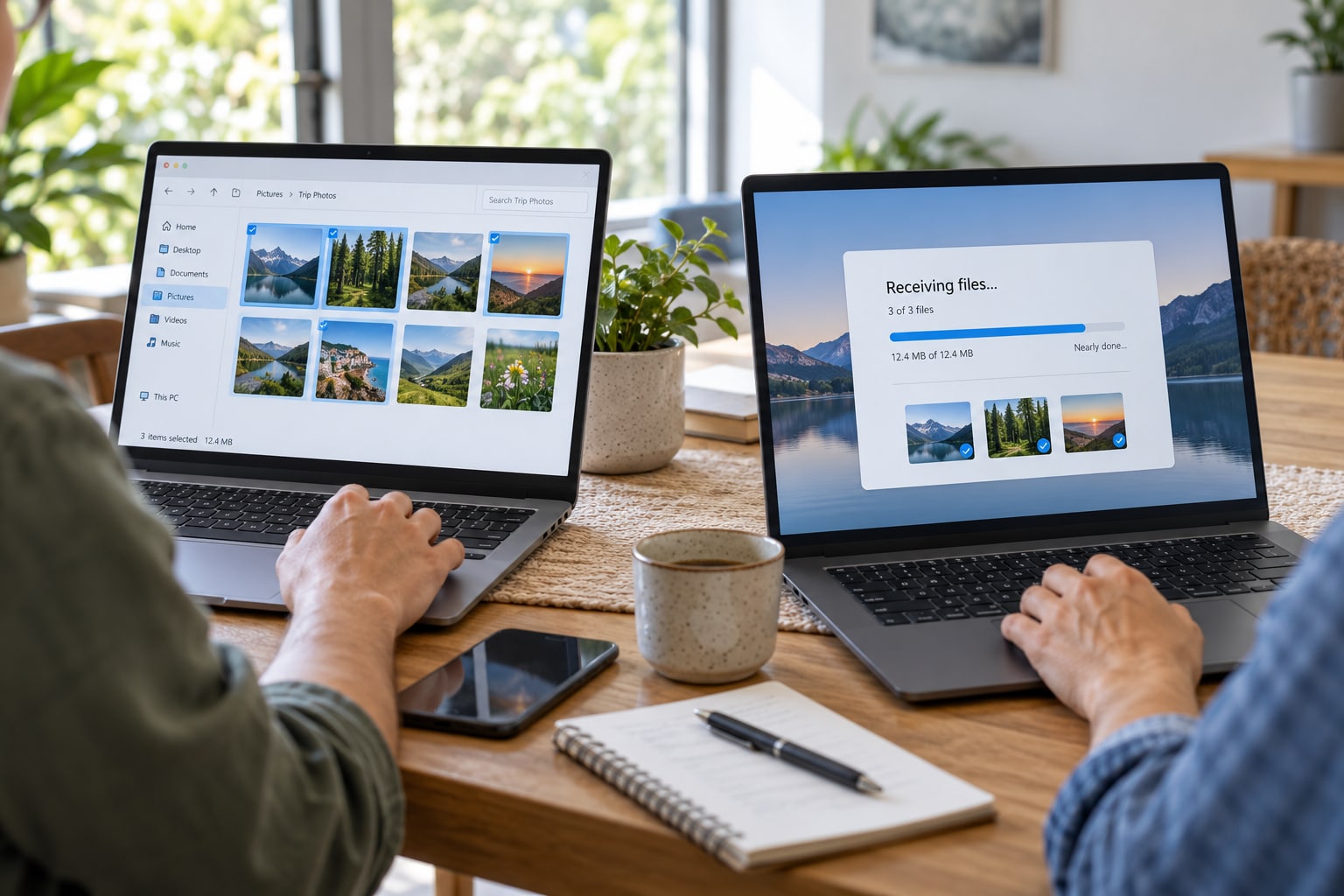
This complements our Windows nearby-sharing article. Sending a file and supplying internet to another device are different tasks; the right procedure starts by establishing which one you mean.
Cover visual: generated editorial illustration, not an official screenshot.
Join the discussion
Comments
Loading comments…