
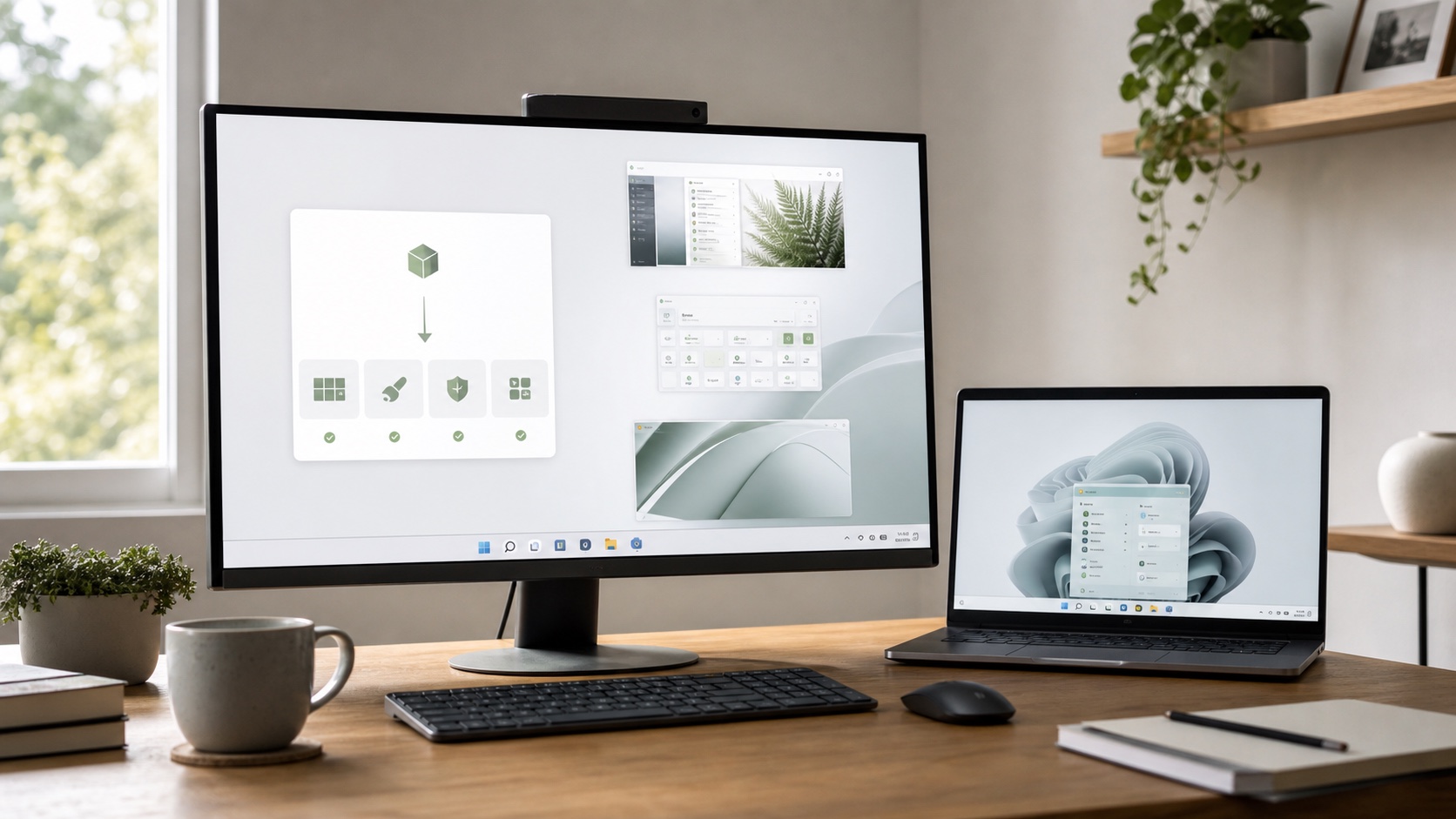
Microsoft has placed Windows 11 26H2 in the Release Preview Channel, the final testing stage before general availability later in 2026. The update uses a small enablement package because versions 24H2, 25H2 and 26H2 share one servicing branch.
The short answer
| Question | Answer |
|---|---|
| Is this the final release? | No. Release Preview remains a prerelease channel. |
| Is it a large update? | Compatible versions should be activated through an enablement package. |
| Should it go on a primary PC? | Not for an urgent feature; waiting for general rollout is safer. |
| When do 24H2 Home and Pro stop receiving updates? | October 13, 2026, according to Microsoft. |
A new version without a full reinstall
26H2 features have been progressively delivered in the shared branch and remain disabled until activation. This method reduces download size and installation time compared with a full feature upgrade.
It does not remove every risk. A driver, antivirus or system utility may behave differently after features are enabled. Back up important files and test business software before a fleet migration.
What 26H2 actually contains
Microsoft says many improvements will look familiar because monthly updates already introduced them. The release also enables selected experiences by default for commercial devices where they were previously held back.
Lists of “26H2 features” may mix experiments, staged rollouts and capabilities limited to certain Copilot+ PCs. A version number does not guarantee immediate availability on every machine.
Who should test now?
Administrators, software vendors and peripheral manufacturers should use Release Preview on dedicated hardware. They can validate VPNs, printing, encryption, internal applications, drivers and support procedures before broad rollout.
A curious consumer can join, but must accept regressions and know how to restore a backup. The channel is not a fix for an unstable PC or a way around hardware compatibility.
The 24H2 deadline
Home and Pro editions of 24H2 are scheduled to reach end of updates on October 13. Check the installed version with winver. If Windows Update offers no later release near the deadline, investigate a compatibility hold instead of forcing installation with unofficial tools.
Enterprise and Education editions use different lifecycles. Organizations should consult the table for their actual edition rather than applying the Home and Pro date to every device.
Windows 11 26H2 looks like a controlled activation rather than a disruptive upgrade. Consumers should wait for general availability, while IT teams now have their testing window.

Join the discussion
Comments
Loading comments…