
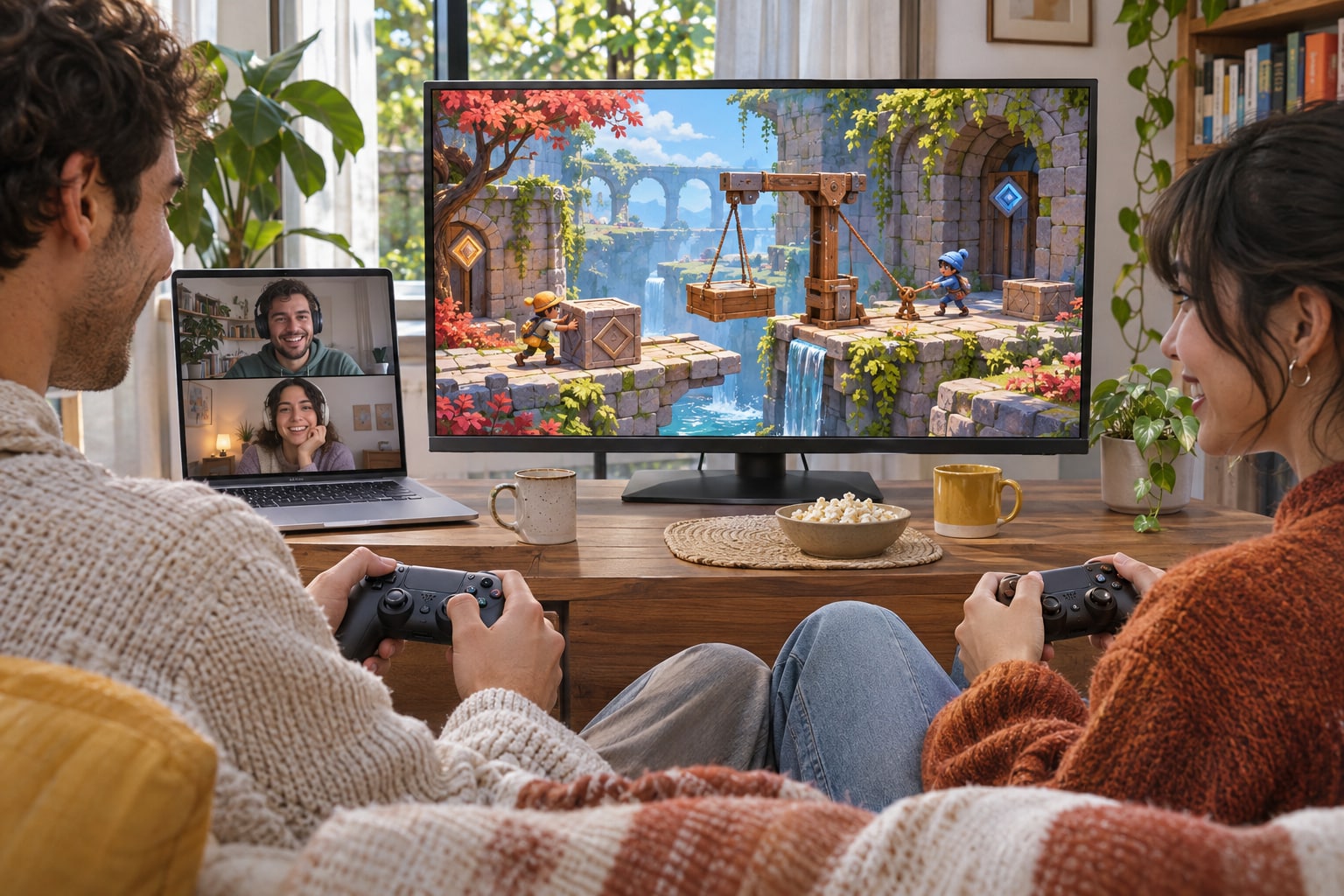
Two friends want to play together, but the chosen title may not provide the online multiplayer they expected. Remote Play Together lets supported local multiplayer games be shared remotely: the host runs the game and others join the streamed session.
Valve's official overview distinguishes this from Remote Play to your own devices. This article was checked on November 12, 2026. It does not present the feature as new or as a universal right to share every game.
Check the game before inviting people
Verify Remote Play Together compatibility on the title's page. Local co-op alone should not be treated as proof of the remote workflow.
Establish the intended mode too: shared-screen, split-screen and turn-taking may involve different controls. A favourite single-player title is not automatically suitable for the group.
Try a short session rather than waiting until the evening begins to install software, connect controllers and discover who controls what.
Understand the host's role
Valve describes one player owning and running the game, then inviting others. This does not mean each participant receives an independent installation.
Keep that distinction when explaining interruptions. If the host's computer or connection cannot sustain the session, guests do not automatically continue in separate autonomous copies.
Check power, network stability and heavy background work before testing. A configuration capable of displaying the game locally has not yet established streaming quality.
Our recommendation is to choose an ordinary test scenario that everyone understands, rather than a competitive moment where a fault is difficult to distinguish from gameplay.
Test controls and picture
With a willing participant, launch a low-stakes section. Check readability, input response and how to leave the session.
Separate causes: an incorrectly assigned controller is different from a stuttering picture. Changing every setting at once makes diagnosis harder.
Do not promise a particular latency based on a theoretical setup. The useful trial involves the game, devices and networks actually being used.
Record any limits before inviting a larger group. A successful two-person trial does not automatically establish the same result under every arrangement.
Distinguish Steam Families
Steam family sharing addresses a different library arrangement. Remote Play Together concerns a shared session here, not generally assigning an independent licence to every guest.
For privacy, inspect what the session and other tools reveal to participants. Close unrelated documents and follow the official invitation route.
A successful evening starts with an understandable, tested promise: the appropriate game, working controls and a trial confirming everyone can take part.
Cover visual: generated editorial illustration, not an official screenshot.

Join the discussion
Comments
Loading comments…