
The amusing moment often happens just before you think of recording. Capturing an entire evening, on the other hand, creates videos you may never watch. Steam Game Recording helps organise capture, provided you decide what is worth retaining.
Valve presents Game Recording, including manual and background modes. Its developer documentation also explains events integrated into the timeline. This article was checked on October 29, 2026; it is not announcing a new November release.
Start with the memory you want
For a planned sequence, manual recording is straightforward: choose when to start and stop. For an unexpected event, background recording lets you return to a recent section.
First choose a situation: keep a victory, explain a bug to a friend or share a short scene. Useful settings follow that intention rather than the desire to enable everything.
Do not assume every game provides identical automatic markers. Timeline integration and video recording are related but separate concerns.
If another person will receive the clip, think about what they need to see. A few seconds of context may be more valuable than a long recording of the entire session.
Check space before a long session
Quality and duration affect storage use. Make a short test, inspect its size and check the selected drive before leaving background capture enabled.
Avoid postponing this until storage is almost full. Low disk space can affect updates and personal documents as well as games.
A moderate setting is often more useful for quick sharing. A lighter video clearly showing the action may be preferable to a file difficult to send.
Also check how recording behaves during your usual play session. Do not infer the experience on your hardware from someone else's performance claim.
Turn the recording into a clip
After playing, locate the sequence and retain the portion that provides context. Starting too late makes the event confusing; keeping several unnecessary minutes discourages the recipient.
Explain the game, situation and, when demonstrating a problem, the expected result. The clip then becomes an explanation rather than an accumulation of frames.
Review it once before sending. This is also when to check which sound is actually present and what information appears on screen.
Share without exposing other people
Usernames, conversations and group information can appear in gameplay. Consider what becomes visible before distributing a video more widely.
A link sent to a few friends and a public post are different contexts. Do not assume everyone involved agrees to that second audience.
Finally, keep a simple retention habit: retain useful clips, remove experiments and revisit settings after significant changes. The point is not turning every match into a permanent archive. It is saving selected moments without adding another housekeeping task to every evening.
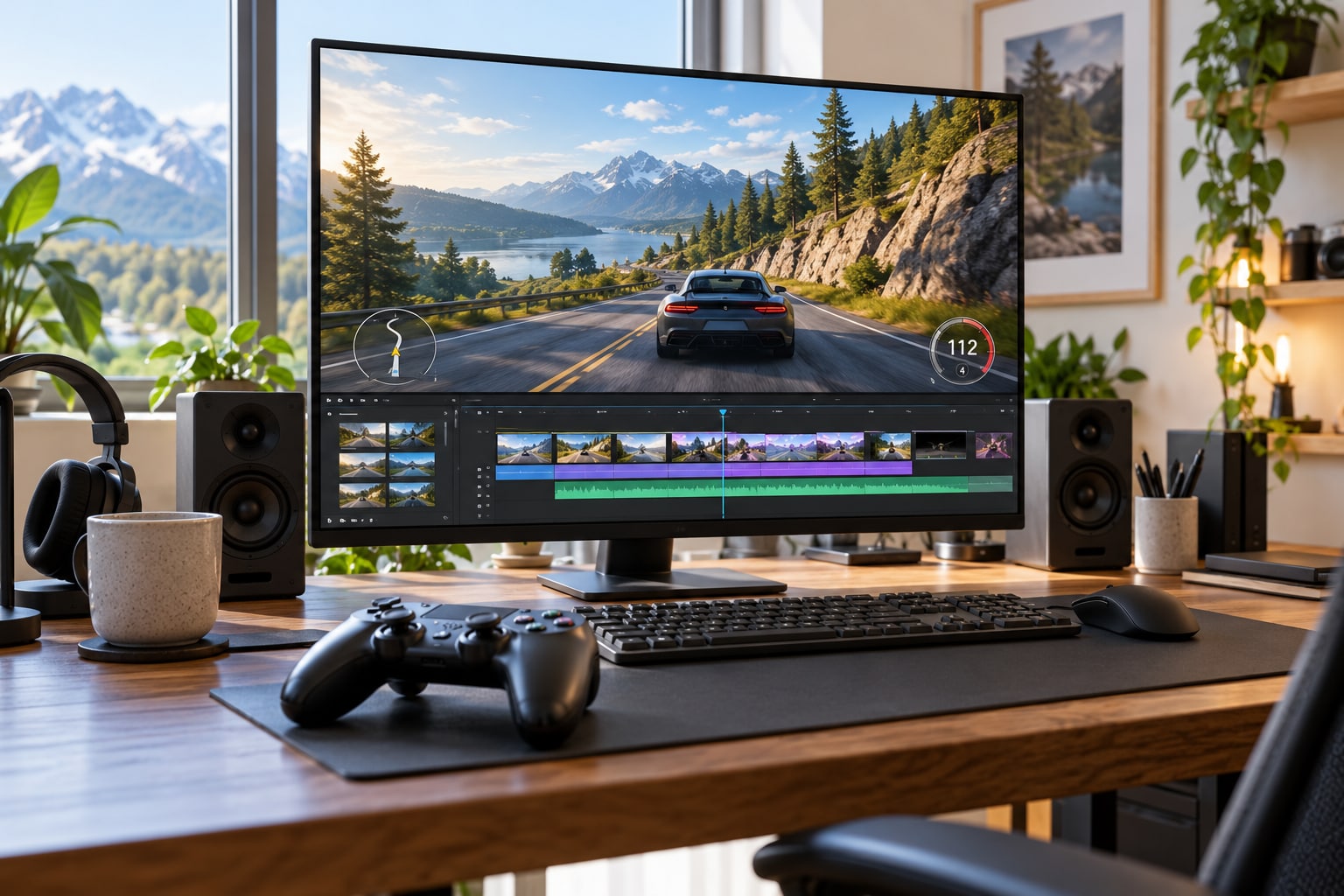
Cover visual: generated editorial illustration, not an official screenshot.



Join the discussion
Comments
Loading comments…