

Everyone wants to add a track, so a phone moves from hand to hand. The evening ends up depending on one person managing all the music. Spotify Jam offers a shared listening session and queue, with rules worth understanding before inviting everyone.
Spotify's help, checked on October 29, 2026, says Premium is required to start and host a Jam. Free accounts can join an in-person session; remote participation requires Premium. This article explains an existing feature rather than announcing a new November subscription.
Start with a simple situation
Test with two people in the same room and a clearly identified playback device. Start a session, share its invitation using the available controls and each add a track.
Before organising a whole evening, check where sound actually plays. A speaker still selected in another room can cause confusion unrelated to connection quality.
Do not confuse a Jam with a collaborative playlist retained for later. First decide whether the aim is listening together now or building a lasting selection.
A short test also lets guests learn the controls without interrupting an event already in progress.
Grant an appropriate level of control
The host can configure some guest capabilities, including changing what is playing. Shared volume control also depends on supported devices.
During an initial session, limit simultaneous changes. Letting everyone propose songs does not mean cutting off every chorus makes the experience enjoyable.
Agree on a simple rule: add a track, let the current song finish and ask the host to resolve a confusing queue. The application facilitates coordination; it cannot choose group etiquette.
If somebody struggles with a control, inspect permissions before assuming their phone is broken. A deliberate host setting may explain the difference.
An invitation grants session access
Send the link or QR code to intended participants rather than publishing it widely for convenience. Review participants when using a device in a shared setting.
Proximity, a common network and personally knowing someone are not identical. A convenient arrangement in a living room may be less appropriate in a collective space.
When a person leaves the gathering, review session access where necessary. A small check prevents the queue continuing to change without anyone understanding why.
Keep invitations proportionate to the audience and duration of the activity rather than treating them as another public social post.
Finish deliberately
Spotify says the host leaving ends the Jam for everyone. Warn participants before switching your own device or ending the session.
Afterwards, resume personal playback if needed and check its destination. That prevents tomorrow's music starting on a forgotten speaker.
A successful Jam does not need complicated configuration: the right people, playback device and a queue everyone understands. That framework makes choosing music a shared moment rather than another disagreement over who holds the phone.
If you want to keep discoveries afterwards, treat that as a separate organisation task instead of assuming a temporary session automatically creates the collection you intended.
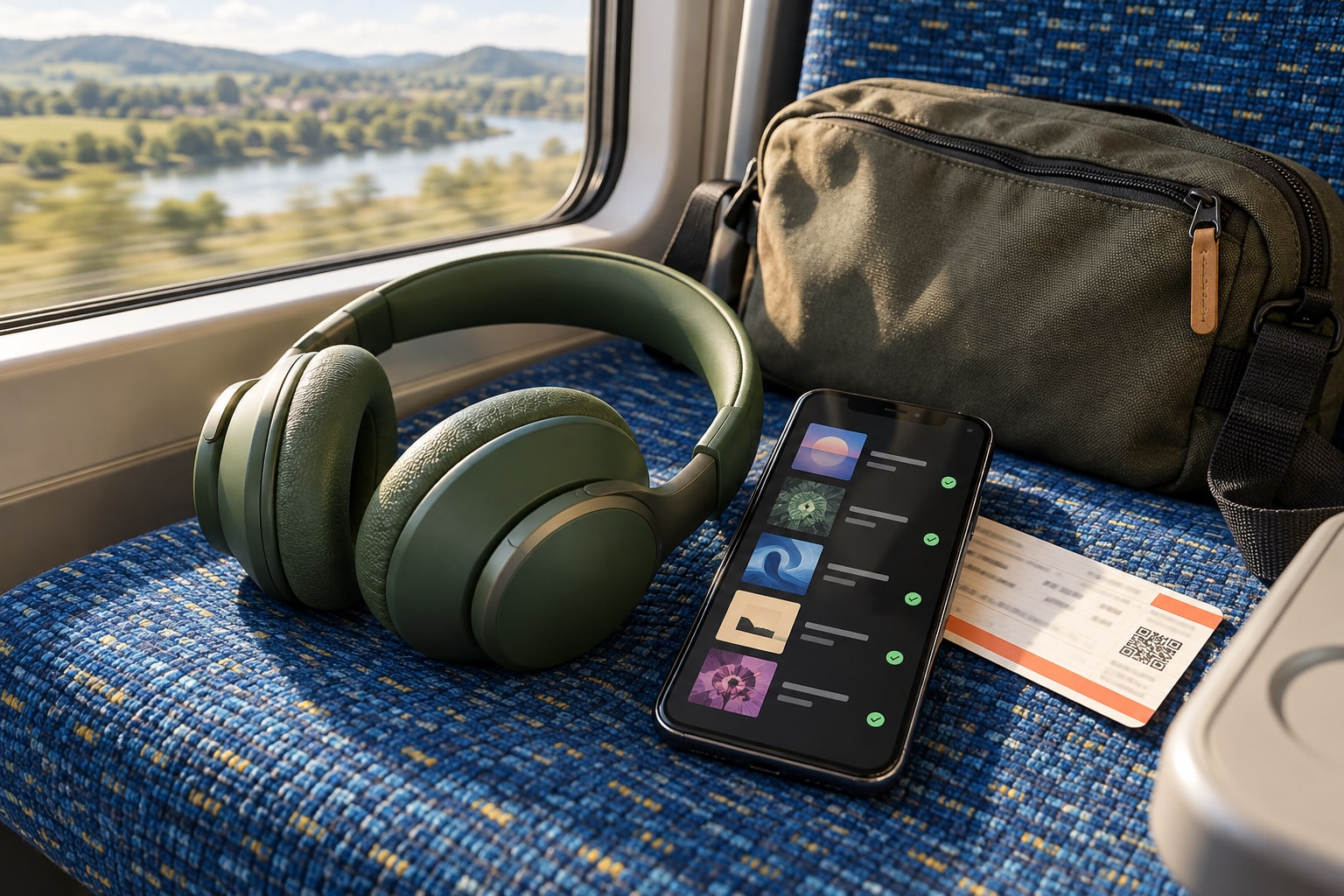
Cover visual: generated editorial illustration, not an official screenshot.

Join the discussion
Comments
Loading comments…