
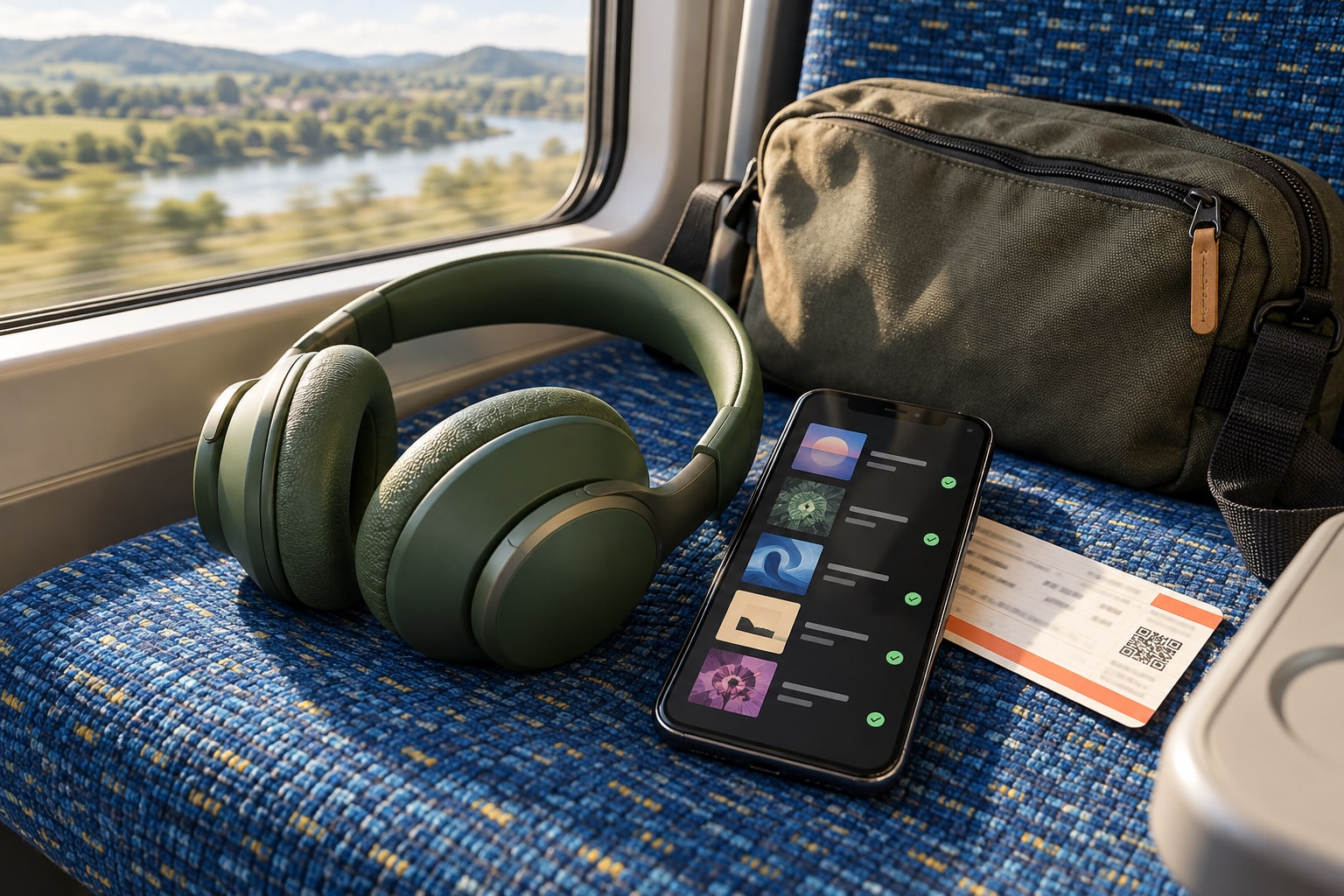
The train enters a tunnel, playback stops and the playlist you added to your library will not restart. Saving a playlist and downloading it are different actions. Before travelling, check the second one while you still have reliable Wi-Fi.
This practical article covers an existing Spotify feature, not a new subscription announced for this week. Its purpose is to prevent an unpleasant discovery after your connection disappears.
Check the download, not just the library
According to Spotify's support page, music downloads require Premium; free accounts can download podcasts. Downloads also require going online at least once every thirty days. Reinstalling the application means downloading them again.
A completed download indicator therefore matters more than simply seeing a title in your library. Offline mode can help reveal which items are actually available.
Run a small test before a long journey
Our recommendation: choose a short selection, wait until downloading finishes, then try it without network access. Play several tracks, move through the playlist and check the podcast you intend to hear as well.
That test answers a more useful question than whether you pressed the button. It confirms that your device, account and chosen content work together in the situation you expect.
Do not leave it until you are boarding. Allow time to complete an interrupted download, make some storage room or recover account access if necessary. These are manageable tasks at home and frustrating ones on a platform.
A deliberate selection beats an enormous library
We suggest separating the content for your next journey from things you keep only just in case. A modest travel playlist is easier to inspect, refresh and remove later.
The same approach helps when photos, video and applications compete for phone storage. Hundreds of rarely played albums are not automatically the best use of the space. Choose what will actually be useful over the coming days.
After returning, remove what you no longer need before preparing the next selection. The aim is not to maintain an impressive stockpile. It is to have the right content ready at the right moment.
Offline playback is not ownership of files
A download inside a streaming application should not be treated as an independent music archive. Think of it as a listening mode linked to the service, not a backup of a personal collection.
For the next trip, remember three steps: choose, wait for completion and test without a connection. They take less effort than hunting for reception during a journey, and they prevent a large library from creating a misleading sense of readiness.
Cover image: generated illustration, not an official Spotify screenshot.

Join the discussion
Comments
Loading comments…