
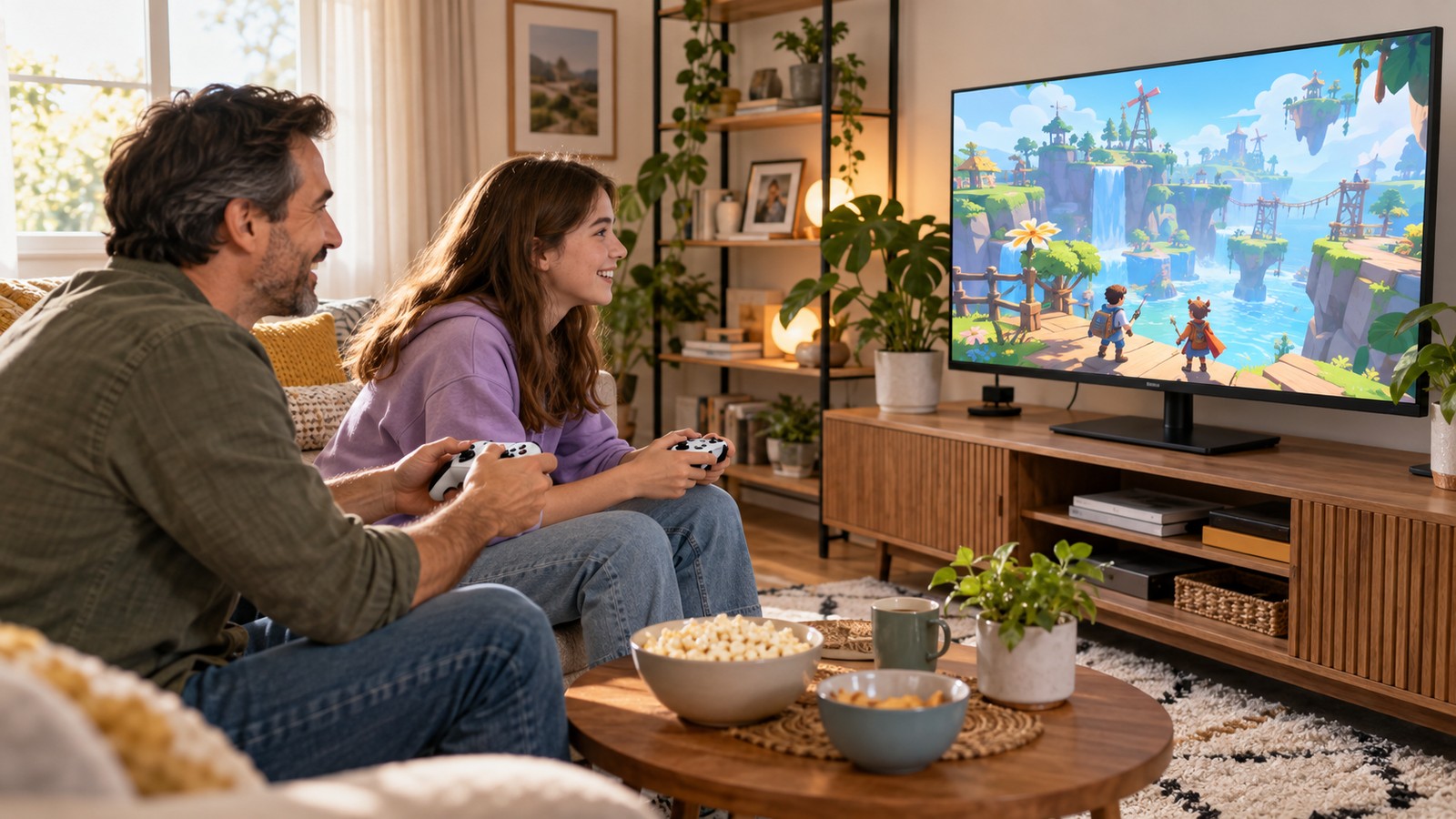
A game bought twice when only one person plays it, an account lent as a favour and mixed-up saves: family sharing can quickly become confusing. Steam Families provides a clearer framework for eligible games within one household. This is not a new feature announced this week; it is an existing system whose boundaries are worth understanding before using it.
The useful idea is straightforward: everyone keeps their account. A family library does not require sharing a password or turning one profile into a collective account.
A household, not a casual sharing network
In its official FAQ, Valve describes families as belonging to a household of up to six close relatives. Changing families also involves restrictions, including waiting periods. This is not an invitation to build a sharing network with strangers.
Before adding somebody, read the rules displayed for your situation. An invitation sent out of curiosity may have consequences that last longer than a gaming session.
Our recommendation is to agree on who administers the group and which accounts genuinely represent children. A coherent initial setup avoids improvised changes when someone encounters a restriction.
Two players do not automatically mean two copies
The most confusing point concerns copies. Sharing a library does not turn one purchase into as many simultaneous licences as there are family members. To play the same title together, the number of available copies matters.
Consider a family planning a two-player cooperative evening. Before buying an additional copy, check that the game supports sharing and that the group has enough copies for the participants. Additional content can also differ between copies.
The reasoning changes when two people want to play different games. Check the chosen title and its availability instead of assuming the entire library becomes locked as with a borrowed account.
Check the game, not just the sharing feature
Not every game is eligible. Publisher decisions and title-specific constraints can limit what works. An external launcher, subscription or technical requirement deserves checking in the game's listing and support information.
Keep that boundary in mind before buying something exclusively for sharing. An attractive price does not compensate for incompatibility with your household's intended use.
Sharing is not a general computer backup either. Personal files, installations and settings in other applications remain separate concerns.
Child accounts offer more than library access
Valve describes playtime and access controls for child accounts. Our recommendation is to discuss them before activation: school days, weekends and exceptional requests do not need identical rules.
A limit known in advance causes less friction than a block discovered halfway through a match. Family sharing's biggest benefit then becomes organisation: separate accounts, clear expectations and fewer passwords circulating.
Review those expectations occasionally. An arrangement that suits a young child may need adjustment later, without turning the family administrator's account into a shared login.
Cover visual: an illustration generated for this article, not an official service screenshot.
Join the discussion
Comments
Loading comments…