
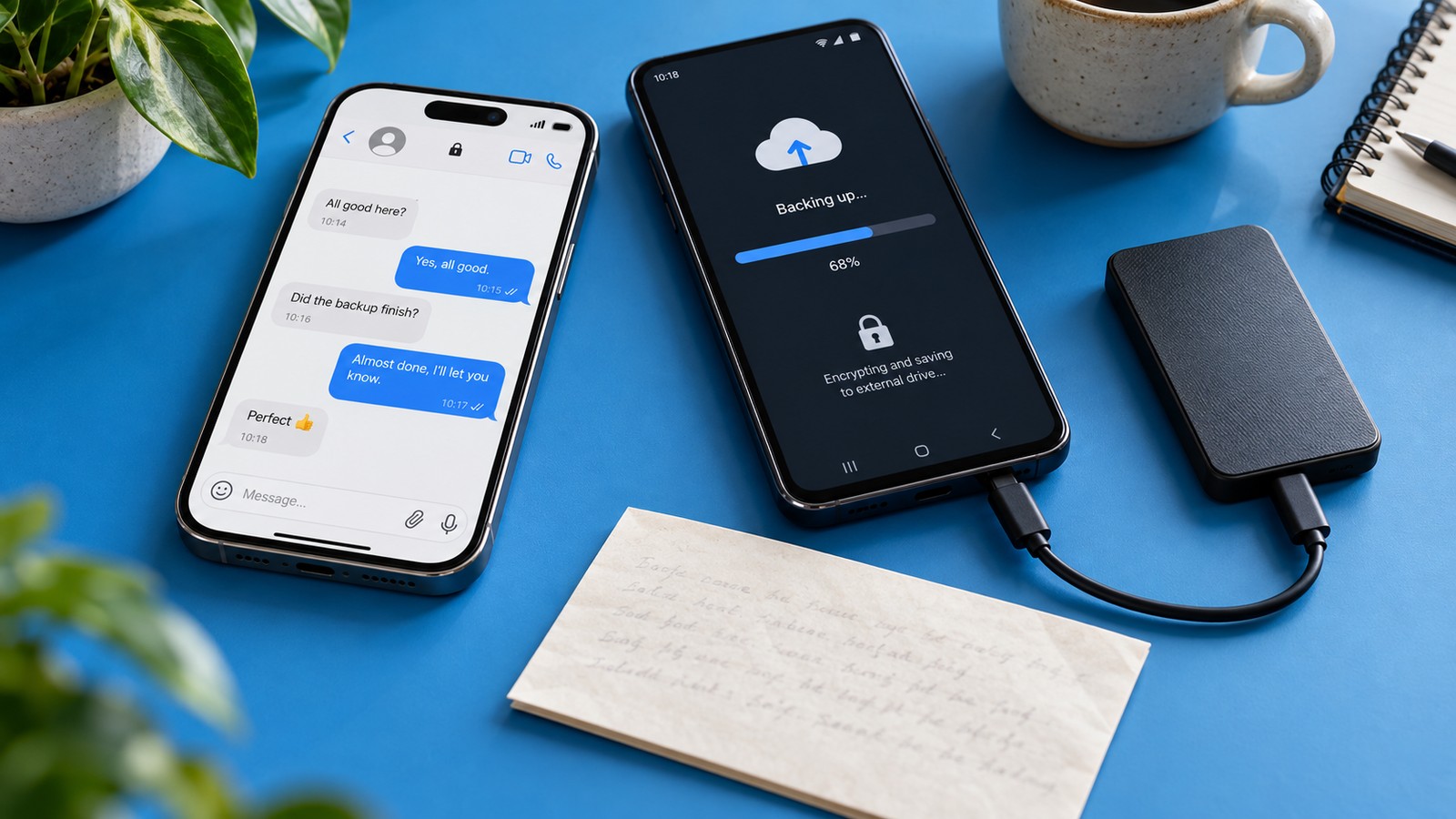
A replaced, broken or lost phone can also take important conversations with it. Signal outlined several backup improvements on September 28, including better portability between platforms. For users, the good news still requires preparation: an encrypted backup is unusable without its recovery material.
That matters more than simply enabling a switch. A conversation you can still read on the old device is not necessarily one you will know how to restore on the new one.
Local storage and hosted backups serve different needs
In its backup progress report, Signal describes a shared local format for Android, iOS and Desktop, plus separate media storage to avoid duplicating attachments across archives. Check which options are present in the versions actually installed on your devices.
The hosted service is another route. Signal says its free option includes messages and media from the most recent 45 days; a paid option covers more media. Do not interpret “backed-up history” as “every attachment since you started using the app”.
Start with the need you actually have. A few administrative conversations, several years of family photographs and a large professional archive do not call for identical storage choices.
Give the recovery key a durable home
Signal describes a 64-character recovery key that the service cannot retrieve for you. Its encryption explanation makes this a central requirement, not an optional convenience.
Our practical recommendation is to keep the key somewhere protected and accessible even if the primary phone disappears. Avoid storing it only as a screenshot on the device you are trying to protect.
Do not send it to a contact claiming to help restore your account. A Signal logo in a message does not turn a request for a secret into a legitimate procedure.
Before erasing the old phone
For a planned migration, update both devices and inspect the choices available in Signal settings. Check storage conditions and backup status before starting the transfer. Keep the old device until you have confirmed the result.
After restoration, open several conversations from different periods and inspect important attachments. This concrete check is more reliable than an overall impression based only on recent messages.
If some media is missing, distinguish between your plan's limits, an attachment still being retrieved and a genuine absence from the archive. That distinction prevents you from erasing the only remaining copy too early.
An old archive is still sensitive data
Local backups also need a housekeeping policy. A forgotten folder on a shared drive or an old computer can keep data around long after you thought it had been removed.
Keep a useful protected copy, then review archives that are no longer needed. Encryption is valuable, but it does not remove the responsibility to preserve the key or know where your files are stored. The best time for this inventory is before a failure, not afterwards.
A short written checklist can help another household member understand where the protected recovery material lives, without putting the actual secret into an unprotected note.
Cover visual: an illustration generated for this article, not an official service screenshot.
Join the discussion
Comments
Loading comments…