

Patch the PHP runtime, not just the application using it. Two critical vulnerabilities published on October 21, 2026, CVE-2026-109618 and CVE-2026-109619, can allow unauthenticated remote code execution. They are collectively known as PHP2Shell, with a reported CVSS v4.0 score of 9.2 each. NHS England
This article was checked on October 22, 2026. Technical findings below come from the maintainers. The intervention workflow is our operational recommendation and must be adapted to your hosting environment. We provide no exploit payload and have not tested your systems for compromise.
Install a fixed release
The first upstream releases fixing both CVEs are listed below. A later fixed release in the same branch is also suitable. PHP Foundation
| PHP branch | First fixed upstream release |
|---|---|
| 8.2 | 8.2.35 |
| 8.3 | 8.3.36 |
| 8.4 | 8.4.27 |
| 8.5 | 8.5.12 |
Distribution backports need a different check. Ubuntu 24.04 lists 8.3.6-0ubuntu0.24.04.13; Debian 13 lists 8.4.27-1~deb13u1. Compare the complete package revision with the advisory for your exact distribution release, rather than rejecting a patched package solely because its upstream number looks older. Ubuntu, Debian
PHP 8.1 and earlier no longer receive upstream updates. Ask any backport provider to confirm coverage of both CVEs. NHS England
Exceptional source patches supplied for 7.4, 8.0 and 8.1 do not restore general upstream support. PHP
CVE-2026-109618: invalid state after memory exhaustion
An out-of-memory exit through longjmp() can interrupt partial initialisation; shutdown then encounters invalid request data. PHP documents demonstrated pre-application RCE on Apache mod_php. For this particular CVE, FPM is considered susceptible, but the advisory does not demonstrate a complete FPM exploit. PHP technical advisory
A source discrepancy matters here: the PHP Foundation's post also reports application-path RCE on FPM for this first CVE, while the technical advisory does not document a complete FPM demonstration. We flag the difference rather than treating it as an exemption. PHP Foundation
Operationally, a check inside your login route can be too late for the demonstrated mod_php scenario. We recommend examining the complete path to the runtime rather than assuming application authentication protects every earlier processing stage.
CVE-2026-109619: request state outlives its memory
A worker can retain a global reference to freed request memory. A later request on that worker can consume it before normal reset. PHP confirms session-lifecycle RCE on mod_php and FPM, plus a fatal-backtrace route on mod_php. Execution has the web worker's privileges. PHP technical advisory
FPM is not an exemption. Do not transfer the first advisory's statement about the absence of a complete FPM demonstration to the second vulnerability.
Understand what is exposed
ENISA recommends prioritising internet-facing services and checking products that embed PHP less visibly. Where patching is not immediately possible, it recommends considering isolation from public networks.
Our assessment is to map consequences to the worker's actual access: readable credentials, writable directories and reachable services. Do not reduce the risk to a defaced homepage, but do not automatically equate a runtime flaw with root access either.
WordPress, Drupal, Joomla, business applications and management panels may depend on a hosting provider for runtime updates. Updating plugins or running composer update does not replace that work. Identify the responsible party before closing the remediation ticket.
Step 1: inventory the real runtime
We suggest recording the domain, host or container, runtime, package provider, owner, exposure and patch evidence for each service. Include forgotten test sites that remain reachable.
These are inventory reads, not proof that every site is fixed:
php -v
php --ini
docker compose ps
CLI PHP may differ from FPM or the Apache module. Separate pools may use different branches. Check the runtime behind the actual website, its deployment configuration and full package revision. Avoid adding a public phpinfo() page merely to solve an inventory problem.
For this Debian/Ubuntu example, package names deliberately target branch 8.3. Adapt them to what is installed:
dpkg-query -W 'php8.3*'
apt-cache policy php8.3-fpm php8.3-cli
Do not compare package revisions as ordinary strings. For a third-party repository, obtain its advisory and verify the origin of the candidate package.
Step 2: update and replace running processes
The following is an example for FPM 8.3, not a universal installation command:
sudo apt-get update
sudo apt-get install --only-upgrade php8.3-fpm php8.3-cli php8.3-common
sudo systemctl restart php8.3-fpm
sudo systemctl status php8.3-fpm --no-pager
Review installed extensions, all affected pools and package-manager failures too. With mod_php, Apache processes need replacement; restarting FPM alone does not repair that path. Service names vary by operating system. Coordinate any availability impact with the operator.
For shared hosting, request written confirmation naming both CVEs, the fixed package or build, the sites covered and when workers were replaced. A control panel saying only “PHP 8.3” is insufficient evidence.
Step 3: with Docker, fix the deployed image
We recommend updating the declarative deployment rather than manually installing a package inside a disposable container. For a locally built image, first choose a patched base and verify its origin. Compose's --pull requests a newer base; it does not override an explicitly old tag or digest. Docker
Example for a service named php with a build section:
docker compose build --pull php
docker compose up -d --no-deps --force-recreate php
docker compose exec php php -v
For a vendor image, select its fixed image, run docker compose pull php and recreate the service. The final version command inspects container CLI PHP: additionally verify the runtime serving requests. Do not use down -v for this procedure; deleting persistent volumes is unrelated to patching.
If you cannot patch immediately
Configuration changes are not complete fixes. PHP lists exposure reductions: disable session.upload_progress.enabled at startup, disable fatal_error_backtraces on 8.5 and restrict inputs. An administratively enforced memory_limit=-1 removes one controllable OOM trigger, not all allocation failures, and increases resource-exhaustion concerns. RLIMIT_AS and RLIMIT_DATA are not safe substitutes. PHP
Do not blindly copy the unlimited-memory setting. Assess capacity and operational limits first. If neither patching nor risk control is feasible, our recommendation is to remove the exposed PHP route temporarily behind maintenance served without PHP. A login page generated by PHP is not that boundary.
The FPM manual describes administrative pool settings. Confirm configuration is applied before request processing, then replace every worker. A setting changed inside application code is not equivalent to startup configuration.
Verify deployment and investigate suspicious activity
Our proposed closure checklist is:
- Link each instance to an identified fix for both CVEs.
- Confirm old processes and every affected replica have been replaced.
- Exercise public and authenticated routes, expected uploads and scheduled tasks.
- Inspect errors, memory use and extension behaviour after the change.
- Retain deployment time, package or image identity, test results and owner.
Patching does not establish that no earlier intrusion occurred. If unexpected files, suspicious processes or abnormal secret access appear, begin incident response: isolate according to your procedure, preserve evidence and investigate scope before trusting the environment again. Coordinate credential rotation from a trusted environment rather than mechanically introducing new secrets into a potentially compromised machine.
A published exploitation demonstration is not, by itself, evidence that your own website was breached. Keep facts, hypotheses and actions distinct. The immediate objective is a patched runtime actually serving traffic, followed by documented checks, not merely an update command that exited successfully.
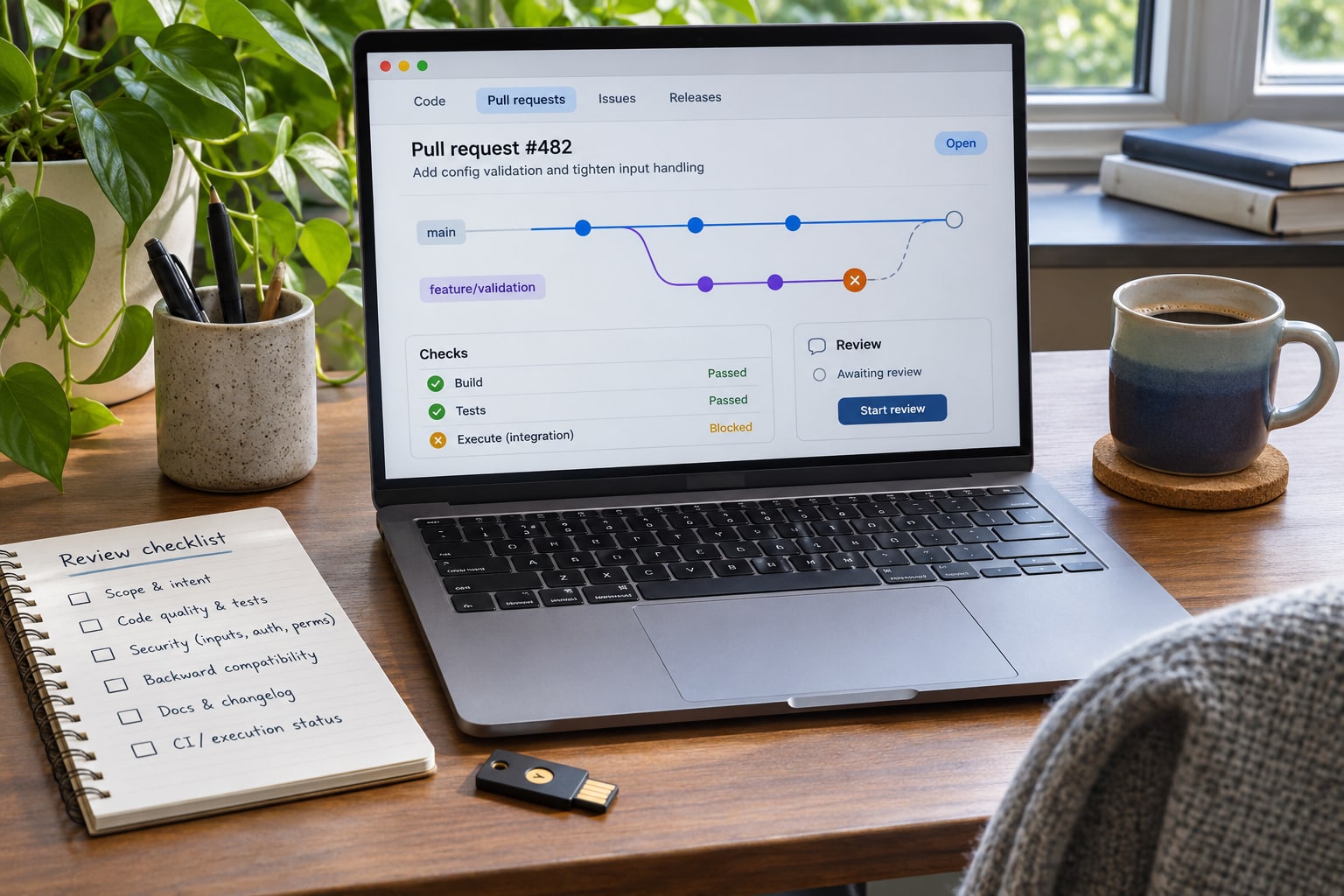
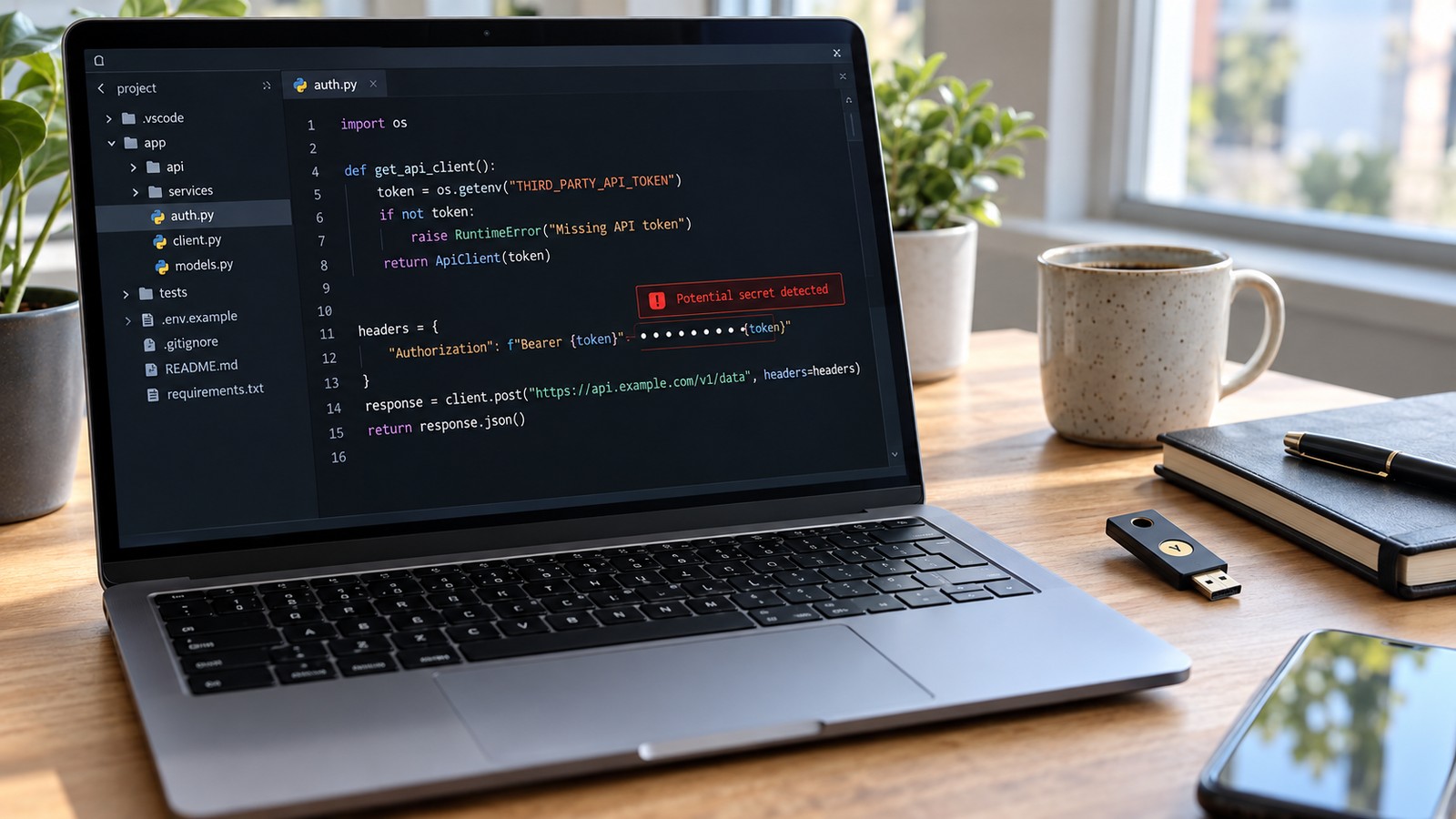
Image: generated illustration of security maintenance, not a real attack screenshot.

Join the discussion
Comments
Loading comments…