
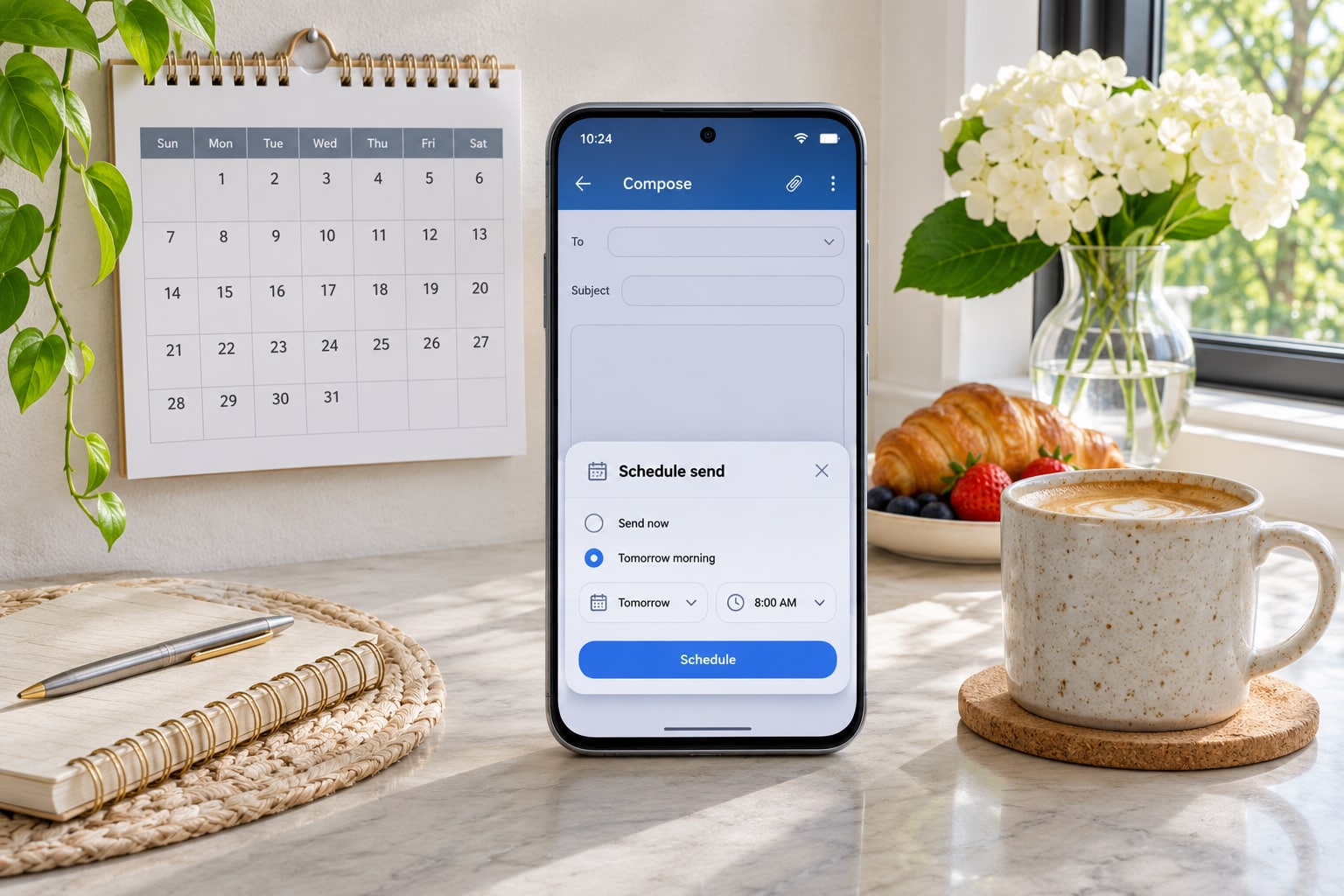
Your email is ready, but you do not want to interrupt its recipient tonight. Gmail's scheduled sending separates writing time from sending time. Knowing where to find the message before it leaves is just as important as choosing an hour.
Google's help page says sending follows the scheduling time zone and may happen a few minutes after the selected time. This practical explainer was checked on November 15, 2026; it is not a new-feature announcement.
Review before selecting a time
In Gmail on iPhone or iPad, use the message menu and choose Schedule send, then check the displayed date.
Our recommendation is to review recipients, attachments and deadlines first. “Tomorrow” can become ambiguous when an email leaves the day after it was written. Use an explicit date when timing matters.
Scheduling does not change who receives a message. The convenience of a later send should not distract from deciding whether somebody belongs in the recipient list.
Find the scheduled copy
Open Scheduled from the Gmail menu. Google's modification process is to cancel the scheduled send, edit the message and schedule it again.
Cancellation returns the email to drafts. We recommend checking that state before closing the app. Correcting a draft does not mean a replacement schedule has been confirmed.
Keep one working copy of an important message. Two near-identical drafts make it harder to identify which version should leave.
Do not treat it as a guaranteed timer
For a process with a strict receipt deadline, allow for Google's stated timing tolerance. Scheduling does not prove delivery or reading.
Use a suitable confirmation channel when a response is essential. Before travel or an international exchange, check the selected time zone instead of inferring it from your phone's calendar alone.
Consider whether the chosen hour still makes sense for the recipient, particularly if the appointment or supporting document has changed.
Make a final check
Before an absence, review pending scheduled messages. An email prepared days earlier may no longer describe the situation accurately.
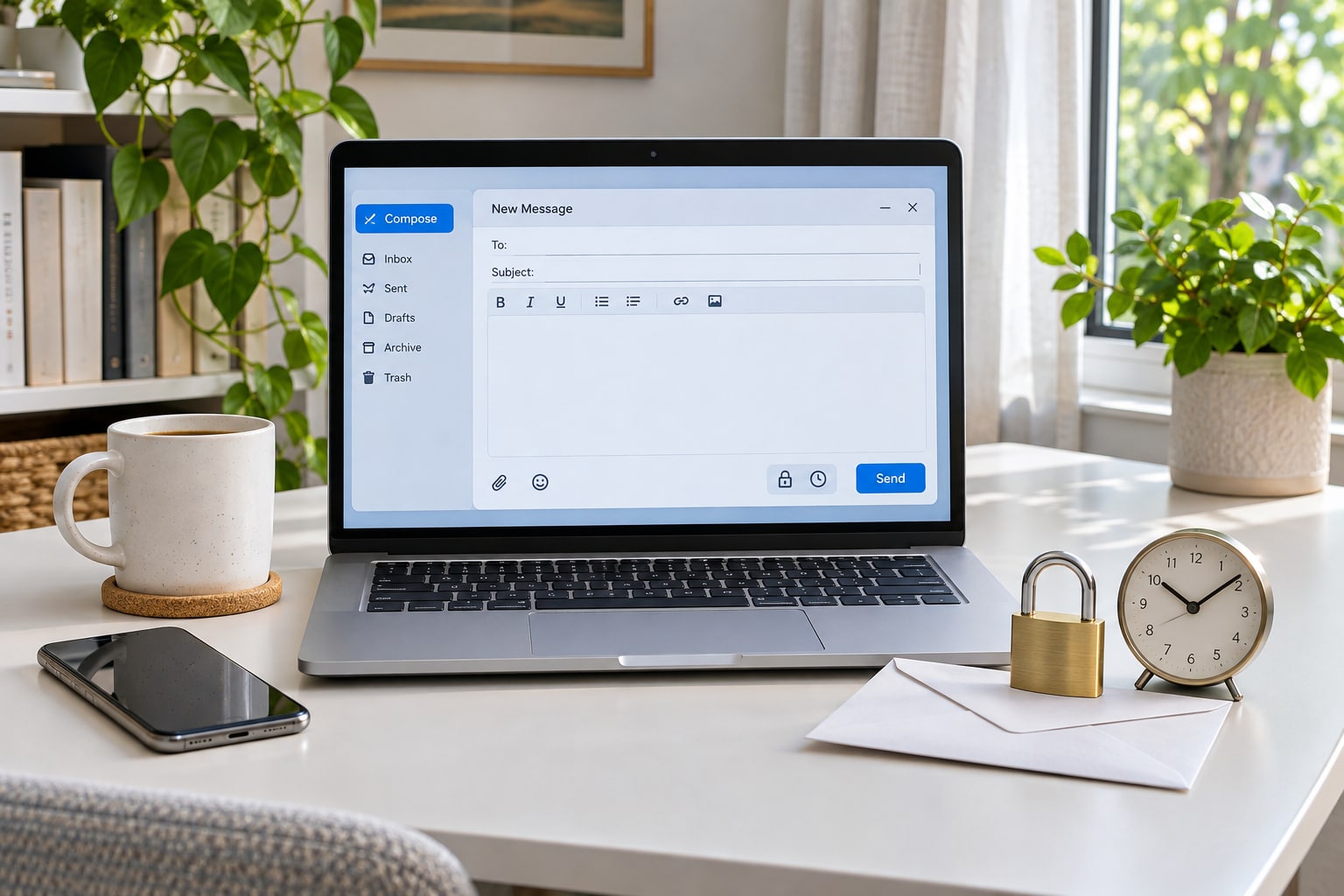
This complements our confidential-mode explainer. One controls departure timing, the other certain access conditions. Neither replaces reviewing the content and recipients.
Visual: generated editorial illustration, not an official screenshot.

Join the discussion
Comments
Loading comments…