
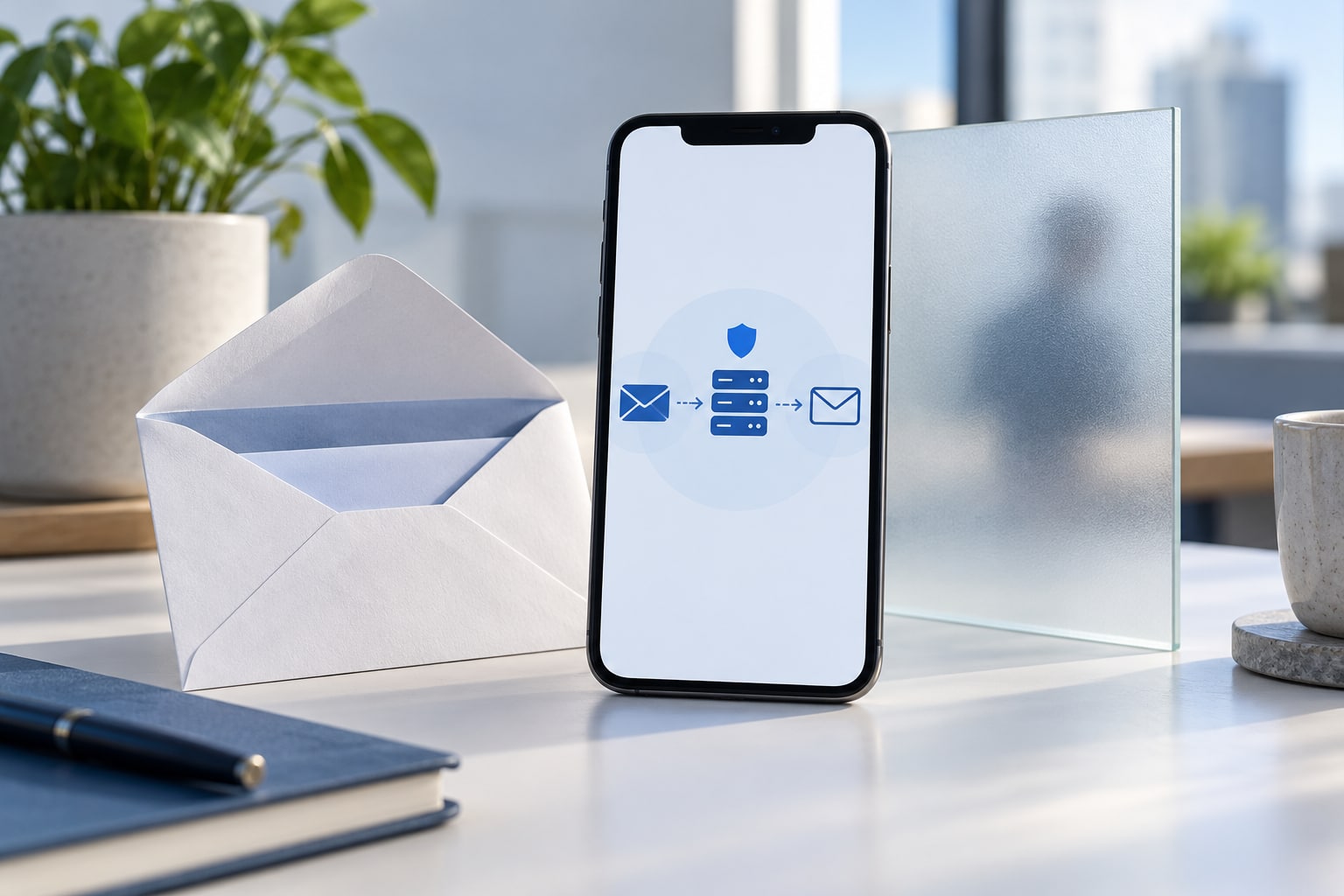
When creating an account, Apple may offer to share your email address or hide it. The choice looks minor, but it determines which address the service keeps for contacting you. Hide My Email creates a relay, not another inbox you need to check.
Apple documents the mechanism for Sign in with Apple. Its October 26 help article, checked on October 29, describes a random address forwarding to your personal inbox. This article concerns that sign-in route, rather than treating it as identical to every additional iCloud+ use.
A separate address for a service relationship
When you hide your address, the website receives a relay address associated with that relationship. Authorised messages are forwarded to your personal address. You can read and reply from your ordinary email application.
The practical benefit is not handing the same primary address directly to every service. The provider can still know information you supply: a name, order details, uploaded content or other profile data.
Think of the feature as separation of contact details, not a promise of anonymity. It does not remove information already entered into a form.
Find the relay before contacting support
A support team searching for your account may need the address registered with its service rather than the inbox where you ultimately receive messages.
On iPhone and iPad, Apple describes Settings, your name, then Sign in with Apple. On Mac, begin in Apple Account settings and inspect the relevant service.
Before sending a support request, record only the useful address. Do not attach passwords, login codes or screenshots exposing every connected account. A precise request is more useful than an exhaustive collection of private information.
Also note which sign-in route you originally used. Repeatedly trying an unrelated password-reset form can create confusion when the account was established through Apple.
Be careful before cutting off messages
Do not disable forwarding merely because a service sends too much email. First understand the consequences for confirmations, security messages and account recovery.
Our recommendation is to handle newsletters, essential notifications and login access as separate matters. Unsubscribing from marketing should not lead to improvising the removal of a sign-in relationship.
If you change contact details within a service, follow its official process and verify that a test message arrives before considering the work complete.
Keep the Apple Account recoverable
This convenience moves part of your organisation towards the Apple Account. Maintain its recovery options and protect devices that can access it.
Do not approve an unexpected login request simply because a message mentions Apple. Neither a familiar brand nor a relay address proves a request is legitimate.
The useful question is straightforward: do you know which address the service holds and how its next important message will reach you? If so, the relay helps without creating a puzzle when access needs attention.
Cover visual: generated editorial illustration, not an official screenshot.

Join the discussion
Comments
Loading comments…