
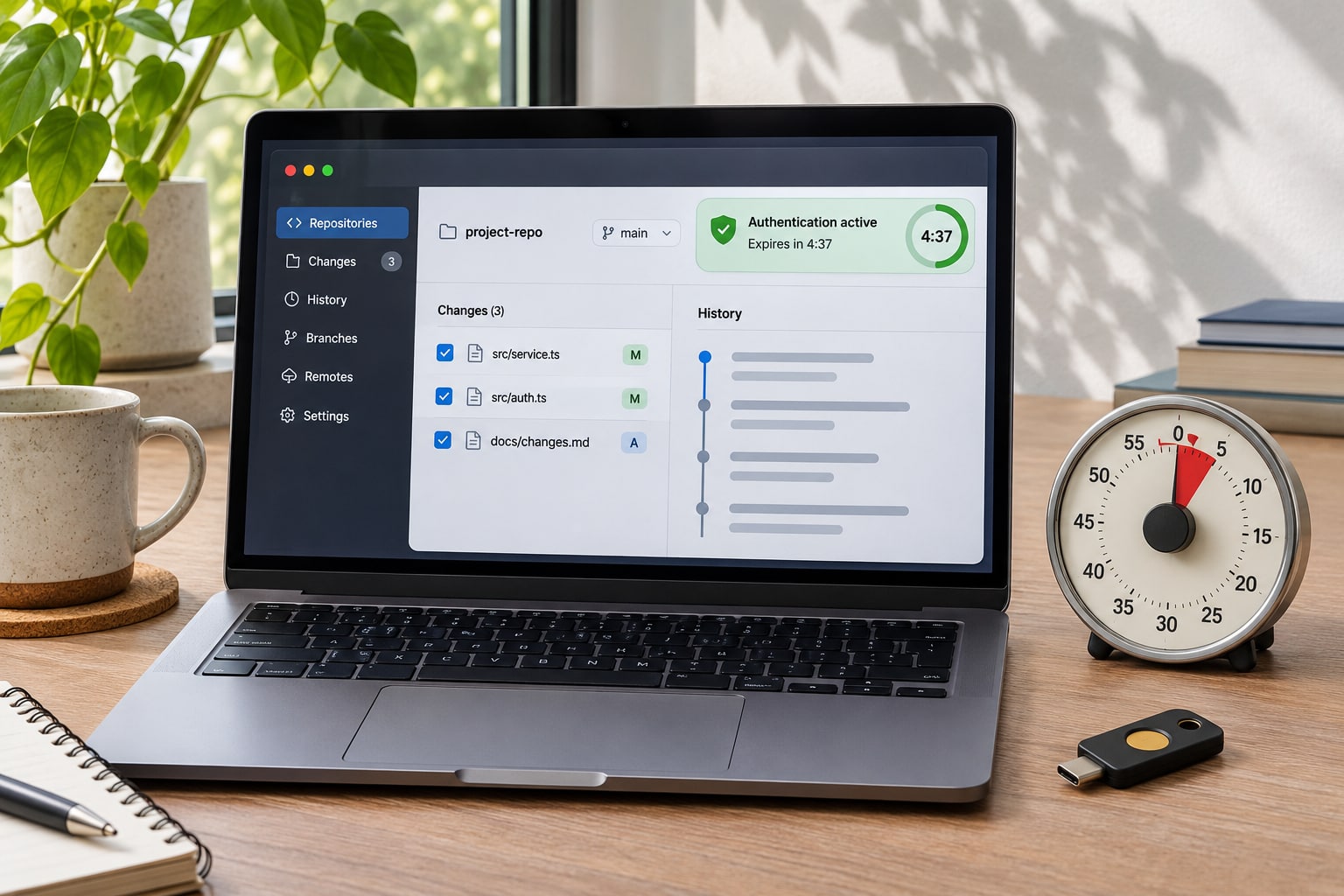
A Git credential can remain useful long after it was created. If it leaks, that lifetime becomes part of the risk. On November 2, GitHub announced a gradual rollout of short-lived, automatically refreshed authentication tokens in GitHub Desktop 3.6.10 and later.
The announcement covers eligible github.com accounts, including Enterprise Cloud. It excludes Enterprise Server and does not promise simultaneous availability to everyone. That distinction matters in fleets mixing personal workstations and enterprise instances.
Understand the session change
Desktop handles renewal for the relevant API requests and Git operations. The stated benefit is to reduce how long a compromised token can remain useful.
Existing sessions stay signed in after an upgrade, and their tokens are not automatically migrated. New tokens are issued during sign-in as rollout reaches an installation. Installing a recent version alone therefore does not establish that an older session uses the new mechanism.
Our advice is to record the client version and session context when validating a change. Otherwise, two apparently identical workstations may be using different authentication histories.
Inventory other access paths
Distinguish Desktop, the terminal, scripts and integrations. Each may use a different authentication method. A Desktop improvement does not establish that SSH keys, personal access tokens or runner credentials changed as well.
Record which tool actually performs the operation you need to protect. A successful button click in Desktop does not validate a scheduled script's authentication. Equally, a terminal failure does not establish that Desktop lost its session.
Prepare a deliberate sign-in
The authentication documentation explains the sign-in flow. Our recommendation is to check the account, organisation and recovery methods before deliberately signing in again.
Then perform an appropriate read operation on a test repository. Validate write permission separately, without pushing an artificial change to a sensitive branch. Never publish a credential in a support ticket to demonstrate successful authentication.
A short lifetime does not replace revocation
If you suspect a leak, our advice remains to identify and revoke the affected access, then investigate its use. Waiting for expiry is not a complete incident response.
Minimal permissions and a protected workstation still matter. Automatic renewal makes routine work easier; it does not justify granting broader access.
This subject complements our article about CLI OAuth expiry and credential rotation. Both concern credential lifecycle, but the implementation of one client should not be assumed to describe another. A clear inventory is more useful than calling every authentication change a general security upgrade.
Cover visual: generated editorial illustration, not an official screenshot.



Join the discussion
Comments
Loading comments…