

Issue triage, CI failure analysis and documentation updates sometimes need more than a fixed sequence of commands. GitHub Agentic Workflows became generally available on October 28, bringing reasoning tasks into Actions.
According to GitHub, Markdown files describe automation and compile into Actions YAML. The project is open source and available on github.com for Free, Team and Enterprise. Its default Copilot CLI engine requires a Copilot licence. These facts were checked on October 29.
Automation needs more than a vague instruction
Start with a task whose result can be verified readily. “Summarise likely causes of a test failure” is a better pilot than “repair the repository every night”.
Define accepted inputs, accessible files and expected output. Instructions inside an issue are material to analyse; they should not silently become new authority to change infrastructure.
A narrow objective also makes failures understandable. Without an expected result, a lengthy response can resemble completed work while resolving no actual decision.
Record a clear owner too. When the system cannot finish, someone needs to decide whether to revise the input, investigate a technical failure or stop the experiment.
Understand the announced safeguards
GitHub describes read-only permissions by default, isolated execution, network filtering, controlled outputs and inspection of proposed changes. The announcement also adds ARC runners with Docker-in-Docker support and improved cost forecasting.
Those mechanisms deserve careful review rather than a conclusion that every scenario is safe. The team still owns the tools, permissions and destinations it authorises.
Keep human approval for costly or irreversible actions. Introducing an agent is not a reason to remove a protection that already serves a conventional pipeline well.
Give reasoning a budget
An automated task may consume more after repository growth, repeated errors or substantially longer inputs.
Set a budget and attempt limit. Distinguish technical failure, unusable output and successful completion. Only the last category should count towards saved work.
Avoid loops where an agent reacts indefinitely to its own comments or changes. Describe when execution stops and who receives the unresolved problem.
A forecast is useful preparation, not evidence that the next run cannot exceed expectations. Review actual consumption alongside successful outcomes.
Evaluate evidence, not appearances
Compare initial outputs against cases the team has already solved. Does the explanation reference relevant logs? Does the proposed correction retain tests? Can a reviewer understand what the agent inspected?
Do not put another organisation's advertised productivity gains into your own forecast without local measurements. A different task and team can produce very different results.
The useful outcome is a reproducible decision aid or a proposal someone can review. An additional stream of plausible but unchecked comments can instead create work.
Begin with a bounded experiment, measure both useful results and review time, and expand permissions only when a specific need is demonstrated. Automation should earn a larger scope through evidence rather than receive it at installation.
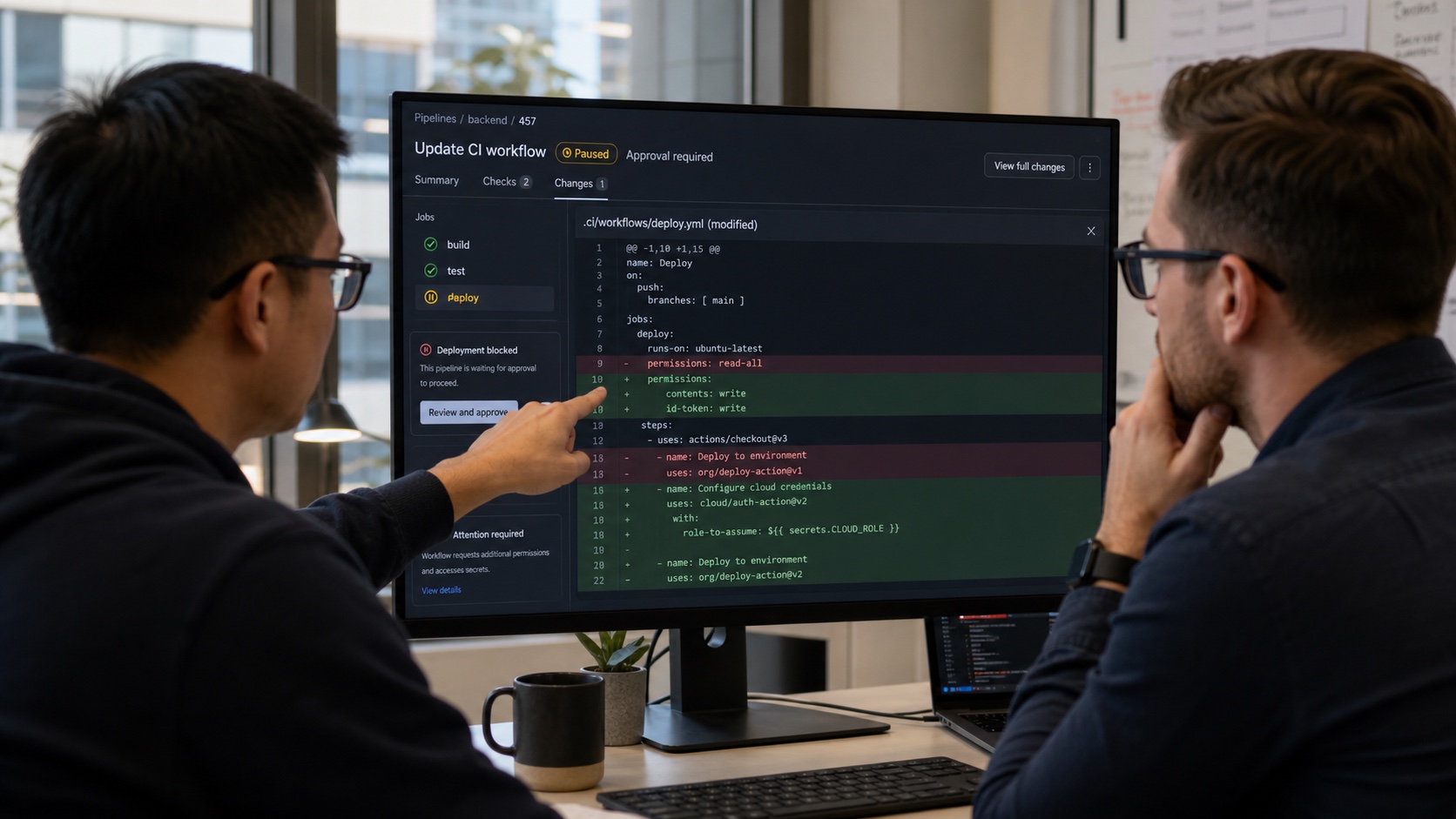
Cover visual: generated editorial illustration, not an official screenshot.


Join the discussion
Comments
Loading comments…