

Asking an assistant to plan a project can be useful. Letting it interact with the application where that project lives changes the workflow more substantially. Gemini is expanding Connected Apps, with a wave announced on September 23 that includes Airtable, Linear, Adobe, Webflow and Peloton.
The useful question is not simply how many applications are supported. It is also which information the assistant can access and which actions you actually want to delegate.
What Google announced
The integrations span productivity, creative work and everyday services. Connections can be configured in Gemini settings and invoked in conversation. Google describes a gradual rollout, rather than identical availability across every account, in its announcement.
Check the options available in your own account. A brand appearing in an announcement does not guarantee access to every feature of its application, or identical capabilities across countries and plans.
Start with a bounded task
We recommend a first task whose output is easy to check: finding information in a non-sensitive project, preparing a draft or organising a short list. The goal is to understand what the integration reads, what it proposes and what it changes.
Consider a community group preparing an event. A useful instruction identifies the project, the material to consult and the expected output: a proposed schedule for human review. A vague request to organise everything leaves decisions implicit, including whom to contact and which documents to use.
This is a recommended approach, not a promise that every connector supports every operation in that example. Verify the actual capabilities of the connected service before designing the workflow around them.
Check permissions before accepting
During connection, confirm both the selected account and the requested permissions. Accidentally linking a work account while intending to experiment in a personal workspace creates a scope problem before the first prompt.
For trials, use data you are authorised to process and avoid customer documents, medical records or confidential contracts. Where multiple workspaces exist, identify the correct one clearly. A polished answer does not prove that the assistant consulted the right project.
Do not assume that a connection is useful merely because it is offered. If you cannot describe a task it will help with, linking the service adds access without a clear benefit.
Verify actions in the original application
After the task, check its result in the connected application itself. Review recipients, dates, changed fields and links. A chat summary can omit a detail that matters once work is shared with others.
Keep a simple way to reverse changes. For an initial trial, a draft is preferable to immediately sending something. If the integration cannot constrain an action the way you need, keep that step manual.
Connect for a reason
After several attempts, compare time saved with time spent checking. Opening the original application may still be faster for a short task. Repeated searches across multiple tools can offer more value.
Connect the services that serve an identified need, then periodically review connections that have become unnecessary. Our article on agents and safeguards explores the difference between asking for an answer and delegating an action.
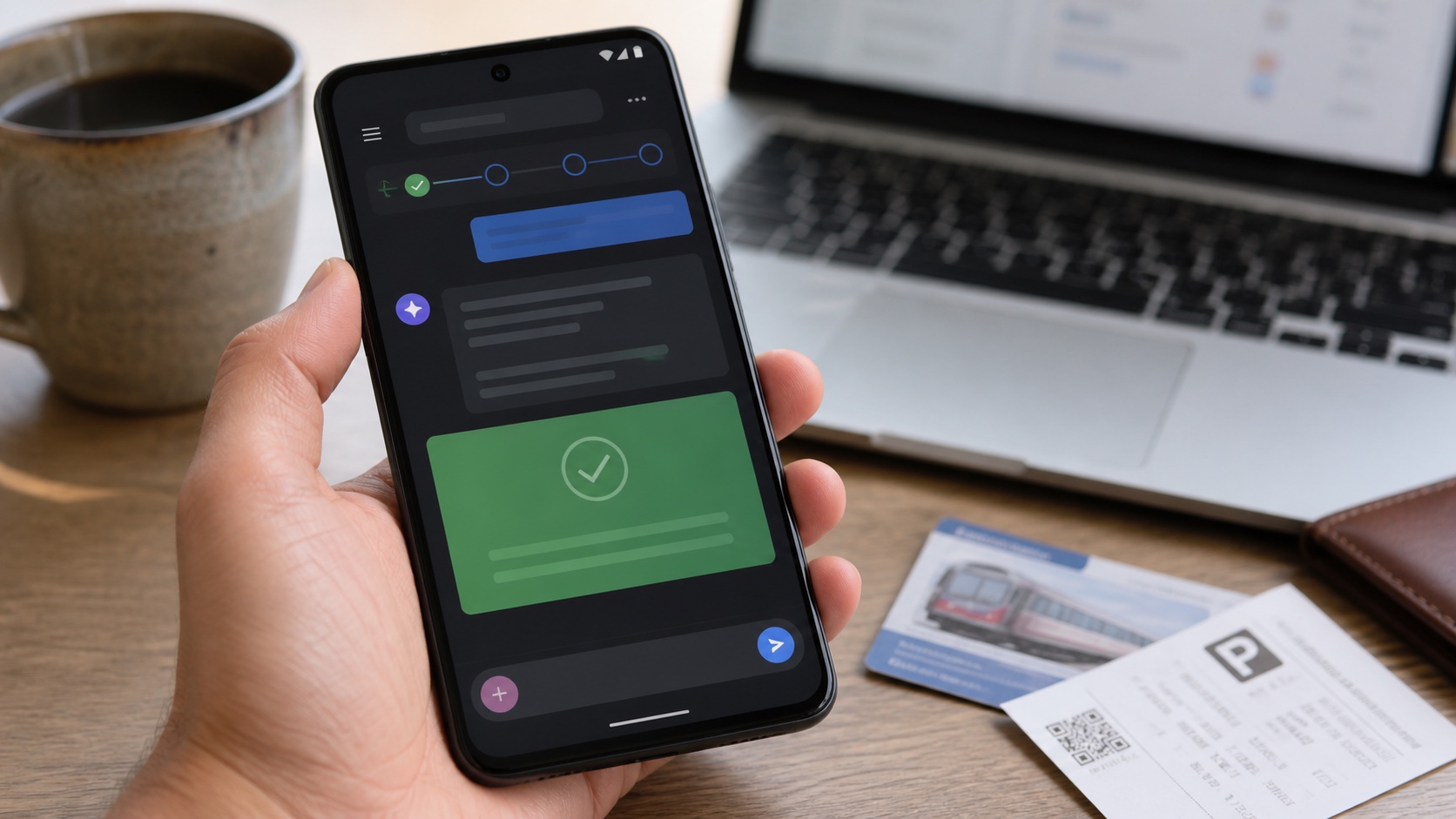
Cover visual: an illustration generated for this article, not an official service screenshot.


Join the discussion
Comments
Loading comments…