
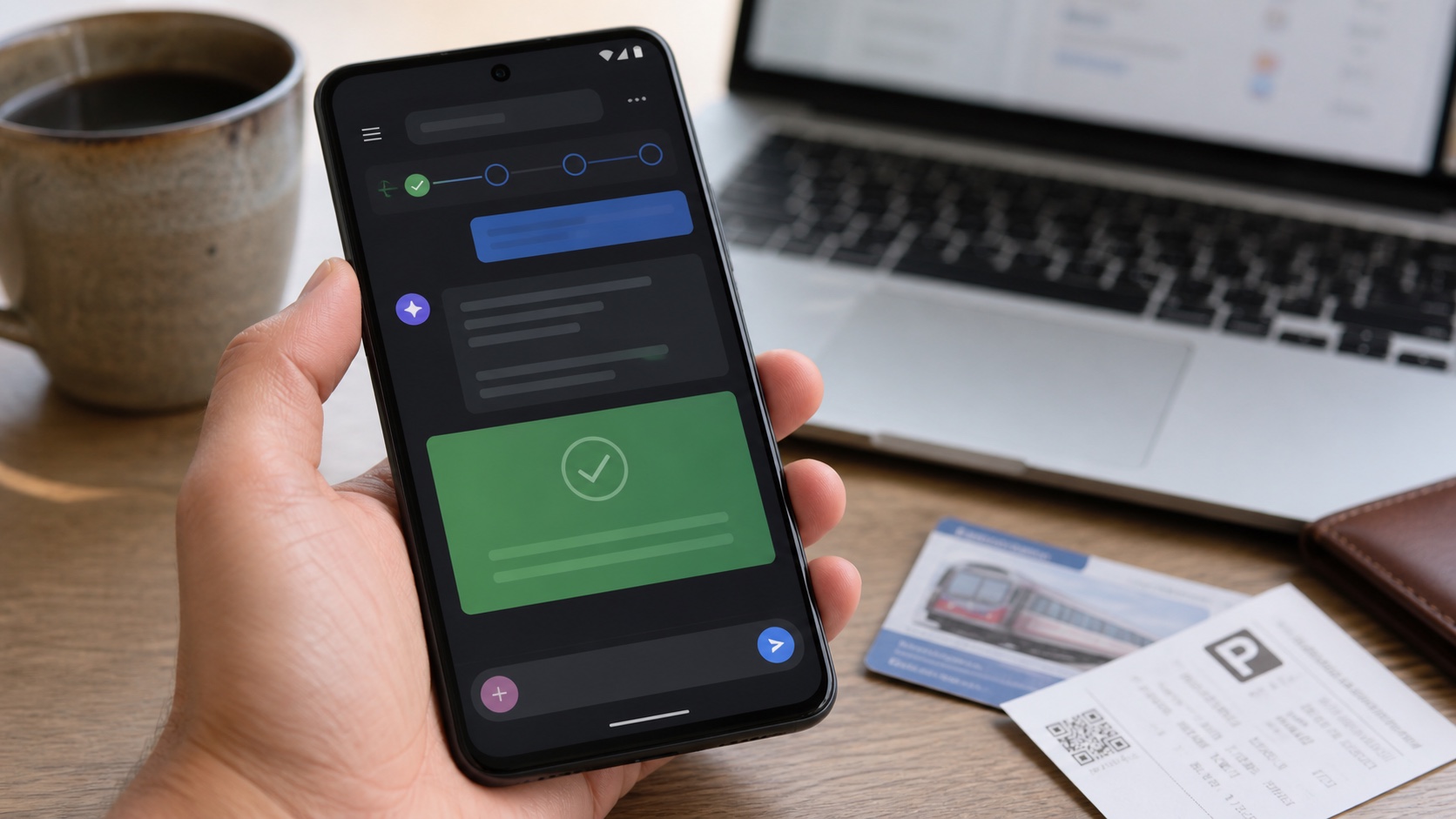
Google is integrating Gemini 3.1 into Chrome on Android. The browser can summarize a page, answer questions about it, connect with selected Google apps and edit an image through Nano Banana. Its most ambitious feature, auto browse, can move across pages to complete a task such as booking parking or changing an order.
Initial availability is limited to the United States on selected Android 12 or newer devices with at least 4GB of memory. Auto browse starts with Google AI Pro and Ultra subscribers. No wider schedule has been announced.
The short answer
| Question | Answer |
|---|---|
| What can Gemini do in Chrome? | Summarize, explain, connect apps, edit images and navigate for a task. |
| Does every Android phone qualify? | No. Google requires Android 12+, 4GB and eligible devices or markets. |
| Is auto browse free? | It starts with AI Pro and Ultra subscribers. |
| Can it make a purchase without asking? | Google promises confirmation before sensitive actions. |
| Is it globally available? | No. The first announced rollout is US-only. |
The browser becomes an AI workspace
Copying a page into a separate chatbot disconnects the answer from context. Inside Chrome, Gemini can read the open page and answer without manual transfer. A question about a comparison, documentation or form stays attached to the relevant tab.
Connections to selected apps can add context such as an appointment or message. That convenience increases the data reachable from one interface. Permissions need to be understandable per action rather than granted once to a general assistant.
Nano Banana brings image editing into the browser. Users should distinguish personal creations from protected content and preserve an original before editing.
Auto browse crosses into action
Summarizing produces text. Booking parking, changing an order or completing several steps affects an external service. Auto browse must follow pages, interpret fields and stop before a sensitive decision.
Google promises confirmation in those cases. A useful confirmation should show price, address, date, account and consequence, not merely a “continue” button. An agent can fill a form correctly while choosing the wrong product variant.
Websites also change without notice. Automation that works today may fail tomorrow because of a dialog, captcha or new label. Users need a way to take over without starting again.
Privacy and security
A page can contain hostile instructions aimed at the agent, known as indirect prompt injection. The browser must prevent site content from changing security rules or extracting data from another tab. Cross-domain actions and app access demand strict isolation.
Before enabling it, inspect linked accounts, retained history and deletion controls. Banking, medical and professional portals remain better handled manually until boundaries are proven.
Why local rollout matters
Language, partners and regulation deeply affect a web agent's usefulness. Support for a US parking service says little about a provider elsewhere, so forcing availability through region changes is unlikely to provide a reliable experience.
Gemini in Chrome Android turns the browser from a reading tool into a potential operator. It may save time on repetitive tasks, but confirmation quality and isolation between sites will determine trust.
Join the discussion
Comments
Loading comments…