
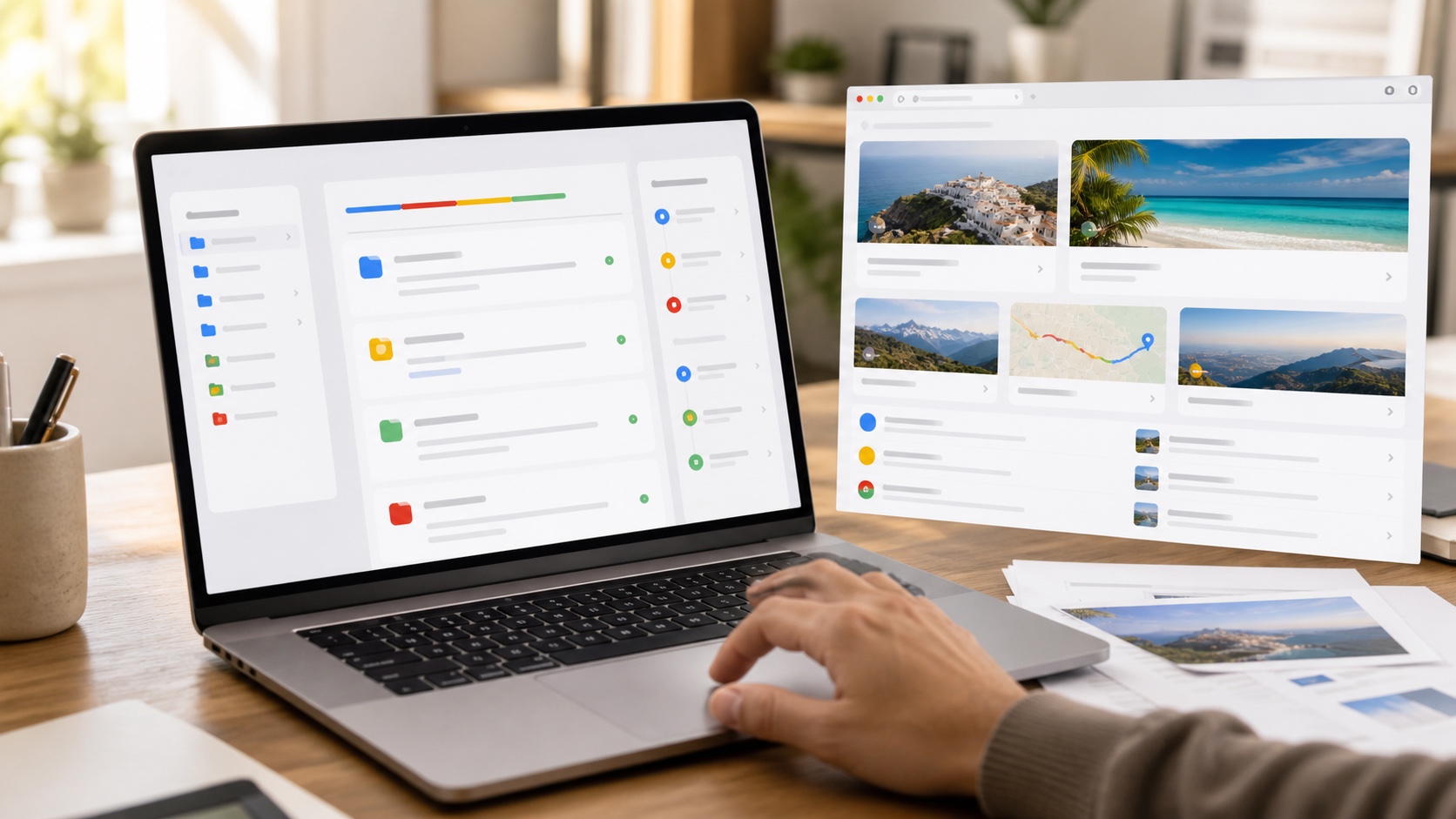
Gemini Spark is moving beyond a conversation window. On macOS, Google's agent can work with authorized local files and applications. In Chrome, it can use an existing signed-in session to research a flight, prepare a booking or complete the early steps of an online task. Google is also expanding Spark to AI Pro subscribers in more than 160 countries, although the most sensitive features are initially limited to the United States.
The promise is compelling: describe an outcome and let the computer handle the clicks. It also changes the risk. A chatbot mistake produces a bad answer; a connected agent can move a file, prepare an email or enter information into a real service.
The short answer
| Question | Answer |
|---|---|
| What can Spark do on a Mac? | Organize files, connect the desktop to Workspace and prepare recurring tasks. |
| What does Chrome integration add? | Spark can use signed-in accounts to progress through web errands. |
| Can it make a payment alone? | Google says sensitive actions such as payments are handed back to the user. |
| Is it available in Europe? | AI Pro access is expanding, but some Mac and Chrome features remain restricted by market or plan. |
| Should it receive full disk access? | No. Permissions should cover only the folders and services required. |
On Mac, the agent reaches local files
Spark is entering beta in the Gemini app for macOS. Google describes asking it to sort a Downloads folder full of PDFs. It can also read invoices stored on the Mac, create a budget in Google Sheets and schedule recurring updates.
Crossing from local storage into cloud services is more significant than a new interface. It removes manual steps while creating a chain of permissions: folder access, content reading, Workspace authentication and the ability to create or modify a document. A short request can therefore trigger several operations across separate trust boundaries.
Google says Spark only reaches files users permit. People should still examine the actual granularity of macOS permissions. Granting access to a dedicated work folder is safer than exposing the entire home directory, especially when it contains financial exports, keys or administrative records.
Chrome turns browsing into delegated work
With Chrome auto browse, Spark can use accounts and passwords already stored in the browser after permission is granted. It can research saved apartment listings, compare flights and begin a booking. The benefit is continuity: the agent does not stop at every form that requires an authenticated session.
That continuity is also the sensitive part. A webpage can contain a malicious instruction designed to redirect the agent, a threat known as indirect prompt injection. Google says it has protections and keeps users involved for sensitive actions. That lowers risk without removing it: misleading information can affect a choice before the payment screen appears.
Users should treat the prepared journey as a draft. Recheck the destination, dates, cancellation terms, added options and final amount. Automation saves clicks; it does not transfer contractual responsibility.
Connected applications and MCP
Spark adds connections to Google Tasks, Keep, Canva, Dropbox, Instacart, OpenTable and Zillow Rentals. Model Context Protocol support also allows other tools to connect. For an individual, that may turn notes into tasks or retrieve a file. In a company, MCP can expose much more sensitive internal systems.
Every connection needs three questions: what can the agent read, what can it change and how can access be revoked? A useful read-only integration does not automatically need permission to create, delete or share content.
Remote tasks make Spark resemble an operator
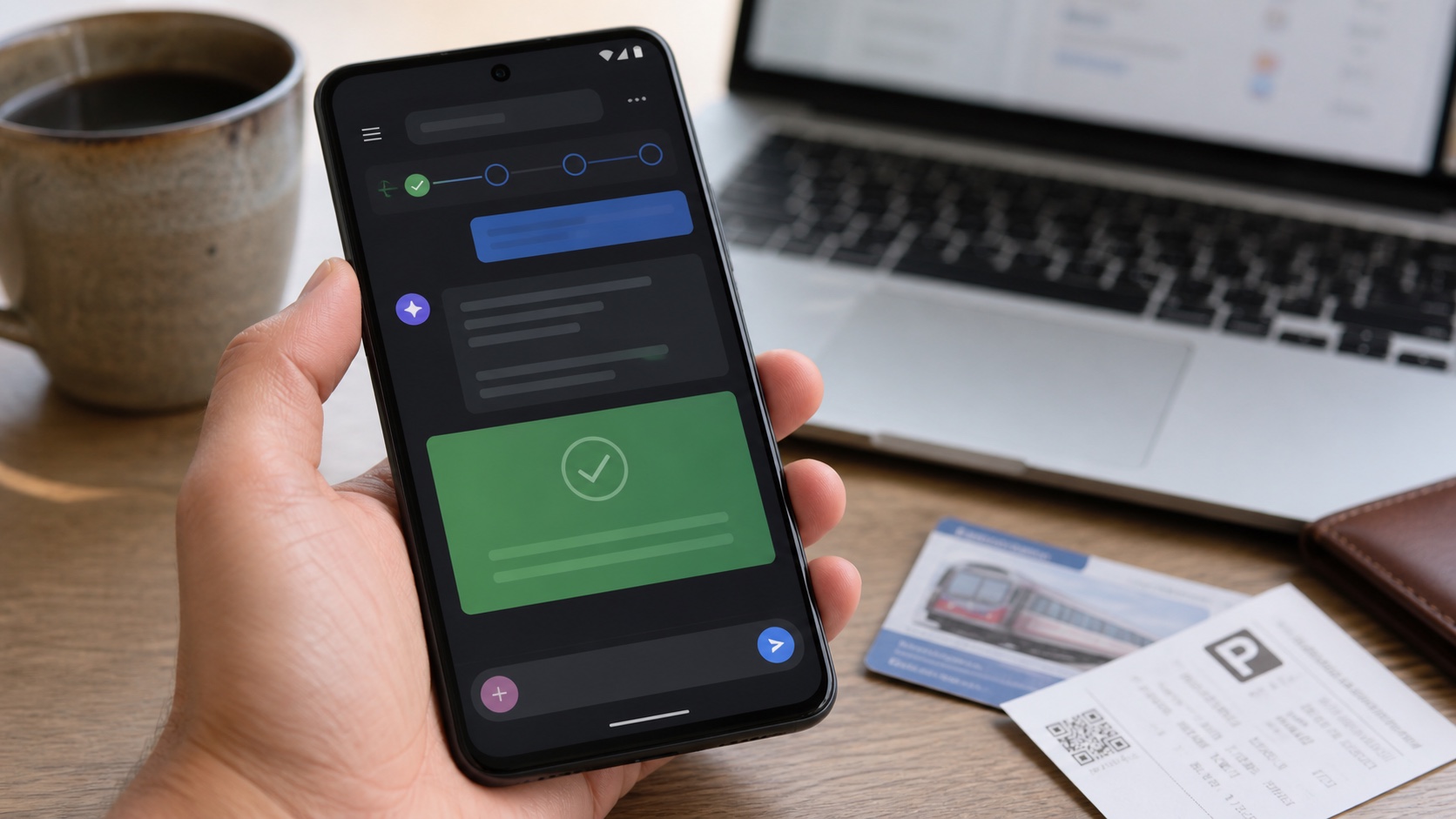
Google is preparing the ability to launch a task from a phone and have it run on a Mac elsewhere. Its example finds a report, extracts a revenue number and emails it. This requires the computer to remain available and a trusted session to connect both devices.
Controls against session theft, recipient confirmation and visibility into active work will matter. Clear notifications and detailed history are essential: users need to know why a file was opened and which message was sent.
Real-time monitoring is useful without controlling the computer
Spark can monitor topics and react to events such as a sports result, stock threshold, weather change or new publication. This use case is less dramatic but often more robust. The agent gathers, filters and alerts without changing an external system.
That is a sensible starting point. A daily briefing or sorting task in a dedicated folder lets users measure reliability before granting access to purchases, outbound messages or important documents.
Should you enable it as soon as it arrives?
People who spend time moving files and repeating web errands could gain a lot. Anyone handling confidential data should wait for precise answers about logging, retention and administrator controls.
A practical trial uses a narrow boundary: a folder without secrets, a secondary account where possible and tasks whose mistakes are easy to reverse. Payments, deletions and external sends should remain manually confirmed.
Gemini Spark does more than make Gemini convenient: it gives the model ways to act. Its value will depend less on a polished answer than on precise permissions, explicit confirmations and a trustworthy history after every task.
Join the discussion
Comments
Loading comments…