
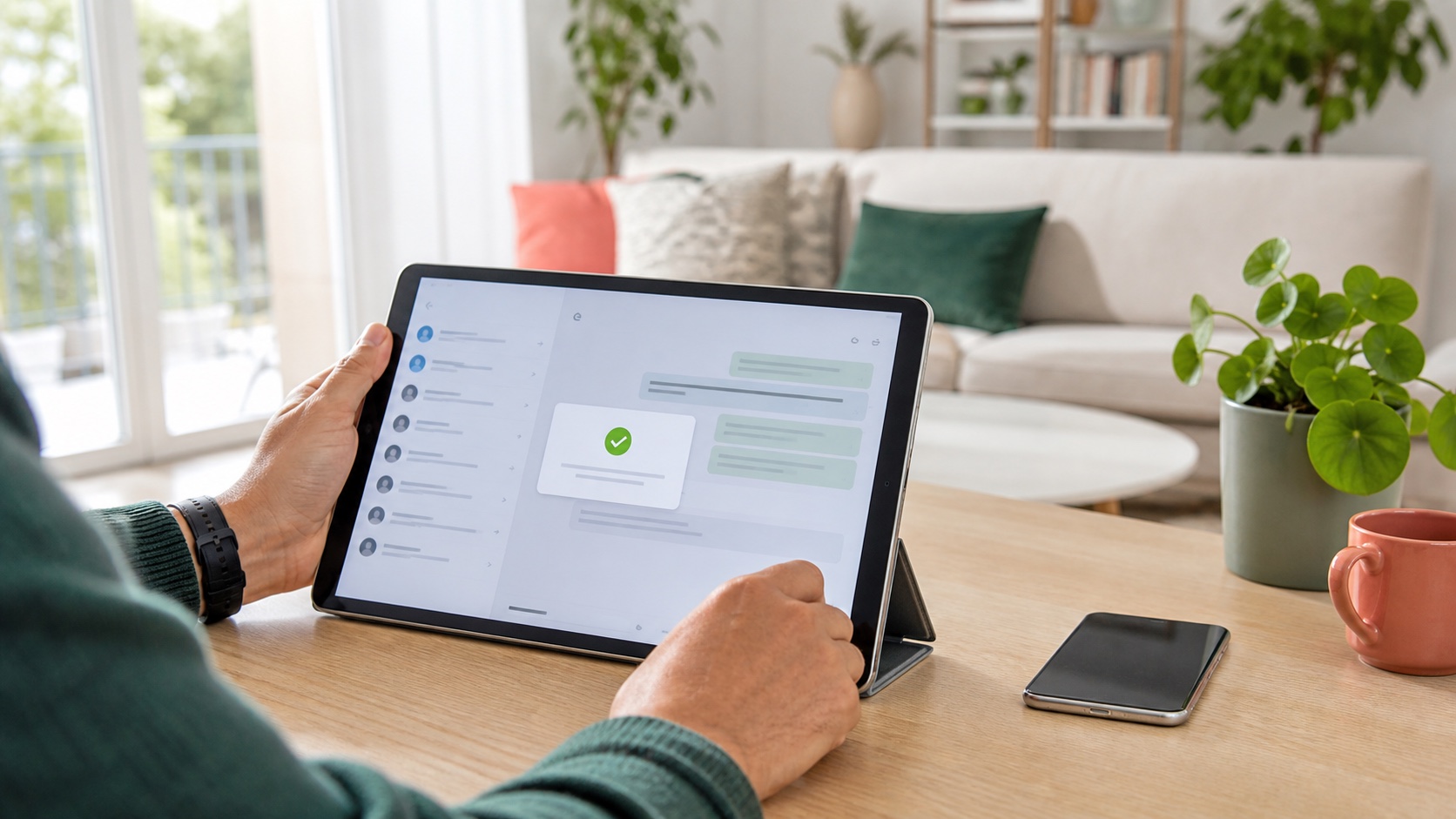
WhatsApp is making a long-awaited tablet change: people can register and use an account directly in the iPad app without first linking the tablet to a smartphone. Meta is pairing that change with new features for cars, PDF documents and music sharing in Status.
The announcement moves WhatsApp closer to a service that can start on different device formats. It does not mean every constraint has disappeared or that every account receives the features immediately. Rollout is gradual, and several practical details still need to be checked when the option becomes available.
The short answer
| Feature | What it adds | What to watch |
|---|---|---|
| Direct iPad registration | Account setup from the tablet without first linking a phone | Availability depends on rollout and account eligibility |
| CarPlay and Android Auto | Hear and answer messages, make calls and reach favorites by voice | Voice control does not eliminate driver distraction |
| PDFs on web and desktop | Open without a manual download and add lightweight annotations | Check confidentiality before viewing sensitive documents |
| Music in Status | Share a track from Apple Music or Spotify | Playback may depend on the recipient's service and rights |
Direct iPad registration is the structural change. The other additions mainly remove friction: downloading a PDF before reading it, reaching for a phone in the car, or creating a screenshot merely to recommend a song.
The iPad is no longer only a linked device
Modern multi-device WhatsApp use has largely started with an account initialized elsewhere and then expanded through linked companion devices. The new flow allows the account to start on the iPad itself. That matters to people whose tablet is their main home, travel or small-business device.
Meta describes the feature specifically as registering directly in the iPad app without linking to a phone. Its announcement does not document every migration, number-change or existing-account scenario. It would therefore be wrong to infer that no phone number is required or that every identity rule has changed.
When the feature appears, users should verify the number being registered, available recovery methods and the connected-device list. A family tablet left in a living room has a different privacy profile from a locked phone that stays with its owner.
How this differs from existing multi-device support
WhatsApp can already keep conversations available across multiple devices without requiring the primary phone to remain continuously online. Its architecture assigns an identity key to each device and establishes encrypted sessions between devices participating in a conversation. Users can also review linked devices and log them out remotely.
Direct registration answers a different question: where can the account begin? Earlier multi-device work improved continuity for an existing account. This change reduces the smartphone dependency at the initial tablet setup stage.
That distinction is also why device review remains important. An independently registered iPad is not necessarily a separate identity. Depending on the flow, it may become another access point to the same account and history. A tablet that is sold, lent or repaired should be logged out and erased correctly.
Secure the tablet before changing habits
A new primary device expands what must be protected. The iPad passcode, Face ID or Touch ID, iPadOS updates and Apple account security all become relevant. Lock-screen notification previews may reveal conversation content even when WhatsApp itself is protected.
A sensible setup includes:
- updating iPadOS and WhatsApp before registration;
- using a strong device passcode and tablet biometrics;
- enabling WhatsApp two-step verification and storing its PIN safely;
- reviewing the connected-device list regularly;
- hiding lock-screen message content on a shared tablet;
- rejecting unexpected requests for registration or linking codes;
- erasing the device before resale or repair.
WhatsApp also uses device-verification mechanisms designed to make some malware-driven account takeovers harder. That engineering control does not protect a user who voluntarily gives an attacker a received code or scans a malicious QR code.
CarPlay and Android Auto become more capable
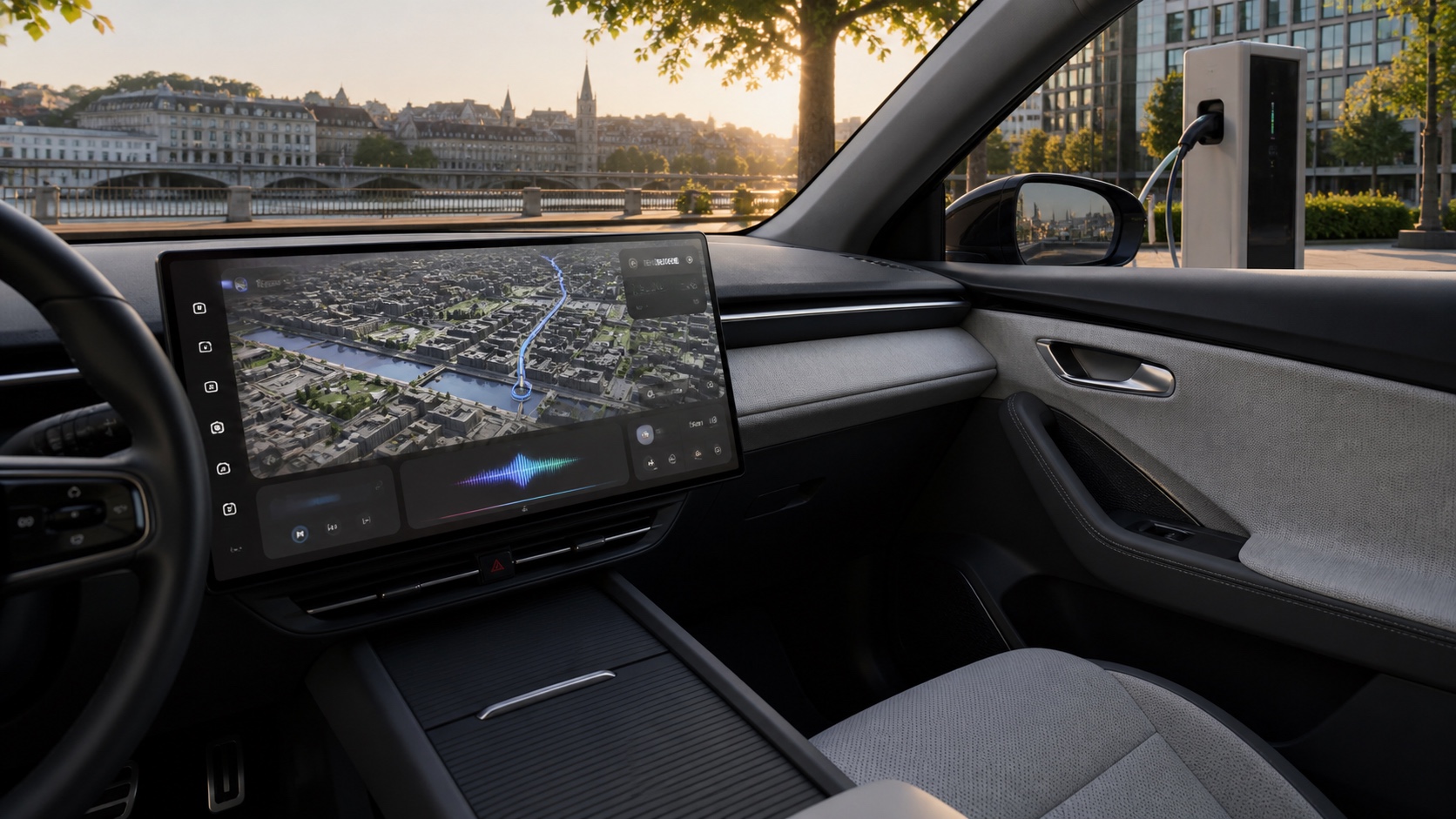
WhatsApp is expanding its CarPlay and Android Auto interactions. Meta says users can hear and respond to messages, make and receive calls, review call history and reach favorites hands-free.
The benefit is an interface designed for driving instead of direct phone manipulation. A short voice reply can prevent a glance at a secondary screen. The system still creates cognitive load: understanding a complex message, correcting transcription or entering an emotional conversation draws attention away from the road.
The right setting is not necessarily to enable every notification. Drivers can restrict alerts to important contacts, use focus modes, defer longer conversations and check before departure that voice recognition understands common names. Anything requiring careful proofreading should wait until the vehicle is stopped.
PDFs open without a manual download
On WhatsApp Web and desktop apps, PDFs can now be opened without a separate download step. An Adobe Acrobat-powered layer adds lightweight highlighting and annotation.
That is useful for quotes, tickets, meeting notes and school documents. The file stays in the conversation context, and a detail can be marked before the discussion continues. It does not replace a full PDF editor, a qualified signature process or an enterprise document workflow.
Normal attachment precautions still apply. Check the sender, distrust documents that redirect to a login page and avoid opening confidential material on a shared computer. “Without downloading” describes the visible user action; it does not promise that no temporary data or processing occurs on the device.
Organizations should continue to apply their retention, classification and sharing rules. Quickly annotating a file in consumer messaging must not bypass an approved document repository.
Apple Music and Spotify tracks in Status
Status sharing now integrates with Apple Music and Spotify. A track can be sent from the music app to WhatsApp Status without manually building an image or pasting a bare link.
This is a mainstream social feature for recommendations, new releases and event soundtracks. What contacts can play may vary by country, subscription and track availability. Sharing does not guarantee full playback for every recipient.
Status audience settings matter as well. A stale or overly broad contact selection may reveal personal listening habits to colleagues, customers or acquaintances who were not the intended audience.
A gradual rollout, not a universal switch
Meta says the features are rolling out. Two people using the same app version may not receive them on the same day. Reinstalling repeatedly or obtaining unofficial builds will not necessarily accelerate activation and can create additional security risk.
Start by updating WhatsApp through the App Store, Google Play or another official source, then check the relevant menus. On managed devices, availability may also depend on organizational deployment policy. A feature visible on a personal account may remain unavailable in a corporate fleet.
Before making the iPad the main access point, keep existing login and recovery methods available for several days. Use that period to confirm message delivery, notifications, expected backups and the behavior of already linked devices.
What to remember
Direct iPad registration is more than a larger mobile interface. It lets WhatsApp begin on a tablet and reduces a historic dependency on smartphones. Car, PDF and Status improvements then make the service more consistent with everyday use.
The convenience should not become automatic trust. A tablet needs protection as a primary device, vehicle interactions should stay brief, and sensitive files require the same checks as any other attachment. With those limits understood, the update is a meaningful improvement, especially for people whose iPad is already their most-used screen.

Join the discussion
Comments
Loading comments…