
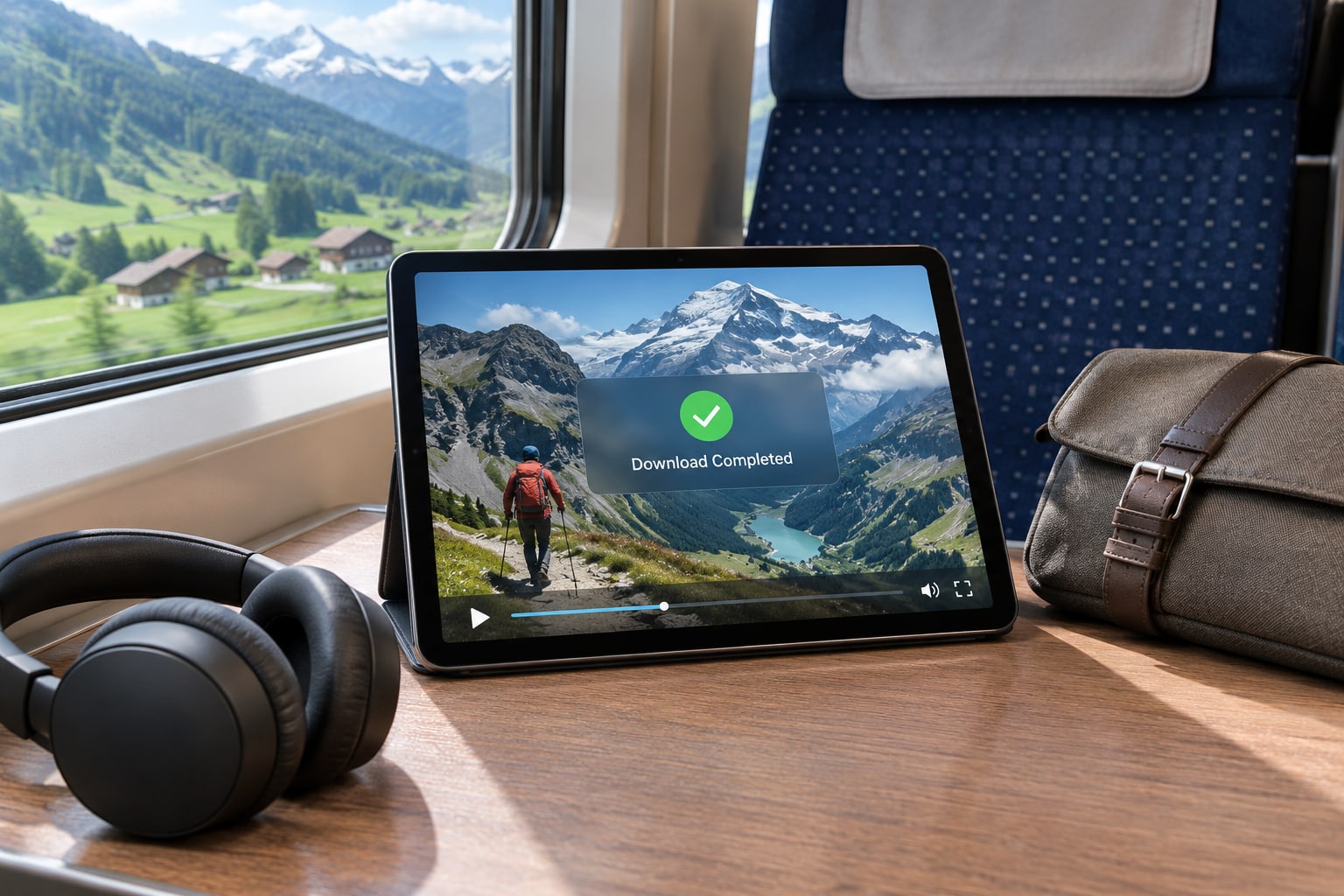
A download appears complete, yet the episode will not start after your train leaves the station. Offline viewing is useful, provided you prepare the right device and verify the result. Our advice is to test downloaded content before departure rather than infer availability from a thumbnail.
Netflix's help page describes supported devices and viewing conditions. This explainer was checked on November 9, 2026. It does not present downloading as a new feature or a way to keep a permanent copy of a programme.
Prepare the device you will actually take
The official list includes Android phones and tablets, iPhone and iPad, Fire tablets and compatible Chromebooks with Google Play. Do not assume a computer's browser offers the same offline capability.
A download belongs to the device used to obtain it. Our recommendation is to prepare the tablet you will carry, not only the phone used to organise the trip. Check profiles and fellow travellers' needs before filling storage with episodes they will not watch.
This is also a good moment to check ordinary practical details: enough battery, working headphones and access to the application. Those checks cannot guarantee the service, but they remove avoidable surprises.
Open the downloads section
Not every title can be downloaded. Look for the download action on the title's page, then inspect the items actually available in the dedicated section.
We suggest starting with one episode. Wait for completion, open it and test playback without connectivity. That reveals a problem on your own device before you spend time and storage downloading a full season.
Stay signed in: Netflix's guidance says an active account session is needed to access offline downloads. Avoid signing out simply to tidy up immediately before departure.
Review limits before a long trip
Download limits depend in part on the plan, and downloaded titles can expire. Consult the expiry help page and the messages on your device instead of assuming one universal lifetime.
Our advice is to check content again the day before travelling. An episode prepared weeks earlier may no longer be available. Leave storage headroom for photographs and useful updates during the trip as well.
Downloads are not personal archives
This article concerns authorised viewing inside the application. It does not recommend extracting files or bypassing restrictions. Availability remains dependent on the service and account.
Before deleting data, distinguish replaceable episodes from personal documents. To recover space, first remove watched downloads through the application's own controls, checking the selected items.
Our Spotify offline-music explainer addresses another travel need. The useful routine is similar: prepare, test and review the limits of the particular service you are using.
Cover visual: generated editorial illustration, not an official screenshot.

Join the discussion
Comments
Loading comments…