
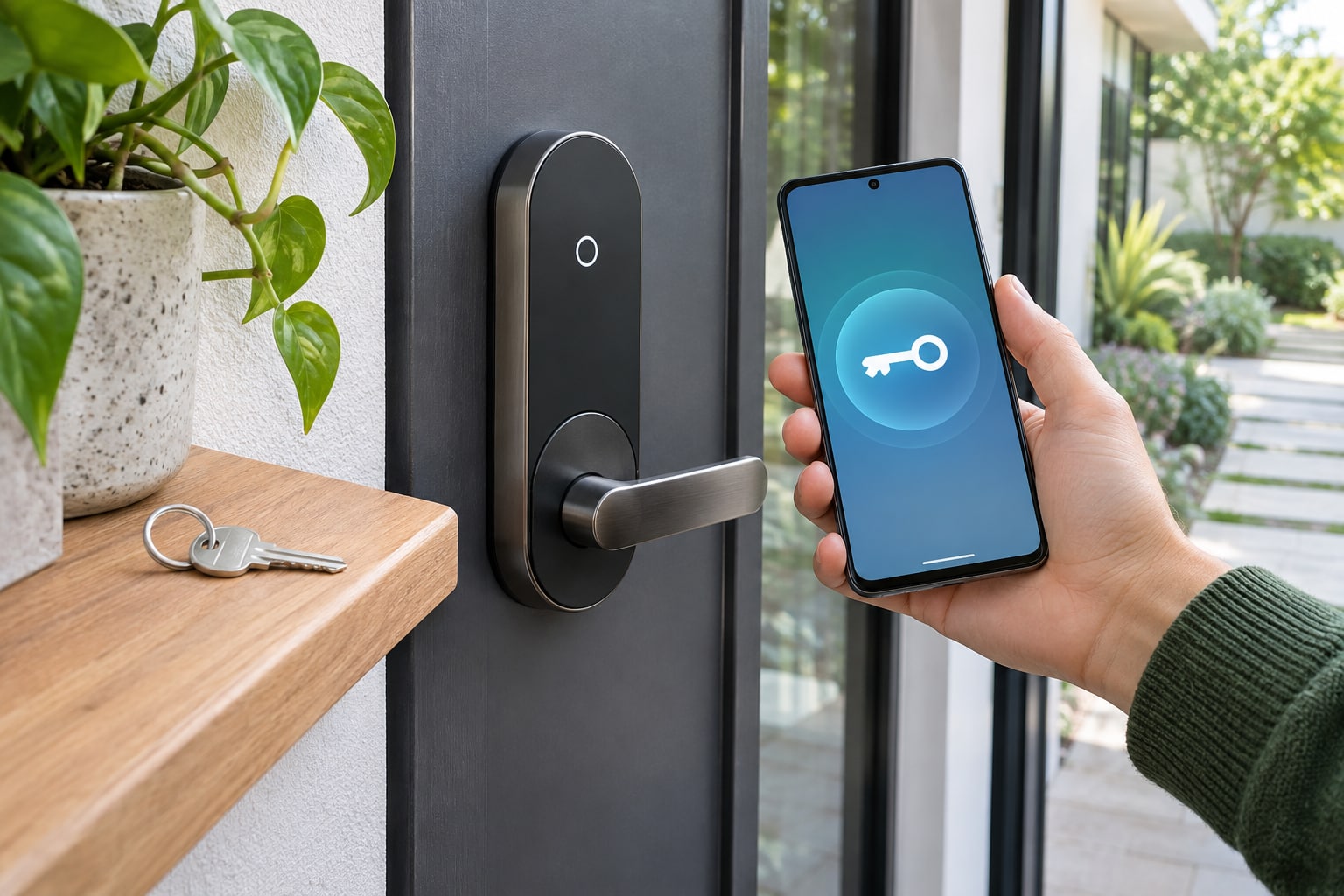
Opening a front door with a phone sounds as straightforward as contactless payment. On November 11, Google announced Wallet home keys, starting in Public Preview, for compatible locks and devices.
The Google Home announcement connects household management in Home with a key in Wallet. The setup involves an Aliro-compatible Matter lock, appropriate hub and supported Android phone. “Smart lock” on a package is not enough.
Start with exact compatibility
Write down the lock and accessory references, then check manufacturer information. Closely related versions of one product may not provide identical features.
An international announcement also does not establish immediate availability of every combination in France. Before buying, check country, software version, rollout status and the programme offered to your account.
The cover is conceptual illustration, not a photograph of hardware we tested or recommend.
Distinguish tapping from approach unlocking
Presenting a phone to a lock and unlocking while approaching require different capabilities. Google distinguishes NFC and UWB, and Wear OS watches are not part of the announced launch.
Choose the function you actually need instead of assuming any phone displaying a key can do everything. Successful tap access does not automatically validate hands-free unlocking.
For shared households, explain the expected action to the people involved. Convenience should remain understandable to somebody who does not follow smart-home announcements.
Test without risking a lockout
Begin while you have a reliable alternative entry method and agreement from the people using the door. Do not replace every existing access method before understanding the configuration.
Review documented behaviour when a phone is replaced or unavailable, and keep recovery instructions somewhere accessible. Do not invent an empty-battery guarantee without guidance for the particular hardware.
Our recommendation is to test ordinary use first and record unresolved questions. A successful demonstration once does not explain every recovery scenario.
Examine who can grant and remove access
A name in an application and effective permission to open a door deserve precise review. Identify the household owner, authorised people and the procedure when someone no longer needs entry.
Keep administrative responsibility clear too. A convenient shared account should not make it impossible to understand who changed access.
This article does not describe bypassing locks or changing entry rights to a home you do not control. It helps interpret an announcement: the useful decision starts with the complete supported setup, not merely a Wallet logo on a screen.
Cover visual: generated editorial illustration, not an official screenshot.
Join the discussion
Comments
Loading comments…